A:Answer Hi RickL,
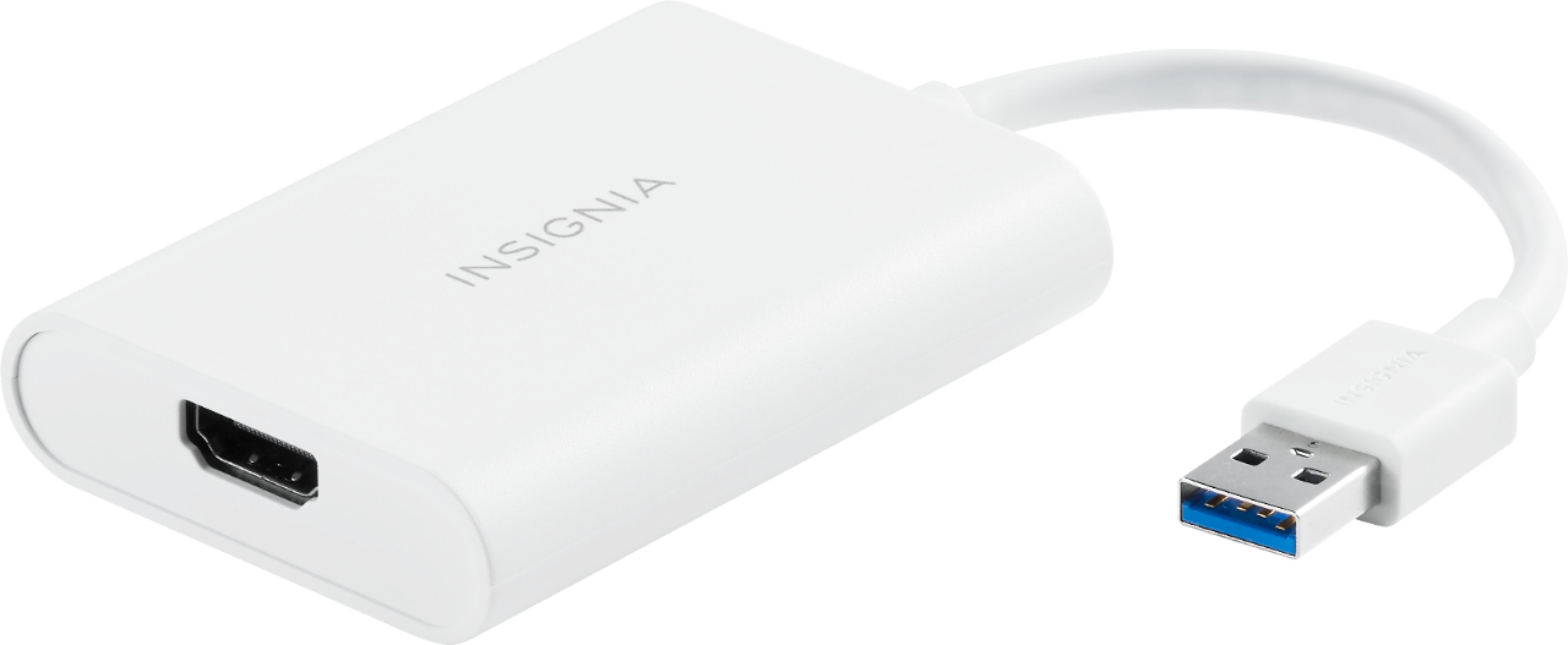
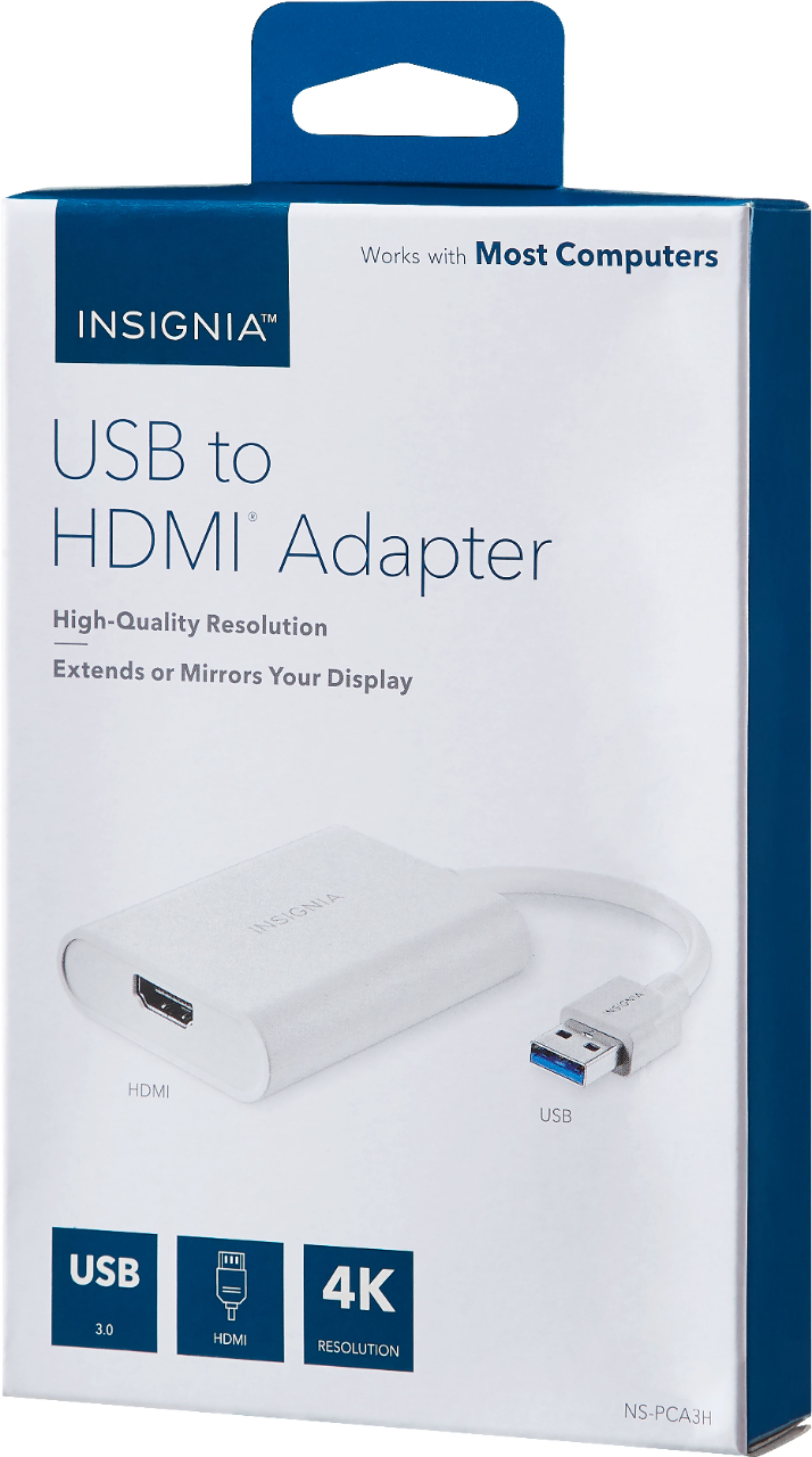
In order for you to download the driver for this Insignia™ - USB to HDMI Adapter - White, please follow these instructions:
1. Click this link: https://www.bestbuy.com/site/insignia-usb-to-hdmi-adapter-white/6418342.p?skuId=6418342
2. Once you're already on the website, scroll down and look for the "Overview" of the product. Click the "Overview" and navigate to see the "Manuals & Guides". Under this "Manuals & Guides", you'll find the "Firmware, Drivers & Software (ZIP)". Then, click the blue highlighted word "English" to download the driver.
Insignia Products
Lisa
https://insigniaproducts.com