A:AnswerHi,
Thank you very much for the time you took to check on the functioning of the smart speaker. First, please check that the router runs at a 2.4 GHz of frequency or that it is a dual band router.
When performing the setup for the smart speaker, please make sure your device and speaker are close to the router. While doing this, you need to make sure that both devices are set into the same network. Once you finish with the setup, you may move away.
However, if you need further assistance or you need more information, we are here to help you. Feel free to contact us at ***insigniaproducts***/contact-us.
Karina R. - Insignia Support
A:AnswerHello Eddie,
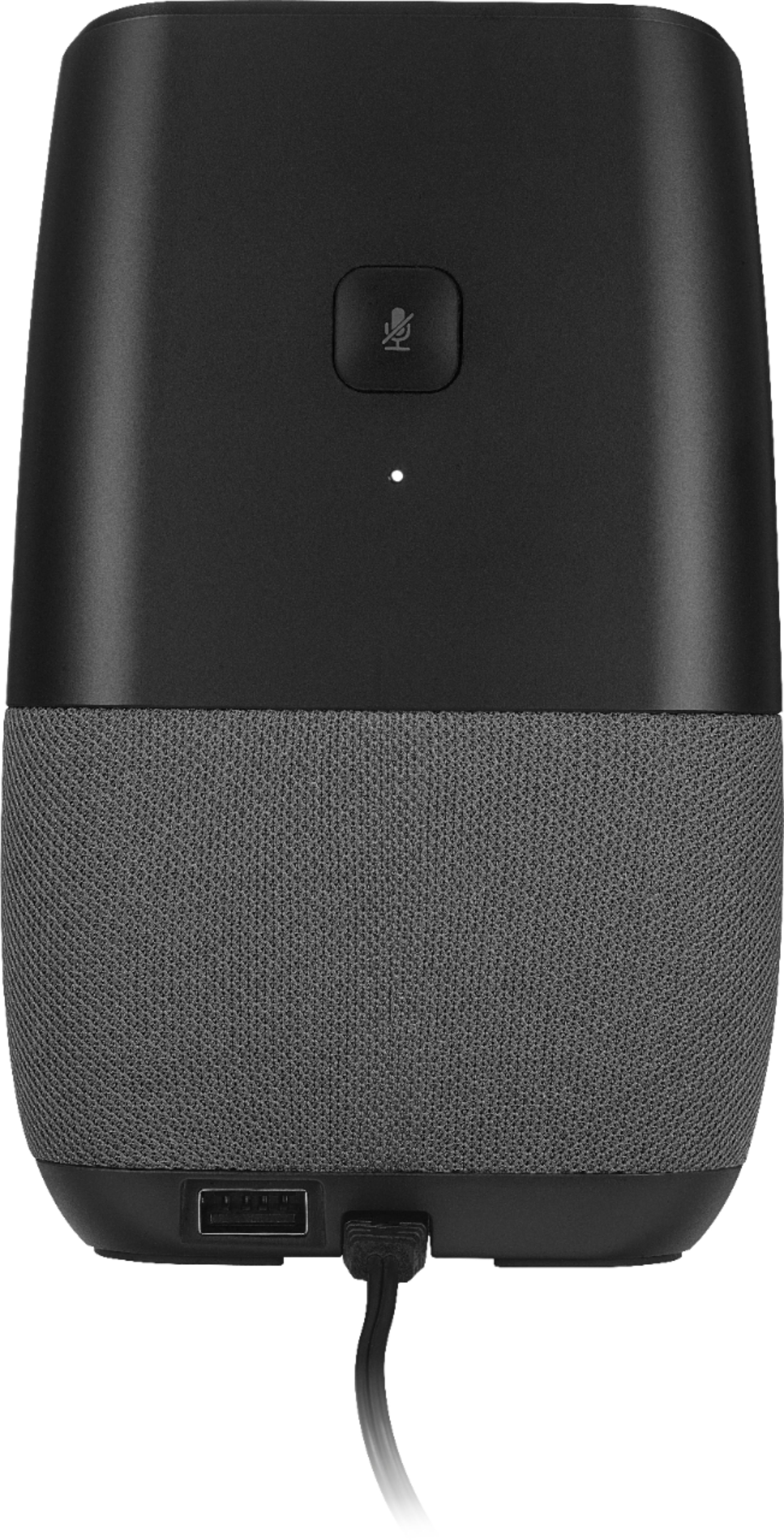
Thank you very much for buying and reviewing our Voice Smart Bluetooth Speaker, this certainly help us to improve our products. Regarding the situation that you are having with your unit, please follow the next steps: Power off your unit for a minute and then power it back on, this is just to ensure the Google and Spotify servers are working correctly. If this does not work, perform a factory reset by pressing the on/off button for 12 seconds.
If you need further assistance with the product, please visit the following link; https://www.insigniaproducts.com/contact-us
Alex C. - Insignia Support.
A:AnswerHi Anna,
Thank you very much for buying and reviewing our Voice Smart Bluetooth Speaker. Regarding the situation that you are having with the speaker, please try to power it off for a minute and then power it back on, this is just to ensure the Google and Spotify servers are working correctly. If this does not work, perform a factory reset by pressing the power button for 12 seconds.
Alex C. - Insignia Support.
A:AnswerAre you sure your getting a strong enough WiFi signal from your modem? Once you know your signal is strong enough it should connect easily. I had to use a WiFi extender to get my signal strong enough. Hope this helps.
A:AnswerHi,
The music in the speaker should play continuously as long as it is receiving the network signal or the signal coming from the music service you are trying to use. If this is not playing this way, this would depend on the service music provider or the network setup in your home. Something you can do to check on the signal, you can try moving the speaker closer to the Wi-Fi router or you can try using different music provider apps.
We also support Bluetooth, so you can bypass reliance on the network and get continuous music or audio into this speaker.
Karina R. - Insignia Support

A:AnswerHello,
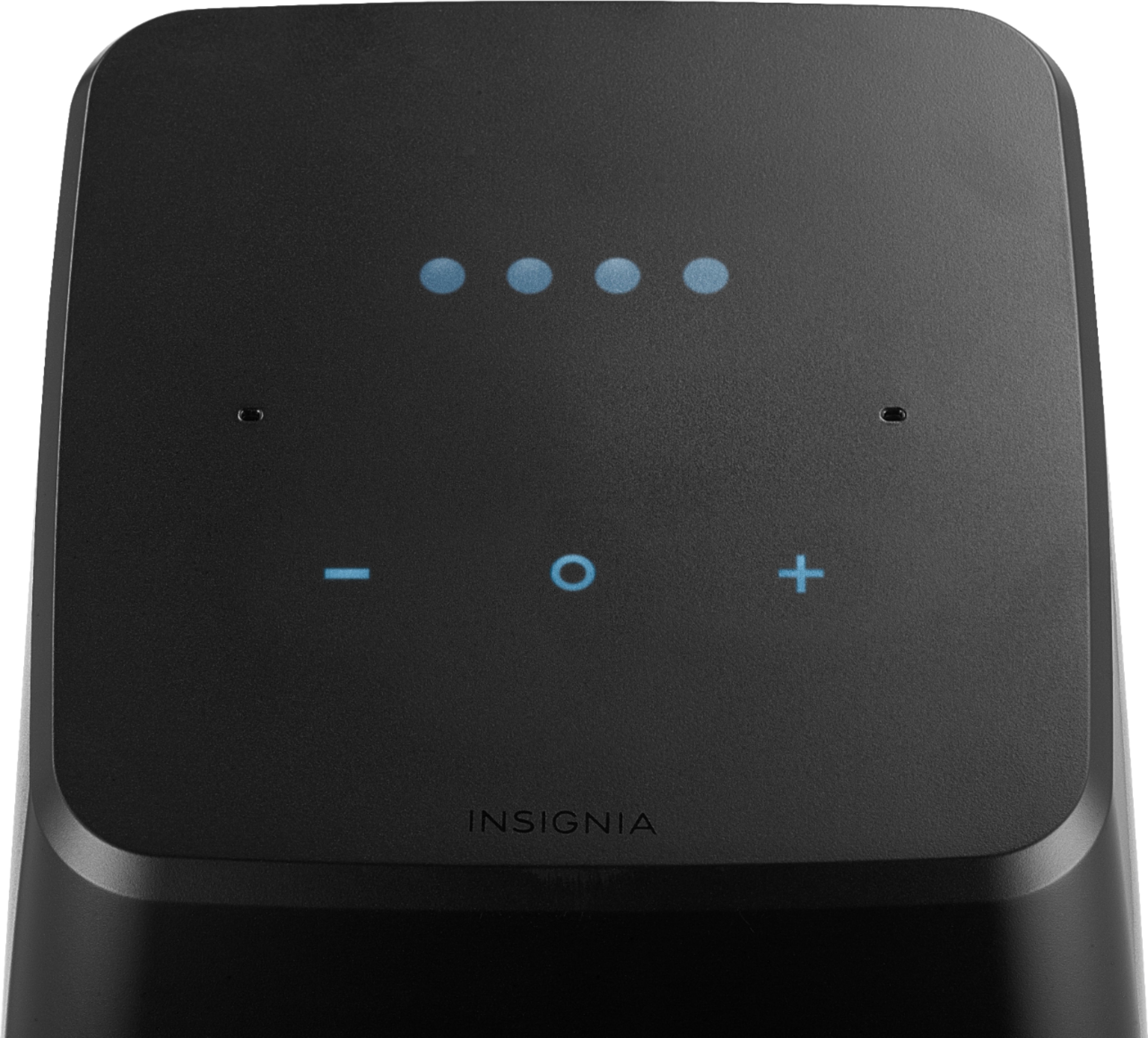
Thank you very much for your interest in our Bluetooth Speaker. To address your question let me explain that this Bluetooth speaker is going to be able to stream via voice command or manually pairing by holding the plus and minus button down for four seconds on the speaker and it definitely works with iPhone, iPod, iPad and iMac.
We really hope you get to enjoy the amazing sound this speaker offers.
Arely R. - Insignia Support
A:AnswerHello,
Thank you for your comments and also for letting us know about your experience using this Bluetooth speaker. In response to your comment, you are actually right. Pressing three buttons simultaneously does not currently show a status. Please know that in a future update, this feature will be enabled such as a proximity control update (hand wave).
We are here to help you with all your inquires, feel free to contact us at https://www.insigniaproducts.com/contact-us
Karina R. - Insignia Support
A:AnswerHad the same problem with an Amazon Dot. Check that your WiFi is not using the 5G signal, it seems to cause interference with the Bluetooth signal.
A:AnswerIt is not necessary to buy the smart plug for this product to work. It comes with a power adapter which plugs directly into the wall. I think they were bundling the two products together. The smart plug is able to turn on and off devices using the Voice. Nice for lights or lamps or even coffee makers or wax burners.
A:AnswerYes Spotify is supposed by Google Home. In the app you will need to sign into your Spotify account and set it as default. Then you will be able to tell Google to play play lists or songs.
A:AnswerThe volume should only reduce when it is listening for a command or when unplugged from it's power source. Check the connection, of this doesn't solve the problem exchange it.
A:AnswerYes - you can create groups in the google assistant app. Keep in mind, I’m not sure it’s true stereo like surround sound would work. But it does give you a nice uniform sound.
A:AnswerI've only used the speaker for one night.
I asked it to "play relaxing music" and it cuts off in the middle of the song, but I don't think it powered off.
I'm contacting insignia about it.
It was able to play "rain sounds" for a longer period, though.
A:AnswerHello,
Our Voice Smart Bluetooth Speaker alarm does not have a white noise feature, it only supports Google alarm sound.
Arely R. - Insignia Support