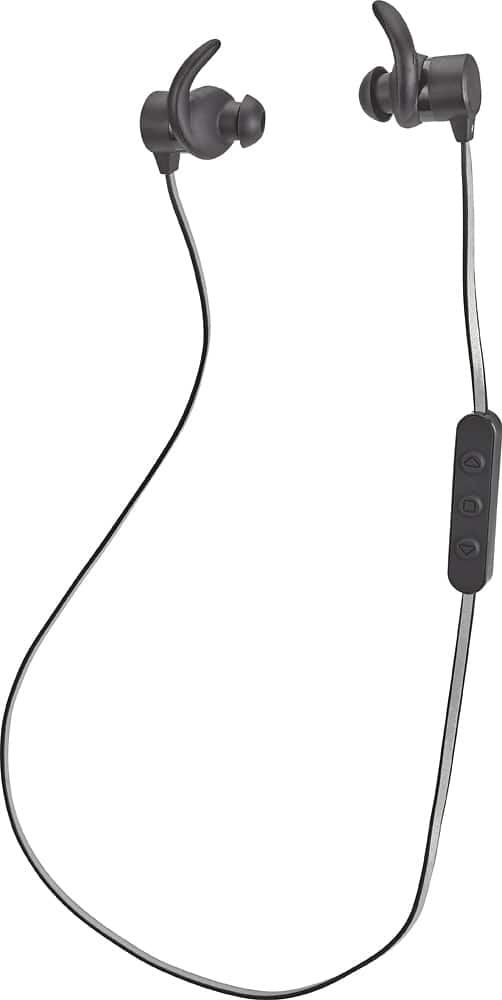
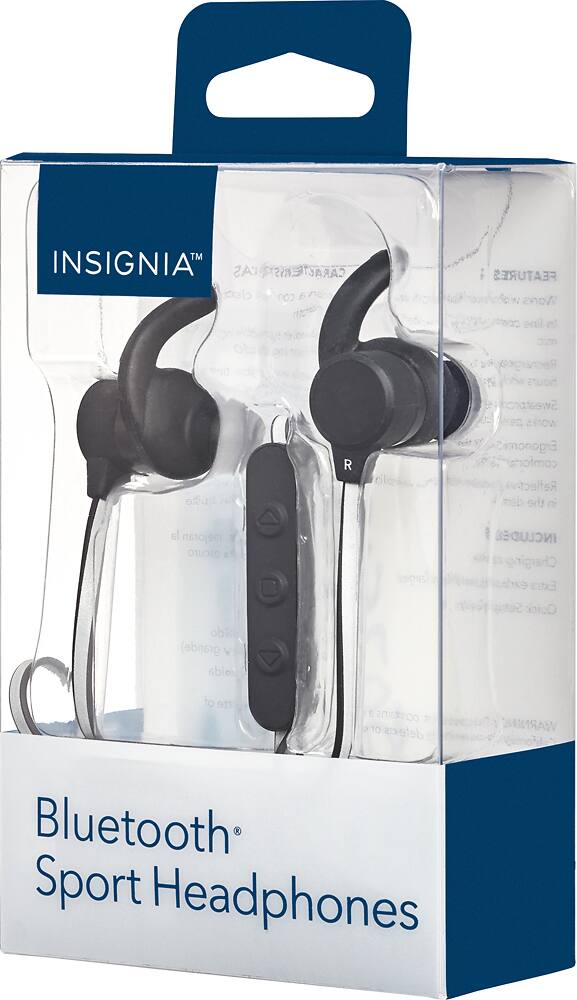
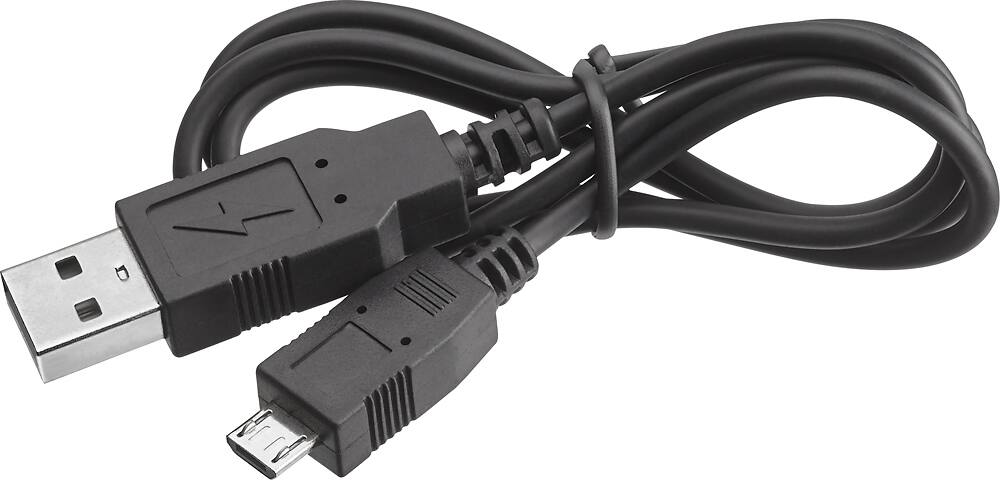
A:AnswerMust charge the headphones first using lightning charger onto doc. Then pair with Bluetooth from iPhone lets you know quickly when they match up. Then your set to go!!
A:AnswerSounds like a charging problem. Try connecting them to a different charging cable and outlet if that does not fix the issue you may have a defective set.
A:AnswerChances are it is sweat damage. I had the same thing happen to me on a run (granted it was also raining). The headphones turned off and I was sure they were ruined. I let them dry out for a day then plugged them in to charge and they turned on again an hour later as normal.
A:AnswerWithout any obstacles between the earphones and the audio source, I have gotten them up to 94ft (basketball court) apart without any interruptions.
A:AnswerHello Sheilla, I am sorry to read about this inconvenience, please contact us at 877-467-4289 so we can assist you with this malfunction. Omar S. - Insignia Products Support.