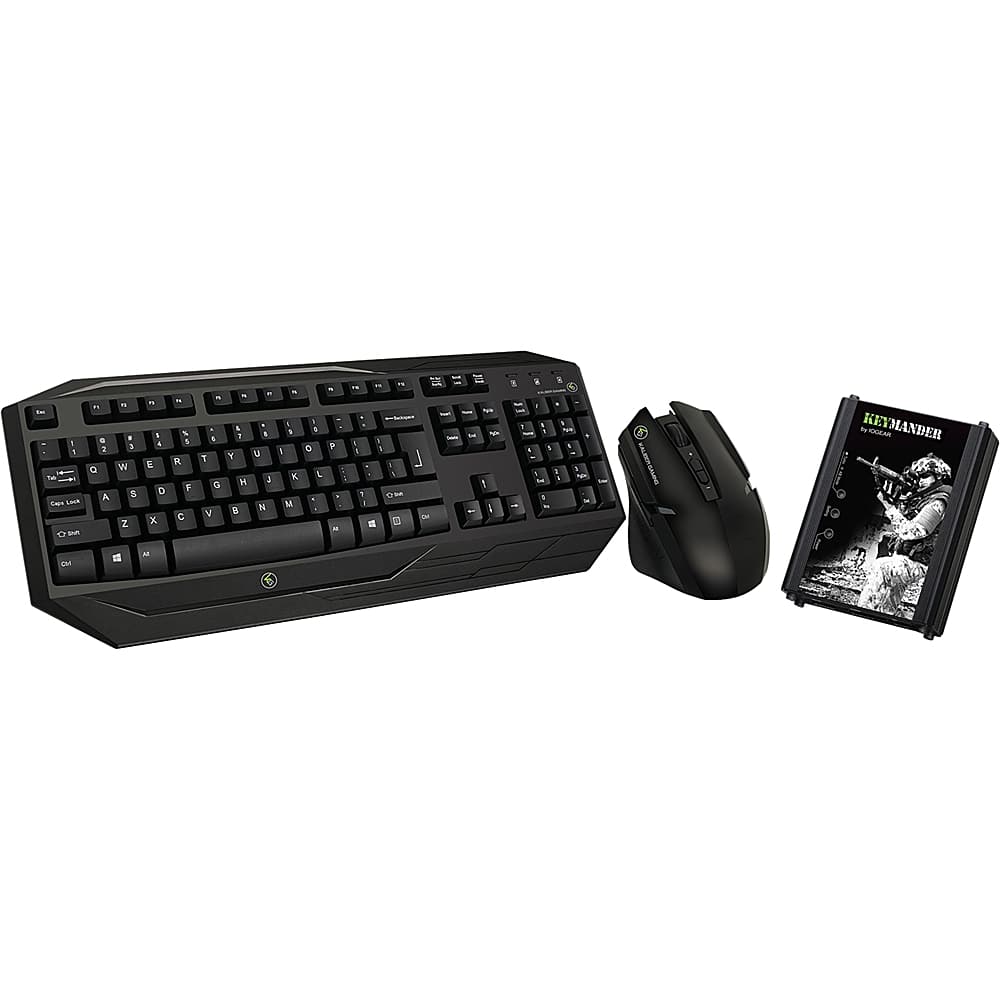
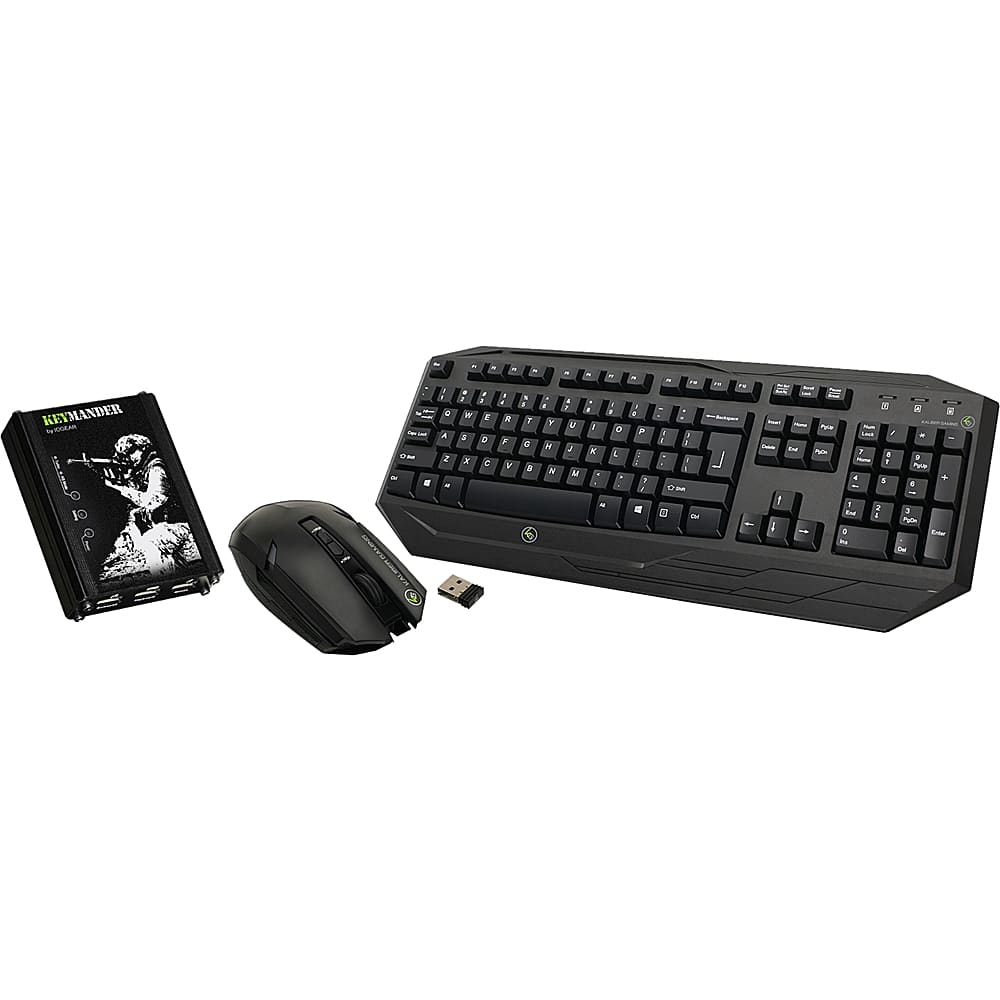
A:AnswerThank you for choosing IOGEAR. Yes the Keymander , wireless keyboard and mouse is compatible with XBOX1 . You can also download a profile from our KeyMander forum for most popular games. In any case, thank you for choosing IOGEAR and please call us at 1-866-946-4327, email us at [email protected], or come to our KeyMander user forum for additional support, help topics and game profiles.
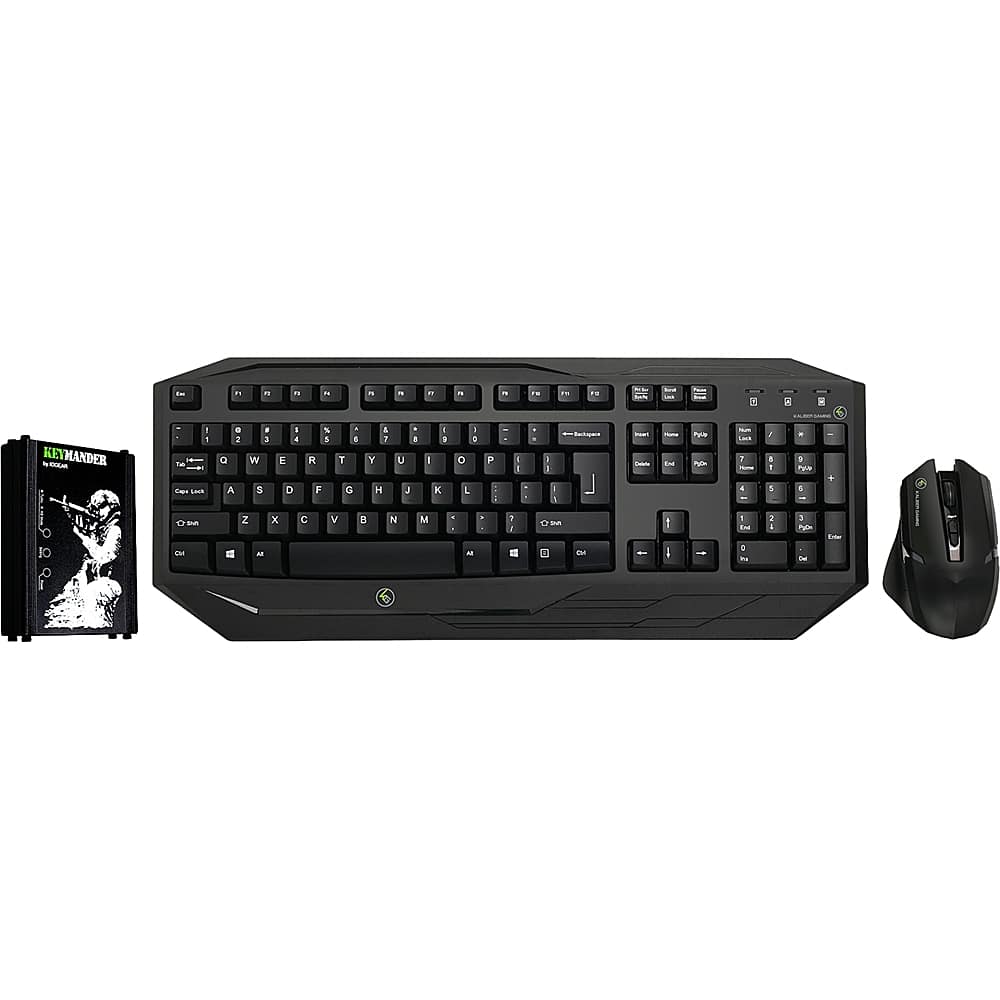
A:AnswerIOGEAR says: Thank you for choosing IOGEAR . No the wireless keyboard does not have a back light. Please check out IOGEAR.com for backlit gaming keyboards. Once again thank you for choosing IOGEAR.
A:AnswerIOGEAR says : Thank you for choosing IOGEAR. Yes the Keymander can be purchased separately from a bundle. The part number for just the Keymander is GE1337P . Once again thank you for choosing IOGEAR.
A:AnswerIOGEAR says : Thank you for choosing IOGEAR. Yes this link I s a complete bundle that includes the keymander (GE1337p) and the Keyboard and mouse combo. Once again thank you for choosing IOGEAR
A:AnswerIOGEAR says: Thanks you choosing . It is highly recommended to configure with a computer however you can use an android based phone . We do have a lot of topics on advanced settings in our KeyMander forum, and we are also here to help so please contact us at 1-866-946-4327, email us at [email protected], or come to our KeyMander user forum for additional support so we can improve your experience.
A:AnswerThank you for choosing IOGEAR! Check out the link below it has a full setup video! You can also contact us below so we can walk you through it.
https://keymander.iogear.com/discussion/64/new-to-keymander-start-here-full-setup-video
Keymander Forums: keymander.iogear.com
Support phone line: 866-946-4327 x4862 Monday through Friday 7:30 am – 6:00 pm PST
Support email: [email protected]
A:AnswerIf your mouse is skipping pixels and has a noticeable lag, it means the mouse settings within the game profile are not correctly configured. We understand that fine-tuning all the settings of a profile can take a longer period of time to get it to your ideal style of play, so we usually recommend to start by downloading a profile for your game from our user forum, and wait until after you get comfortable with how the systems works before spending your time customizing. Once you are very familiar with how all the adjustment options affect in-game play, you can dial in the profile to really complement your style of play. We do have a lot of topics on advanced settings in our KeyMander forum, and we are also here to help so please contact us at 1-866-946-4327, email us at [email protected], or come to our KeyMander user forum for additional support so we can improve your experience.
A:AnswerIOGEAR Says: We are sorry if setup didn't go as easy for you as our video shows, but we do have several different methods of support to help it go more smoothly. If you are experiencing LOTS of lag, the mouse is definitely is not set up correctly and we would like to help you get it dialed in and make sure you are getting the maximum performance you expect. The good news is this is usually an easy fix, so please give us a call, email us or online chat with us so we can get you set up correctly. You can also download a profile from our KeyMander forum for most popular games. In any case, thank you for choosing IOGEAR and please call us at 1-866-946-4327, email us at [email protected], or come to our KeyMander user forum for additional support, help topics and game profiles.