A:AnswerNo, there is NO optical input available.
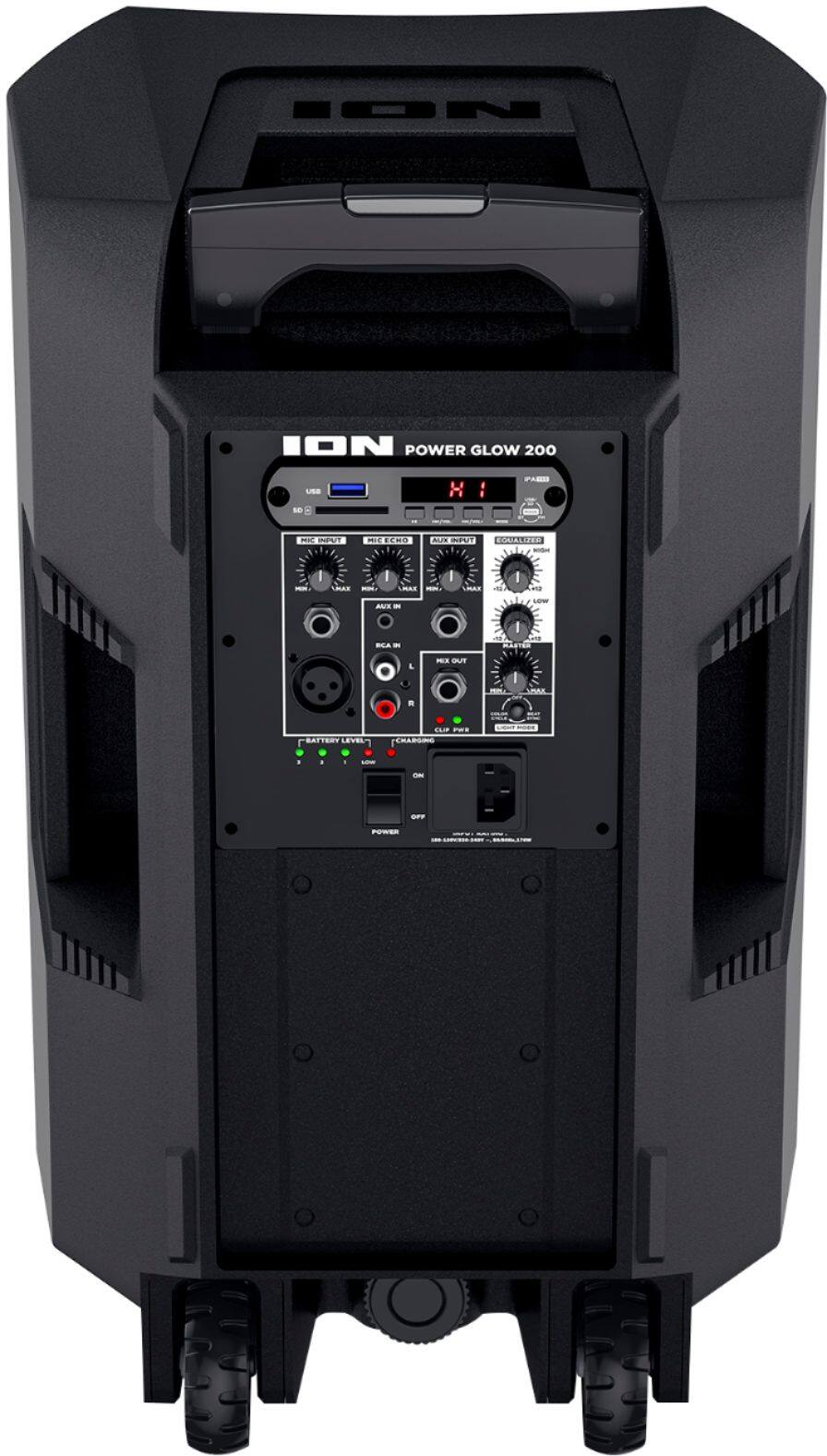
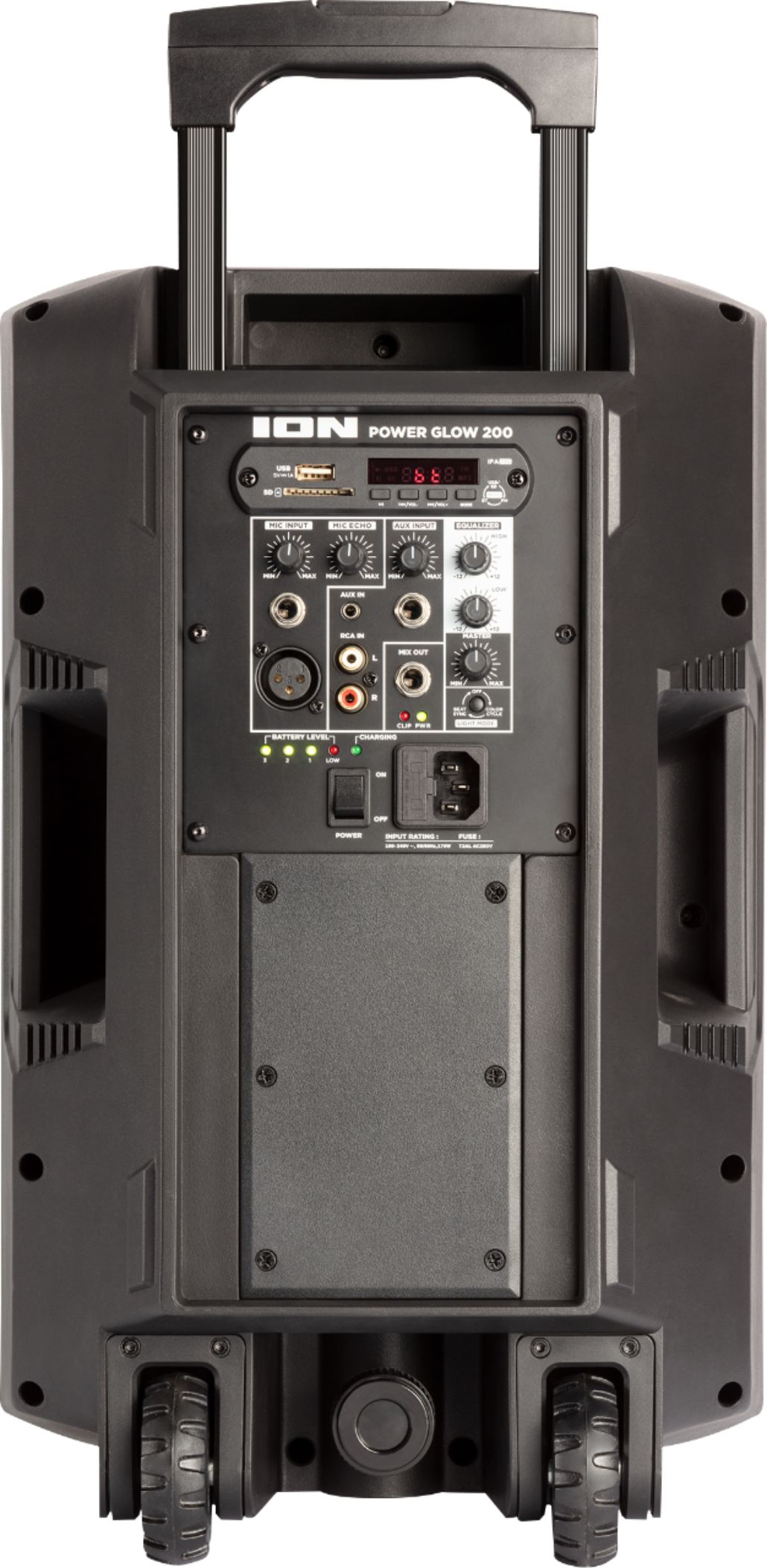
However you can connect your TV if it has an RCA (The red n white, old -fashioned audio cable connection) cable..
A:AnswerIf your tv has bluetooth which most do nowadays u can connect that way or via an aux cord in the headphone port. U mite need to go to sound settings in ur tv menu and select the new location to send the audio opposed to the tv speakers. Should do it automatically but if it doesn't then this is where u will need to go. Also u can always purchase a bluetooth reciever and make any tv a bluetooth device for under $30 from best buy. Nice to have around! Hope this helps. Aloha
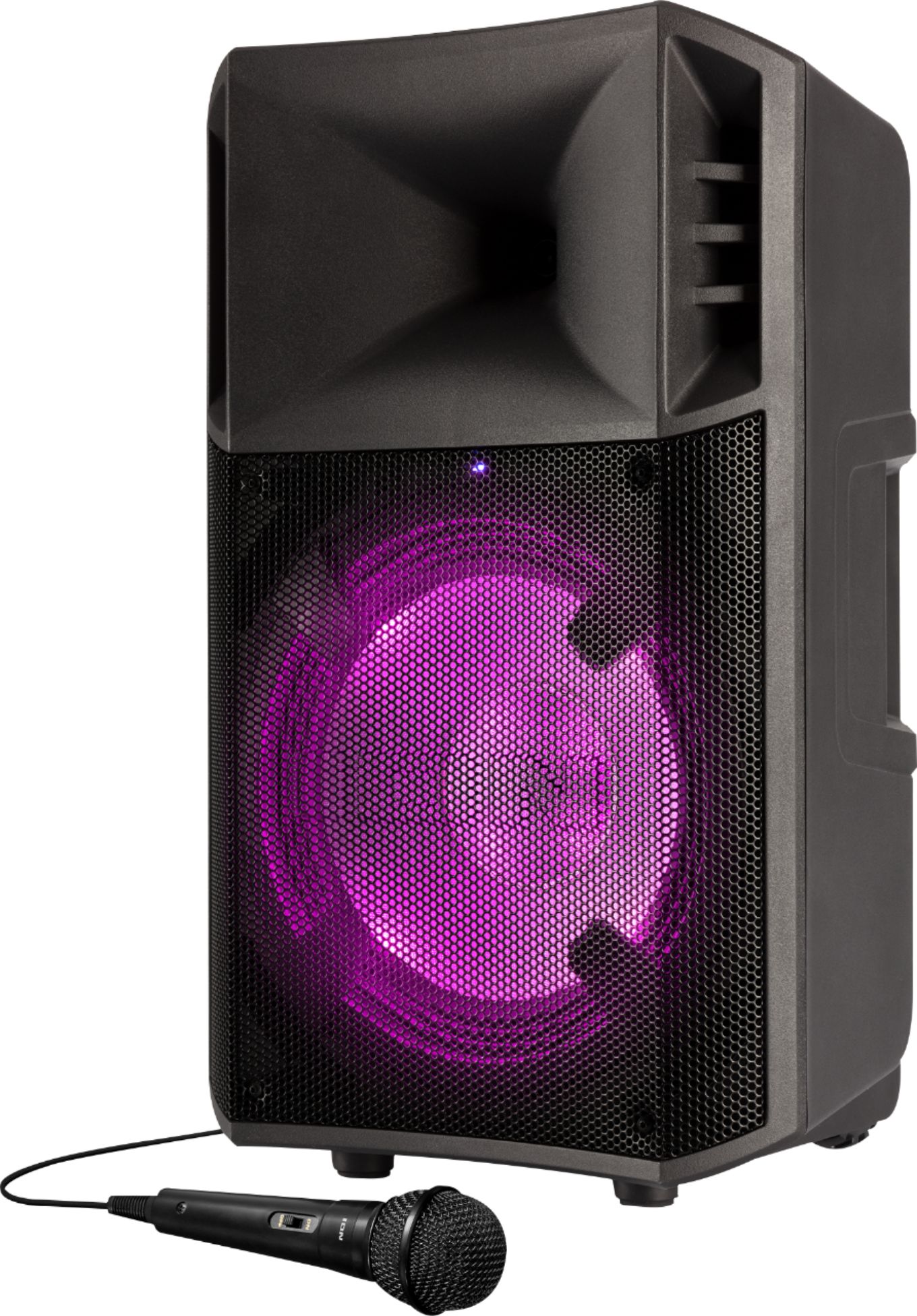
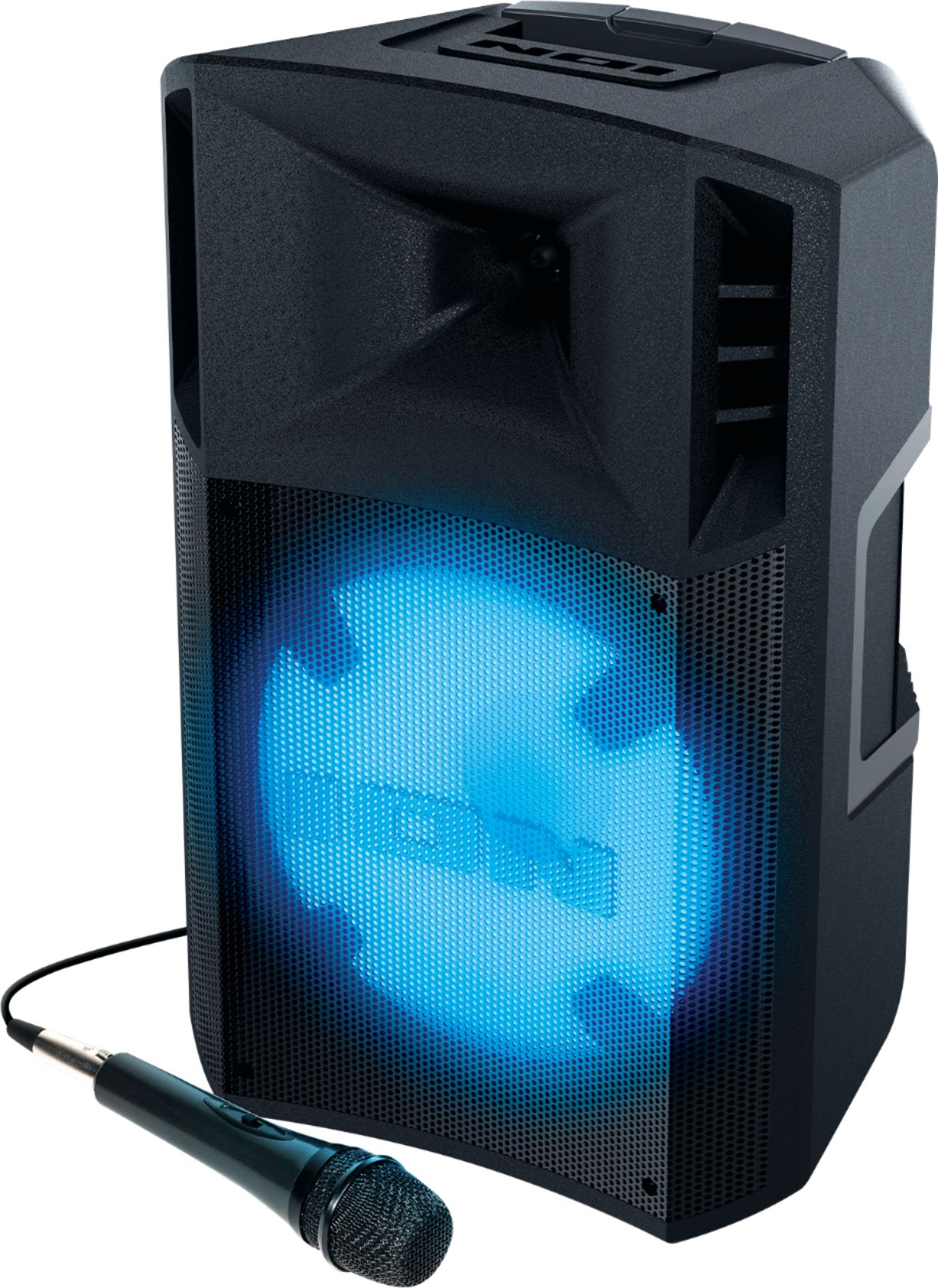
A:AnswerYes, you will be able,,as long as the cable from mike ,is hi - inpinance 1\4 inch , to hi- inpinance 1\4 inch to the speaker,, you should be fine,,,
A:AnswerHi, I'll be glad to assist! The Ion Audio POWERGLOW 200 ships with a reduced battery charge to ensure safe transit. It is recommend to charge the speaker to full battery before the first use.
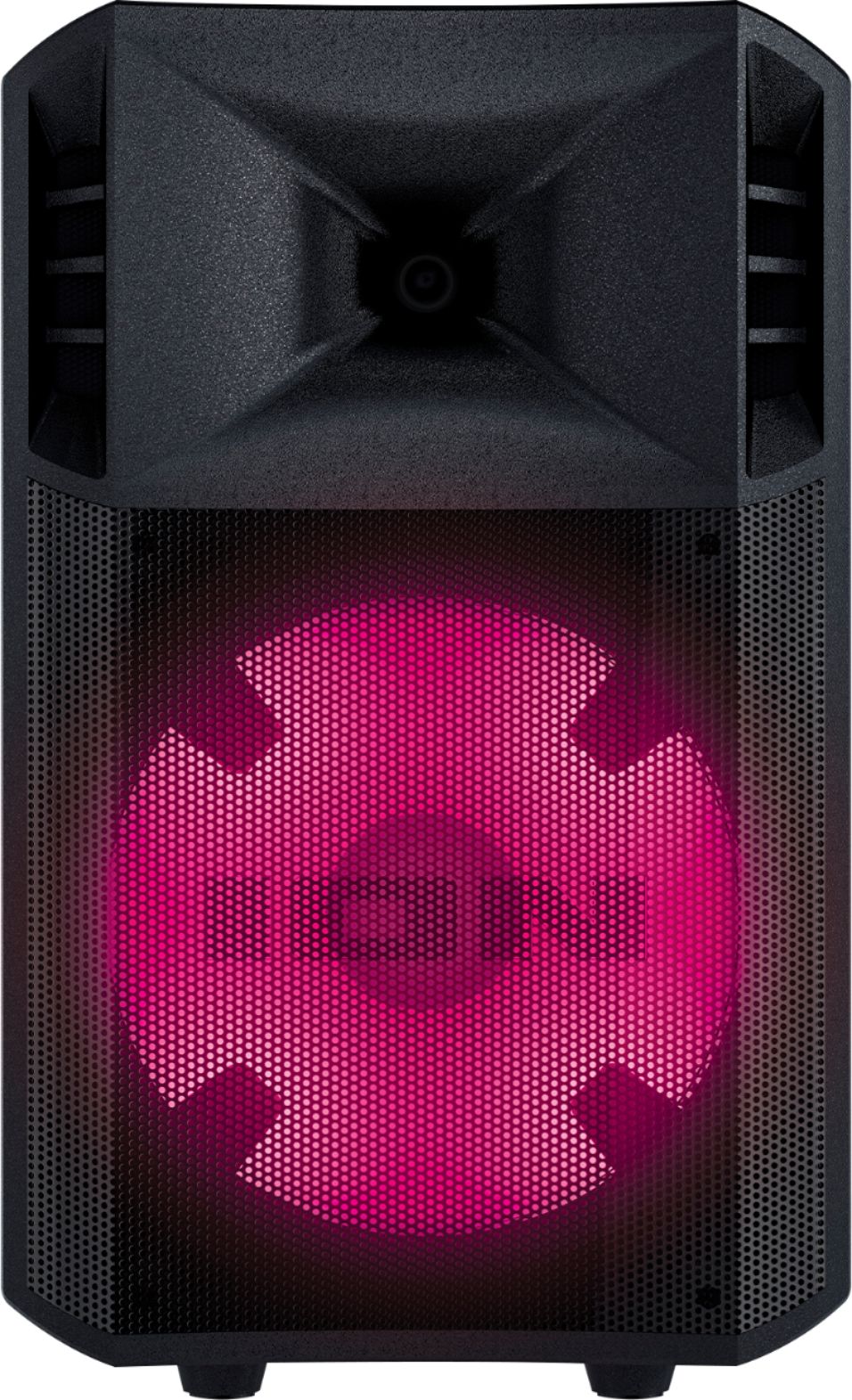
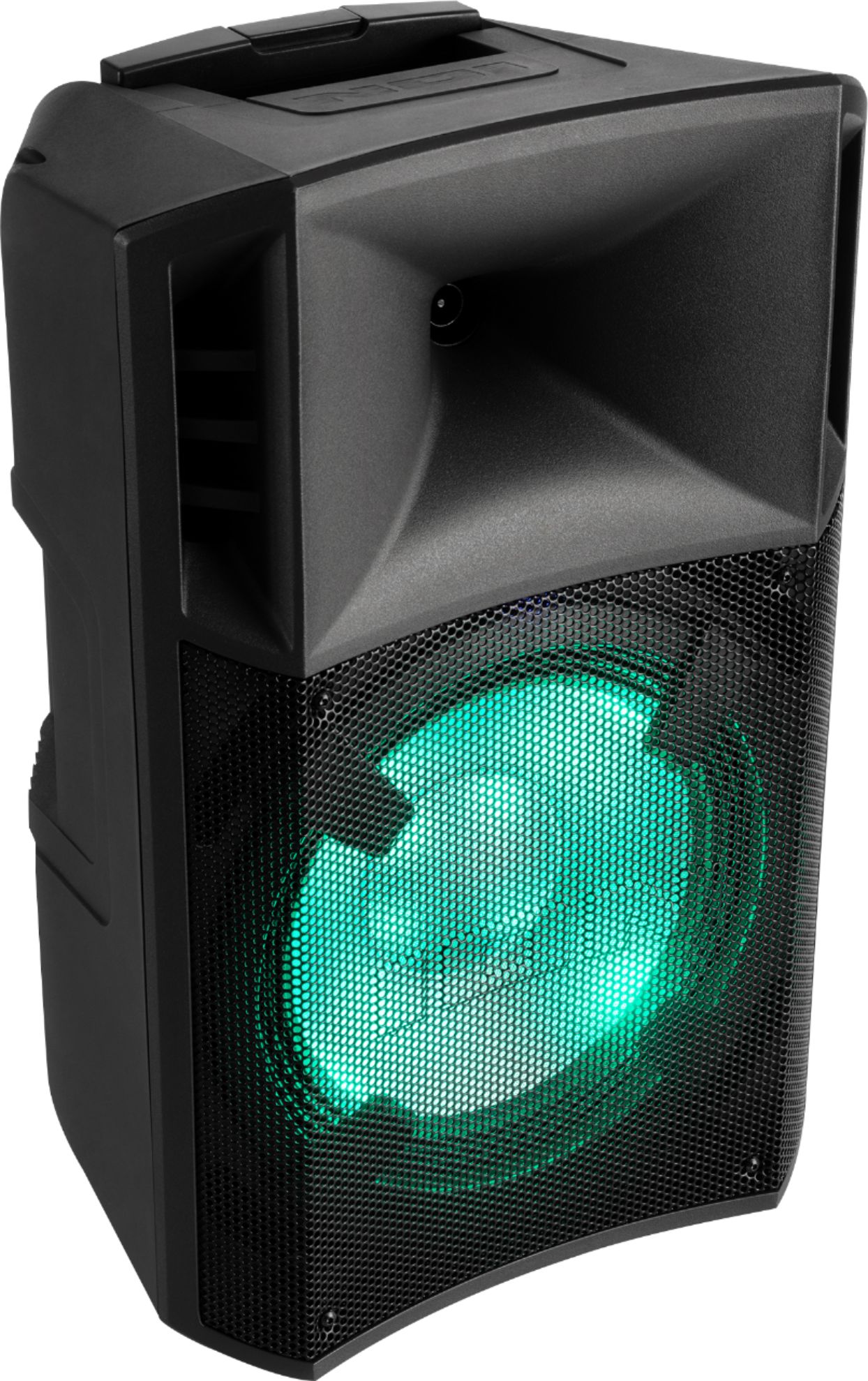
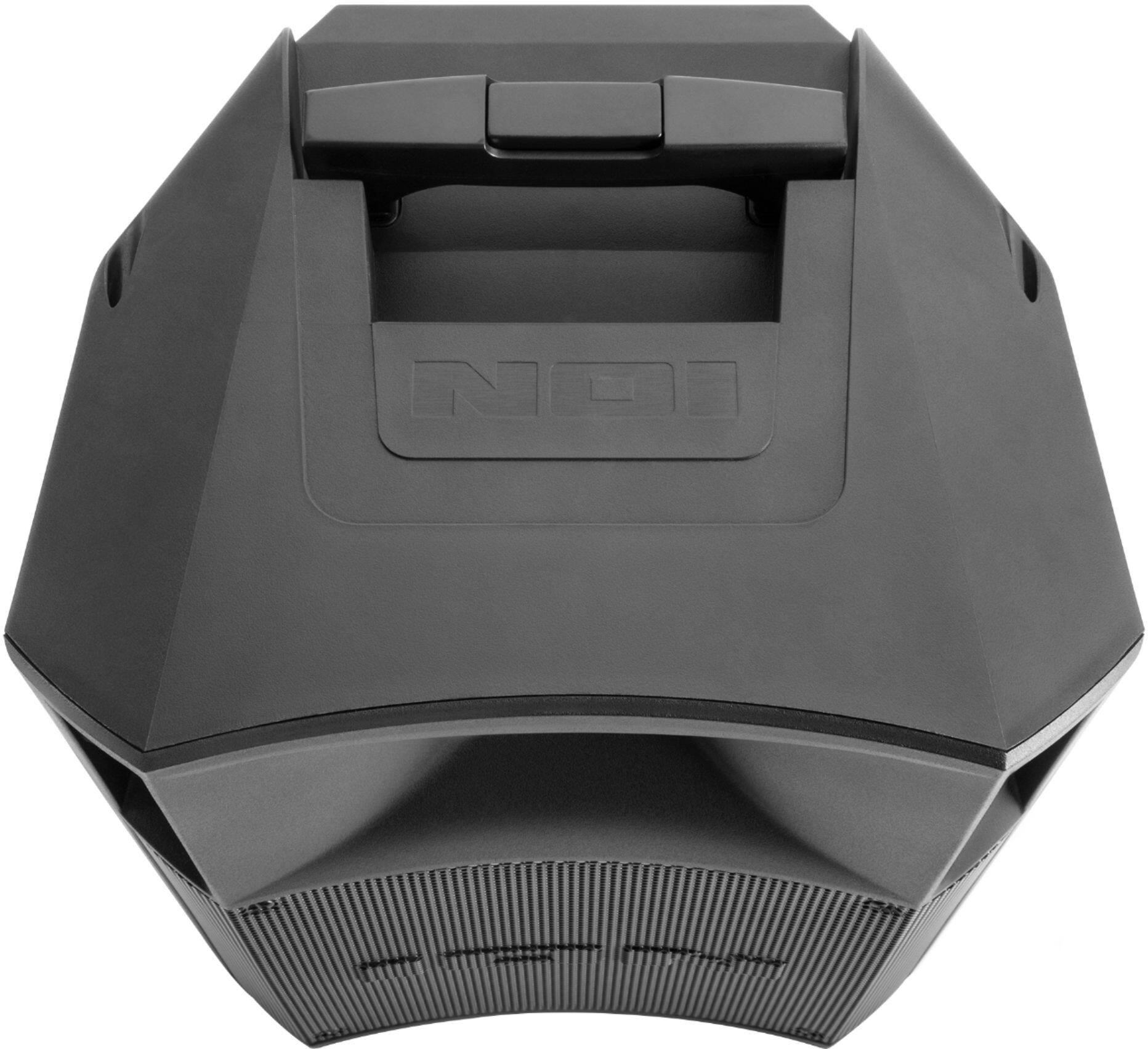
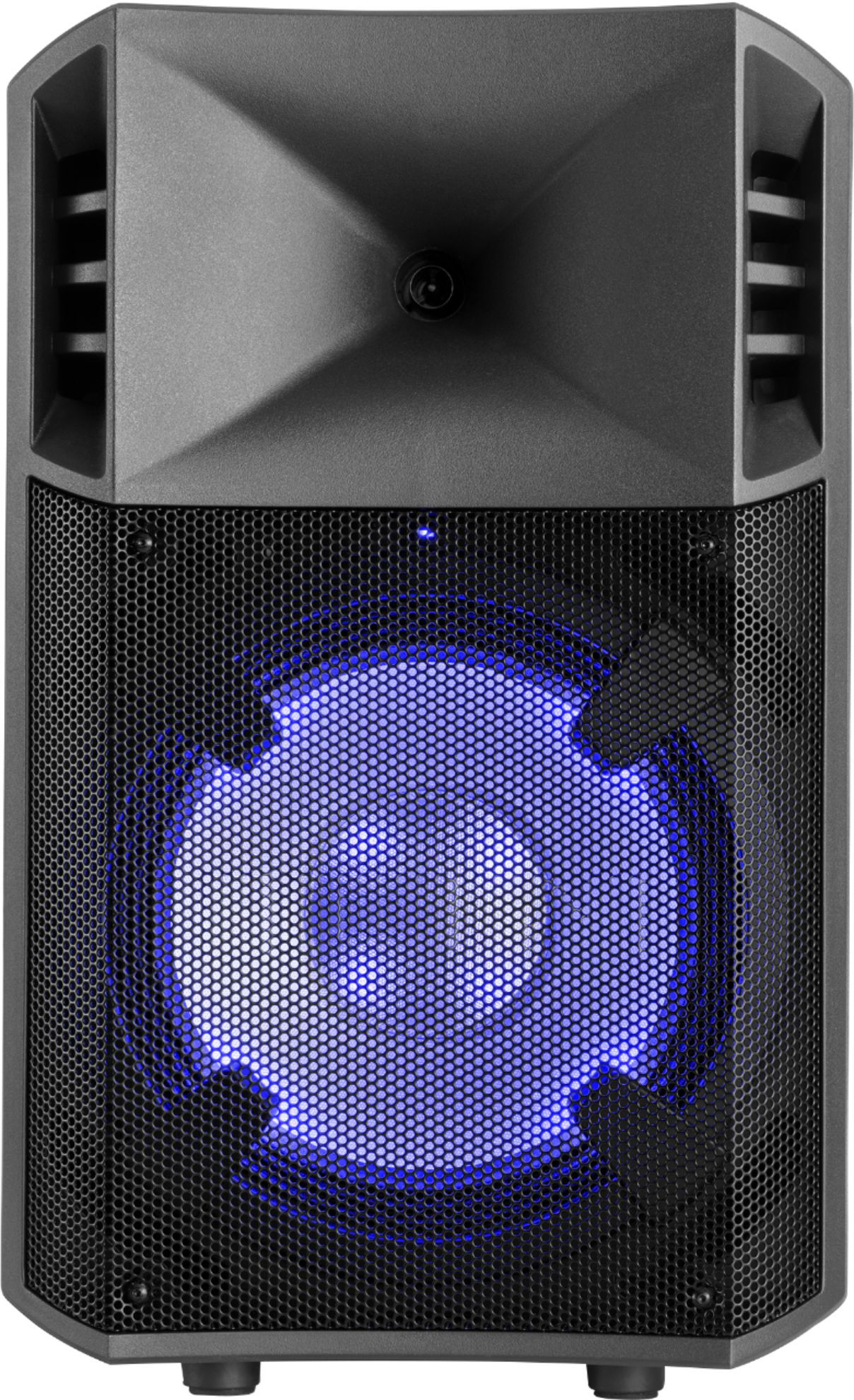
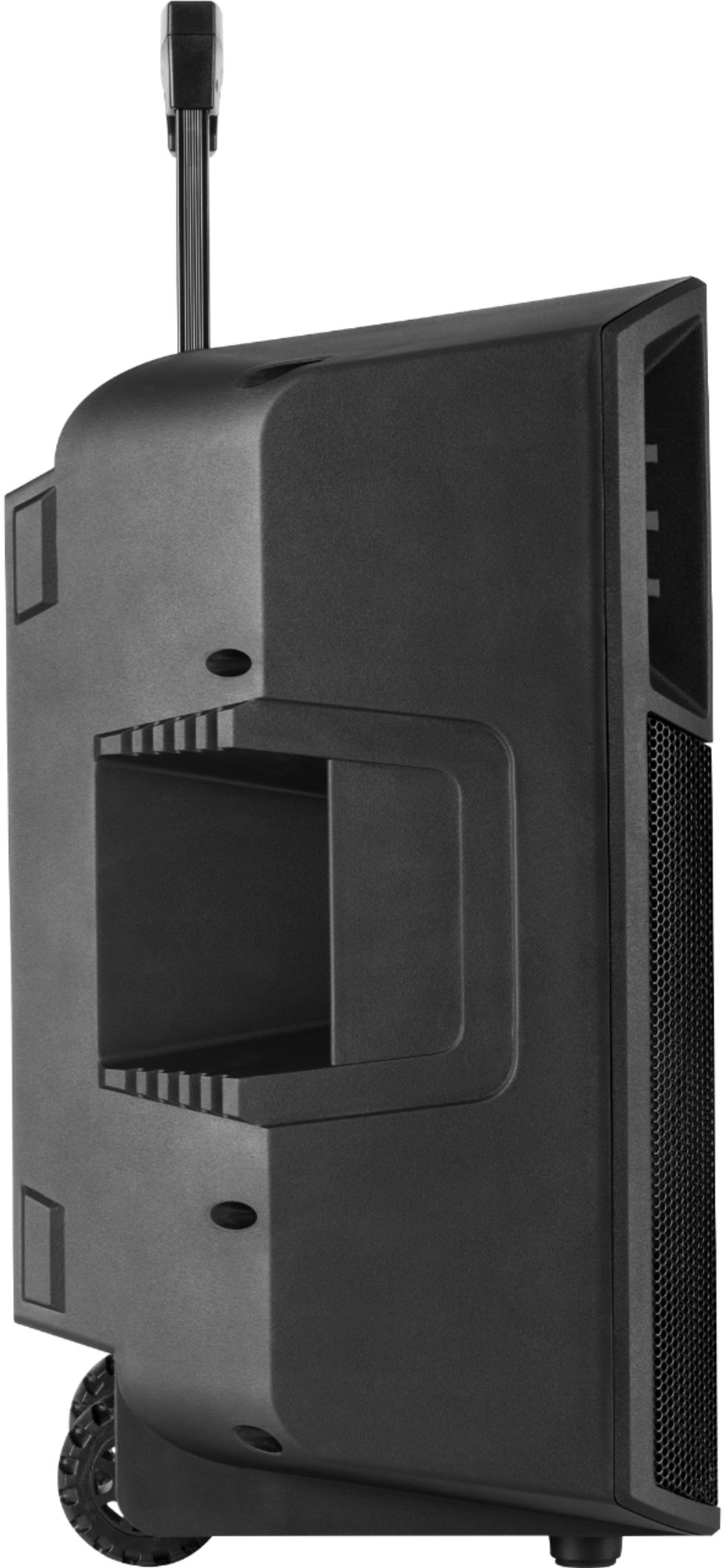
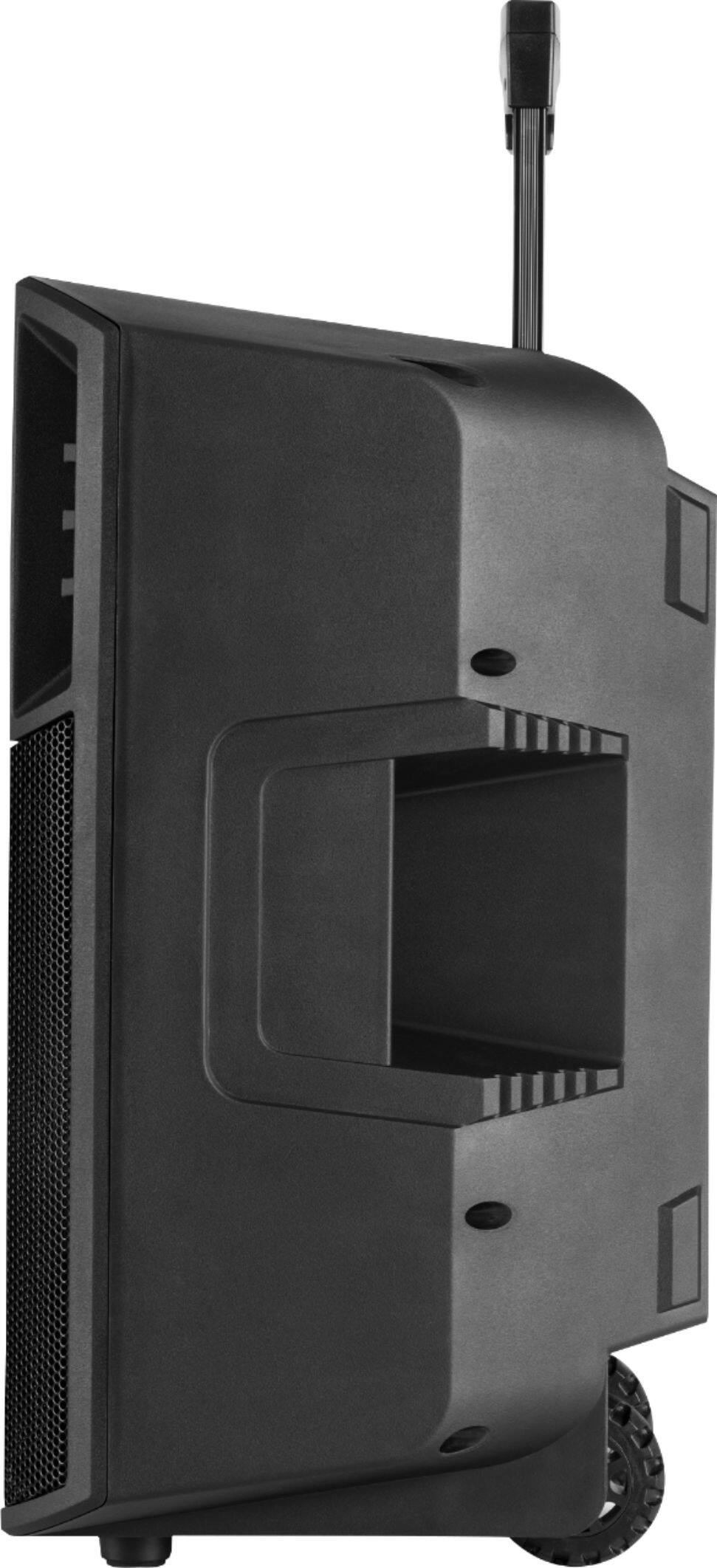
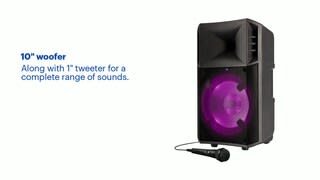
A:AnswerHi, I'll be glad to assist! The Ion POWERGLOW 200 weighs 23.6 lbs and the dimensions of the product are 12.1” x 10.7” x 19.7”/308 x 273 x 500 mm (width x depth x height).