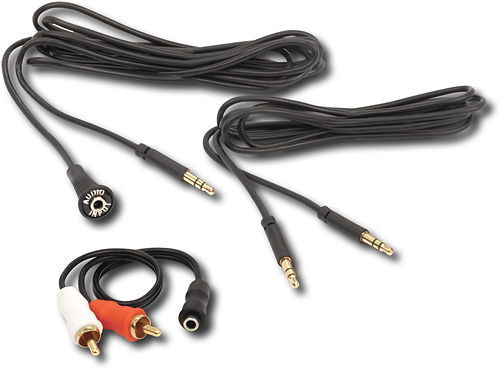
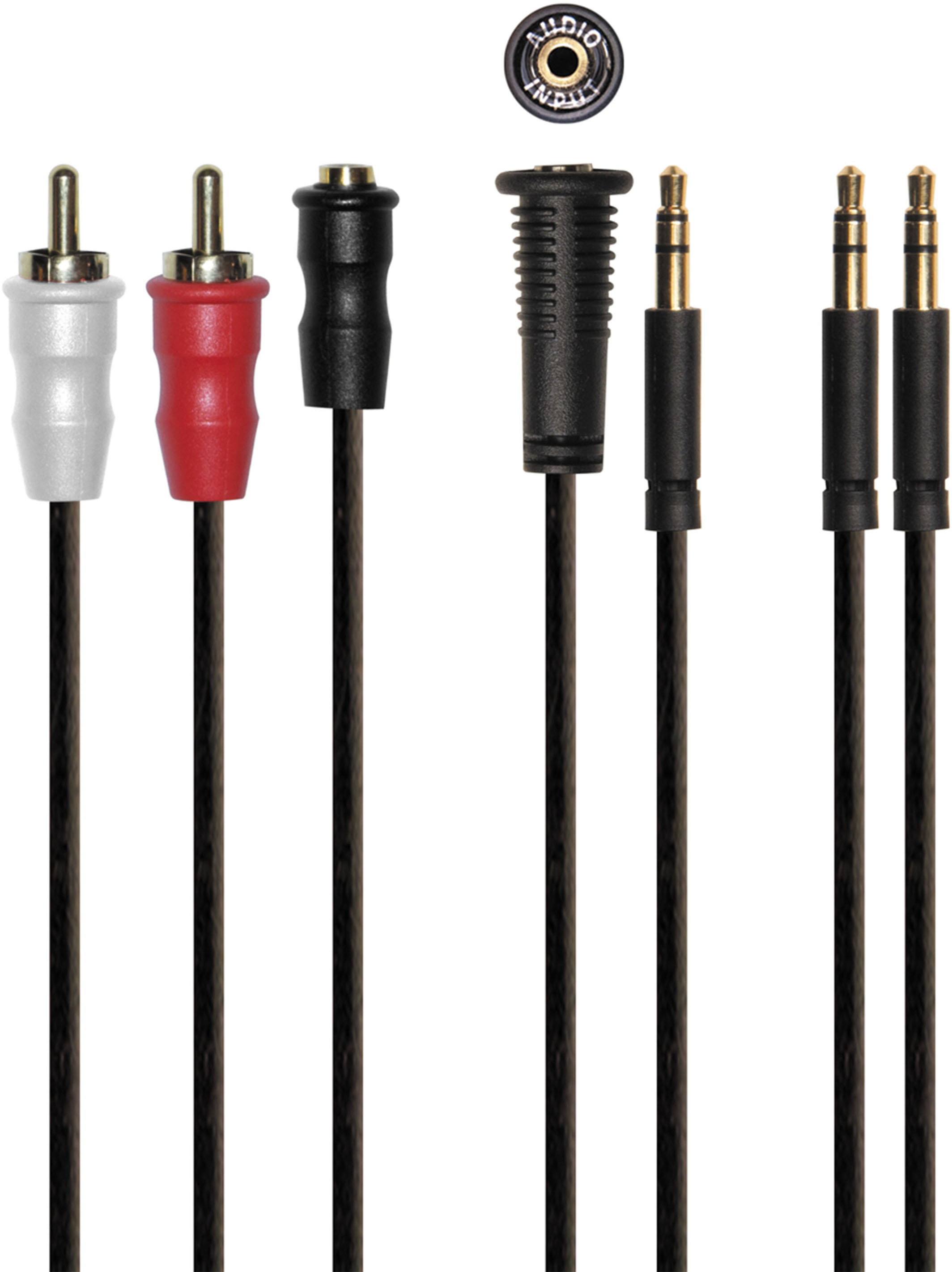
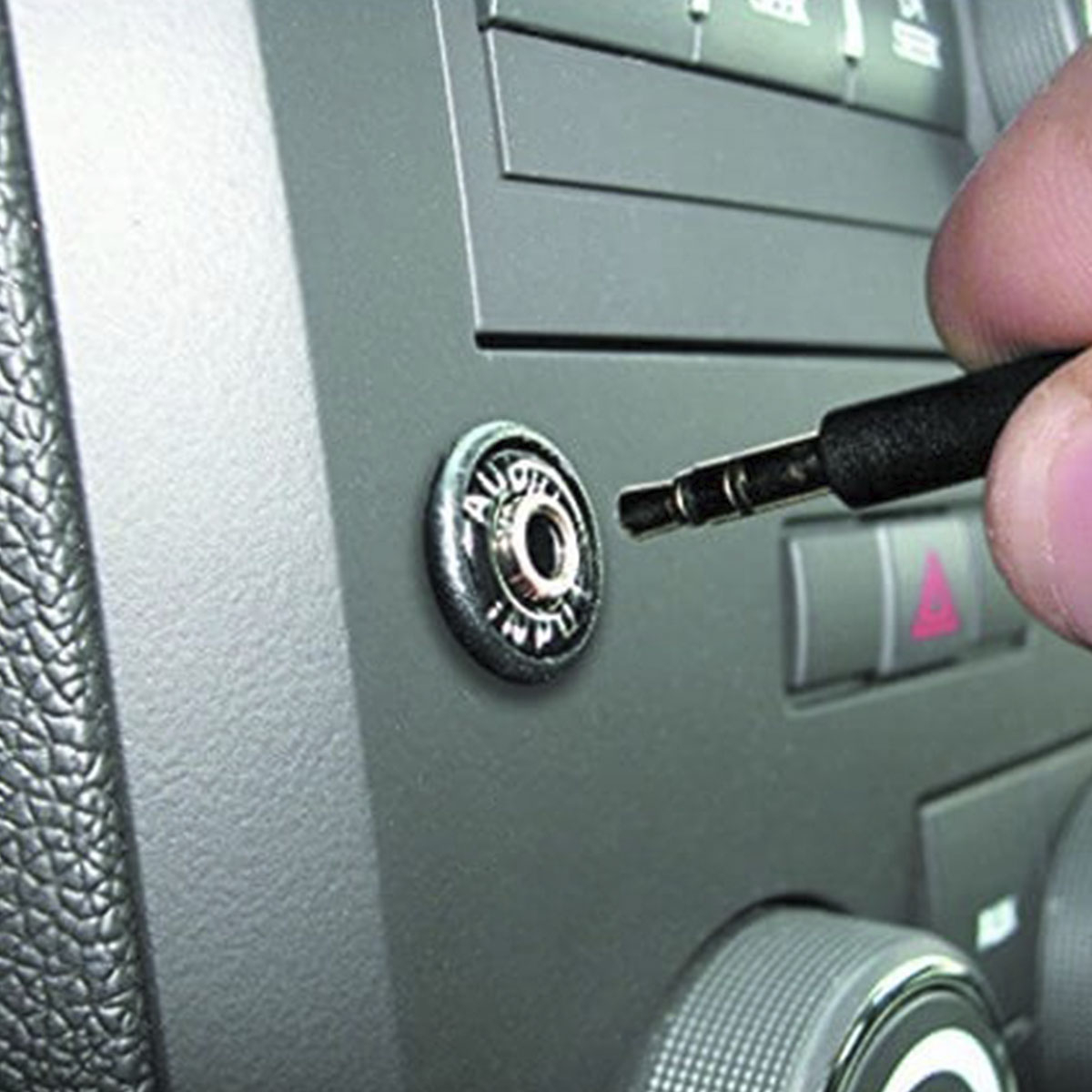
A:AnswerThe PDM35 does not add an auxiliary input option for OEM radios. It is designed to be used with aftermarket radios that already offer an auxiliary audio input that is not easily accessible, or the PDM35 can be used in conjunction with various devices that allow for auxiliary inputs to be added to OEM radios. I recommend reaching out to your local Best Buy to ask for a recommendation of what device will work best for your specific application.
A:AnswerLikely you will need an additional cable. For instance if you are using our Gateway product and you only have the iPod cable, you would need a PX35RCA (cable part number) in order to add auxiliary to the device. You could then use the PDM35 to the PX35RCA to make it more like a factory installed solution.
A:AnswerThat particular piece (PDM35) will not function with your factory radio without using some sort of additional device (like the ISHD531) that will enable the functionality of the auxiliary button on your radio.
A:AnswerNot sure what you mean by the player has a three prong RCA input. RCA input should have two jacks, normally red and white. Also your DVD should have two RCA output jacks not input. The stereo will have two RCA input jacks that these connect to. This kit should work fine but I'd suggest you get two RCA splitters aka "Y". Plug the two male rca's one red from DVD and red from this kit into one and that into the stereo and do the same for the white. Just don't have both devices playing at the same time. I don't see why this shouldn't work.
Good luck,
Jeff
A:AnswerThis is a mountable AUX jack, the radio needs to have an AUX input on the back for this to work. If you are trying to add an AUX input to you factory Nissan radio, this would not be compatible.
A:AnswerUnfortunately, this will not function for your application without some sort of additional part to allow for auxiliary input to your radio. We recommend contacting your local Best Buy Car Audio department for recommendations based on your vehicle.