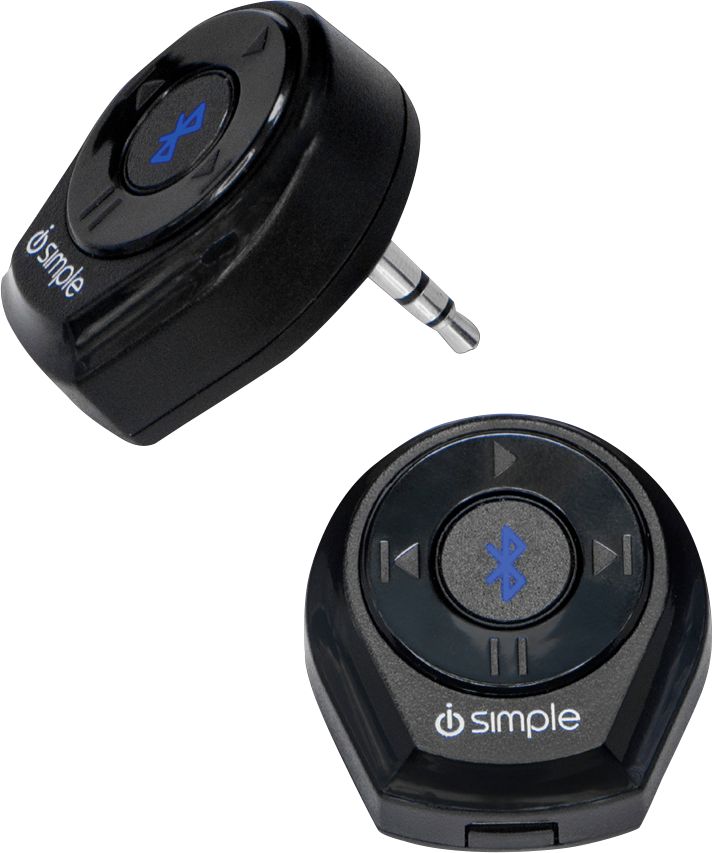
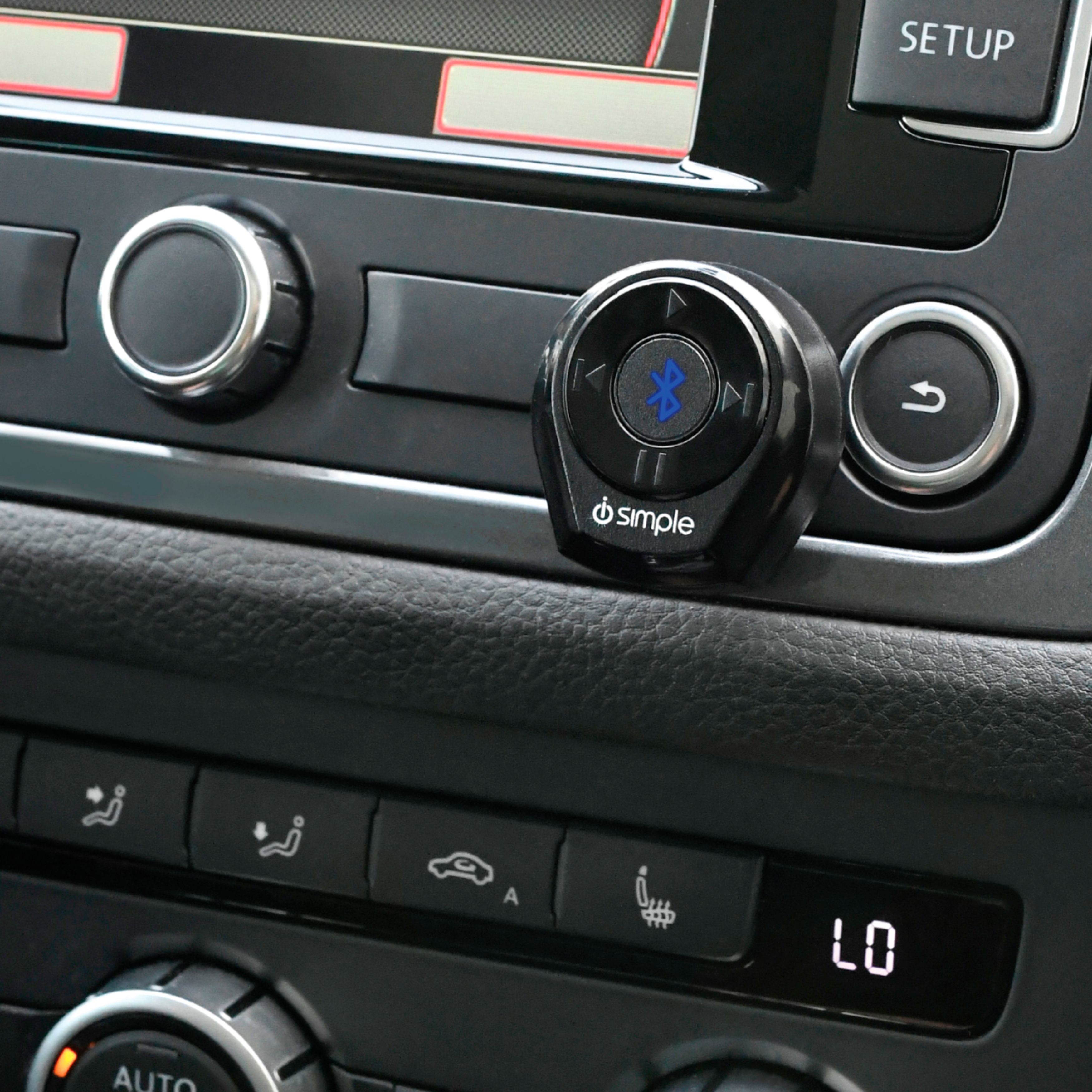
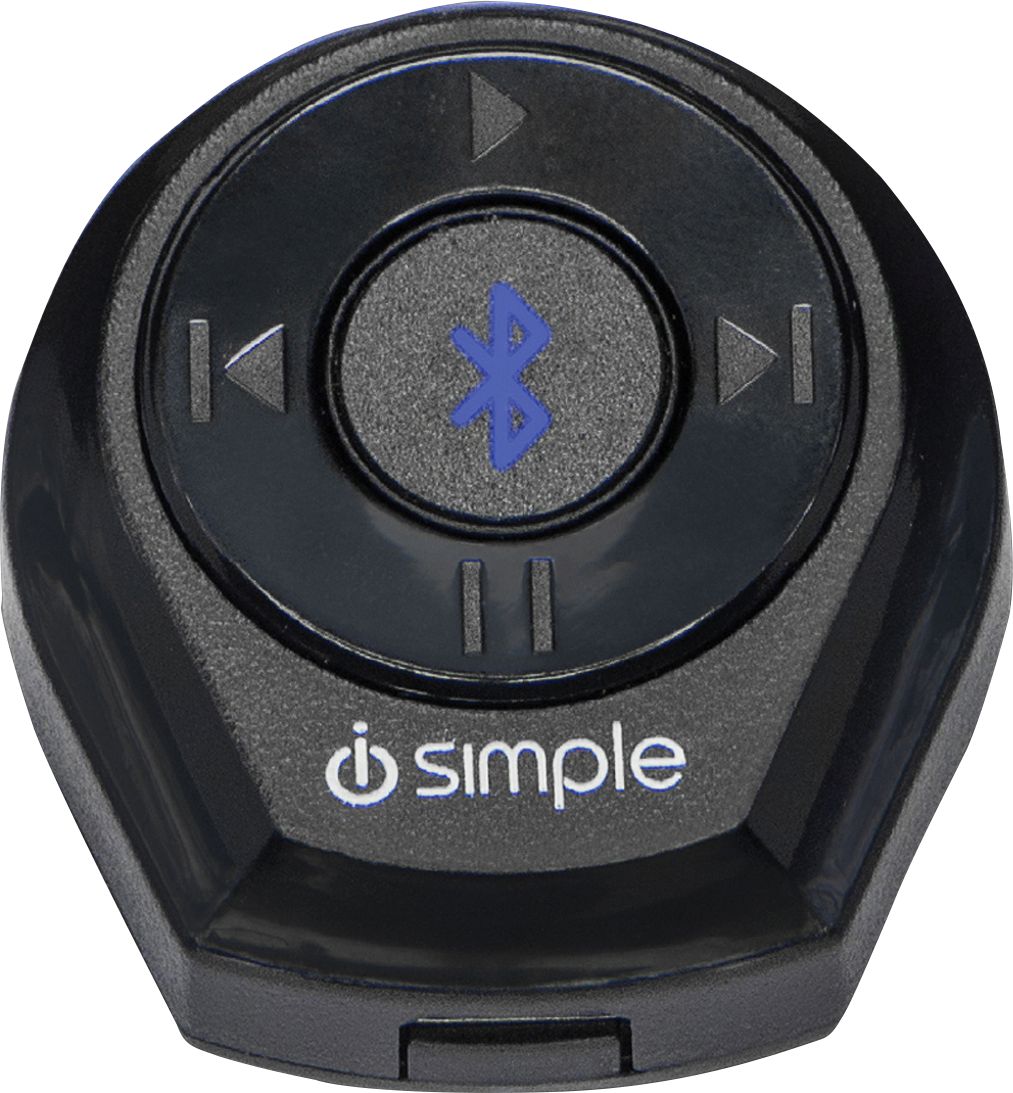
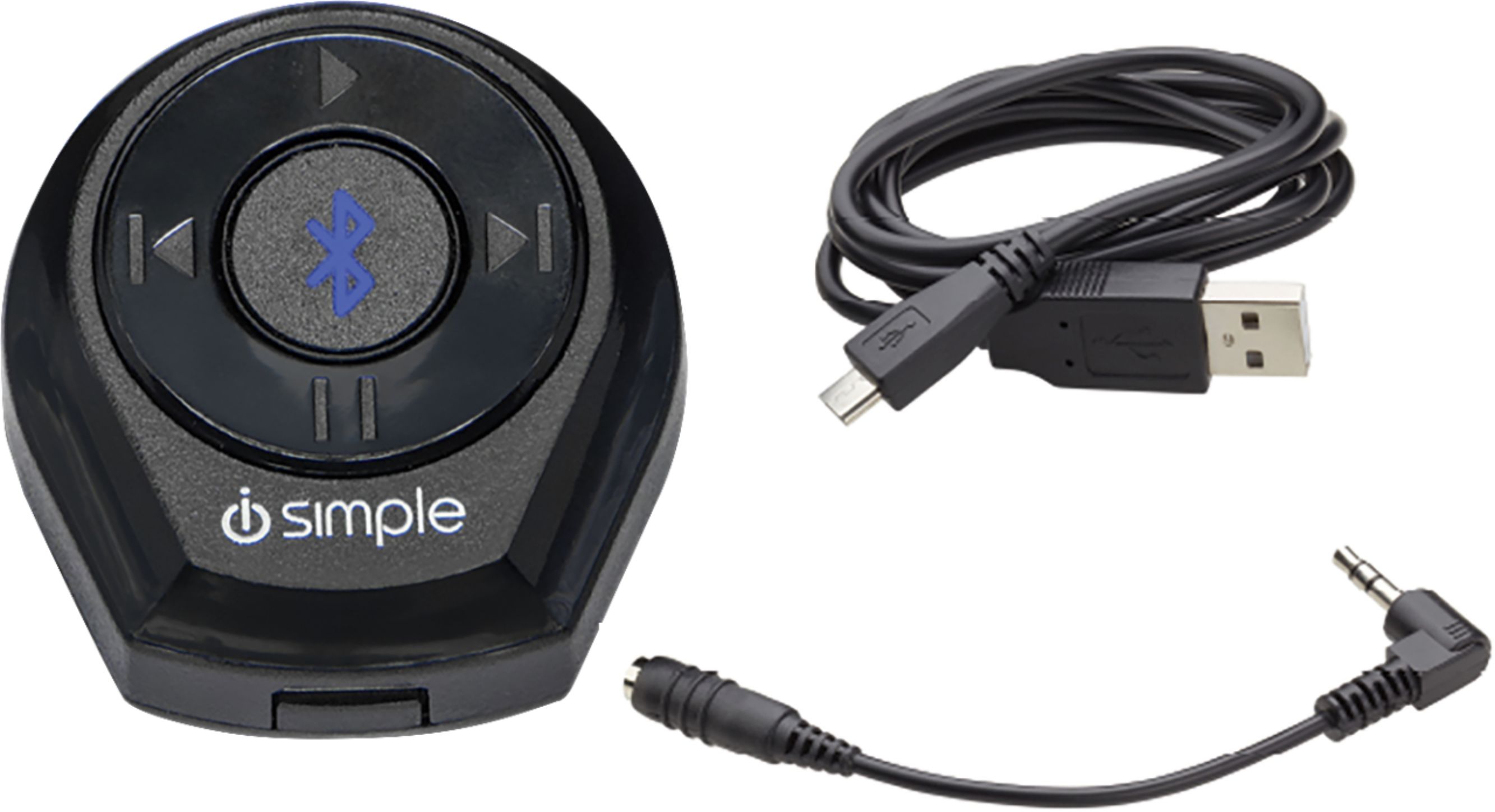
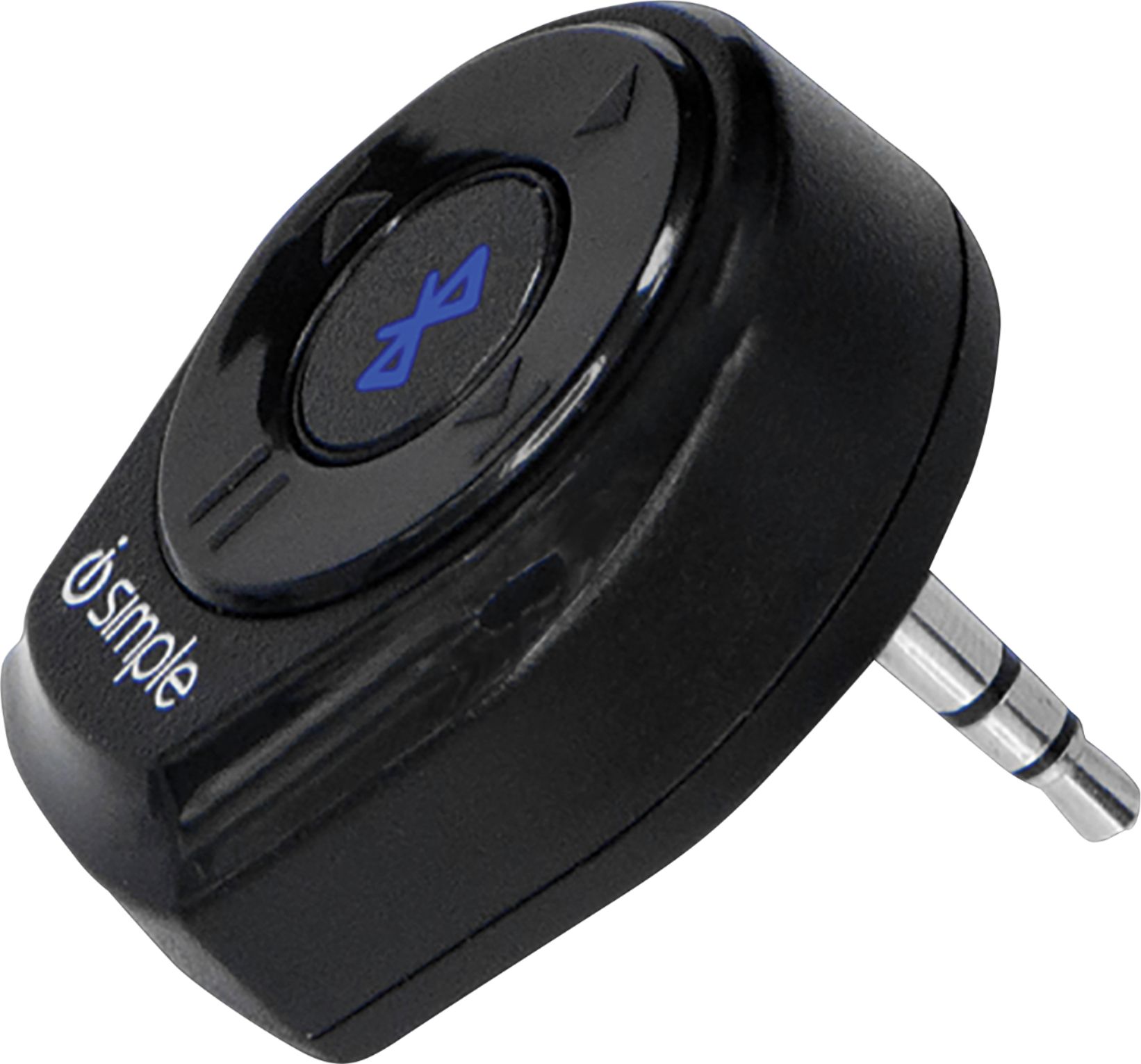
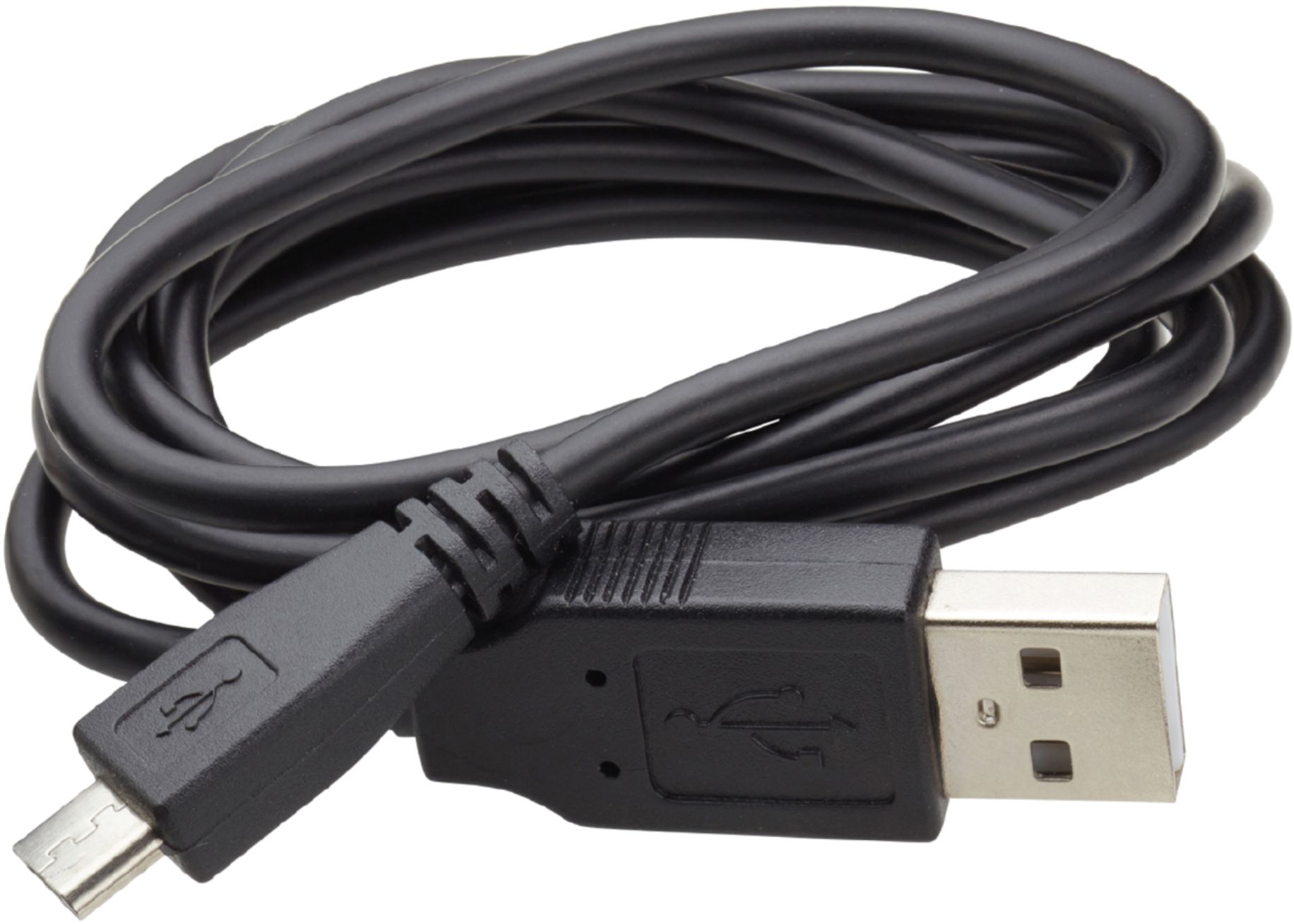
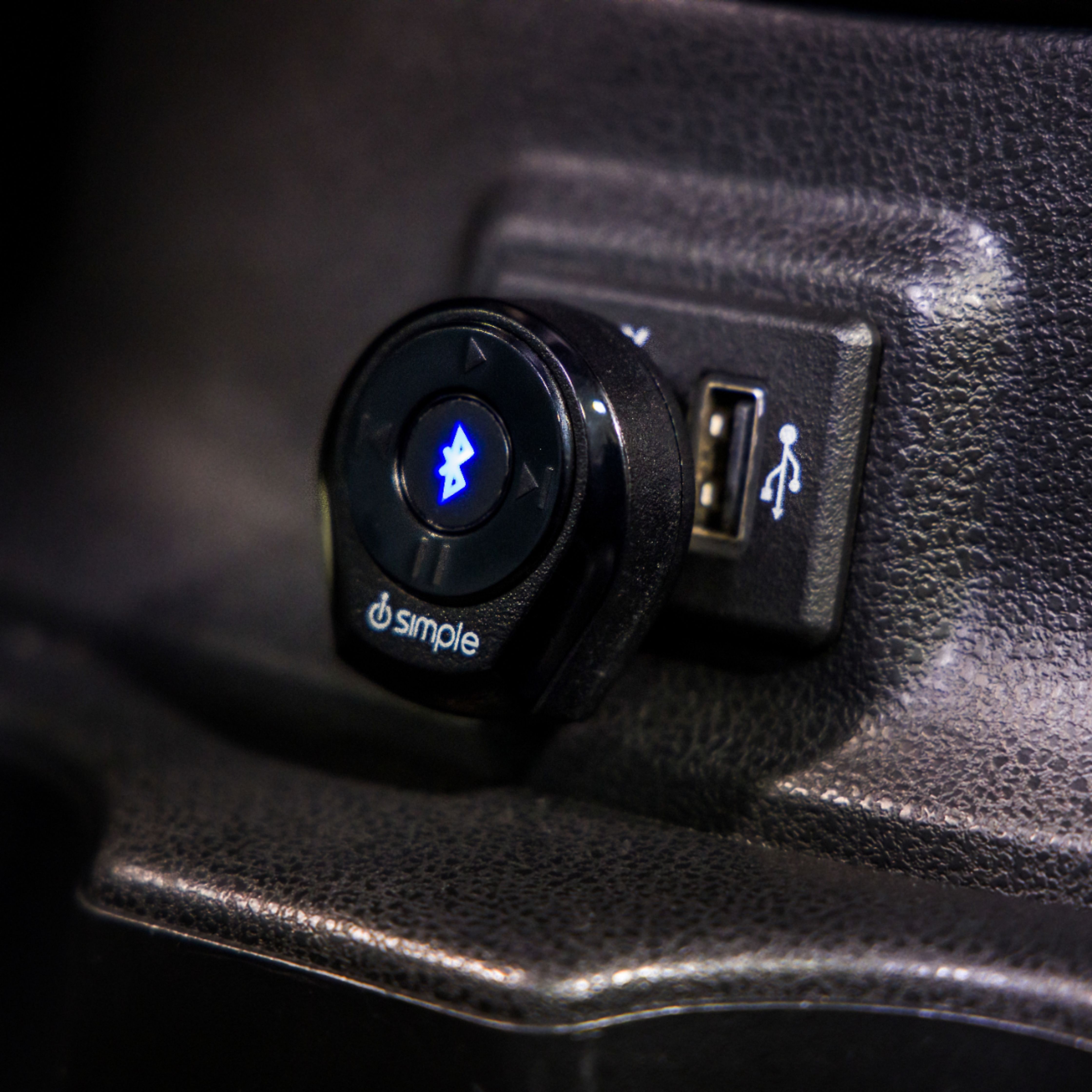
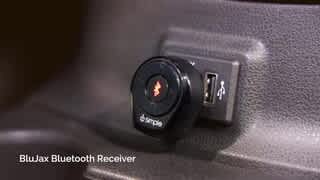
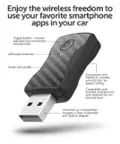
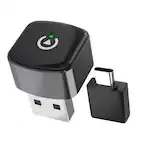
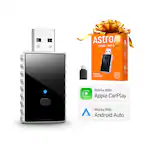
A:AnswerFirst you charge the device and plug into your vehicle's radio AUX input. Your car radio MUST have an AUX input and the radio must be set to the AUX input as the source. Then you need to make sure your phone's bluetooth is turned on. Then press the pairing button on the i device. When the phone and the plugged in i device are paired, you ought to be able to play music from your phone through your car's speakers. The pro of the i device is that you don't need a cord running from your phone to the AUX input. It keeps things uncluttered.
A:AnswerHello Dora, you can use this piece in your glove compartment without signal issues. As far as functionality, you will not have easy access to play/pause/skip music control buttons on the adapter. Control would be limited to the device you are steaming from.
A:AnswerNo, unfortunately this device only connects to Bluetooth music devices. It is only a receiver, Kent to plug into your car. it will not send out a signal.
A:AnswerYou will have to use the extension that comes with it. The rubber buttons on the Harley stock radio will make it pop out of the socket. Almost lost mine twice.
A:AnswerTo connect to the unit you will need to go into the Bluetooth devices menu of your phone and then press and hold the center button on the unit for 3 seconds to allow device pairing to happen. You will then see the unit in the detected or nearby devices listed on your phone. Choose the device and allow pairing from the phone screen.