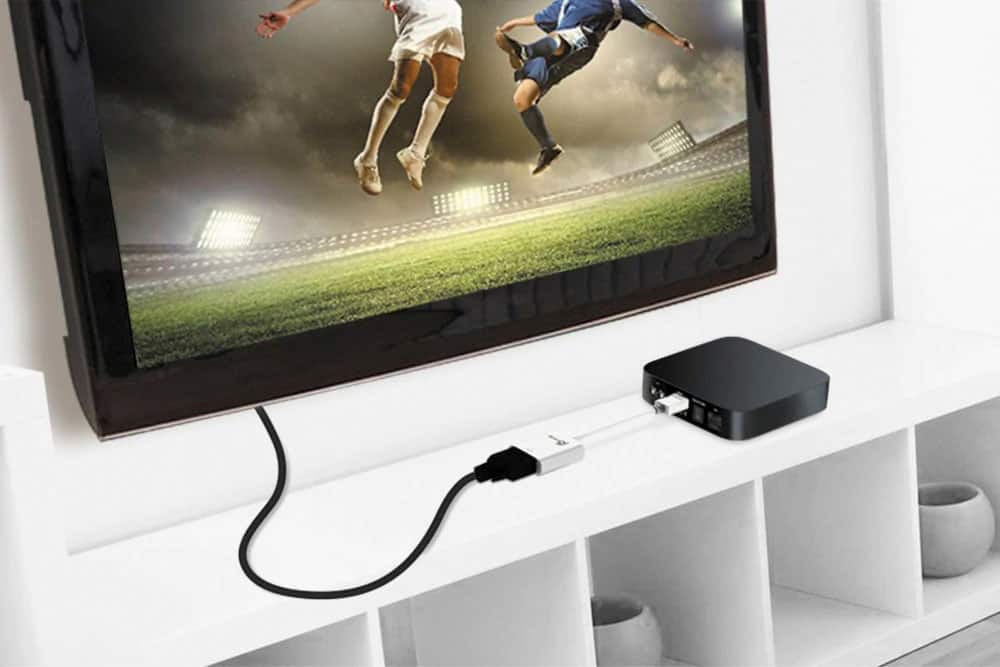
A:AnswerNot this one, as I assume you don't have a vga connection either. You likely want a USB to HDMI adapter. Laptops have a USB to plug into. Then you'll also need a HDMI cable to plug into the adapter and then the other end into the TV.
A:AnswerNo, this device is used for connecting to a computer and a monitor, TV, gaming console, etc. Unfortunately, we do not have a device that will do that.
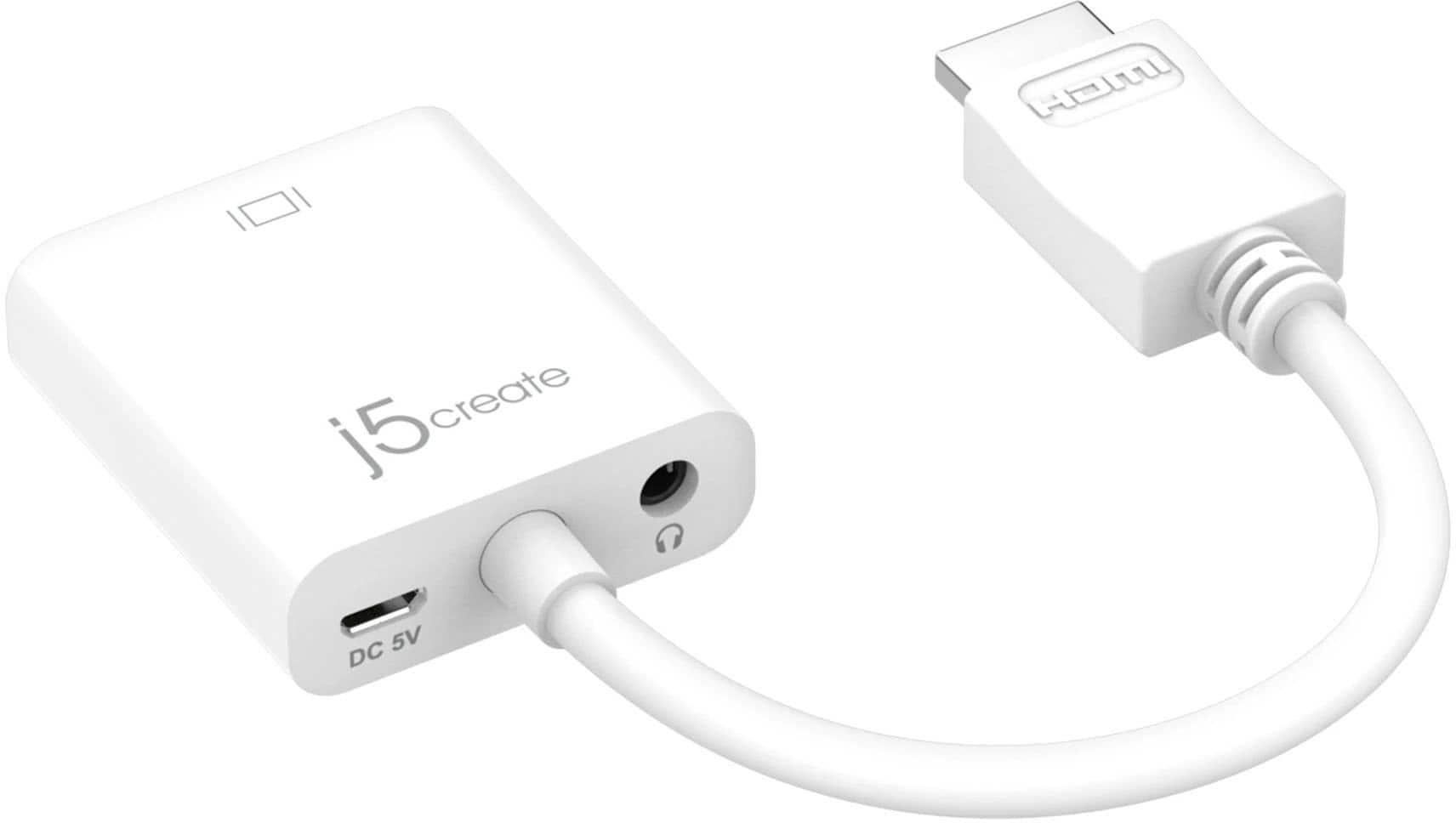
A:AnswerOddly enough I just unplugged it and plugged it back together and the sound started working. Not sure what was going on. It is working great now.
A:AnswerThank you for submitting a question. Yes, JDA213 is indeed a plug-and-play device; no driver required.
** Feel free to contact the Technical Support team mentioned on the packaging for further assistance or if you have any other questions and someone will be glad to assist you.
A:AnswerThis device will work with any device that has a HDMI output port and will be able to to convert it to a VGA output port, so that you can connect a VGA display.
A:AnswerHello,
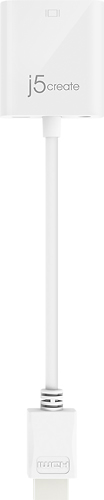
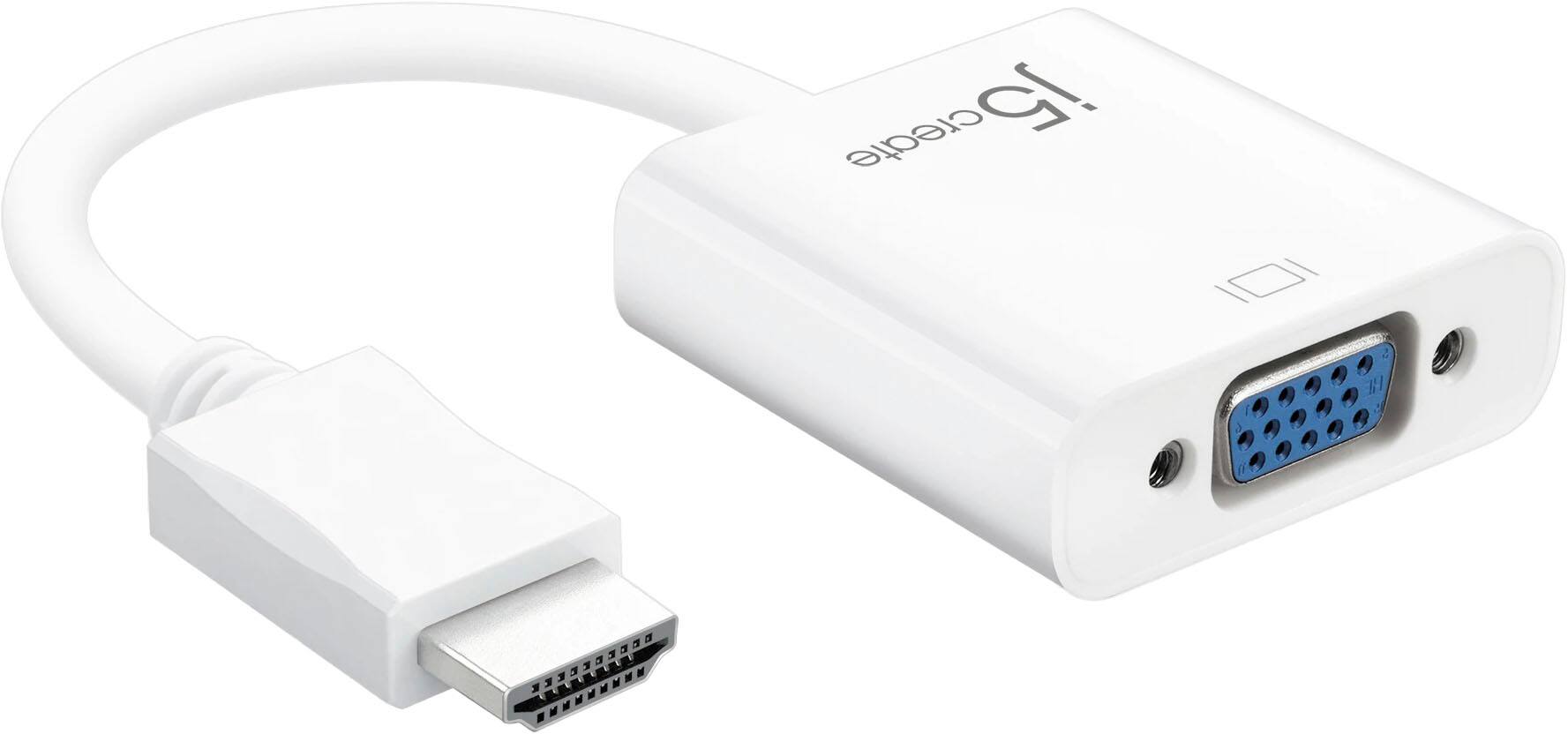
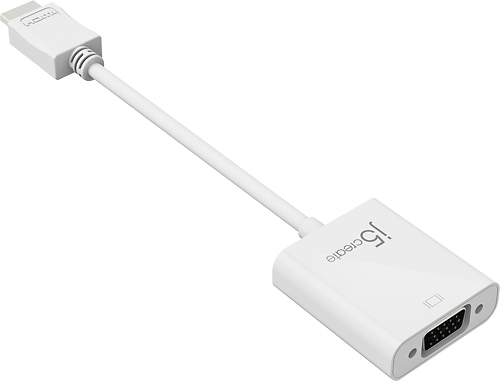
The j5create - HDMI-to-VGA Adapter (JDA213) is a mono-directional adapter that is designed to go from a computer with an HDMI output to a display with a VGA input.
If your PC has an HDMI port, and your Samsung TV has a VGA port, this adapter will work fine for your needs.
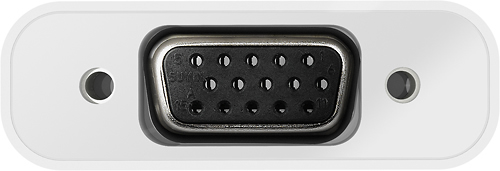
A:AnswerThis device is intended to connect to the HDMI port on your computer, and then it can connect a VGA cable to the VGA port on the device then that cable can connect to a VGA display.
![The text on the image reads: "112 poue break pat DE - tysr + I I I 1 "] I I Fgo delete backspace I enter shift0 o CE j5create ciecue j5". This text is a combination of various keyboard shortcuts and commands, which may be used for different purposes in a computer or software environment. It is not a coherent sentence or statement.](https://pisces.bbystatic.com/image2/BestBuy_US/images/products/19221a03-870d-4234-9db3-f6a844b3046b.jpg)