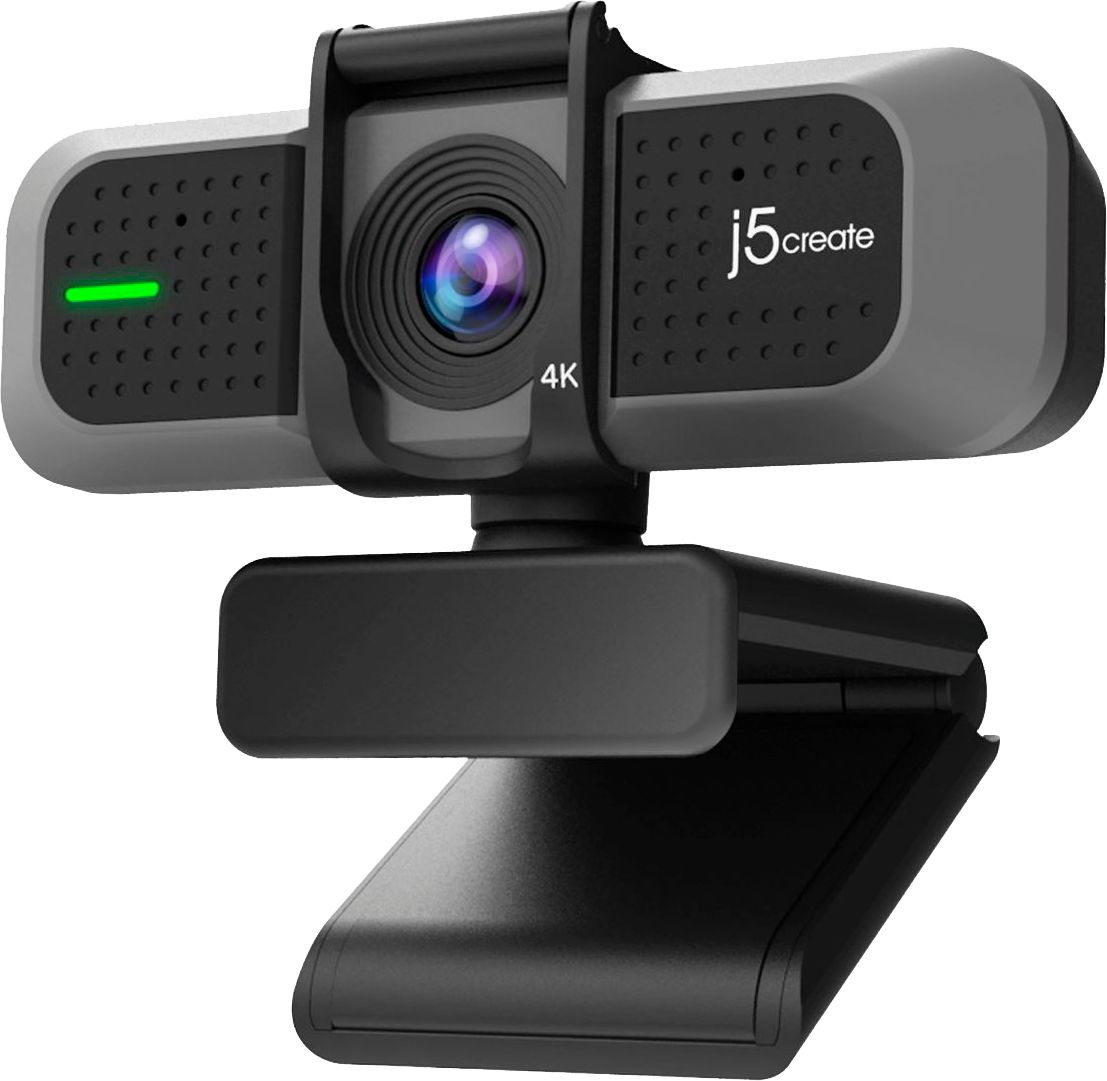
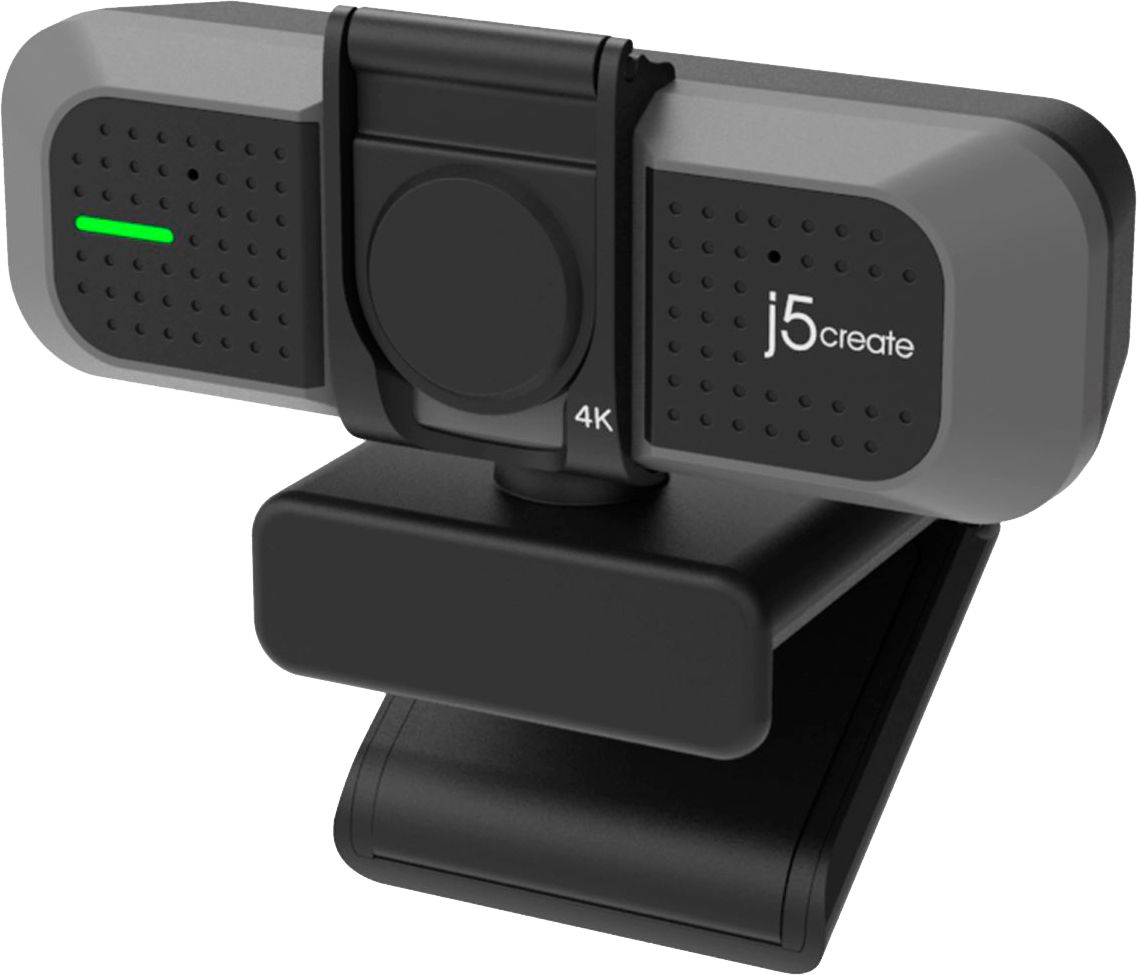
A:AnswerThe USB 4K ULTRA HD Webcam does not have auto focus if you are wanting to have an up close image. The JVU250 Webcam does have the auto & manual focus capability. ** Feel free to contact j5create Technical Support if you have any questions regarding our webcams. Their information can be found on our website under the "Support" tab and a specialist will be ready to assist you. Thank you.
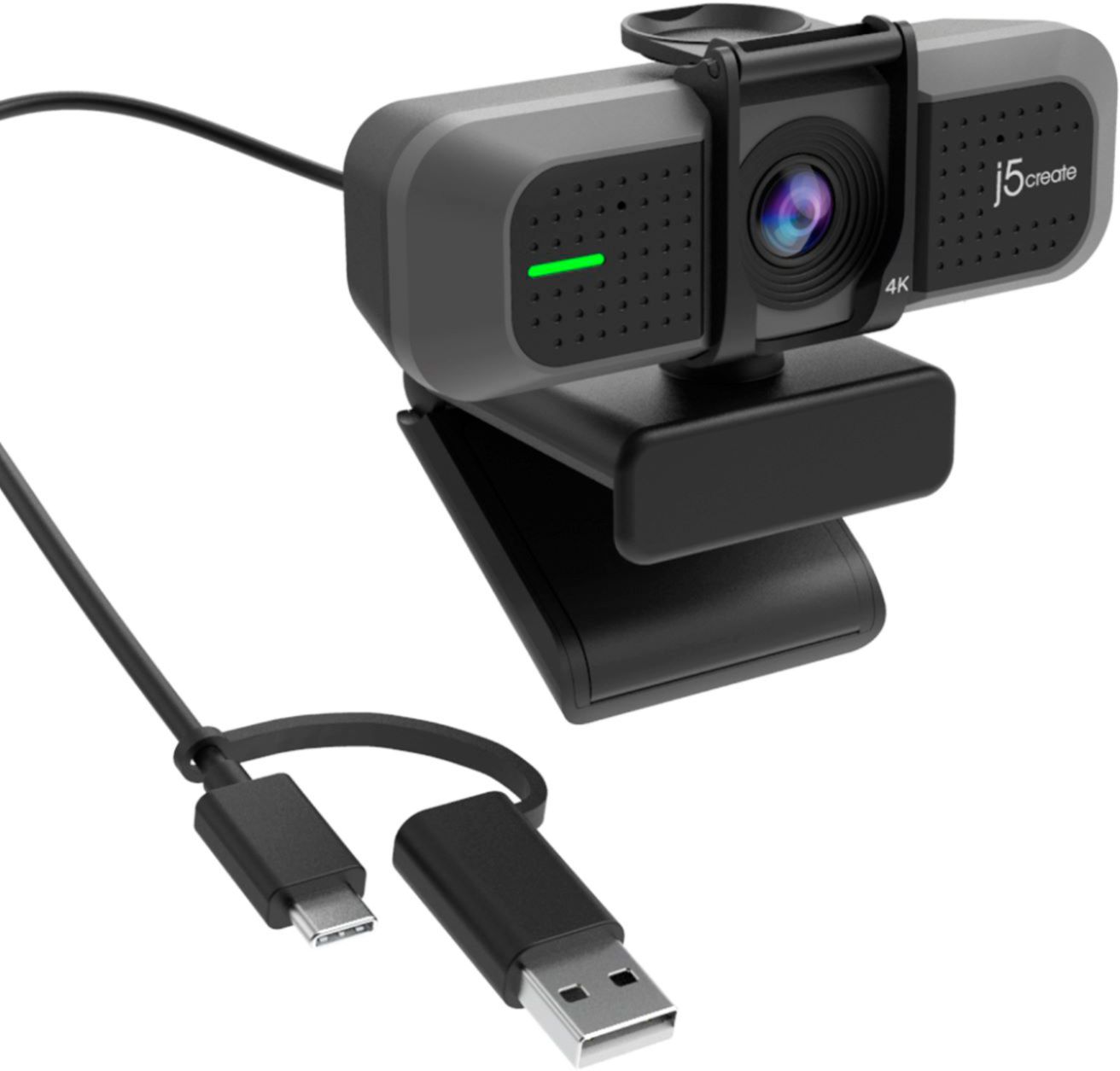
A:AnswerThe Webcam connects via USB Type-A port. You should be able to connect either the front or back ports of your Desktop. Please make sure your Desktop supports UVC (USB Video Class). Once connected, open an application such as Zoom, Skype, Microsoft Teams, etc.
A:AnswerI don't believe so, our Webcam's work on devices that support UVC. Not sure if iPad supports that feature. Please refer to the manufacturer of your hardware for more information on your device. Thank you.
A:AnswerThe Webcam does not require an installation of a driver. It's Plug n Play. Once you connect the webcam to your desktop with supported UVC, open up an application such as Zoom, Microsoft Team, etc. to start video chat.
A:AnswerYes, however, the Mac must support UVC for Plug n Play webcams, driver free. Please refer to the manufacturer of your hardware for more information on your device.