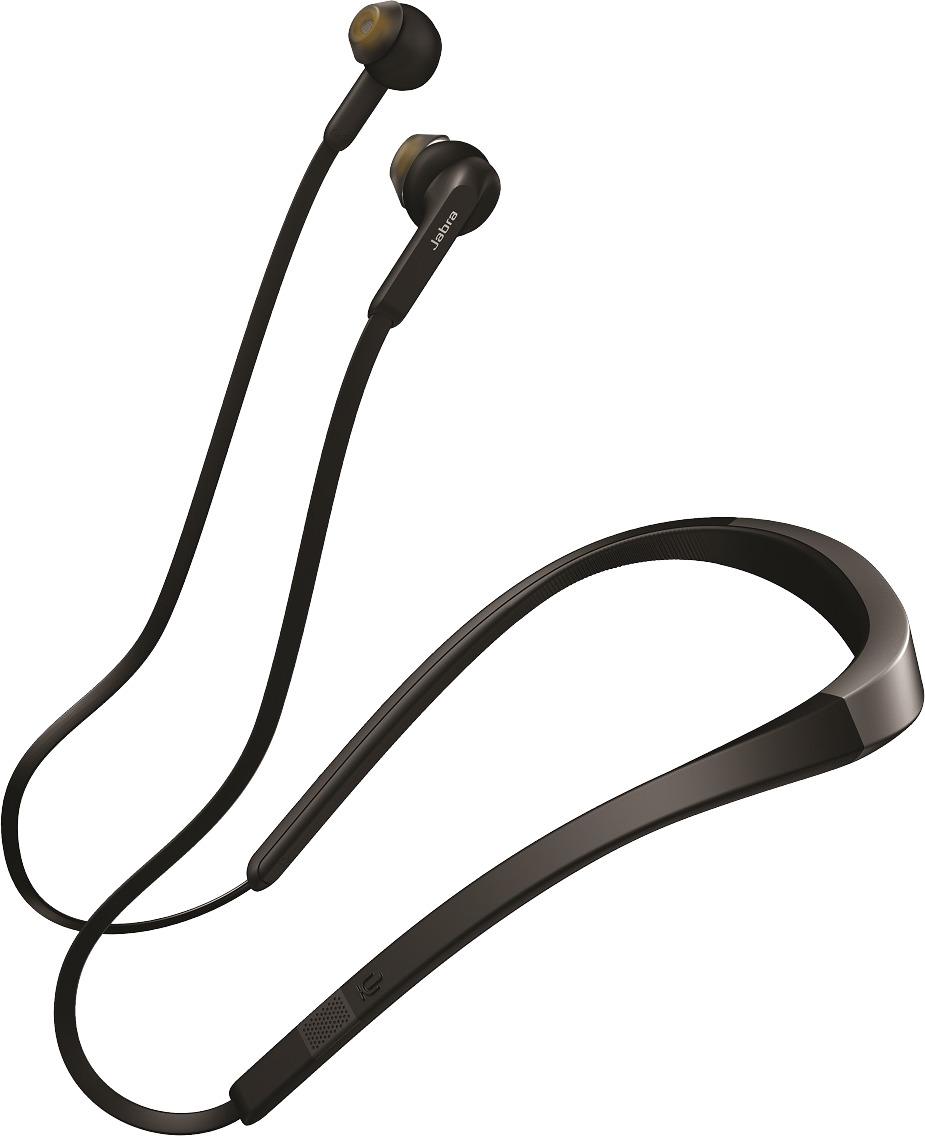
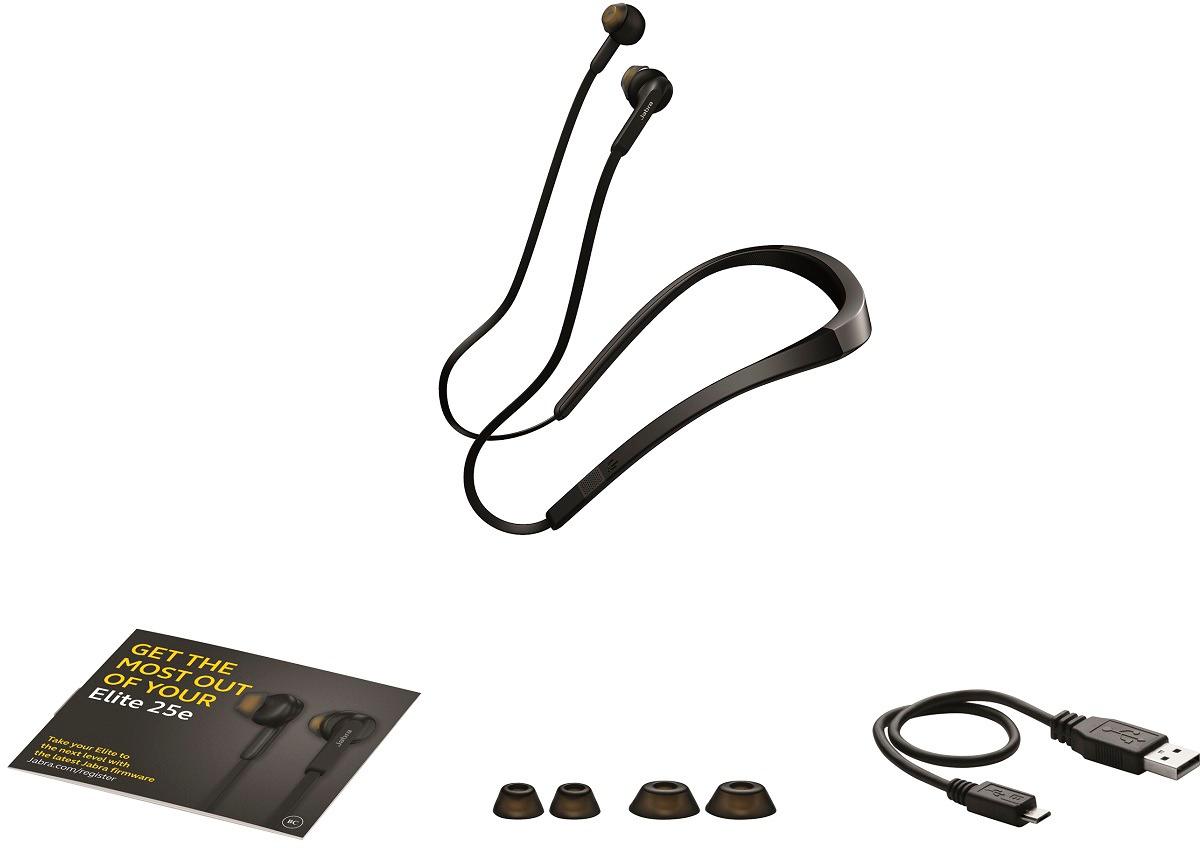
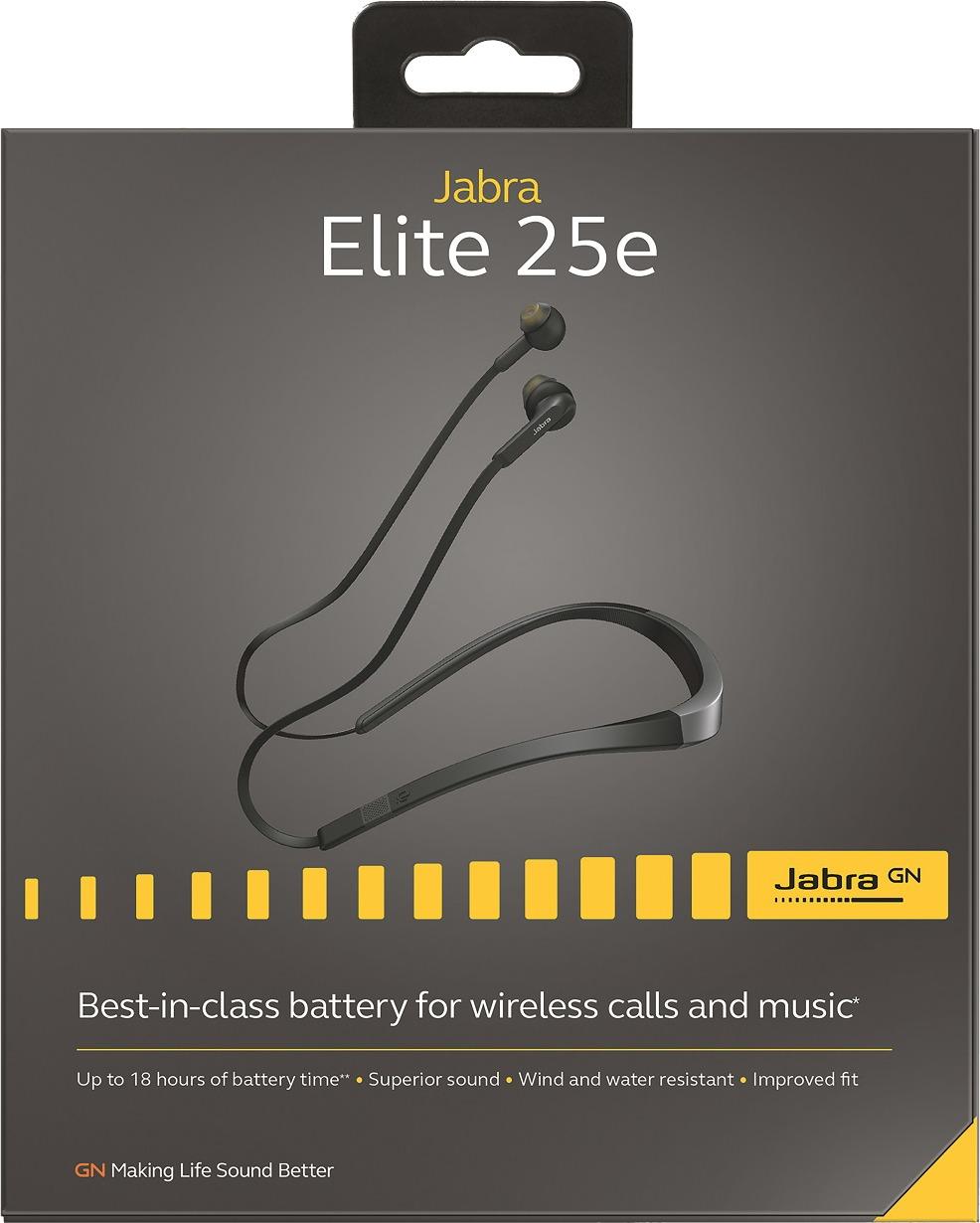
A:AnswerHello Tula! To power on your Jabra Elite 25e, press and hold the "multi-function" button (located between the "volume down" and "volume up" buttons) for 3 seconds. The LED on your Jabra Elite 25e will flash green to indicate that the device is powered on. Should you have any additional questions about your Jabra Elite 25e, please contact our support team: https://www.jabra.com/contact/support/jabra-support-consumer.
A:AnswerDid you install the app for the headset on your phone? It works with the headset and allows you to use these functions based on the settings you choose
A:AnswerHi Toni- Please contact the Jabra Support team: https://www.jabra.com/supportpages/jabra-elite-75t/100-99090000-02/contact-support at your earliest convenience. We are happy to provide you with the best assistance, and we hope to hear from you soon.
A:AnswerHi Badbaron- Unfortunately, you cannot answer phone calls directly from the headset. Please feel free to check out the User Manual through this direct link we have provided you: https://www.jabra.com/supportpages/jabra-elite-25e#/TECH#100-98400000-02. The User Manual shows an overview on the multi-function buttons on the Jabra Elite 25e. Thank you for your question.
A:AnswerHi there - We recommend only using the accessories that come with the Jabra Elite 25e. Feel free to check out our video tutorial on how to achieve an optimal fit: https://www.jabra.com/supportpages/jabra-elite-25e#/Video/Jabra-Elite-25e---perfect-fit#100-98400000-02