A:AnswerIf your TV has a bluetooth output, then yes, they should work fine. You will need to turn your TV bluetooth on and put the earbuds in pairing mode for the TV to see the earbuds, but they should work fine.
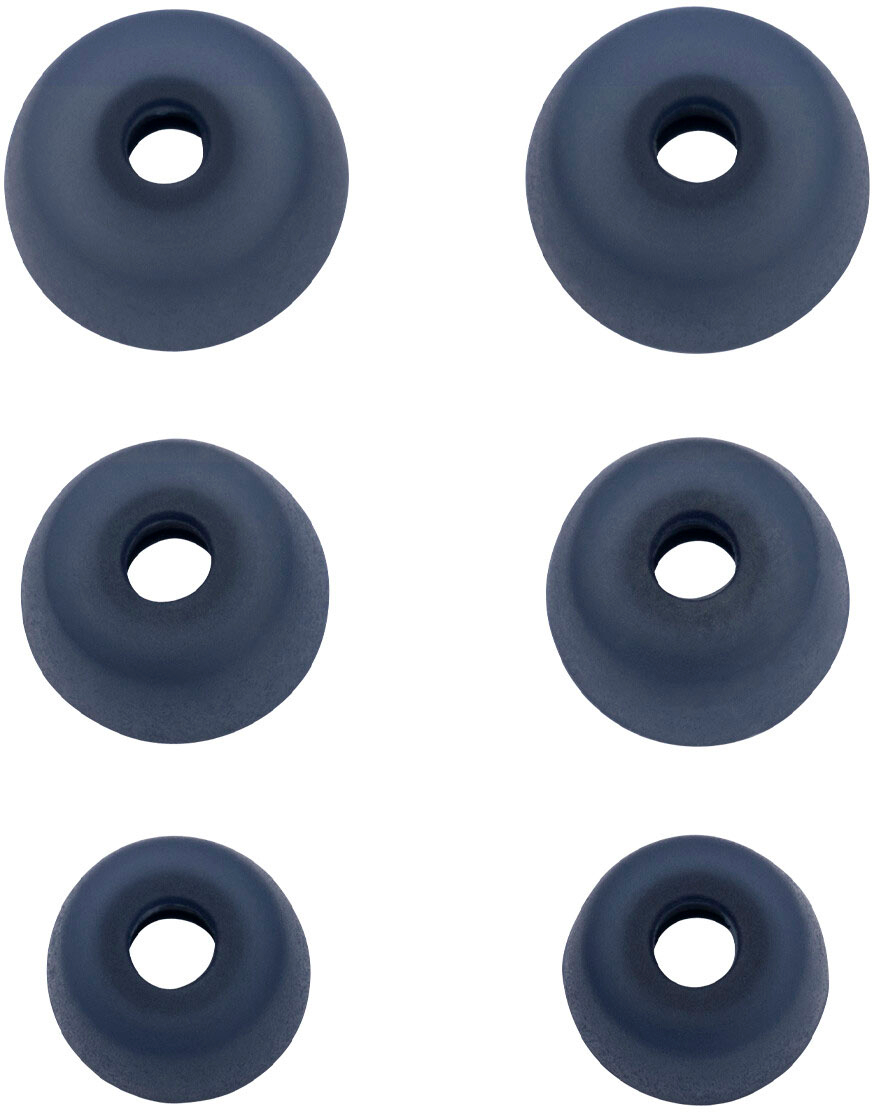
A:AnswerHello MB- Thank you for your questions about the Jabra Elite 3. To answer your first question, the Jabra Elite 3 features passive noise cancellation (PNC). Passive noise cancellation works using the shape and fit of the EarGels, which also blocks out and lowers the level of ambient noise you hear when you wear Jabra true wireless earbuds. Here the EarGels must create a seal in the ears to give the best results.
Regarding your second question: the design and wearing style of the Jabra Elite 3 earbuds, with the microphones located in the ears rather than next to the mouth, may, in some situations, present a challenge in picking up voice or filtering out background noise, compared with Jabra products that have a different design and wearing style. Other products may offer higher levels of noise reduction on the receiving end of a call because the microphones are placed closer to the mouth, for example, in a boom arm or on a cord.
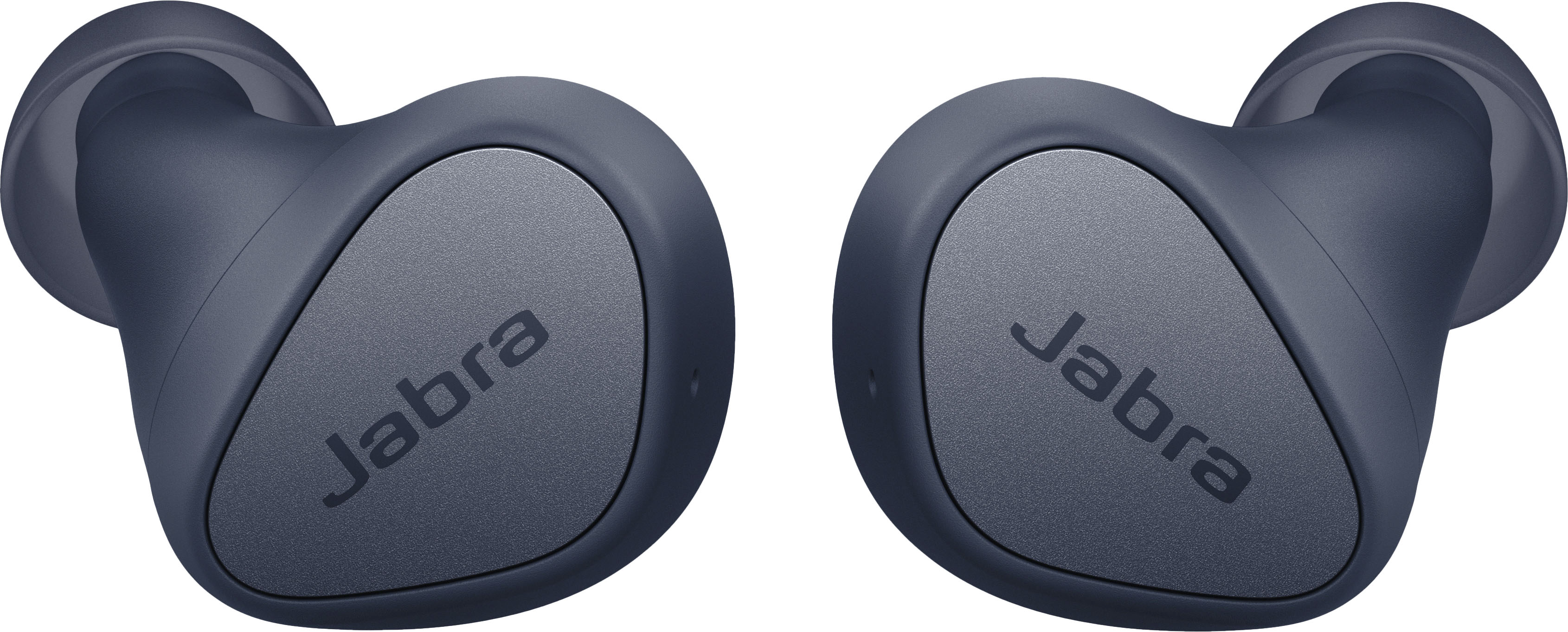
A:AnswerPer Jabra, “ Your earbuds have an IP55 rating which indicates they are dust resistant and can resist a sustained, low-pressure water jet spray. Note: Learn more about the IP rating here. To obtain the 2-year limited warranty for dust and water resistance, you must register your product in Jabra Sound+.”
A:AnswerStart over by clearing out the saved info in your Bluetooth. Download the Jabra elite 3 app and follow the direction. They should sync then, my husband had to he same issue. Hope this helps...
A:AnswerHello Ron - The Jabra Elite 3 was developed to connect specifically with mobile devices such as smartphones and tablets to allow you the freedom to stay connected on-the-go. Although you may successfully pair your Elite 3 with your computer, it is neither intended nor tested for that purpose. Therefore, we cannot guarantee performance and are unable to recommend this type of usage. Thank you.
A:AnswerHi Sophia- We will certainly pass this information along to the appropriate team for consideration. Thank you for your suggestion! We appreciate it,
A:AnswerHello SQ - The Jabra Elite 3 was developed to connect specifically with mobile devices such as smartphones and tablets to allow you the freedom to stay connected on-the-go. Although you may successfully pair your Elite 3 with your computer, it is neither intended nor tested for that purpose. Therefore, we cannot guarantee performance and are unable to recommend this type of usage. We suggest that you look at the Jabra Evolve2 Buds or the Connect 5t model as these are both designed to work with both computers and mobile devices. Thank you.
A:AnswerHello - The Jabra Elite 3 is optimized for use with a mobile device such as a smartphone or tablet. Some users may have success pairing the Jabra Elite 3 with a television or video game console. However, the full functionality of the Jabra device may not be available.
A:AnswerHello Heisenberg - The Jabra Elite 3 is not a multipoint device. While you can pair it with up to 6 devices, it can only connect to one at any time. Thank you.