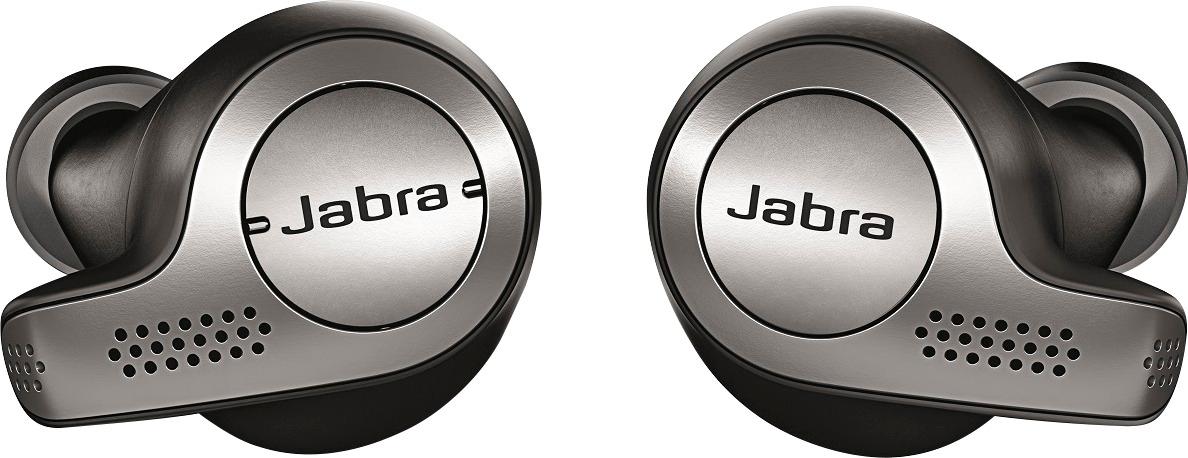
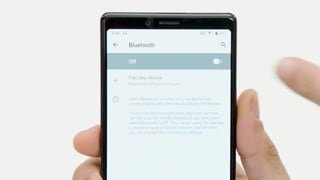
A:AnswerYes if your using the right ear bug only way to use the right if you have the right ear bug near you because of the pairing, You could call Jabra support to double check. I just lost my right ear bug and ordered a new one and couldn't get the left to work without pairing them.
A:AnswerI have them in my ears 8 hours a day and these are the only one I have found that don't hurt my ears. I have very small ears and could not find any they I could keep in my ears all day with out them hurting they are very comfortable, hope this helps
A:AnswerUnfortunately not. You are able to use just the right ear bud but the left is tethered to the right speaker and ill not work unless the right bud is working.
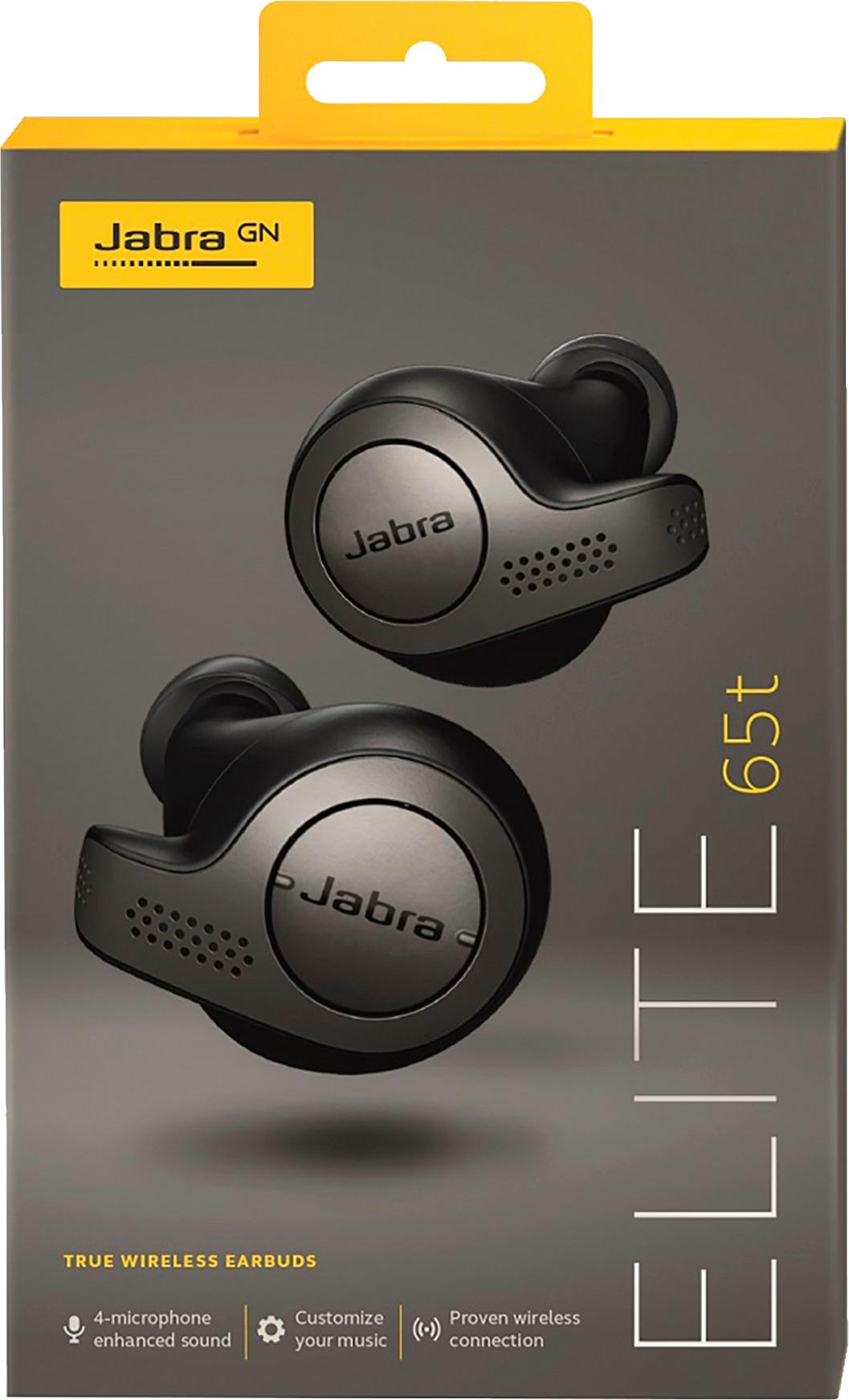
A:AnswerHello Lmurphy, Thank you for your question. The Jabra Elite 65t is compatible with the Apple Watch 3. Our Jabra Sound+ App is designed for use with a smartphone, and this app is used for reistration and updates for the Elite 65t. Thank you.
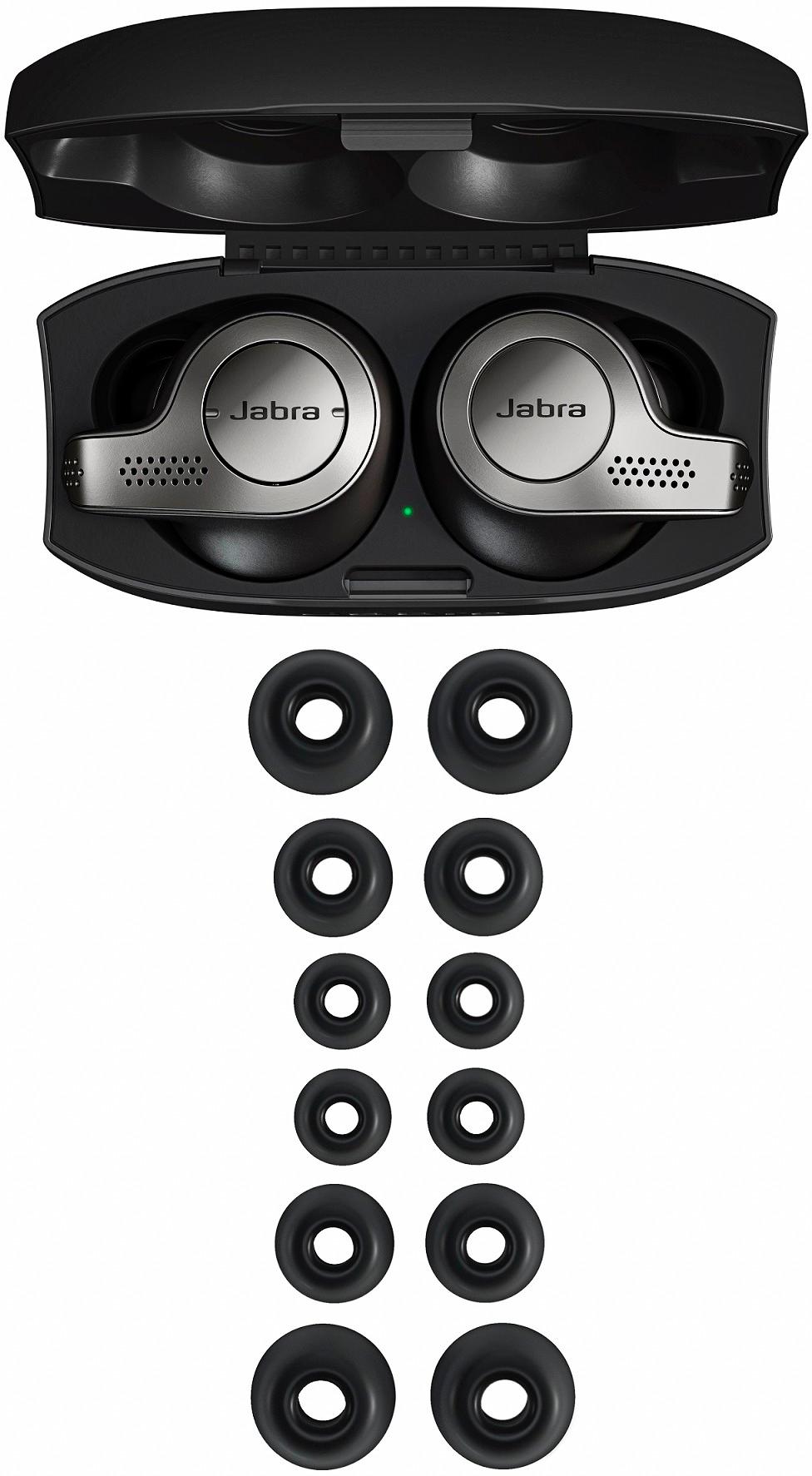
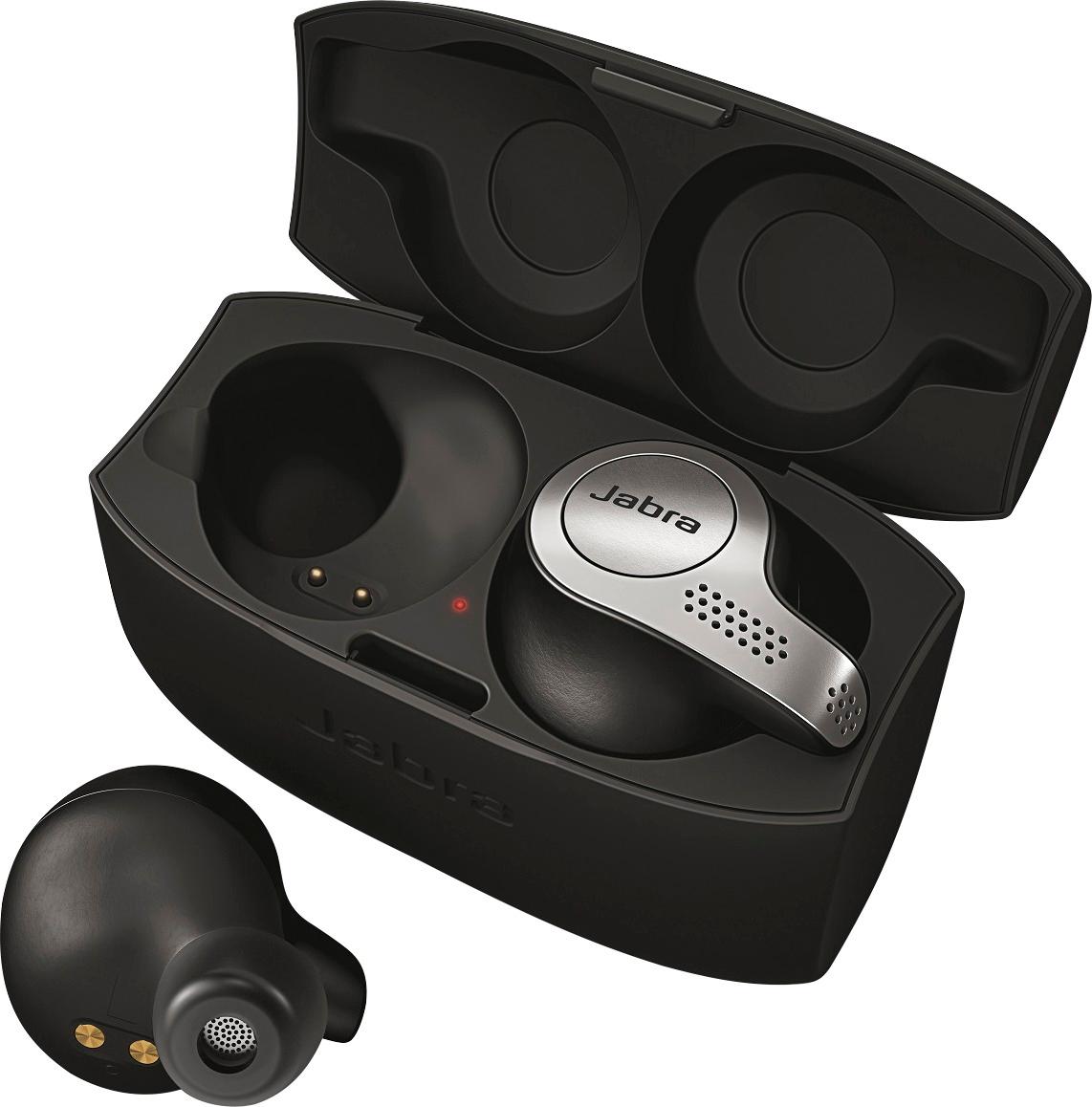
A:AnswerHello hedge - Thank you for your thoughtful question! You can pair the Jabra Elite 65t with your iPad and enjoy listening to your music for up to 5 hours between charges. The portable charging case holds up to two additional charges so you can listen up to 15 hours before you will need to plug your Elite 65t into a power source again. You can also use the buttons on the earbuds to control the volume or skip or replay any song! We hope you enjoy the Jabra Elite 65t!
A:AnswerIf the TV has Bluetooth. Set it up to find a Bluetooth device and set the headset up to search for the TV and pair the devices together. If able to pair they will.