A:Answer This sort of happened to me as well when I first got the buds. One thing that you can do to check if the upgrade is completed is by resetting (refer to the user manual for how to reset) the buds and pair it again with your phone. Then open the app, go to Headphone settings, you'll be able to check the current firmware version of the buds. Reason for the resetting is just my habit. You can skip it.
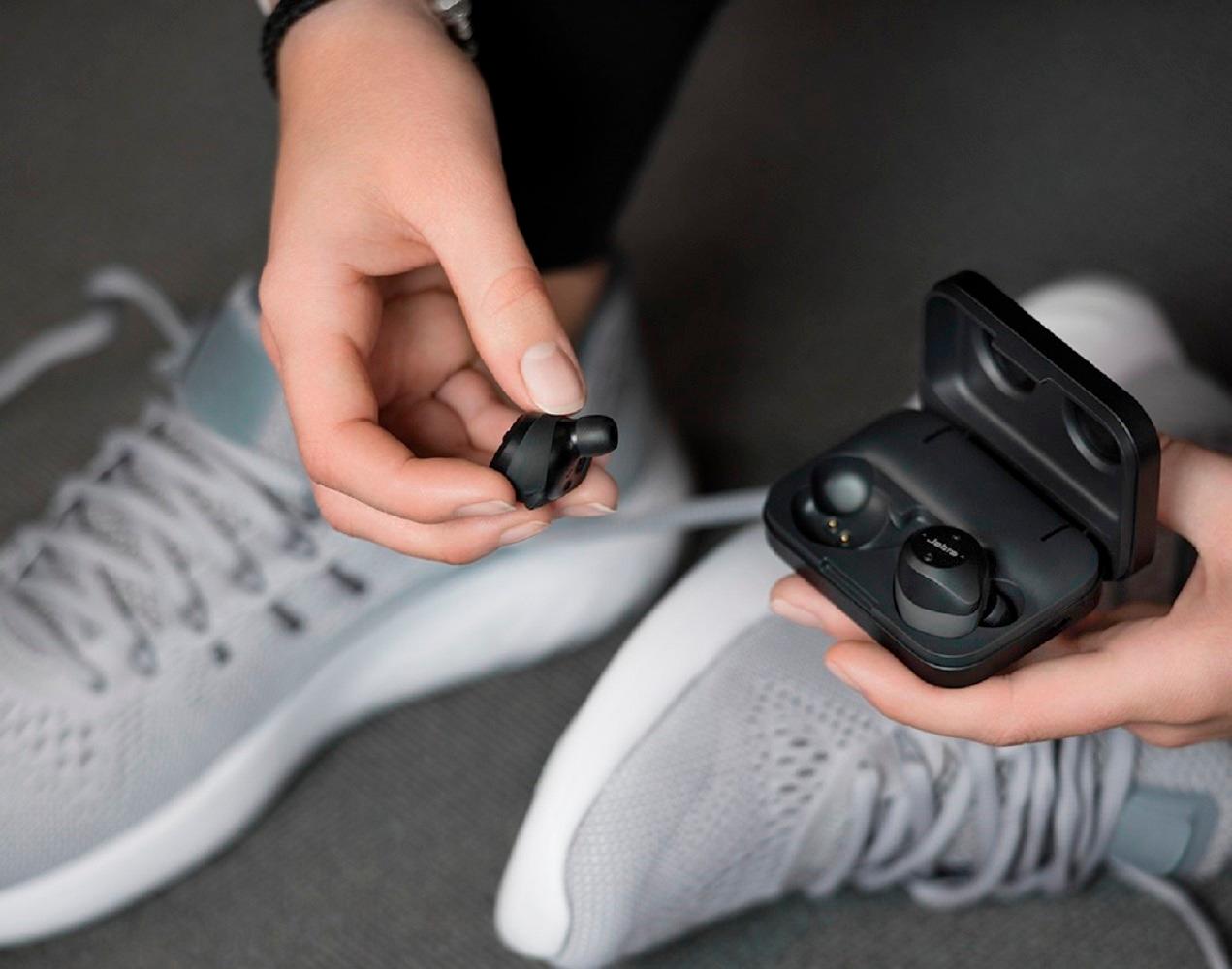
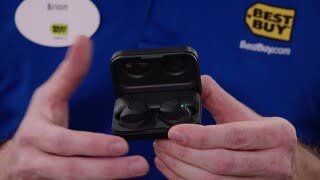
As for the charging light, I find that the LED light on the side of the case will light up when charging then only after the case is charged up, the two small LEDs on the front of the case will start lighting up indicating charing of the buds.
All above are from my two-day experience with the buds. You may see different and that may or may not be indicative of a problem.