A:AnswerYes, when you walk too far from your phone the headset will say “disconnected” and when you come back within range it will say “connected”. Also if you ever misplace your Bluetooth and it is turned on you can go the app and it will send a loud high pitch sound through your headset in order to locate.
Hope this helps.
A:AnswerYes. If the caller is on your contacts list, it will very clearly say the caller's name. If not on your contact list, it will announce the number.
A:AnswerHello Luyhw, we have provided you with the direct link for the accessories of the Jabra Talk 45: https://www.jabra.com/accessories/jabra-stealth-accessories-pack#/#100-62930000-00. If you have any other questions, please contact our technical support team: https://www.jabra.com/contact/support/jabra-support-consumer, we are always happy to help!
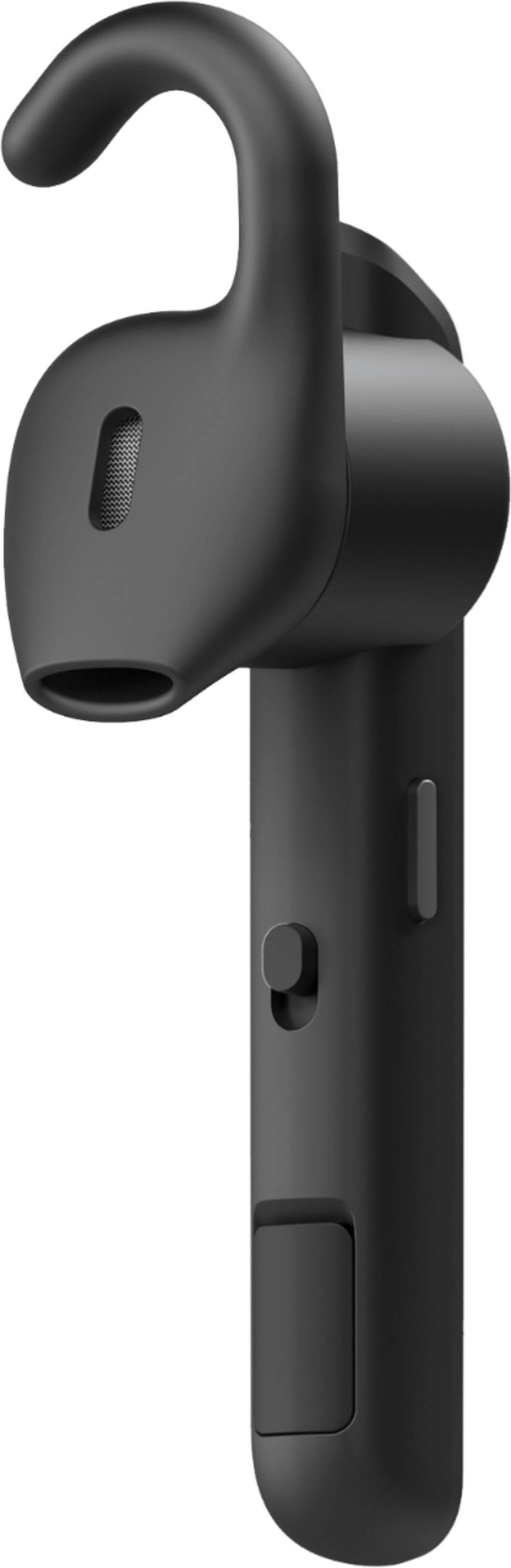
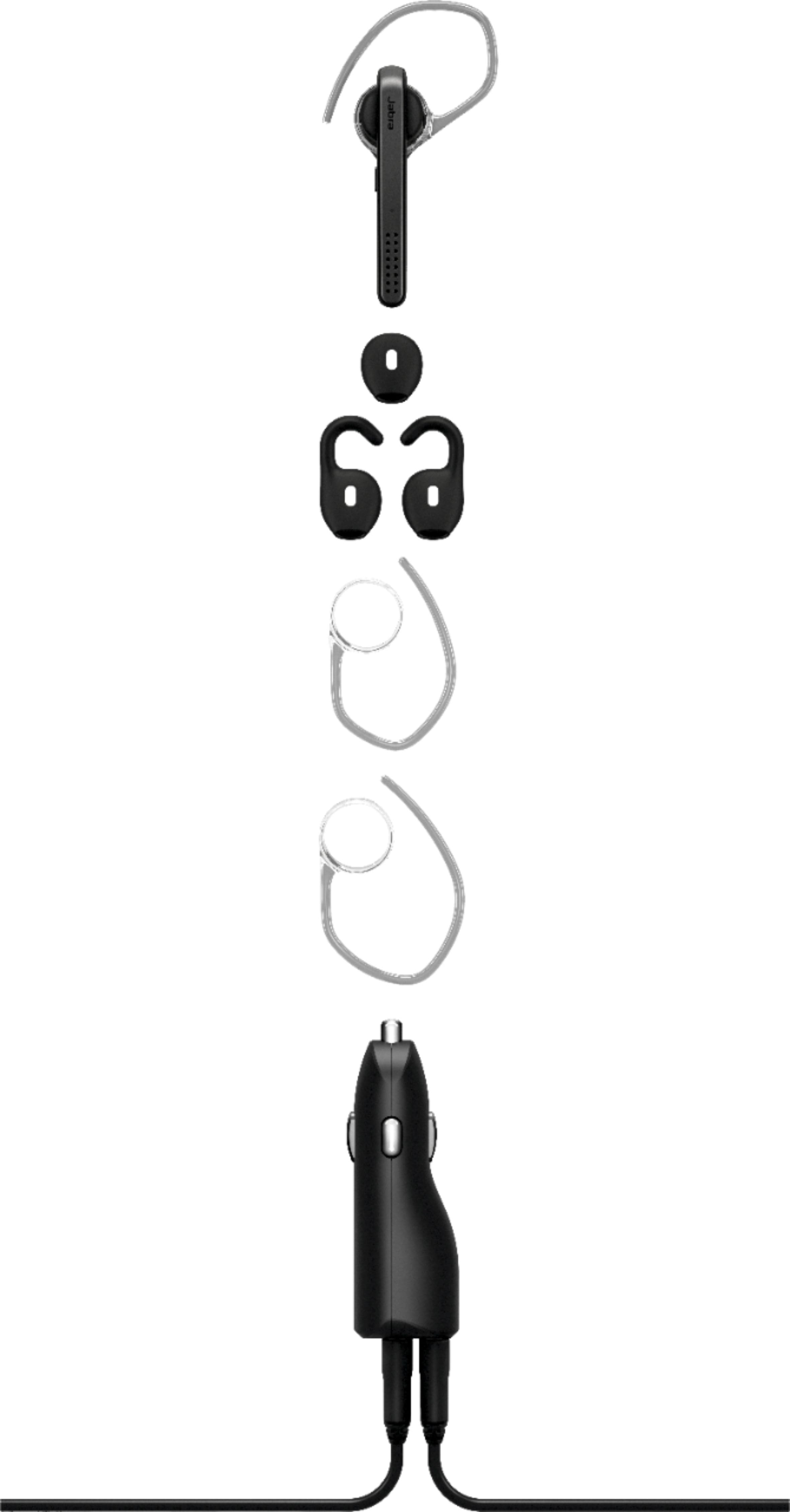
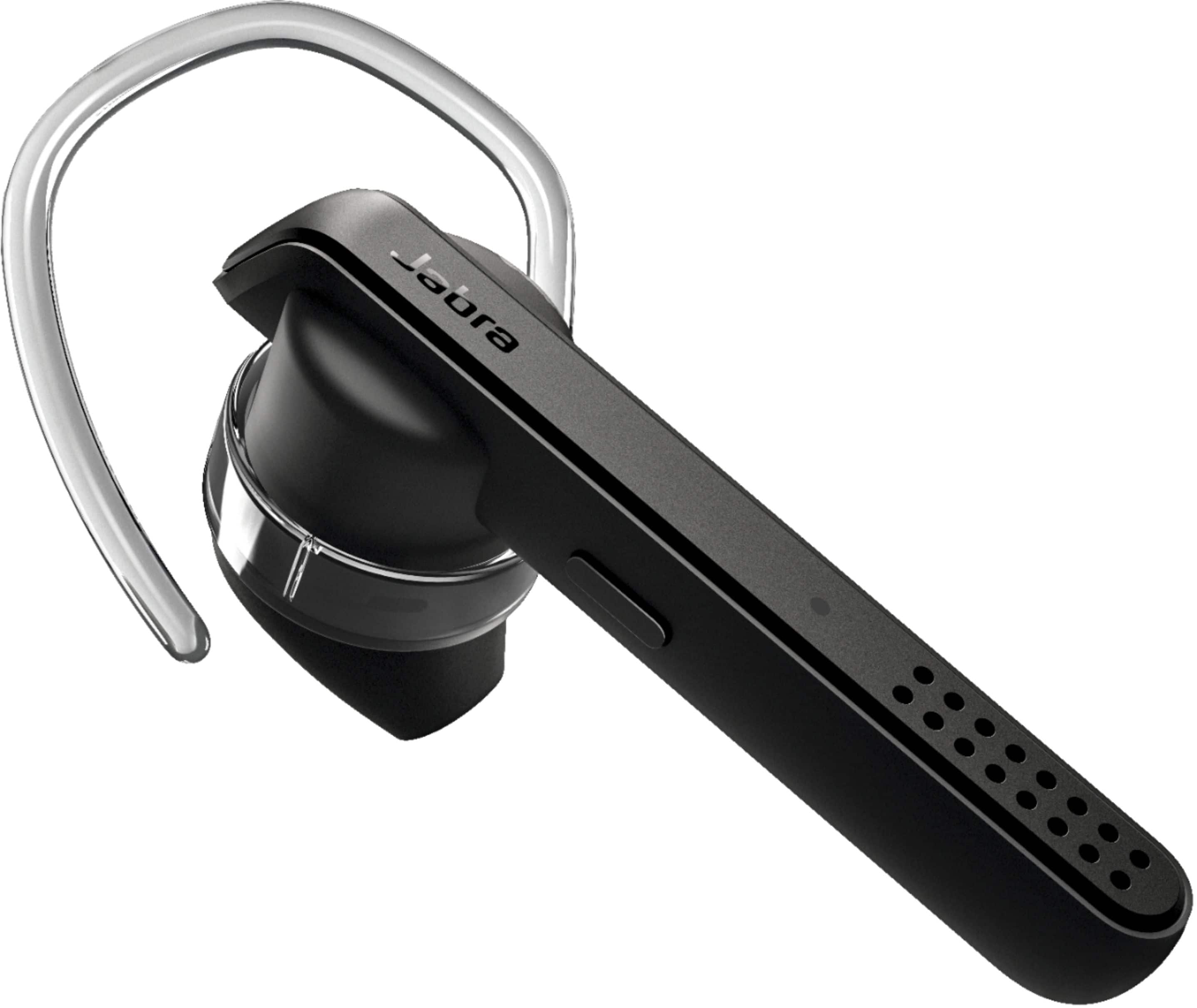
A:AnswerIt comes with a right side and a left side ear gel. Plus it comes with an other ear gel that you can use with the little plastic holder that goes around the ear.
A:AnswerHello! That is a great question. The Jabra Talk 45 can be paired with two devices simultaneously, and it can store up to 8 devices in its memory. This product is not waterproof. If you have any other questions, please contact our support team: https://www.jabra.com/contact/support/jabra-support-consumer, we are always happy to help!
A:AnswerHello Elliot, The Jabra Talk 45 does not have this type of feature. You may be able to use a third-party app to find this functionality. Thank you for your question.
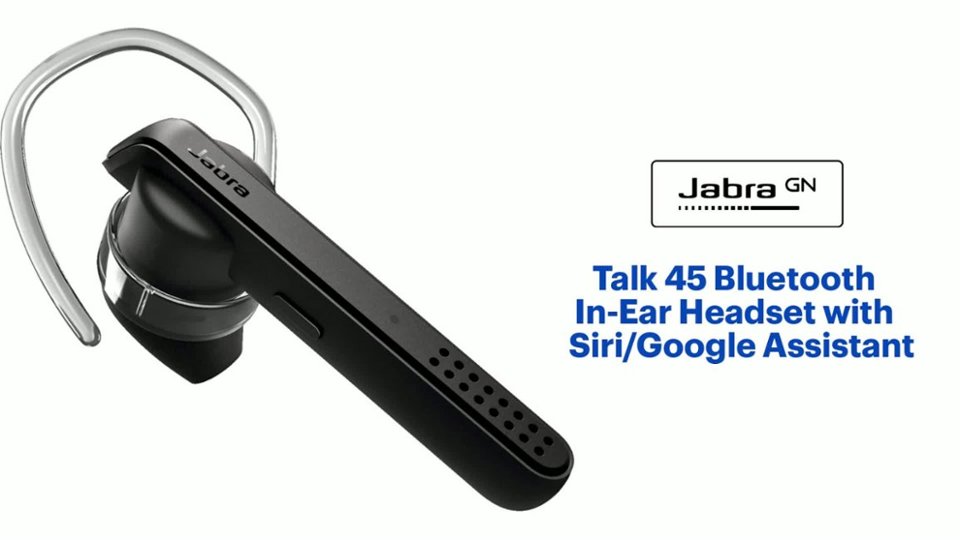
A:AnswerMy last Jabra did, I have not verified that this unit does but as long as it connects as a multimedia device you will have that ability. Here are the features out of the manual:
JABRA TALK 45 FEATURES
Clear calls - HD voice (phone and network
dependent) and two microphones
Noise cancelling - advanced technology for
clear, noise-free calls
Long lasting - up to 6 hours of calls, and up to
8 days of standby time
Stream from your phone - music, podcasts
and GPS directions
Voice Control - dedicated button for Siri® and
Google Assistant™
A:AnswerHello LindaM - The Jabra Talk 45 is compatible with any Bluetooth-compliant device, including your Pixel phone. Please make sure that your Talk 45 is in pairing mode prior to attempting to add it to your phone. Answers to most questions can be found at https://www.jabra.com/supportpages/jabra-talk-45#/#100-99800900-02, or you can contact us if you continue to have questions or concerns. Thank you.
A:AnswerHello Bhawan - The Jabra Assist app is not required to use the Jabra Talk 45 headset with your mobile device. Volume is controlled on your mobile device. Thank you.