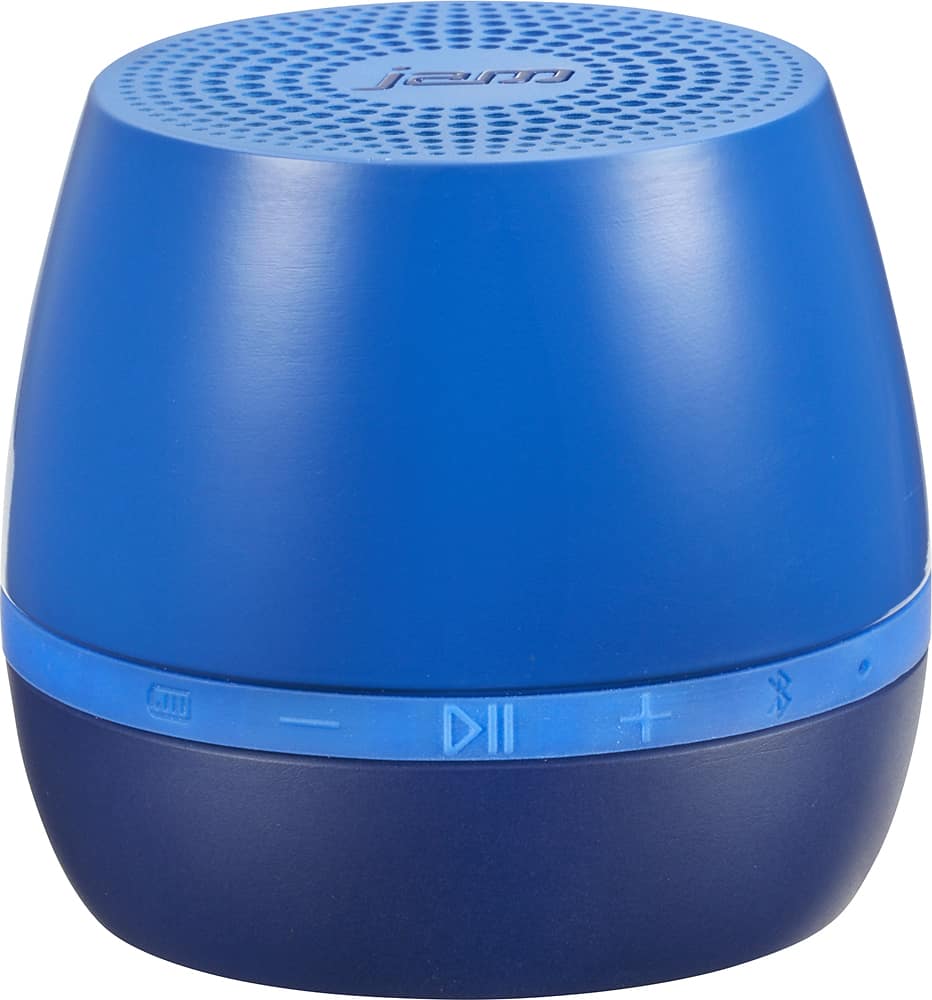
A:AnswerAt the top of the speaker by the power button there's a squiggly button, click it until it blinks (should be once but it might have to be held until it blinks). Go on to your phone in the Bluetooth section and scan for devices. There it should be able to be seen as JBL Extreme. Click it and you should be good to go
A:AnswerI don't use it with YouTube, so I'm not familiar. Make sure your notebook has the bluetooth engaged, check to see if the YouTube app settings are working. You can probably use a UBS if the bluetooth wont engage. Maybe see what others are saying on the Web.
A:Answerhold bluetooth button watch for item to come onto screen then touch item to select,and wait for screen to show it has been "Paired"Light on Jam should turn blue(not red)