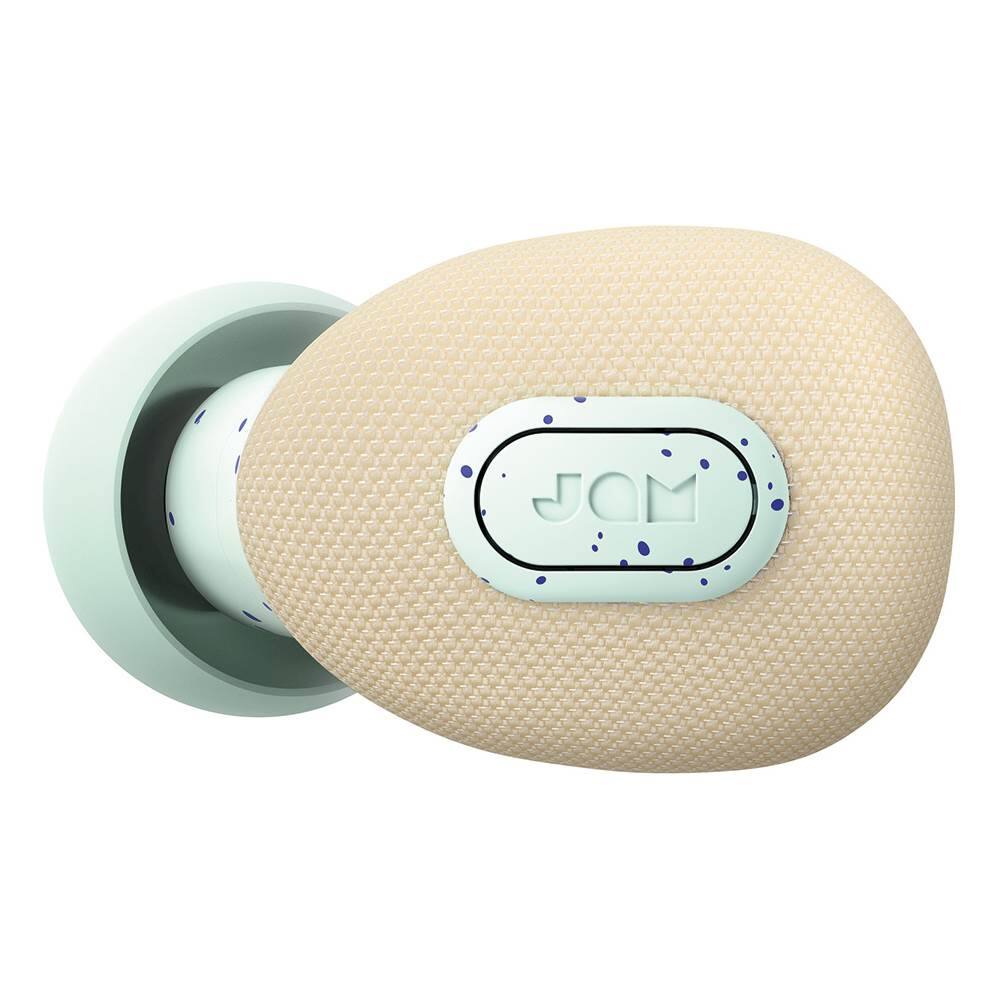
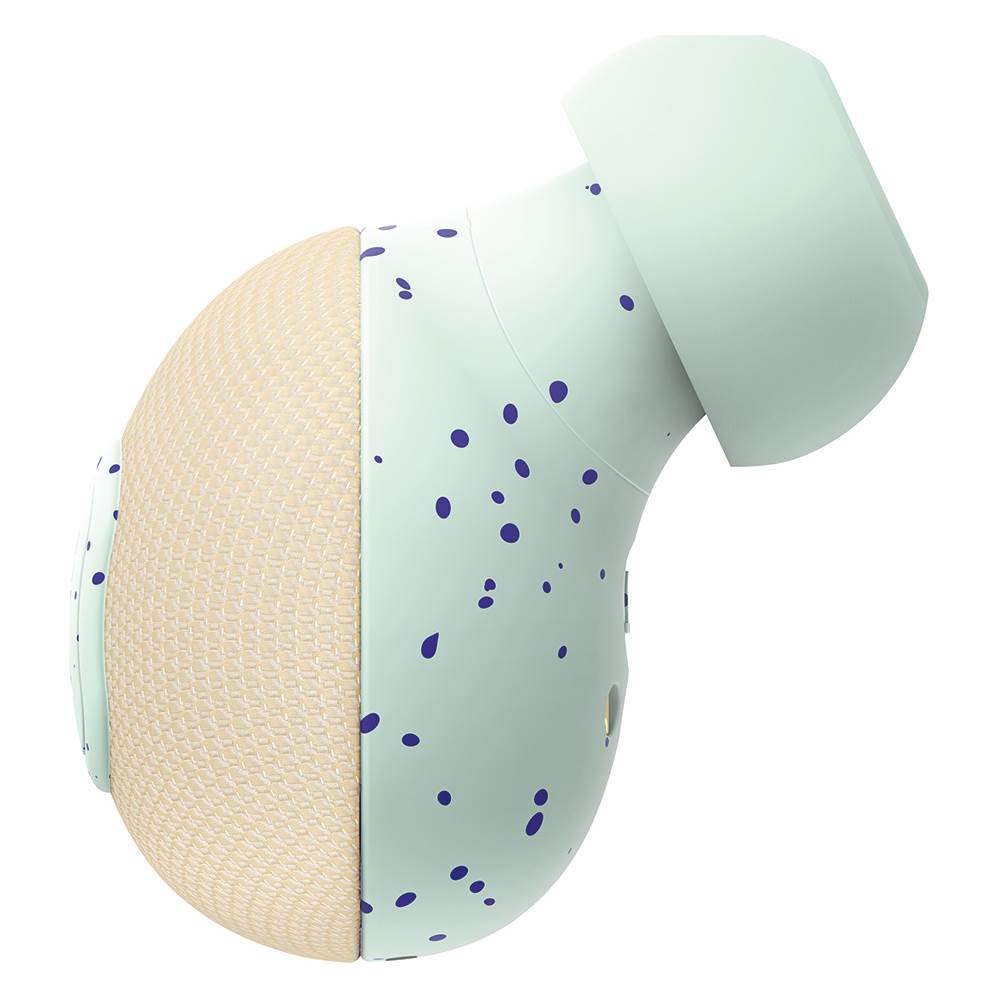
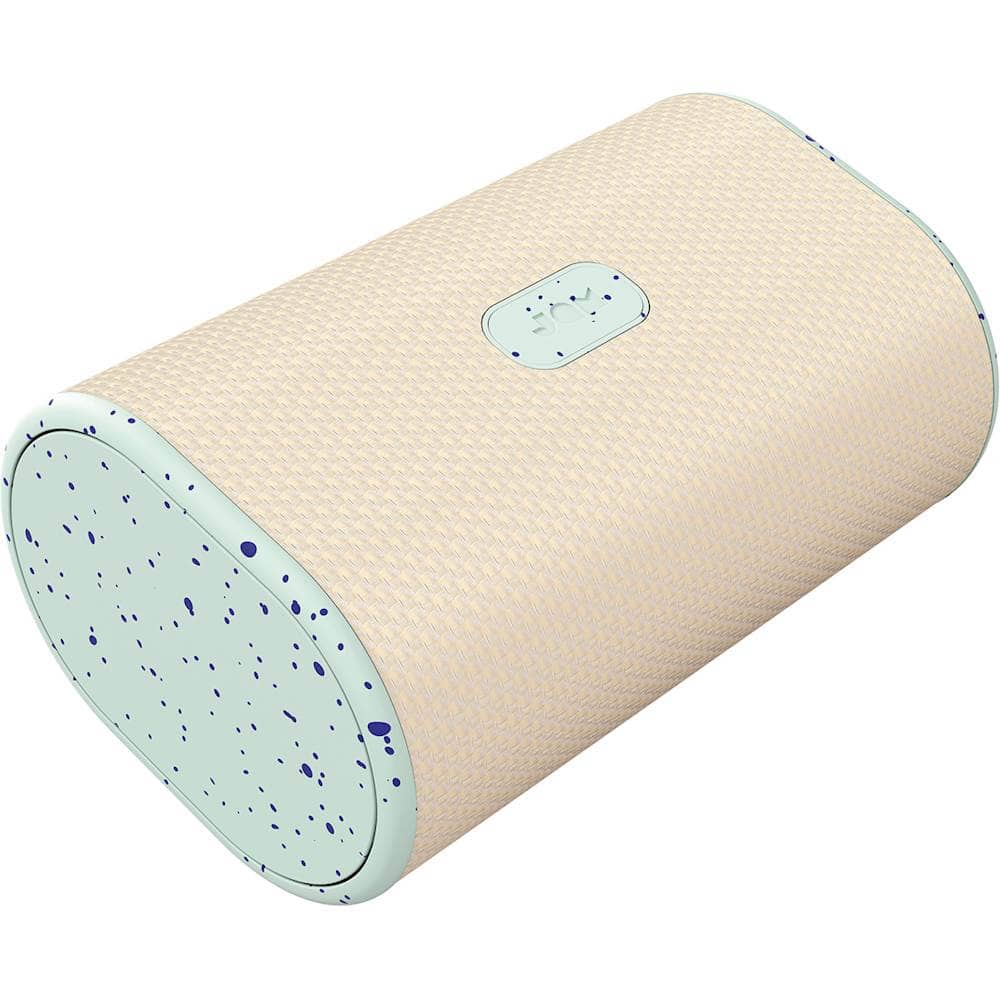
A:AnswerIf the read light doesn't turn on when you put them in the case then you have to return them asap that's another reason to get the warranty on the headphones just in case.
A:AnswerI would say yes, I've actually used them like at my current job. but once you're done with them make sure to put them both to charge because I got into the habit of using one and when I went to use both it through them off where my iPhone wouldn't be able to detect them as a pair and I had to go through the whole pairing sequence again (a pain in the butt especially out in the cold weather).
A:AnswerYou would have to go through the settings of the TV and find the Bluetooth setting (if the TV has Bluetooth capabilities). From there you search for devices, them take the Earth's out of the case and they will go into pairing mode. The TV should find them and connect.
A:AnswerMine did the same thing but with the right one not working. I did a whole variety of things, not sure which one fixed it. I held down the power button of the not working bud for like 30secs in the case and then also out of the case (while the working one stayed in the case).
I swapped the left and right buds around in the case and then I pulled them both out, still nothing. Then I placed them back in in defeat and the little red LED came on both of them! Still can't get them it to power on or sync so I'm going to leave them on charge for a couple of hours, maybe it was just a bad connection and one earbud wasn't charged properly. Good luck to us both haha
A:AnswerHi there, no, your left earphone is not broken. As you know, there are two settings, mono and stereo, please be careful when removing your earbuds from the charging case by not pressing any of the buttons because pressing anyone of the buttons will cause your earbuds to play in mono mode. Also make sure that you select "Live True" from your Bluetooth screen, that's for stereo. If your left earphone does not come on or flash blue/red, press the button on that left earbud and then both should start the pairing process. I do hope that this info helps you so you can enjoy your "Jam" earbuds.
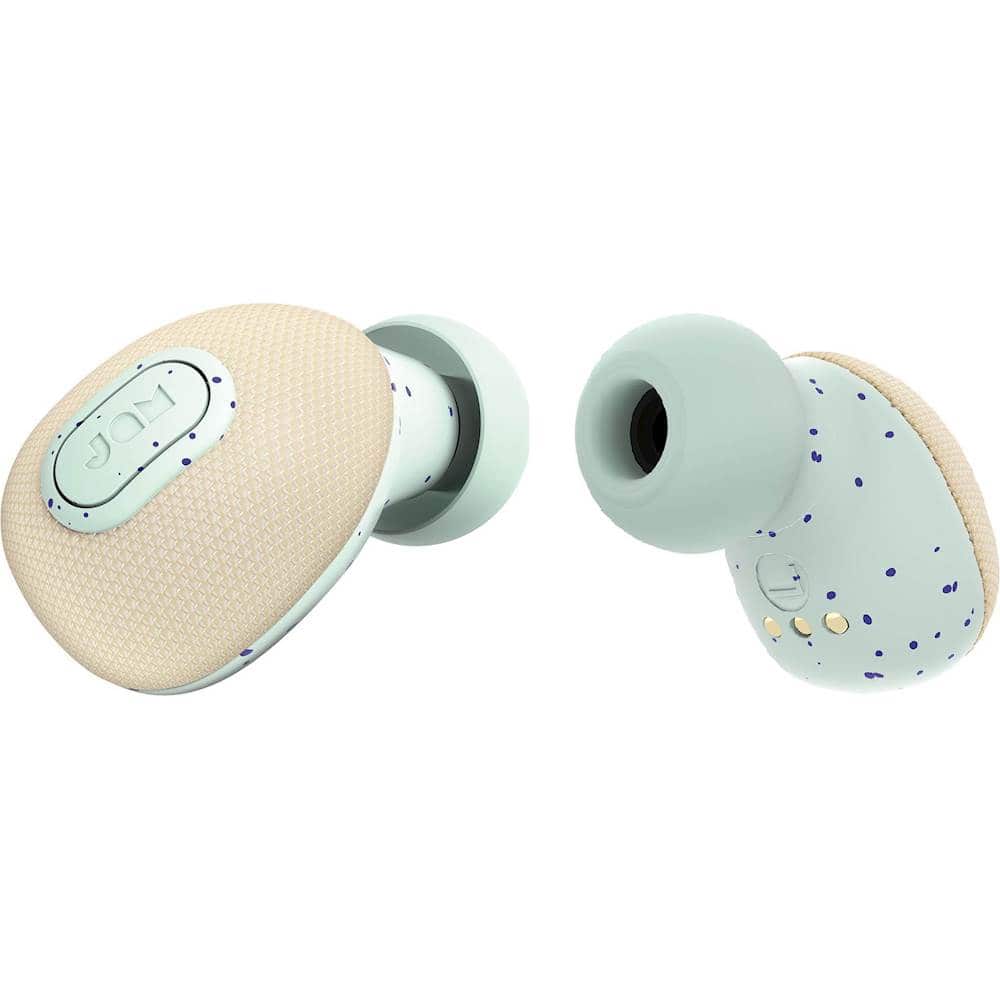
A:AnswerCheck the screen when you turn them on and sync with your Bluetooth. If it says Mono then it's only synced with one earbud. When it says Live then both are at work. Hope this helps
A:AnswerI have to turn off my phone's bluetooth, then power up the buds and wait for them to sync together. I can then turn on the phone's bluetooth. If bluetooth is on when you power them up, the phone pairs to one of the buds before they can join together. Hope this helps.
A:AnswerYou will have to connect separately both earpieces to ur device once then they will link together n u can only speak through one of them since mic is only in one earpiece not on both hopefully that will helps
A:AnswerHave you tried to manually turn it on with the jam button on the side..(if not, press and hold for a few short seconds.) this should turn it on... if that’s not the case then you should seek an exchange or a refund. -Eric.
A:AnswerIf you purchased geek squad coverage, then just take them back to the store for replacements. If not, contact the company to see if they are still under warrenty.