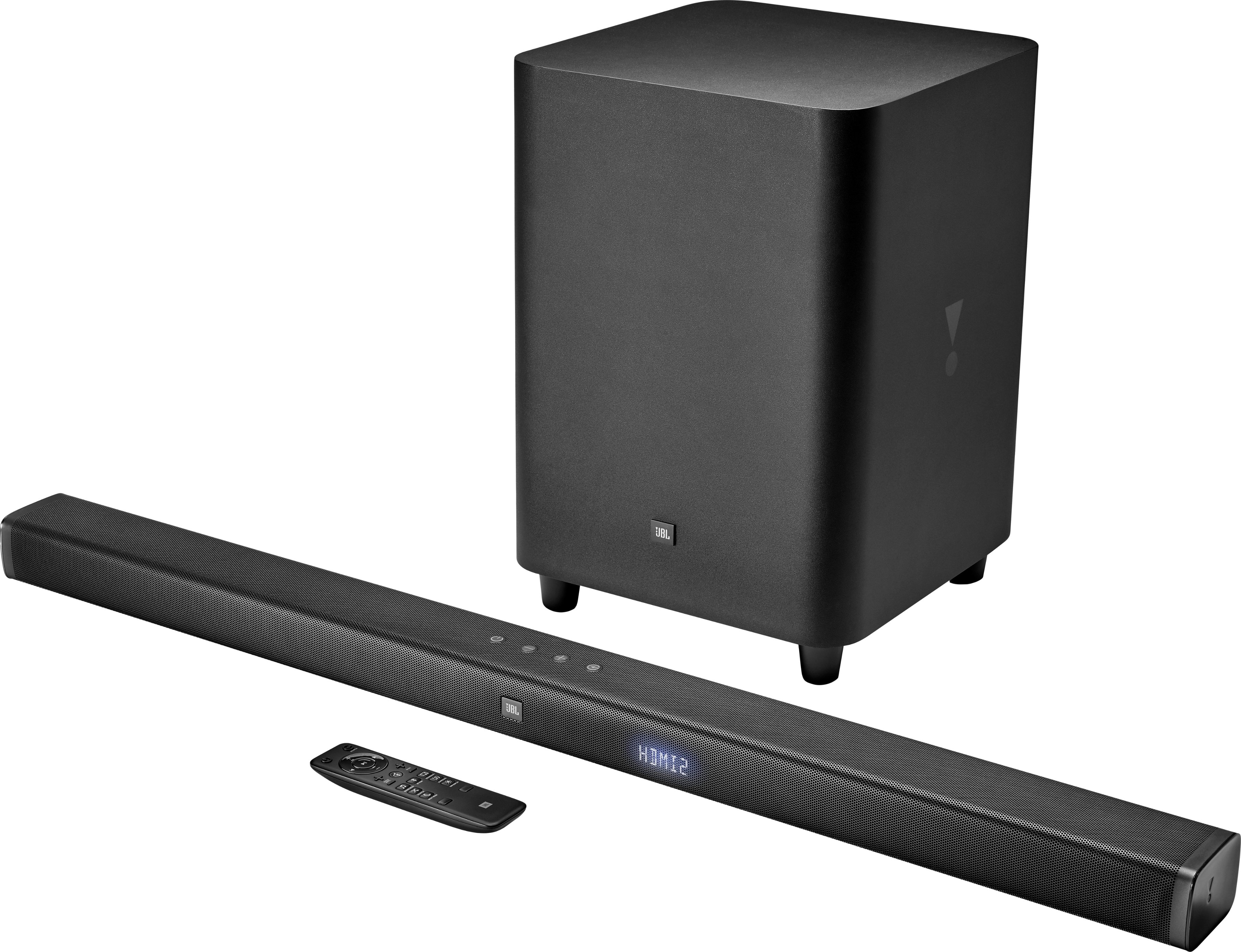
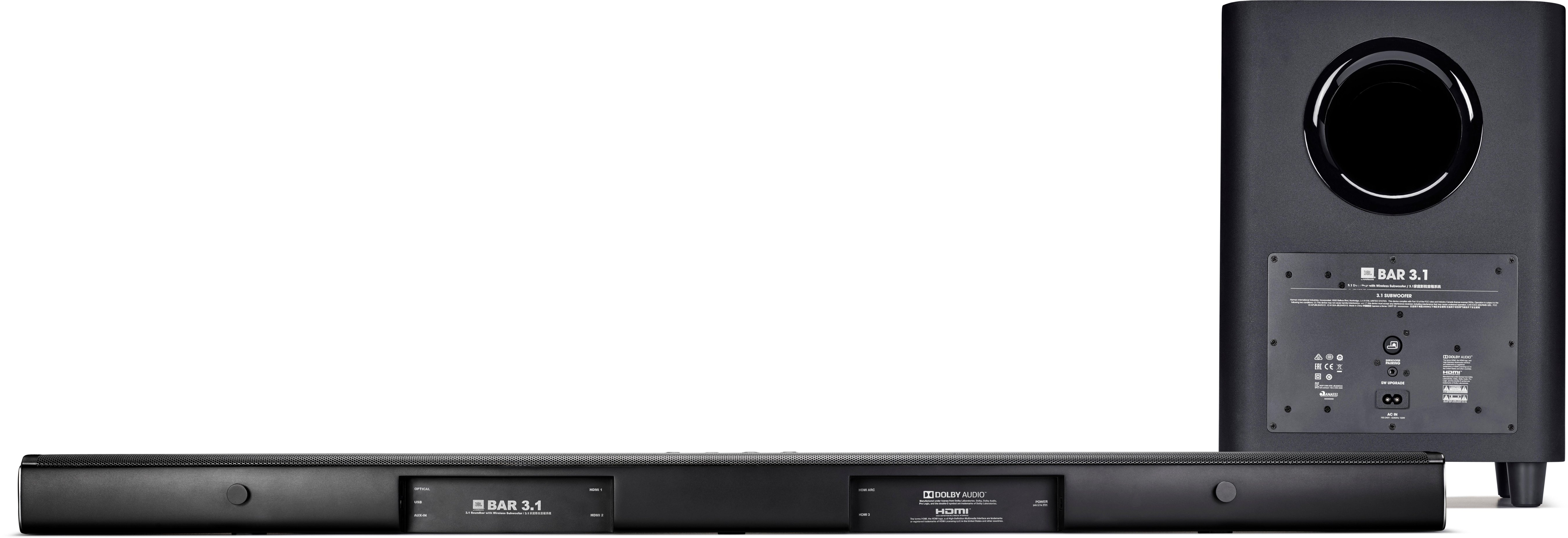
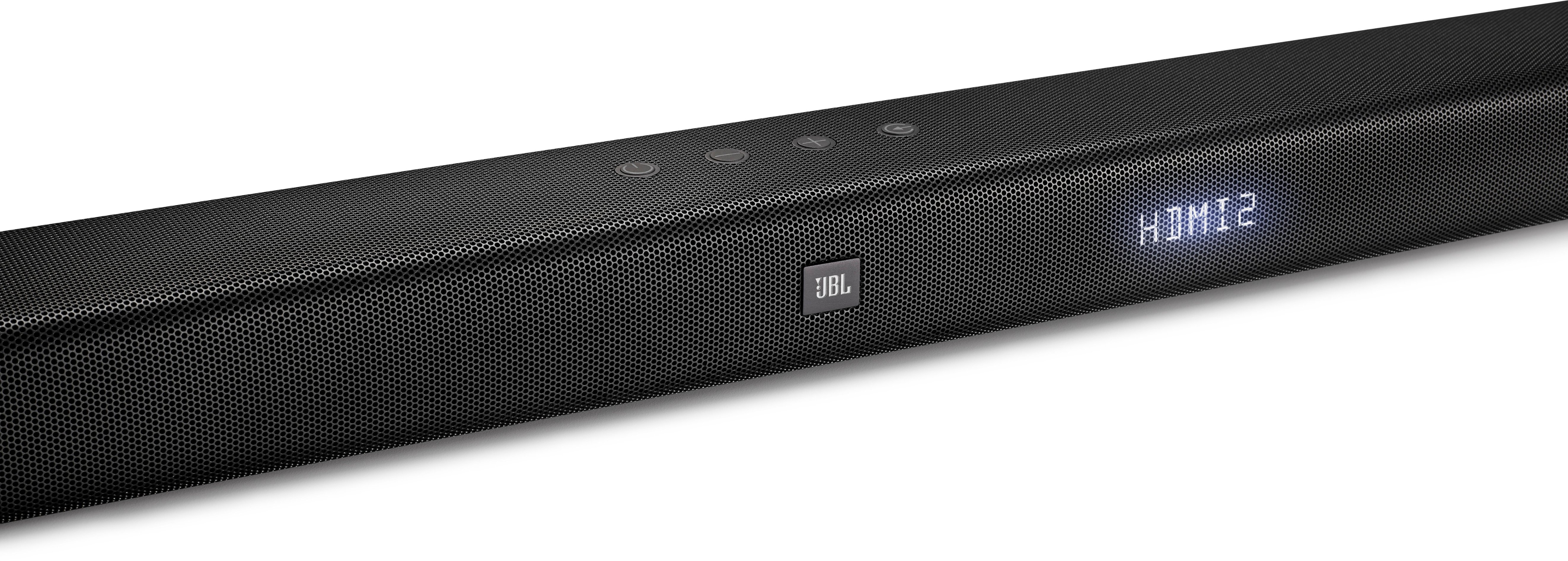
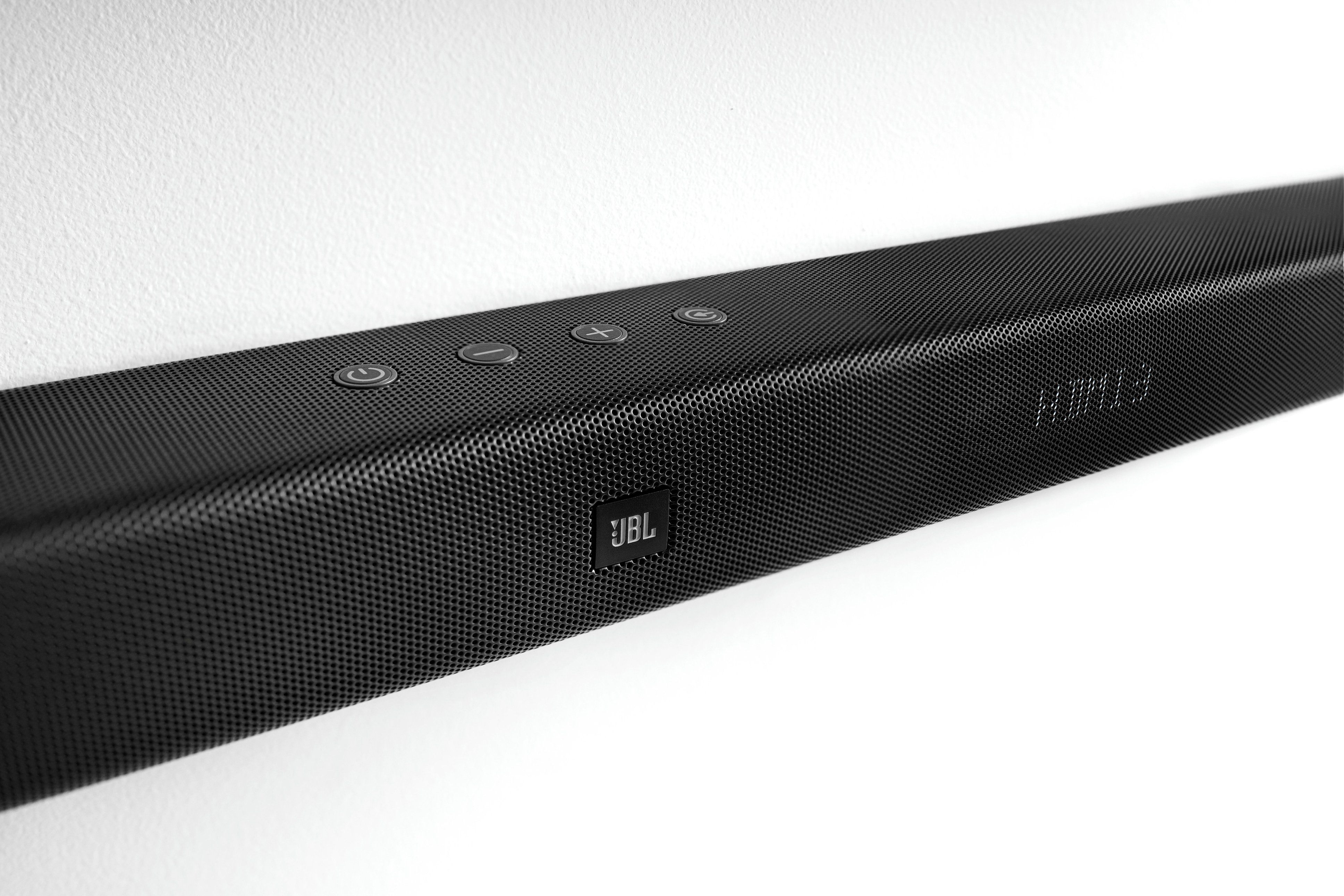
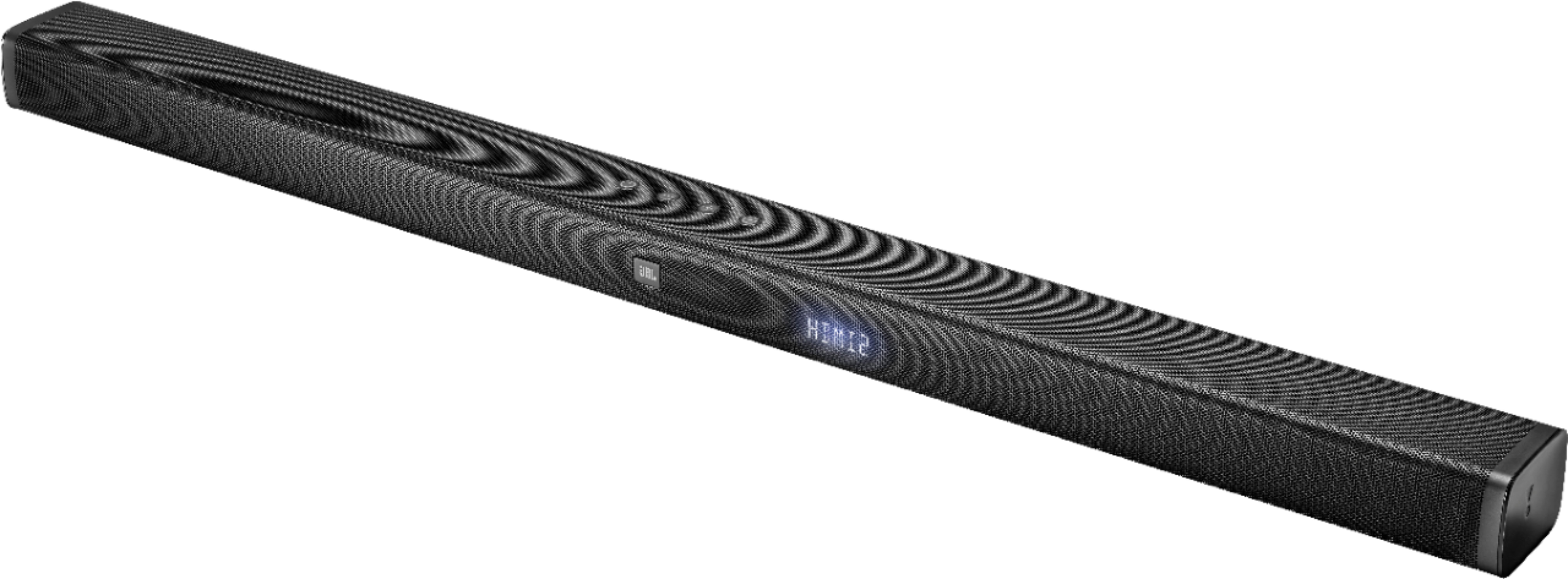
A:AnswerFYI, I returned the soundbar, however, I did try some experiments before sending it back. I found that if I left my TV on (ARC out) or Direct TV receiver on (HDMI1) that the Bluetooth connection didn't drop out. So to me it appears the problem is when you only have the soundbar turned on and no peripherals. I tried a factory reset to no avail.
A:AnswerDont mean to question your technical know how, but have you tried plugging to a different outlet to rule out bad power outlet? Have you checked the connection between the powerblock and the power plug?
A:Answertry keeping the subwoofer closer and press the power button longer until the light blinks and then follow the instructions in the manual for pairing.
A:AnswerMaybe try using the opt cable instead of HDMI if that’s what you are using or vice versa. I’m using the opt cable and it’s never been a problem. Is it doing for online streaming or OTA channels or is it satellite?
A:Answerits quite possible the TV's bluetooth source volume is much higher - ARC. To keep the settings neutral for all audio sources try one of these - I'm not sure if your tv is a sony but you get the logic - the settings could be similar to all devices just the location could be different -
https://www.sony.co.uk/electronics/support/articles/00173903
A:AnswerThe auxiliary port that both the JBL Bar 3.1 and headphones have would be inputs. If you connect the headphones on the soundbar, it will not work. If you have more questions, please reach out to our Customer Support. https://www.jbl.com/support-contact.html
A:AnswerWe'd like to work with you directly with the Bluetooth issues you're having with your JBL Bar 3.1. Please reach out to our Customer Support, and our representatives will reply within 24-48 hours. https://www.jbl.com/support-contact.html
A:AnswerJBL Bar 3.1 is a standalone soundbar and subwoofer system. Unfortunately, additional speakers can't be connected to it. If you have more questions, please reach out to our Customer Support. https://www.jbl.com/support-contact.html
A:AnswerHaving the same kind of problem with the remote on a new BAR 3.1. Put in new batteries and it is somewhat better. Source, Volume and Bass Controls work from 12 to 15 feet away now but rest of the buttons don't work from 2 feet away. Spent over an hour on the phone with JBL support on this and an other issue. JBL tech said having to have the remote close to the to the soundbar is the "way it works". Been waiting on a call back for 8 hours.
I hope JBL sees this because their support is lacking.
A:AnswerOnly if the turntable set-up you are using has a built-in amplifier. A Turntable alone is all it is, they normally do not have their own amps, such as the one I use (I have two, new and old) I prefer the older high-end Teac w/a reddish strobe to keep the turntable from going too fast or too slow for an Audiophile. I purchased it in late 1968, that is better than the newer more expensive, but can only be connected by wire. To answer your question, I would need the specs of you "Bluetooth Turntable", make, model and year purchased. Whereas I also have use of a Denon Receiver with amp which is 5.1 or 7.1.
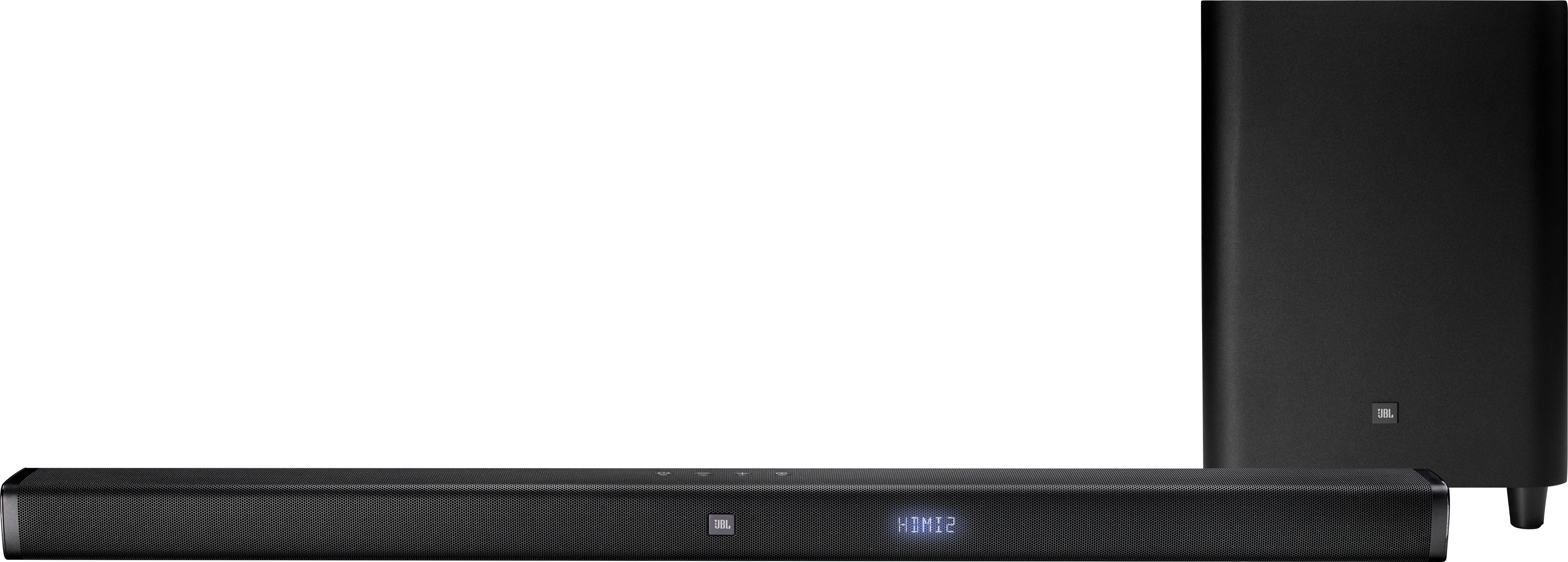
A:AnswerRashid, I may have to go downstairs and look again at mine, but I do not recall a switch for 110/220...I've rechecked and no, it is 110v only, although JBL does make a 220v version according to their website, but not most of the ones made for US customers. You may try locating on in the E.U. or buy a travel converter, which will step down your voltage to 110v.
A:AnswerI'm not sure if the JBL has pre-out which could carry the input to the Amp. Does your Amp have a digital out or HDMI out? typically amps may not carry HDMI out but worth the ask- what kind of source inputs are supported by your Amp?
check out Monoprice.com or better yet call them. They make different kinds of solutions specifically for Audio / Video. I buy lot of stuff to bridge connections from them.