A:AnswerIm a roofer and have had a hard time finding any thing that was loud enough to hear over any equptment . The boombox 2 definately solved that problem. The 24 hour battery life was a nice bonus, I thought. I was disappointed when It died after just 6 hours into an 8 hour day at high volume.
A:AnswerIt's interesting that JBL does this. But JBL only has their speakers connect to their other speakers of within the same year or time era! So for an example: The Flip 4 will not connect with the xtreme because the xtreme was made last year as the flip 4 was made just recently. Even though the flip 4 is tiny compared to the boombox, the two speakers can connect together because they were both made within the same year/time era. When JBL releases their Xtreme 2 speaker, it'll be compatible with the boombox and flip 4.
You got 14 days to return the boombox if you aren't happy with the purchase
A:AnswerThe JBL Boombox comes with a factory charge when brand new, but it varies. With this, there is really no direct time-frame that we can provide for an initial charge. Unlike older devices that needs a certain amount of time plugged in initially, batteries now are better and does not require this. To keep the battery healthy, it is not advisable to drain the battery before charging it, small, frequent charges are better than charging it 0-100% at a time.
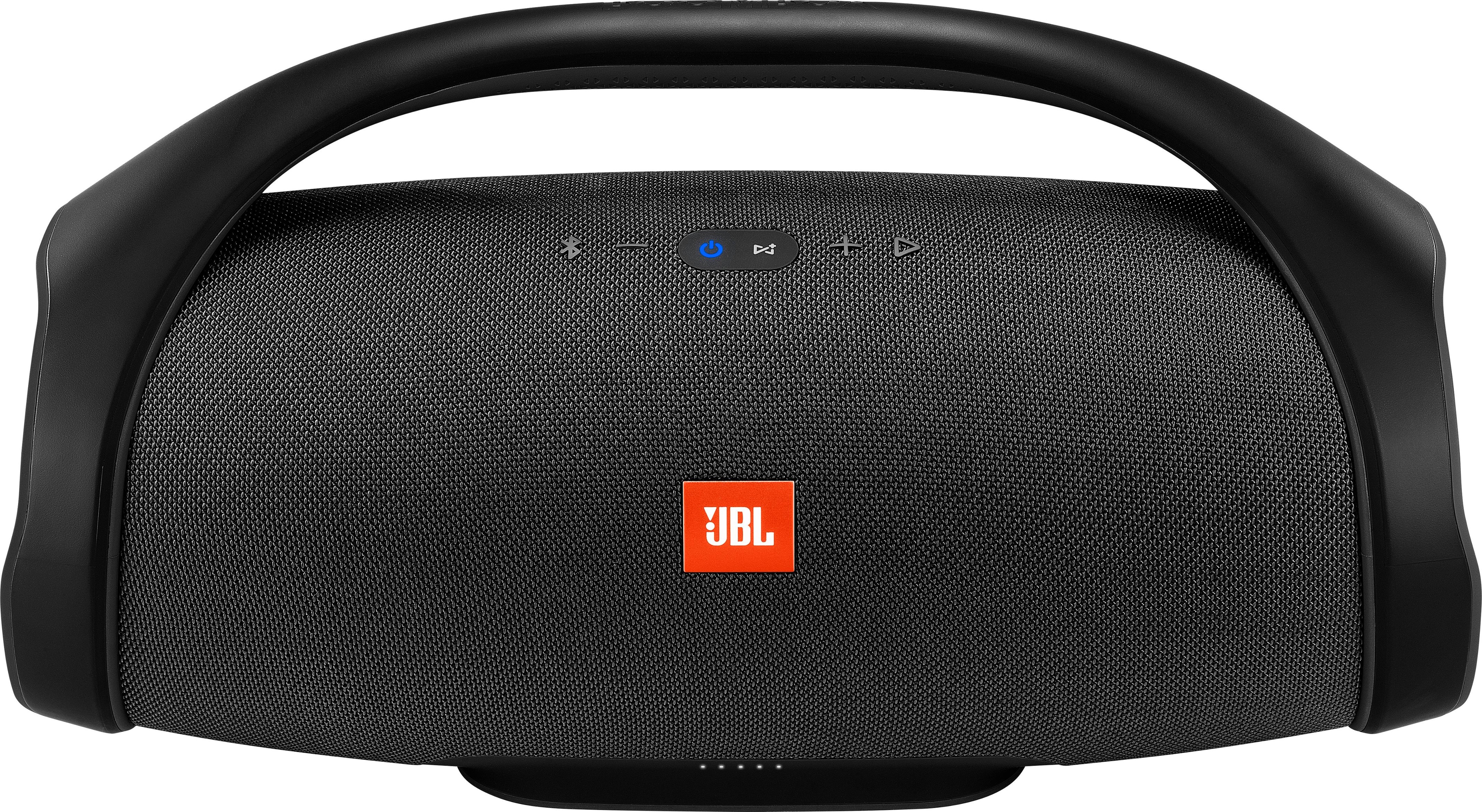
A:AnswerYes you can even without a cable like I've seen if you have a smart TV that has Bluetooth built-in you can Bluetooth it to the Boombox and it works just fine. Did you have to take the time to go to the settings on your TV so that you can Bluetooth it to the boombox. This is a really good option if you have a smaller budget and you want a portable Bluetooth speaker you can take anywhere and improve the sound quality of basic television speakers in one purchase
A:AnswerGreat sound, but probably not for such a large crowd. Could sing 2 or three together to make it work. That would be fairly expensive to do as each box is fairly expensive.
A:AnswerHi there, the lights should show you the current charge of the JBL Boombox, try to plug it in and charge and see if it lights up, if it doesn't then the LED Lights aren't working right and we'll need to check on our options for you. Please submit a case request and so we can assist you: http://www.jbl.com/support-contact.html
A:AnswerThanks for reaching out. JBL Boombox can play in stereo alone. However, If you're planning to connect another JBL Boombox to play them in stereo mode. You have to use the JBL Connect app on your mobile device, and you can choose either play them in Stereo or in Party mode. But If you will going to connect them to a different JBL speaker like Flip 4, they will only play in Party mode.
A:AnswerHi! Yes the Boombox is currently out of stock but not discontinued because this is a new product. Its just out of stock due to a number of orders that we got and we are expecting to have them by the end of July.
A:AnswerDo you mean a CD player? Yes, of course! If your CD player has an auxiliary output, you can connect it to our JBL Boombox using a 3.5mm aux cable. Playing the CD directly on the speaker may not be possible because it doesn't have a player. Or if your CD player has a Bluetooth transmitter capability, you can also connect it to the speaker via Bluetooth.
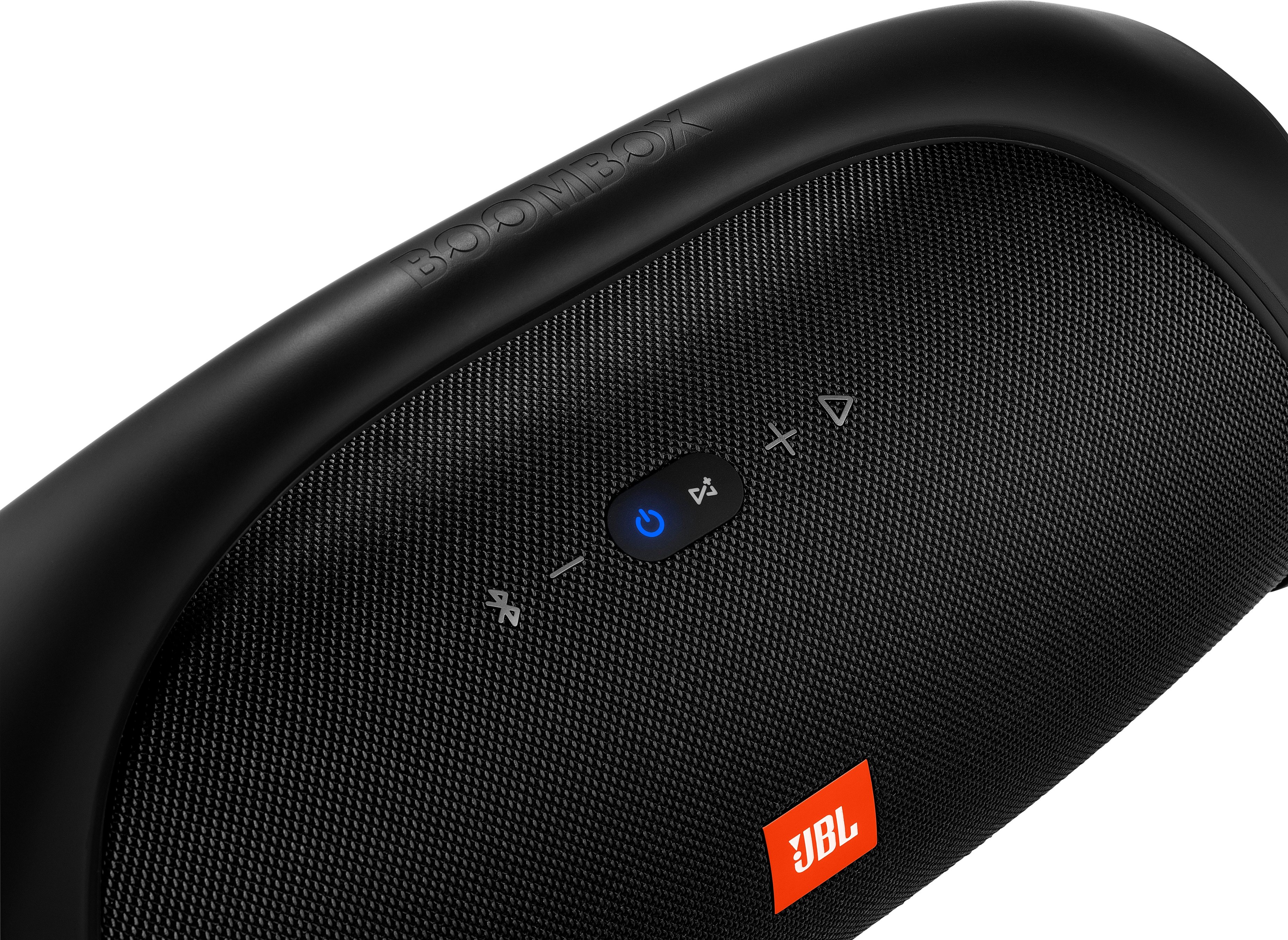
A:AnswerYes, it has. Our JBL Boombox allows you to listen and answer phone calls. Just have to simply press the Play button on the right side of the Volume + to answer the call. Check this link for more details about the speaker: https://bit.ly/2m3873r.