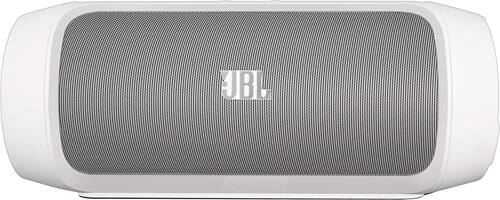
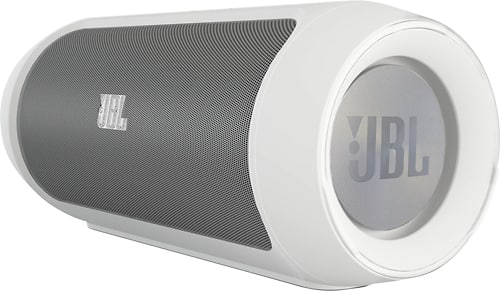
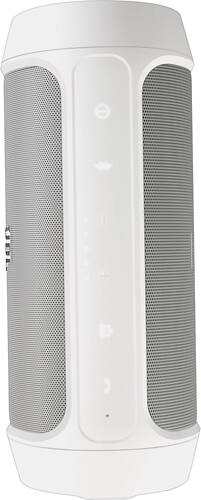
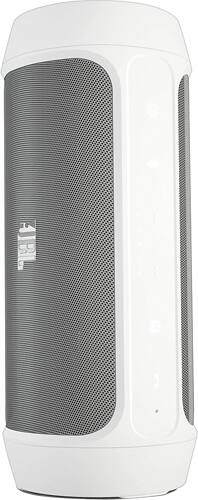
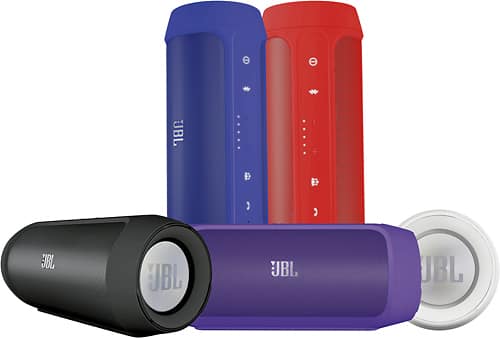
A:AnswerYou need cable to charge it to wall plug (which it comes with). And it's bluetooth, so if your device is bluetooth-enabled, you dont need a y cables as long as it is charged. If you lose battery life, you can plugcable and charge while playing. You can also charge your phone by connecting it to the speaker (it will drain speaker charger faster). And tou can plug speaker to phone and speaker to wall and charge both at the same time.
A:AnswerI'm truly sorry I don't see where you'd place a flash drive. Besides it needs to be connected to a cell phone's blue tooth. If you're just trying to use the flash drive not then connected to blue tooth. Will not work!
A:AnswerMine came with 1.4.0. There are ways to check the manufacture date by the serial number, JBL uses certain letter and number combos to represent the dates. None at my local store were manufactured recently enough to have the 1.4.1 firmware.
A:AnswerMost of them do not. The one I purchased came with 1.4.0. There are instructions online on how to do it yourself but you run the risk of killing the speaker. I did it with no issues but recommended that you take it to a JBL service center to have them do it.