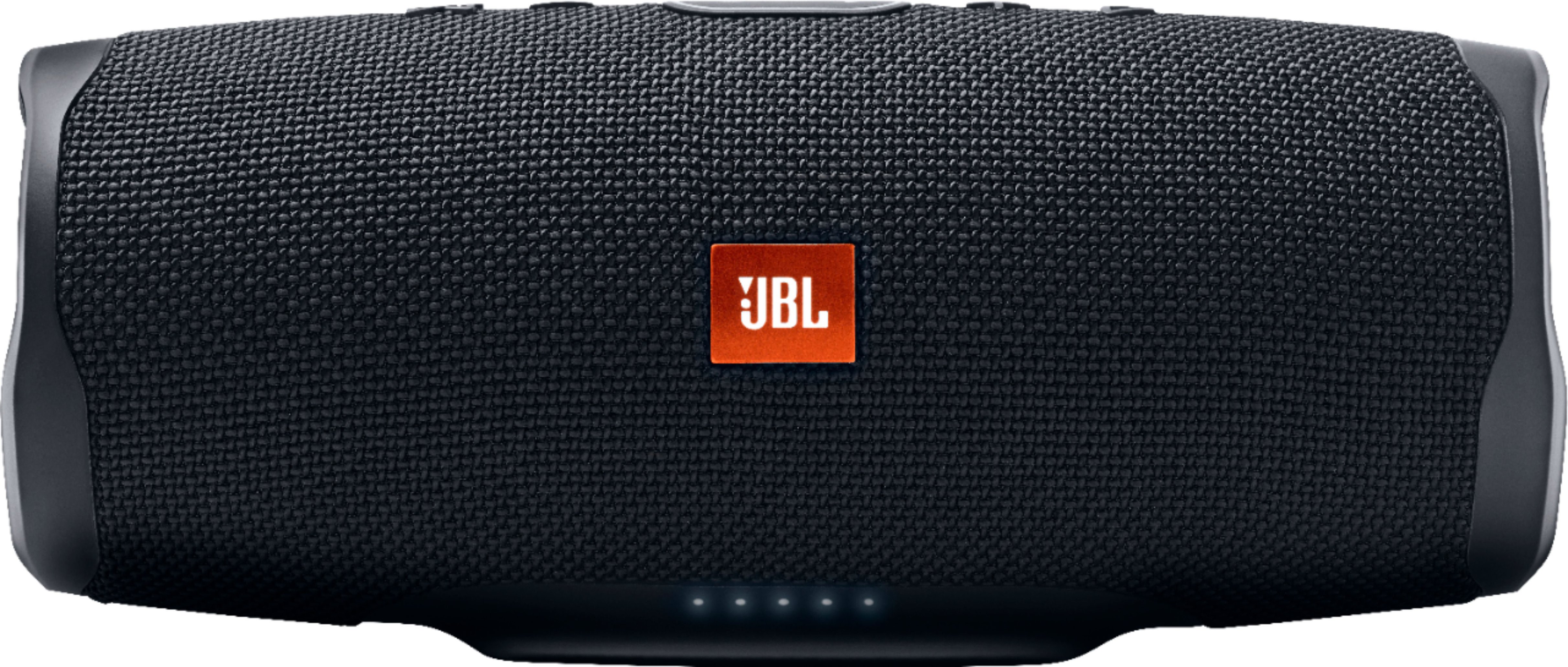
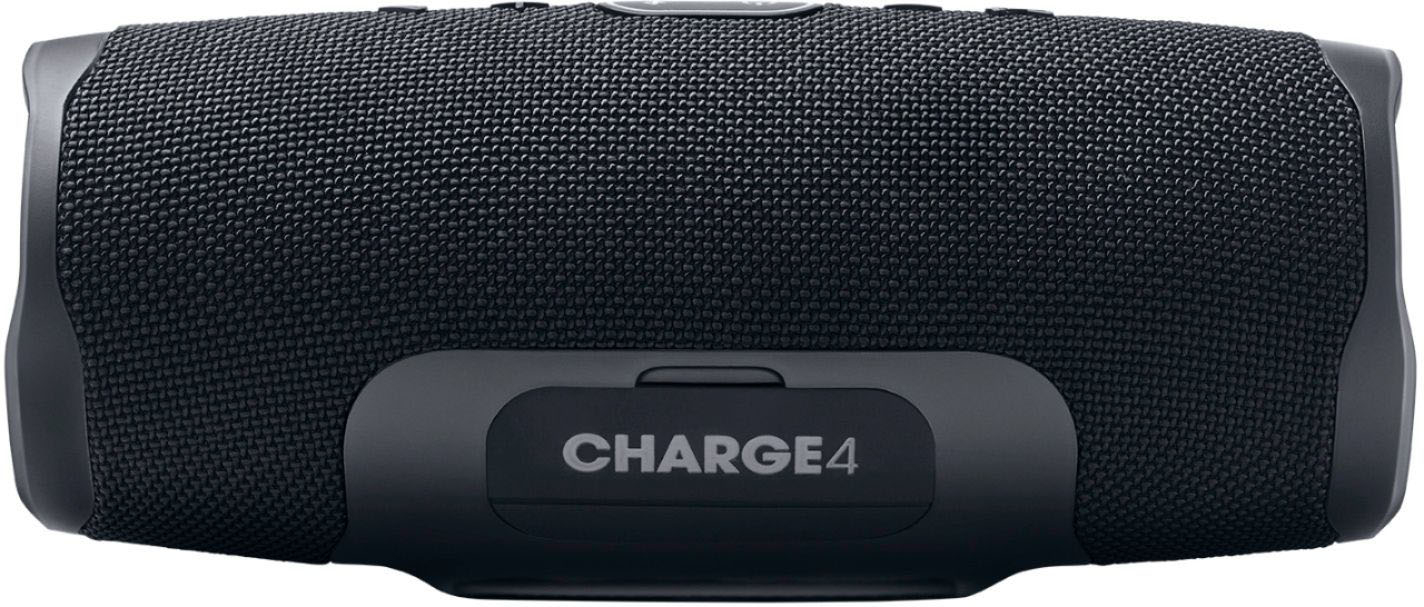
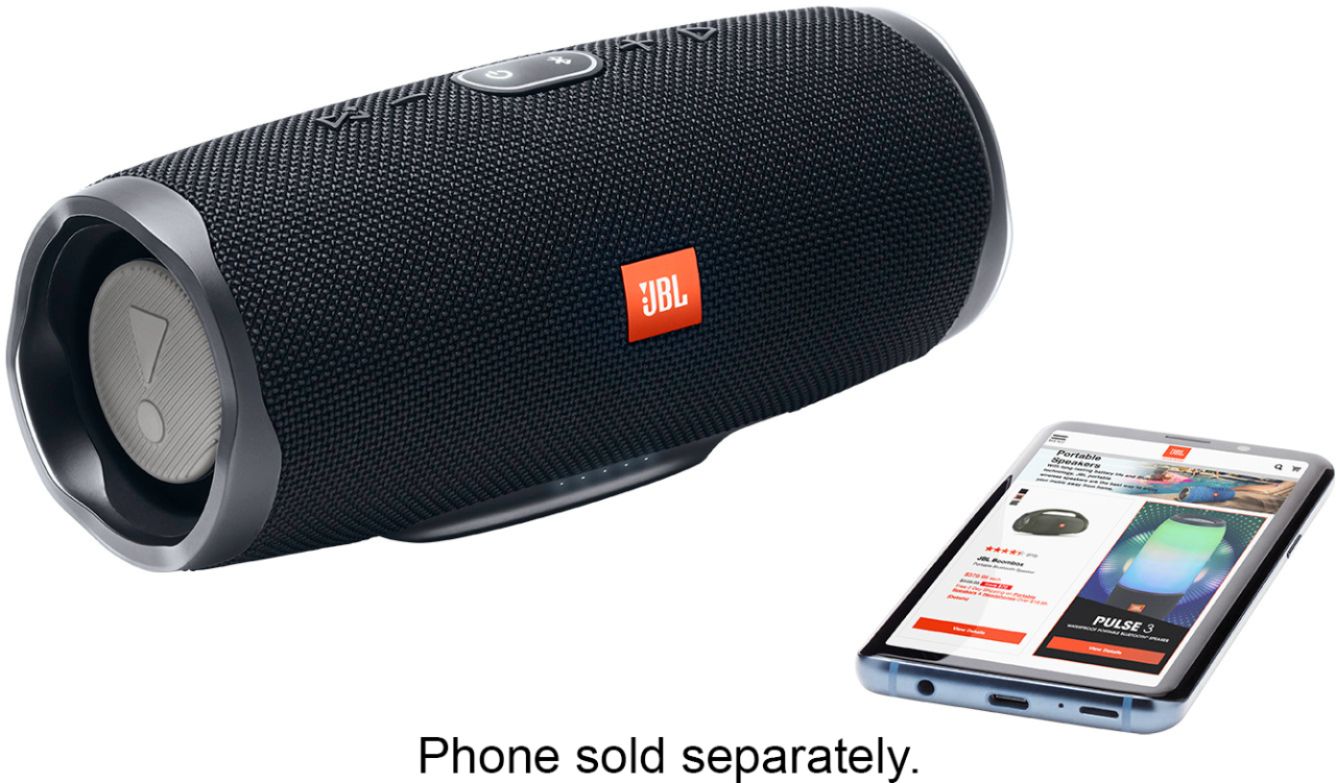
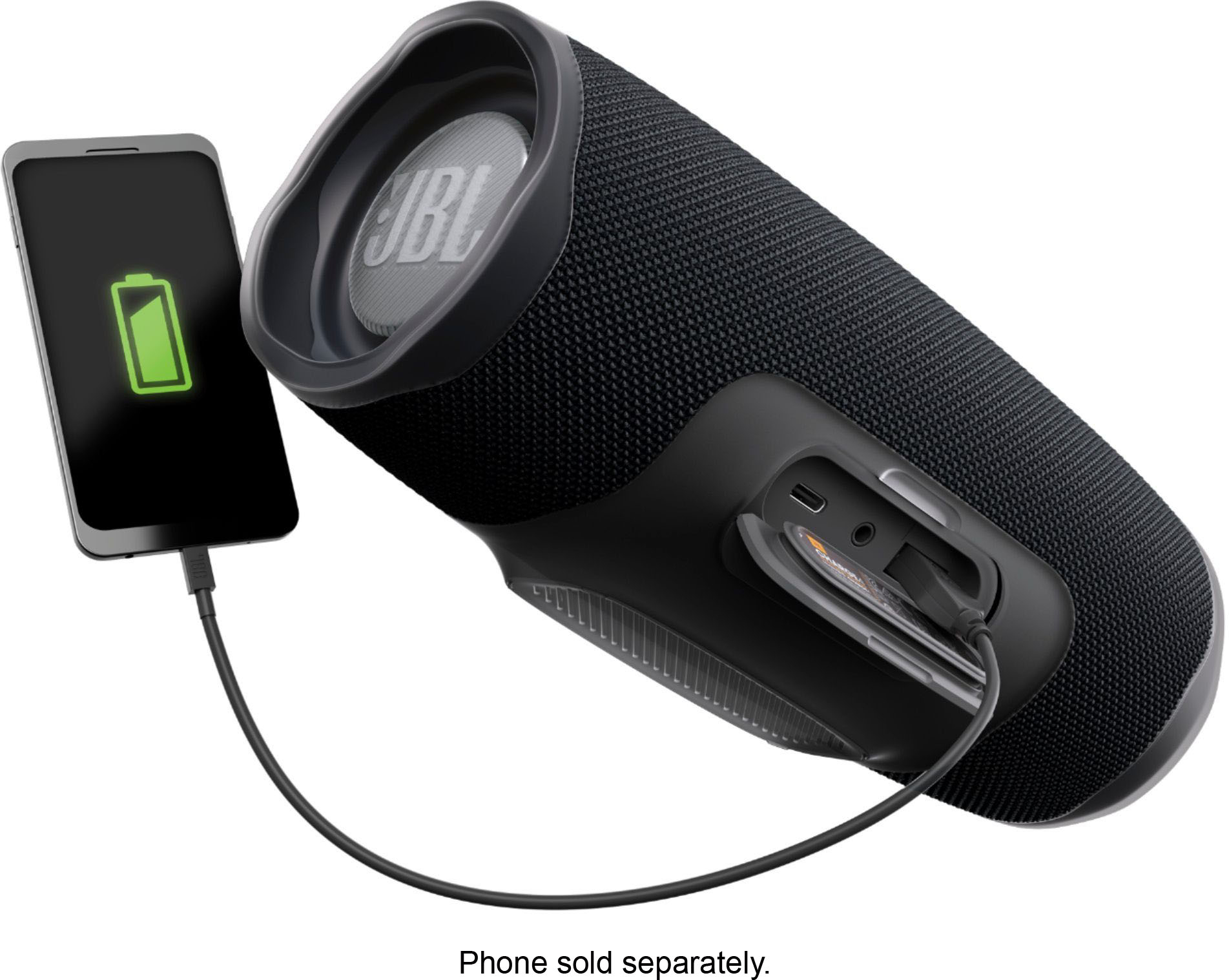
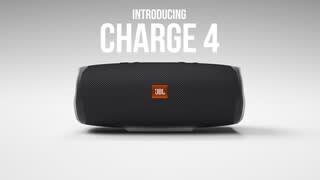
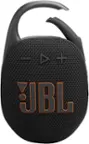
A:AnswerThe dimensions of Charge 4 are (W × D × H): 220 x 95 x 93mm. This speaker has Connect+ capability, and it can be connected wirelessly with another JBL Charge 4 or with up to 100 Connect+ enabled speakers. More information on how to do so is available on section 5 of our Quick Start Guide here: http://bit.ly/2YDb3Dl
A:AnswerOur products have a one-year limited warranty from the proof of purchase. For more information check out our warranty terms here: https://www.jbl.com/warranty.html
A:AnswerYes you can.i always use an aux cable from my tv to one of the speakers and pair three more of my jbls with the one that is plugged in to tv. My speakers are usually spread out about 30 feet from one another and don't have any issue.