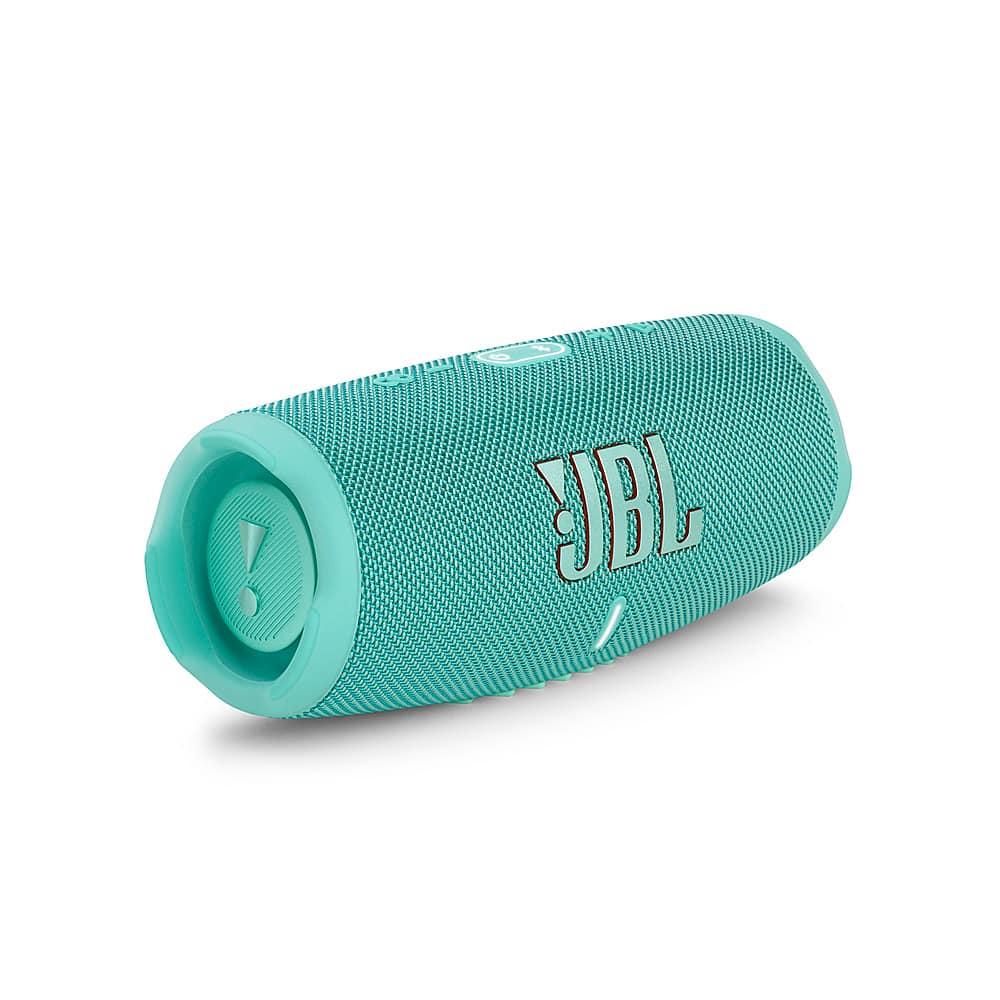
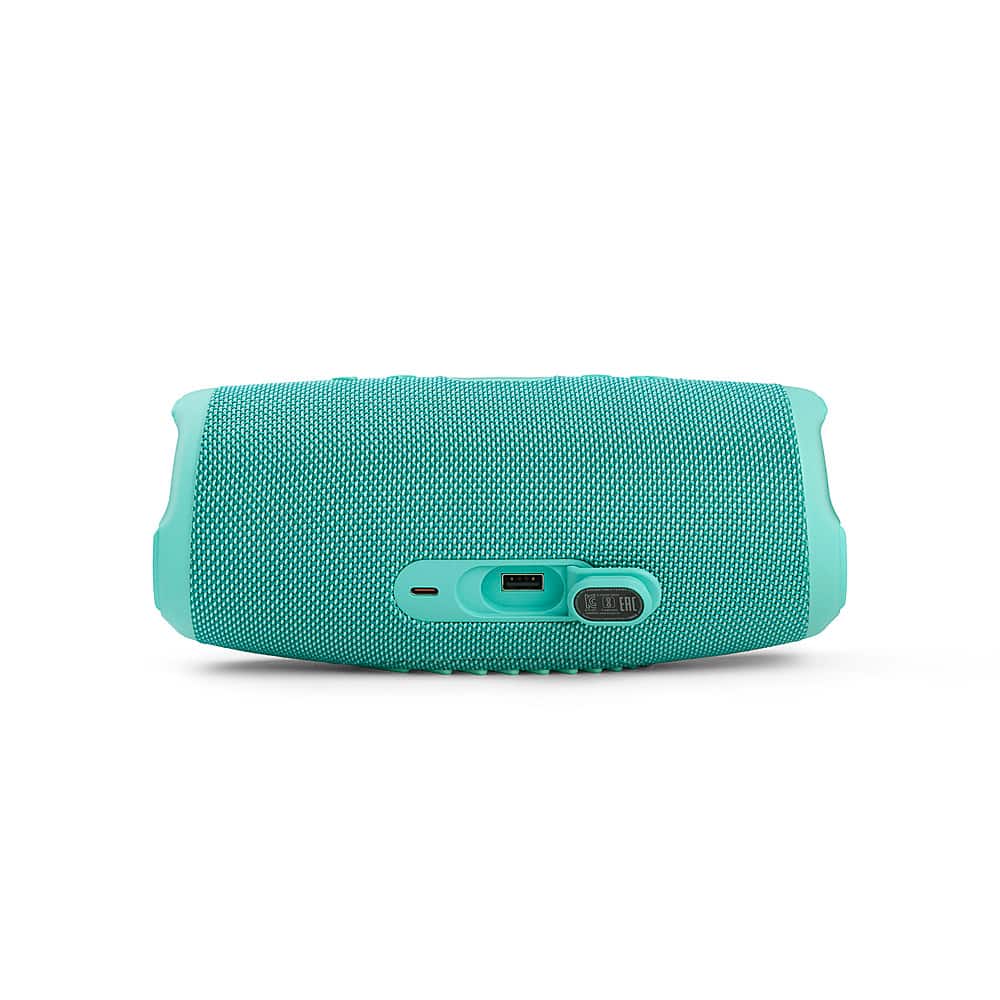
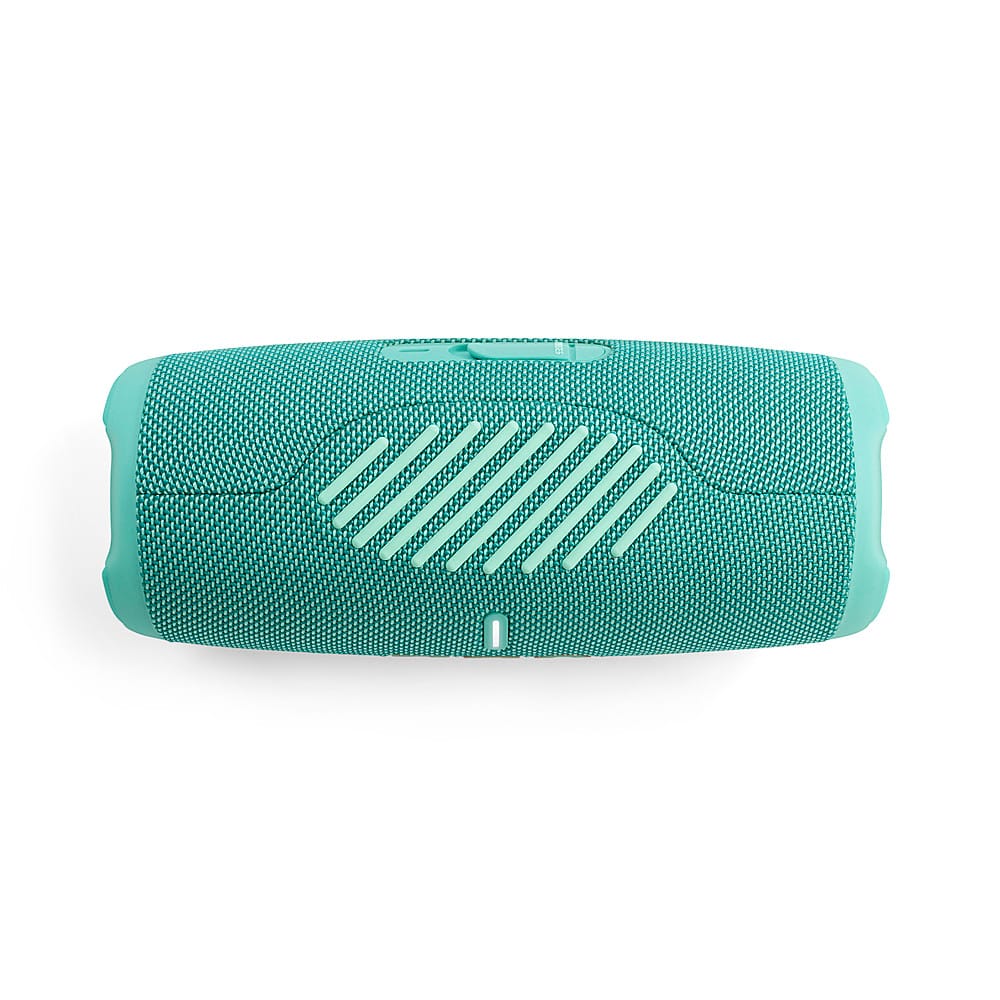
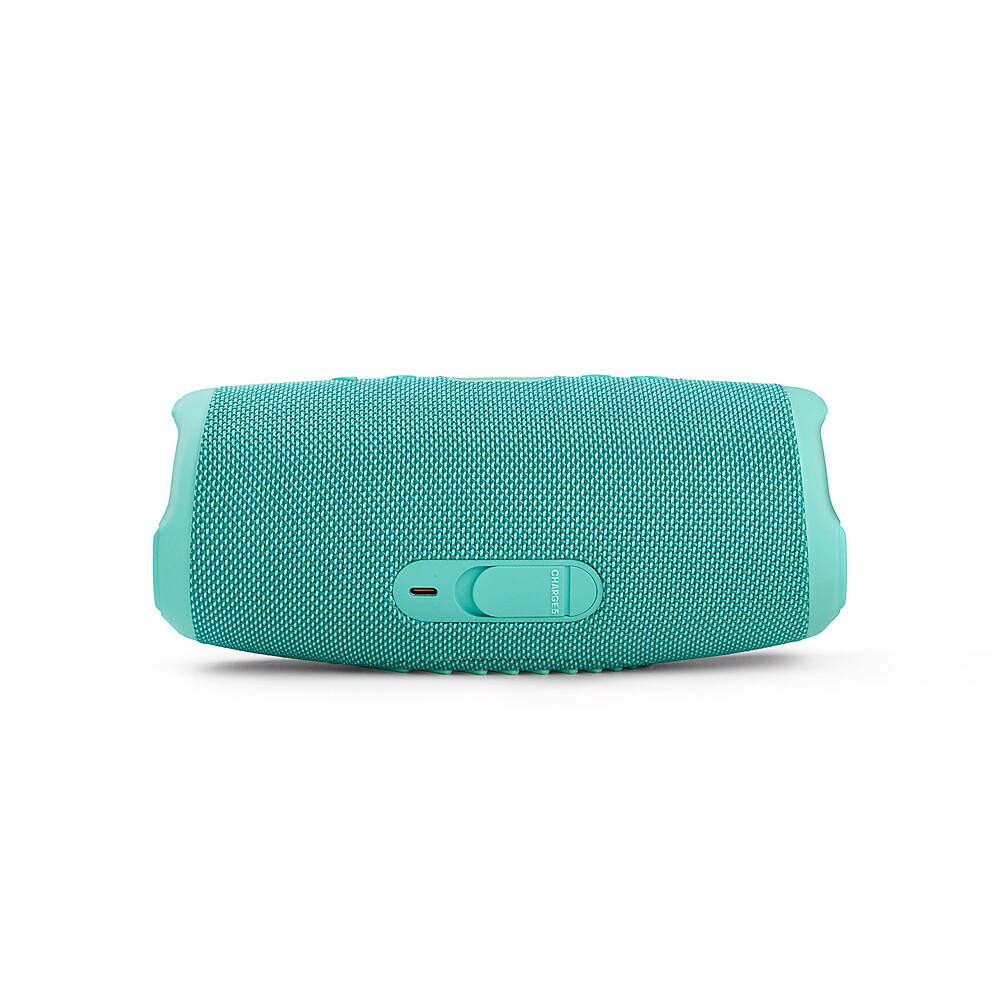
A:AnswerIf you look on the Charge 5 speaker directly above the charging port it is printed in very tiny font: "Battery Capacity: 3.6v, 7500 mAh". According to the JBL website it takes 4 hours to fully charge a Charge 5 speaker, but I have never run the battery down on either of mine, so I cannot confirm this. The JBL Charge 5 does not come with a "charging adapter/brick". It does include a USB-C cable that can be plugged into any computer or charging adapter (USB A female) that you already own.
A:AnswerYou can charge your JBL Charge 5 using your android charger. As long as your android adapter is rated at 5V, .5A, or higher (amperage), it should charge your unit. JBL Charge 5 is rated to charge for 4 hours from flat using a 5V .5A source. Using an adapter with a higher amperage will charge your unit faster.
A:AnswerThanks for your question. Our JBL Charge 5 is designed to be durable, with an IP67 rating, making it waterproof and dustproof. However, while it can handle minor drops and bumps, excessive impact could make the speaker malfunction.
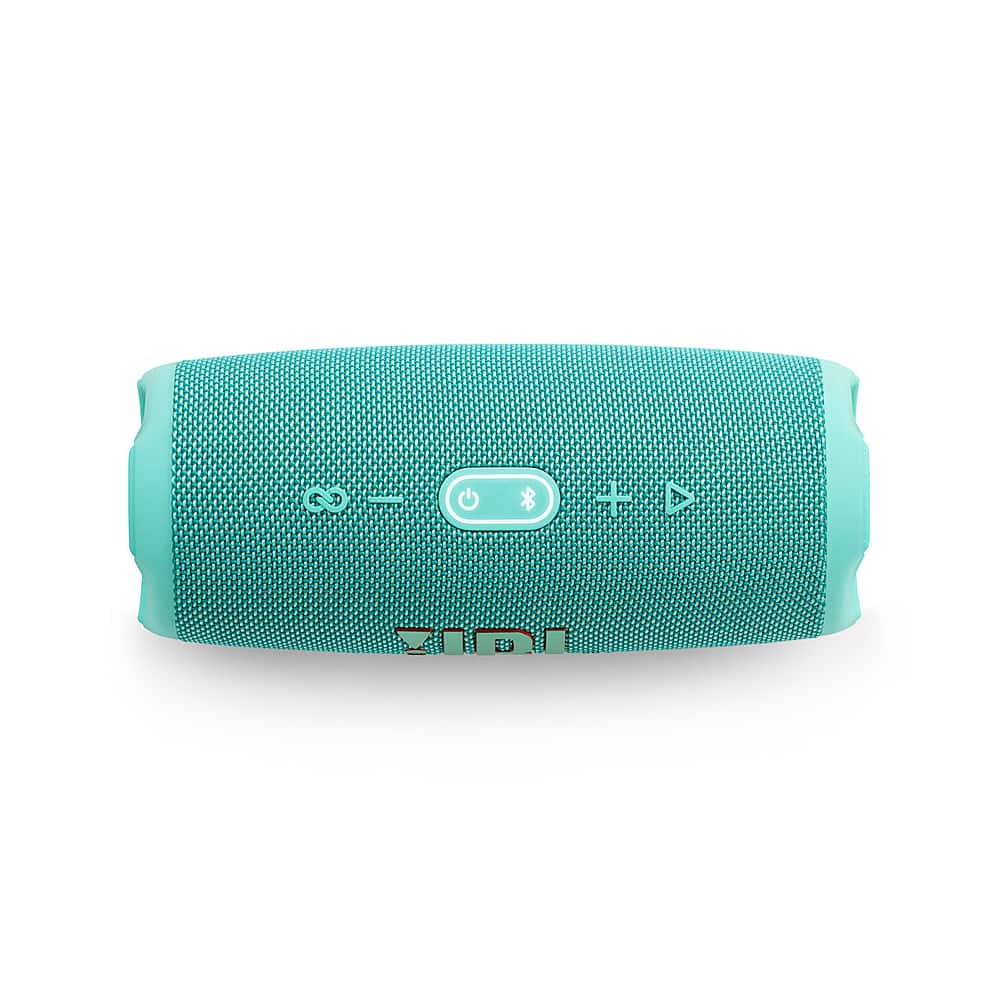
A:AnswerThank you for bringing this to our attention. We're here to help with your JBL Chare 5. Please check the equalizer settings of your phone and set it to default. We also recommend trying to connect it with a different device or play audio using a different application. You may also try doing a Factory Reset. Reset will wipe all previous settings and pairings, so it will be necessary to pair your unit with your devices again. To do this, turn on the speaker. Then, press and hold the Volume + and Play buttons for more than three seconds. The speaker will turn off, reboot to factory settings. You may need forget the unit on your device to pair it again. If you need more help, please contact our customer support.
A:AnswerThank you for your inquiry. Our JBL Charge 5 is designed to be waterproof (IP67 rated), meaning it can withstand immersion in water up to 1 meter for 30 minutes. However, while it can handle splashes and brief exposure to water, prolonged exposure to steam and high humidity in a bathroom environment might have some potential long-term effects. It's always best to minimize exposure to harsh environments like a steamy bathroom to ensure its longevity.
A:AnswerThanks for your inquiry. Our JBL Charge 5 primarily uses Bluetooth for wireless connectivity, allowing you to connect to Bluetooth-enabled devices like smartphones and tablets. There is also a JBL Charge 5 Wi-Fi version that supports both Wi-Fi and Bluetooth, enabling connections to a wider range of devices, including some wireless TV systems.
A:AnswerYou can use the Play button of our JBL Charge 5 to skip tracks forward. Simply tap the button twice to skip tracks. Unfortunately, there is no button to play the previous track.
A:AnswerOur JBL Charge 5 has a rugged design that can withstand outdoor activities. As long as your device is connected and within range, the vibration it would get from an off-road vehicle shouldn't affect the audio quality.
A:AnswerNo. This is only a Bluetooth speaker. It is not a radio That said, you can pair it with a smartphone, tablet or computer and use that device to stream your favorite radio stations to it so long as you have an internet connection.
A:AnswerThanks for reaching out. OurJBL - CHARGE5 Portable Waterproof Speaker with Powerbank has Bluetooth version 5.1 which is backward compatible so it could connect with older/newer versions.
A:AnswerOur JBL Charge 5 could play music up to 20 hours depending on the volume level and audio content. The higher the volume and more bass the music has, the more power it consumes and shortens the playtime significantly.
A:AnswerThanks for reaching out. The dimensions in inches are 8.7 x 3.76 x 3.67. This unit doesn't feature a bass and treble control. Please visit our website to get more information about this product. https://bit.ly/3G3GivJ