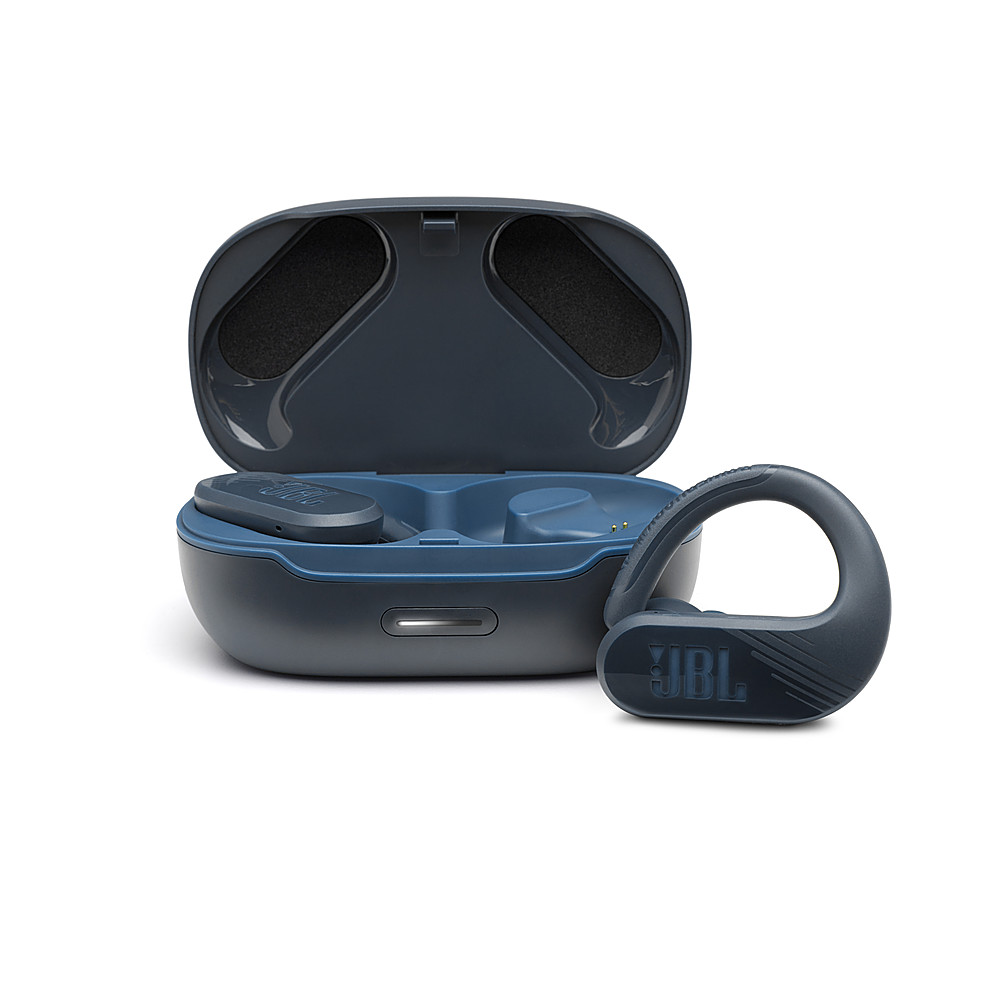
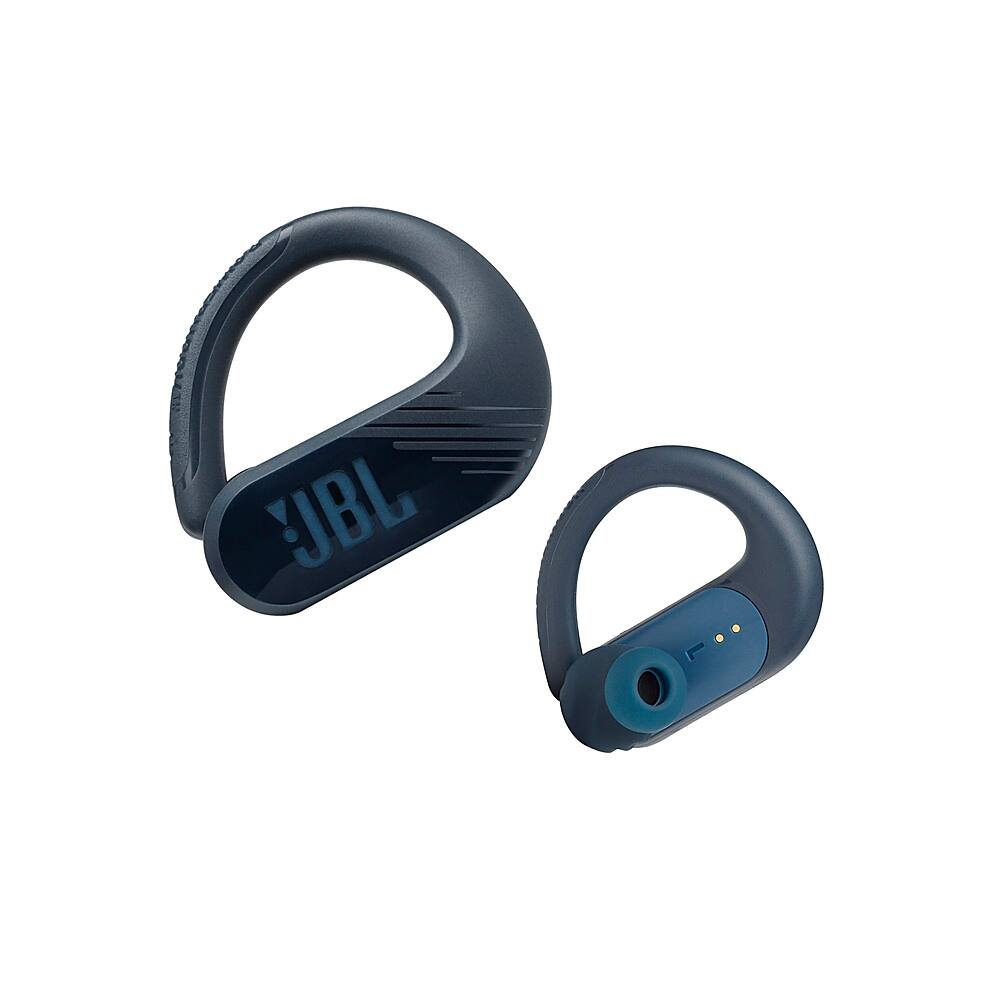
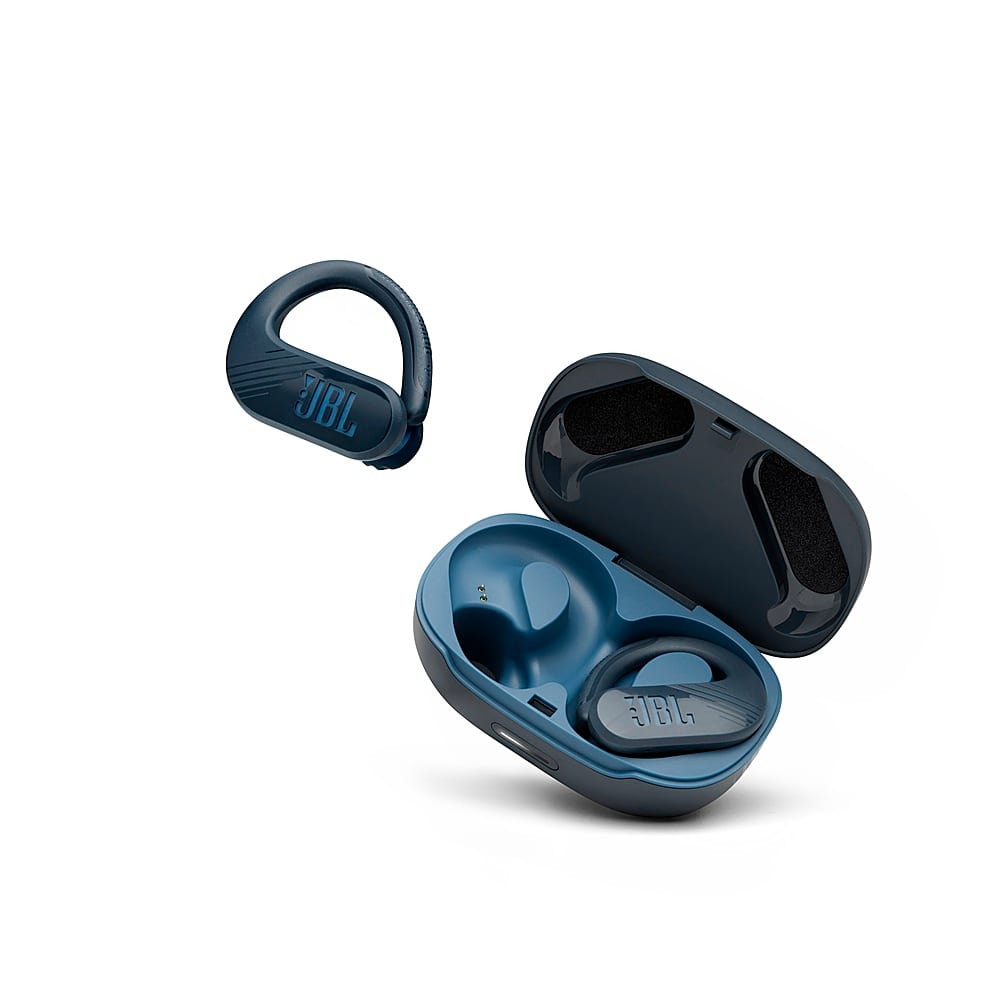
A:Answer The loudness of our JBL Endurance Peak II may vary depending on the volume level and music content.To control the volume, simply move your finger up the ridges above the JBL logo on the RIGHT ear to increase the volume. To decrease the volume, move your finger down along the ridges. Make sure you set the maximum volume from the source device. if you need more help, please use this link to contact customer service. https://bit.ly/31uxRHB