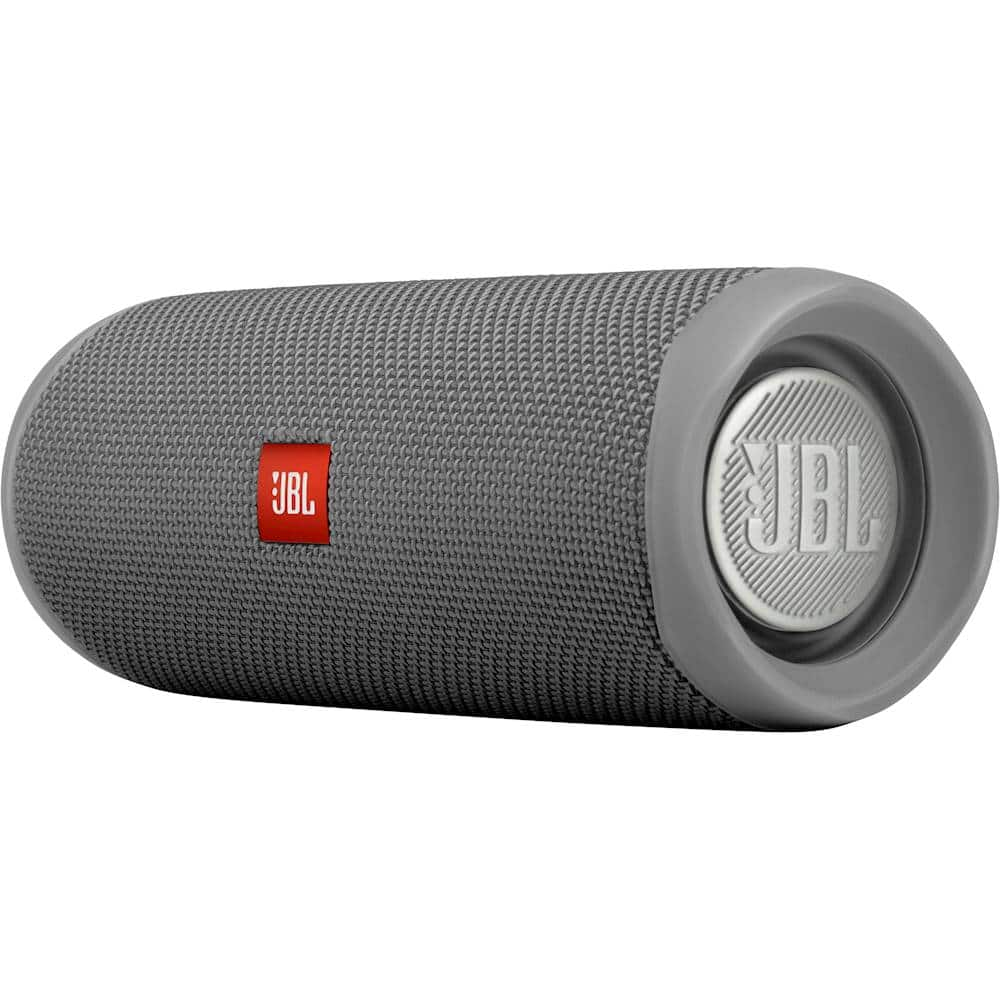
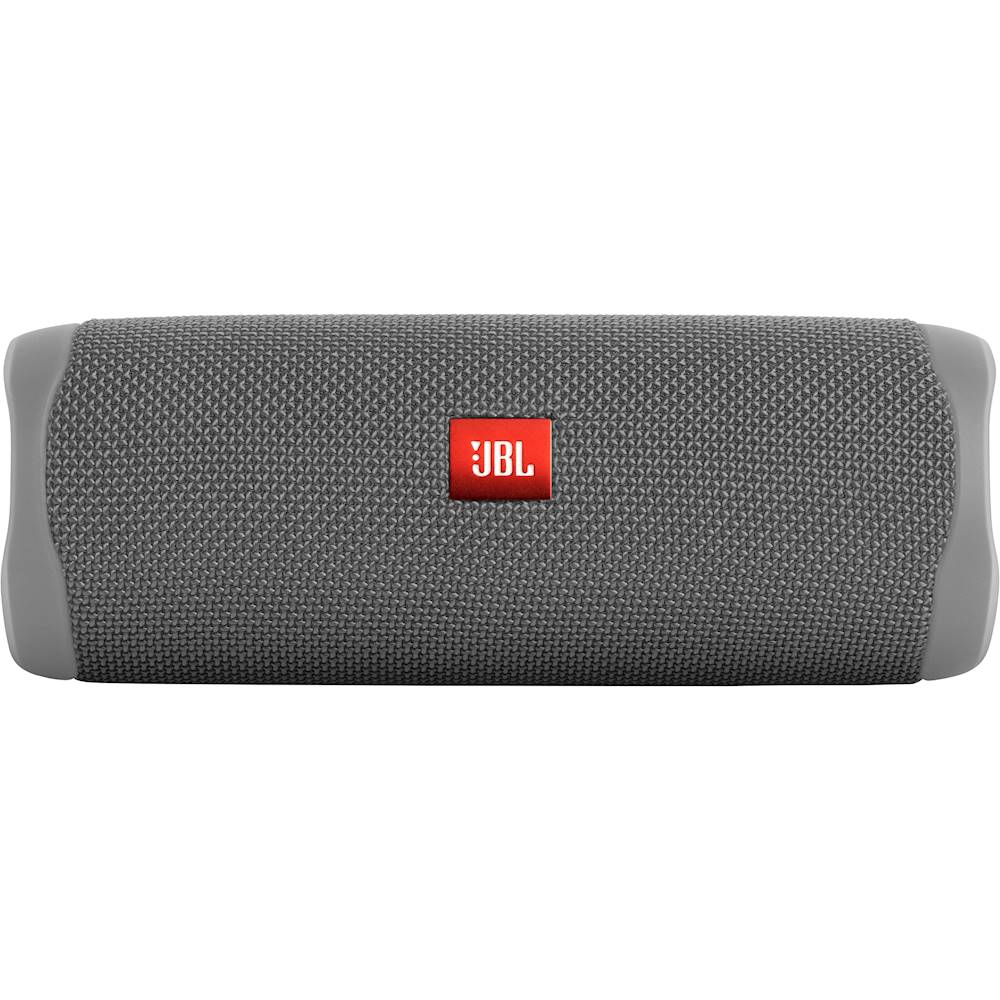
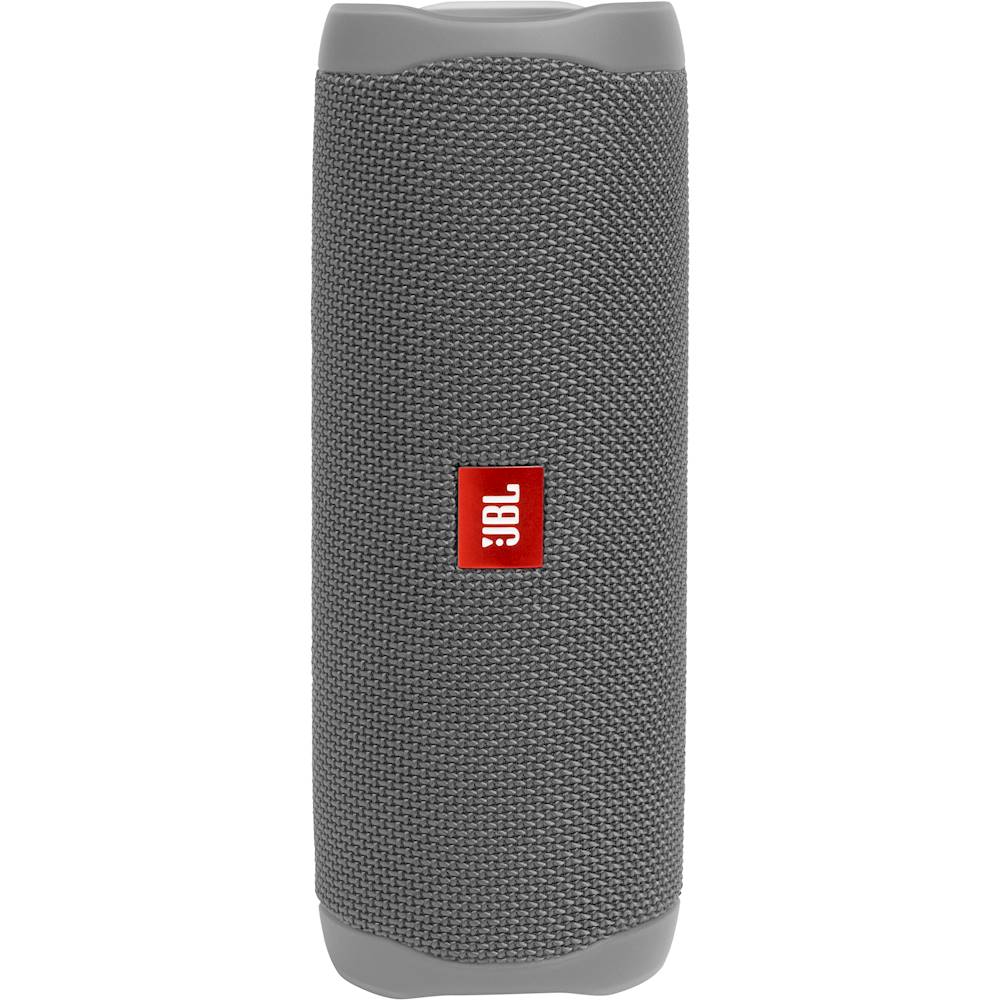
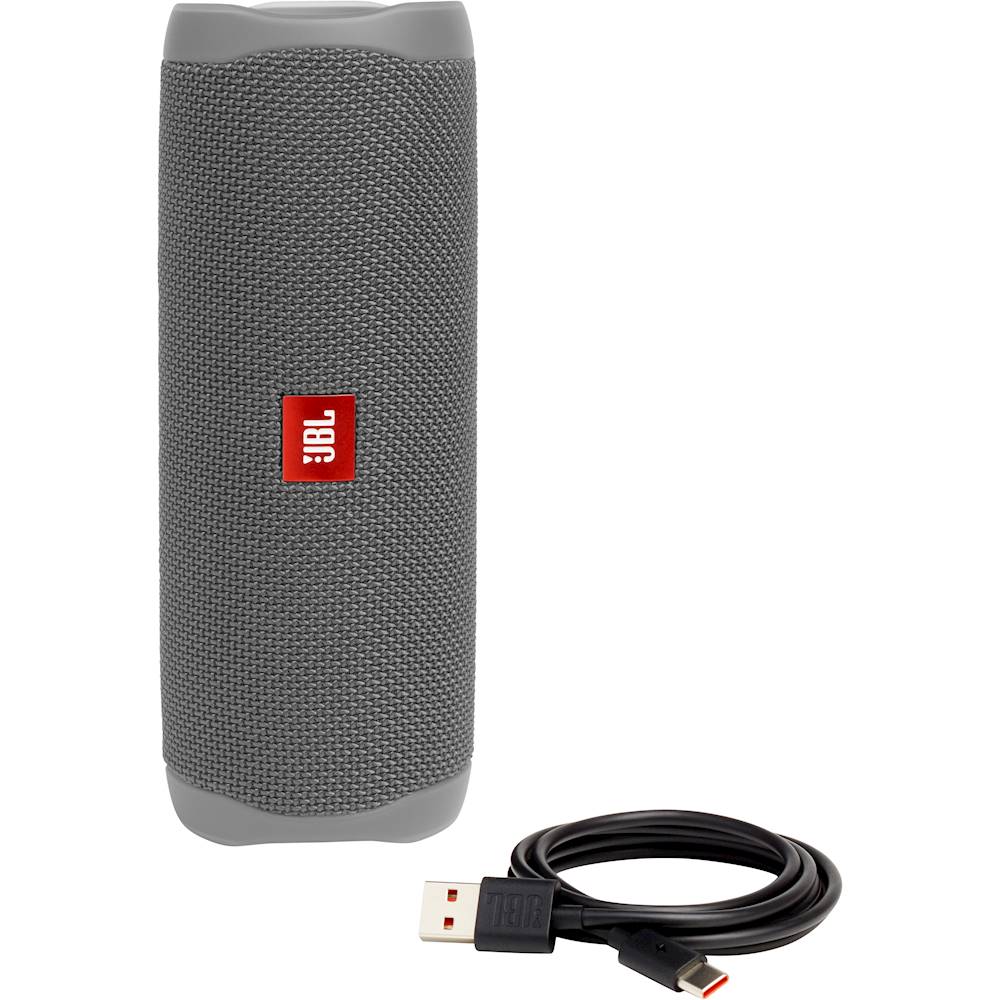
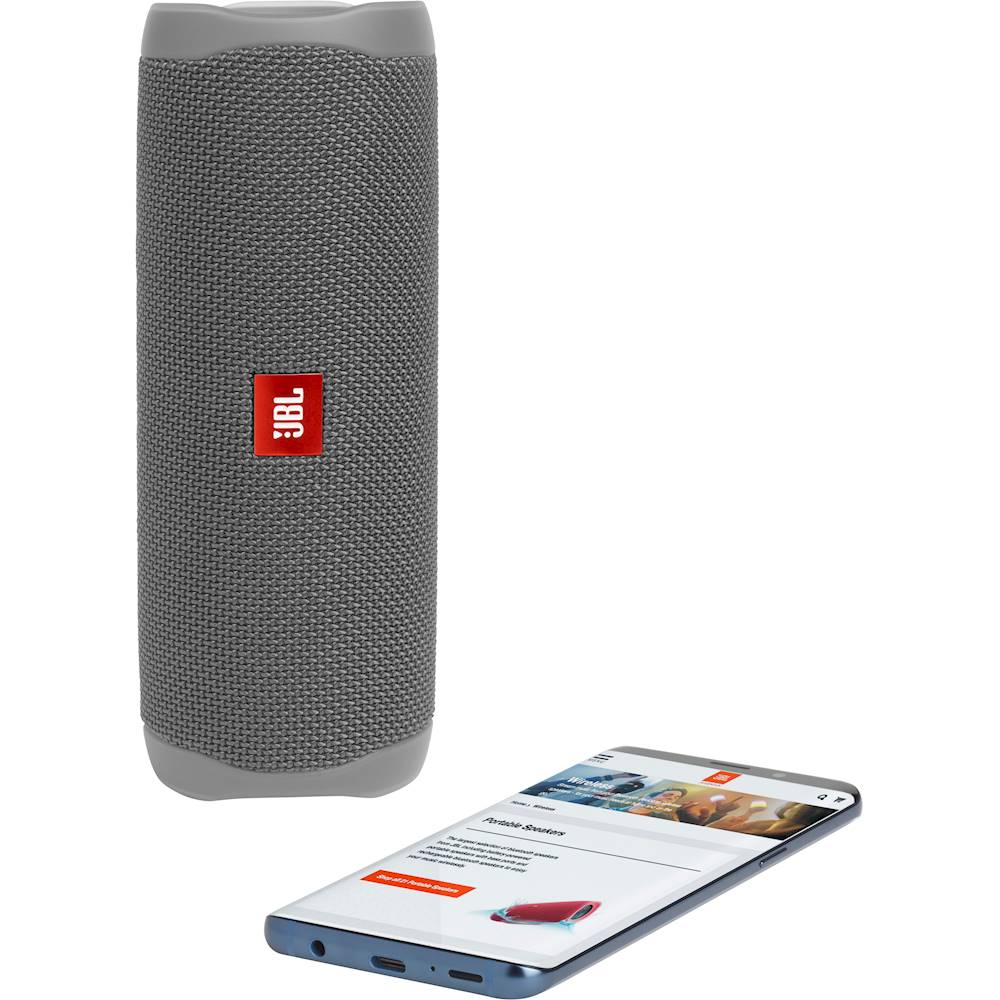
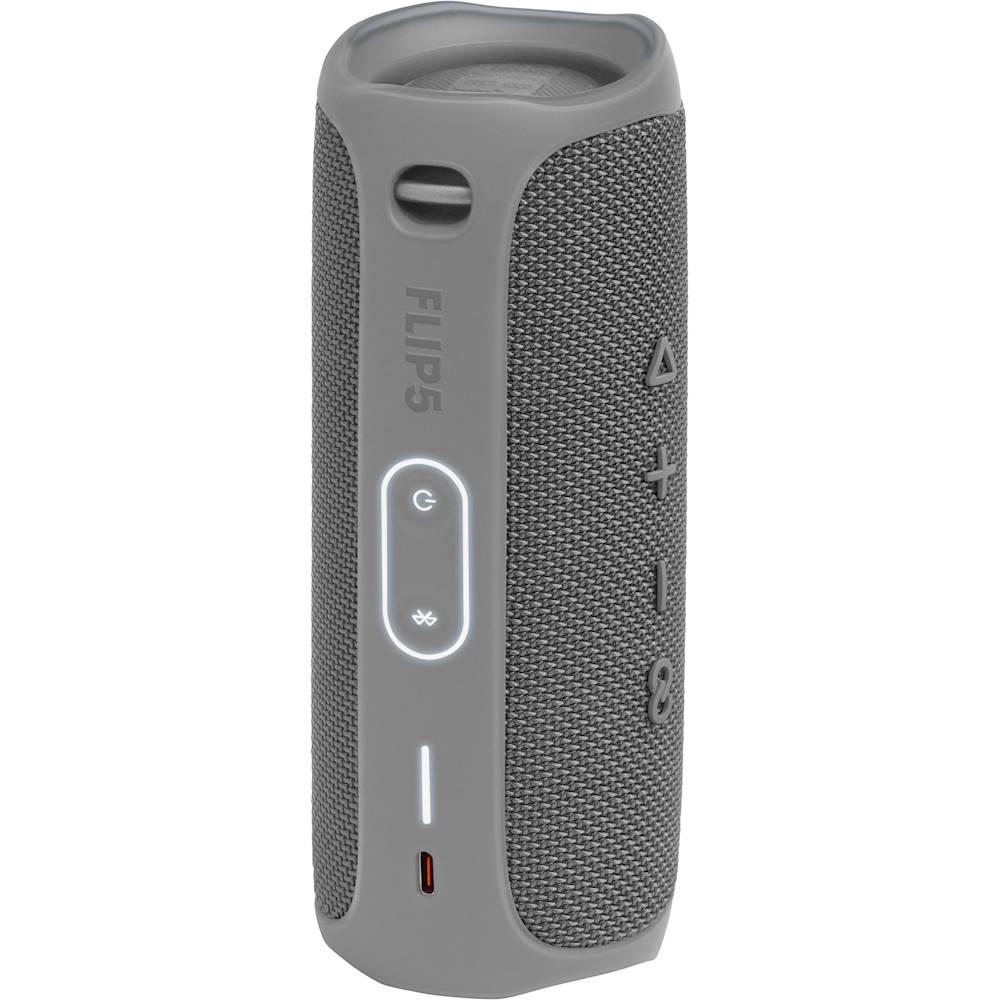
A:AnswerThanks for your inquiry. Our JBL Flip 5 do not have mic input and does not support speaker phone feature. However, if interested, you may check our JBL PartyBox speakers that supports wired and wireless microphones.
A:AnswerOur JBL Flip 5 is designed mainly for music. It can't receive calls since it has no built-in mic and speakerphone function. However, you may check our JBL Flip 4 which has a built-in microphone that can be used as a speakerphone.
A:AnswerThanks for your inquiry. In efforts to reduce the environmental impact of our electronic equipment, we decided to remove the power adapter in our newest models as most consumers already have a power adapter in their homes that they can use to charge our portable speakers. We recommend using an adapter with 5V/3A. If you need more help, please contact our customer support.
A:AnswerThanks for your question. Yes, you can pair our JBL Flip 5 with your PC and play music in your house. Please make sure that the speaker and your PC are within 10 feet. If you need more help, please contact us.
A:AnswerThanks for bringing this to our attention. To isolate the battery issue with your JBL Flip 4, try a different cable or adapter, test on another wall outlet, or clean the charging port with compressed air. If the issue remains, please contact us at (877) 871-6755 / Mon - Fri: 9:00 am - 11:00 pm (ET) Sat-Sun: 9:00 am - 5:00 pm (ET).
A:AnswerThank you for your inquiry. We can't determine the serial number of an item online. Our CS, GG & TL models come from different production centers i.e. different suppliers to fulfill the production capacity but the product specification should be the same. Products from different suppliers are just having different execution in the design but the quality should be identical.
A:AnswerYes... or at least I believe so. I have used it in my workplace and we are always working around water. I just wouldn't throw it under anything more than 2 feet. other than that I would say probably