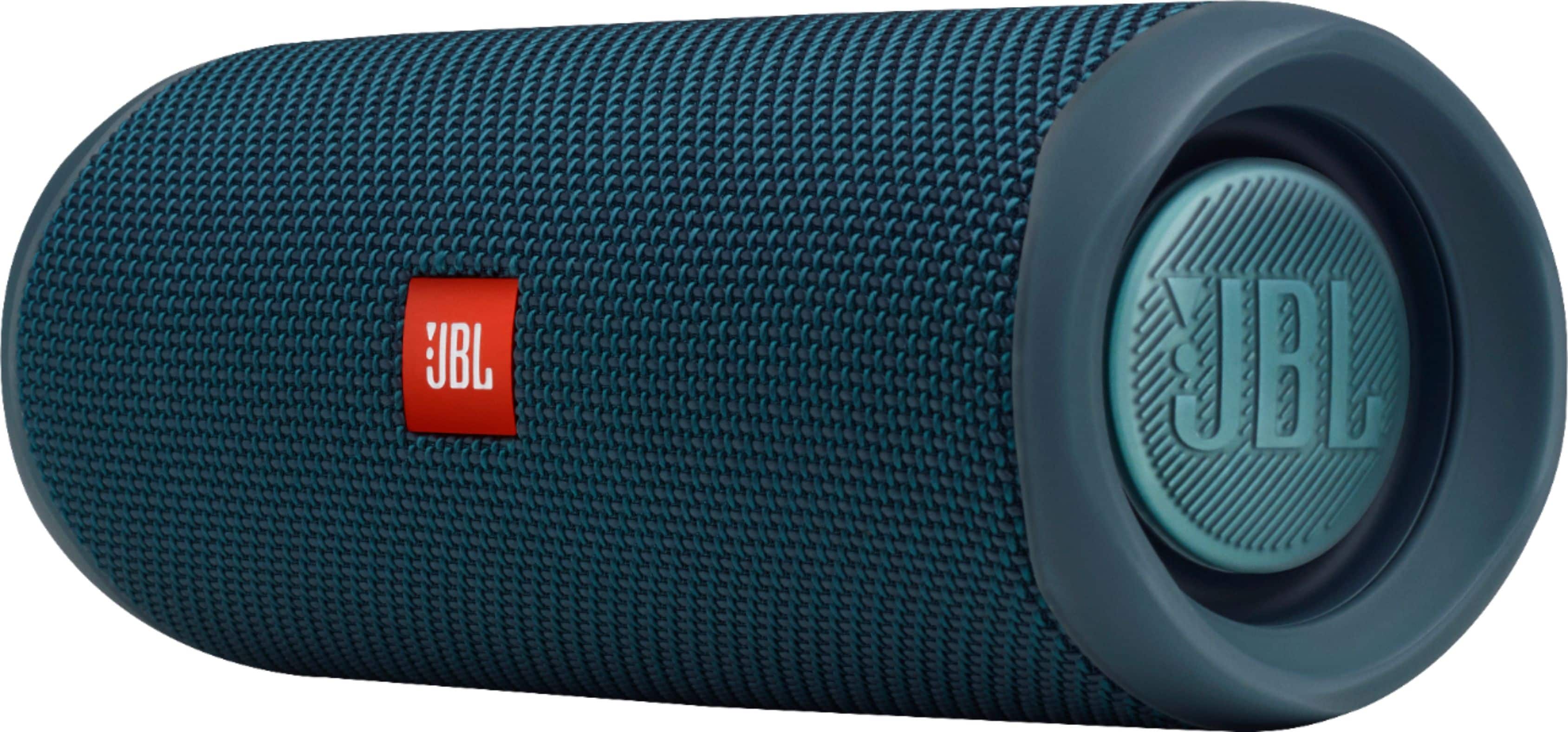
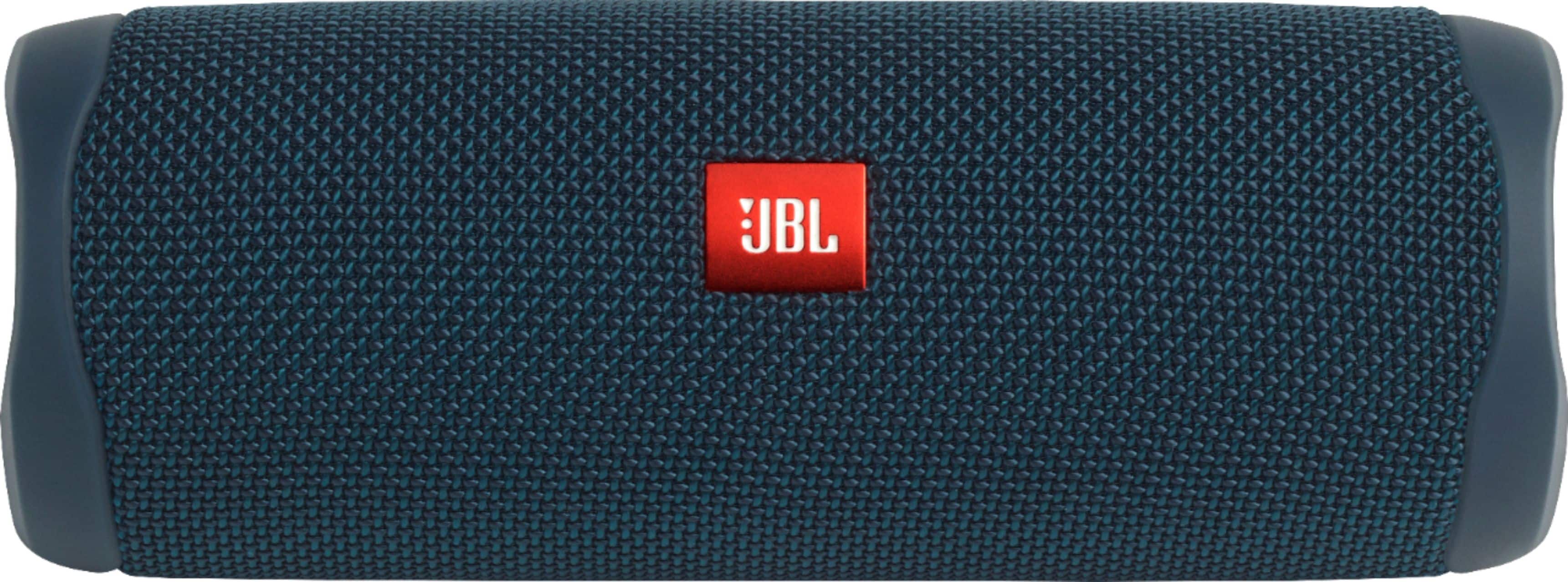
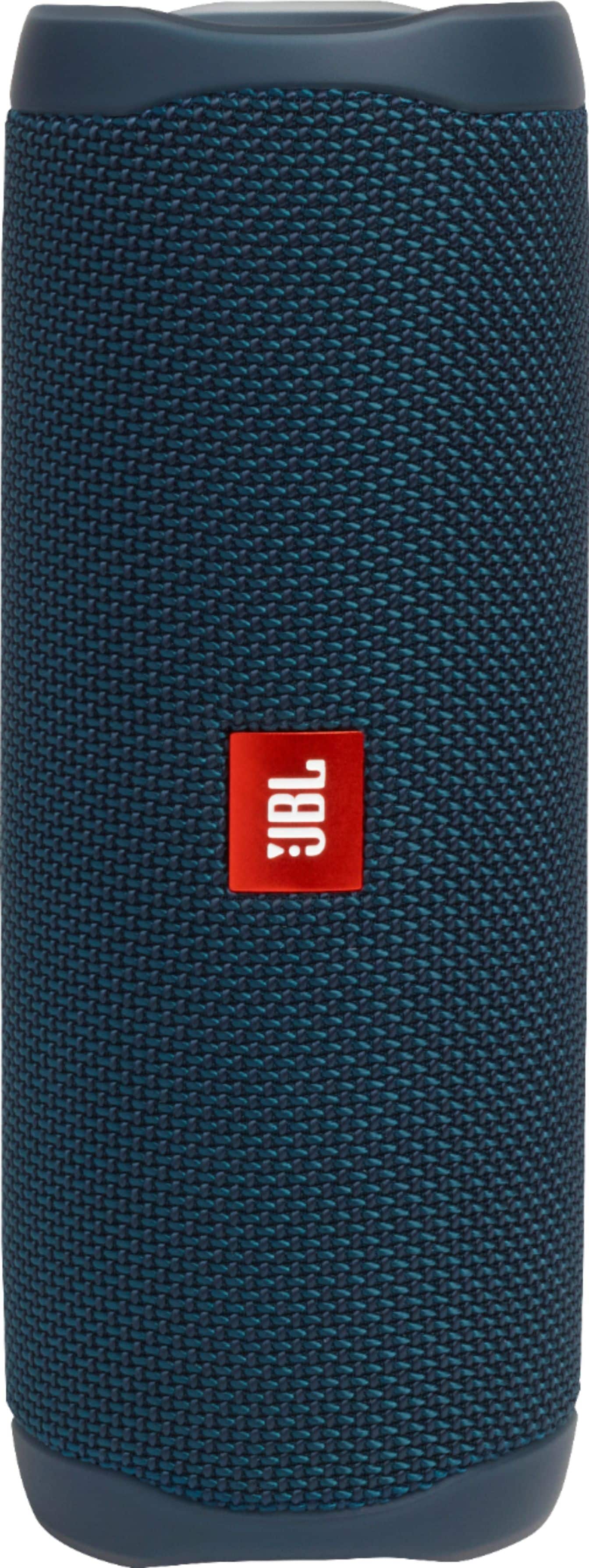
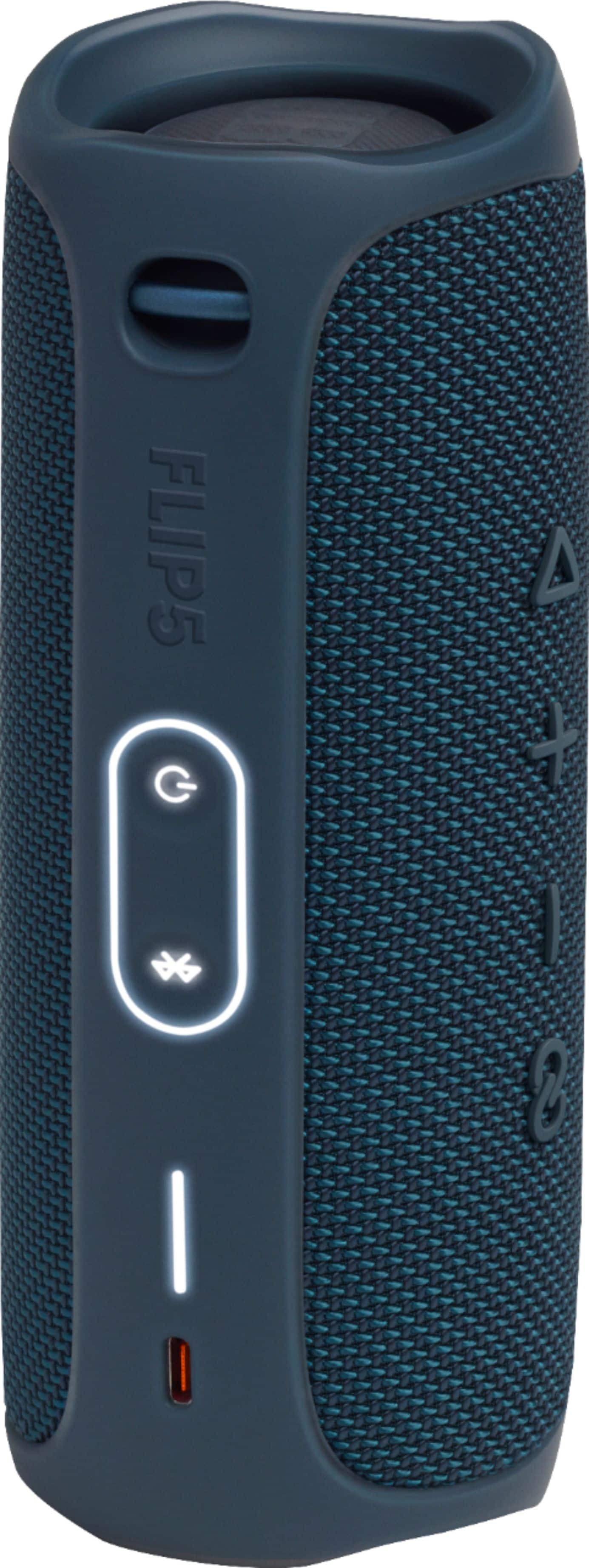
A:AnswerOur JBL Flip 5 uses the new Party Boost. The Party Boost is an improved version of the JBL Connect+, which improves the Bluetooth reliability of interspeaker connections. It's not backwards compatible with the JBL Connect or Connect+ which our JBL Flip 4 currently uses. You can visit this link to find out more information: https://bit.ly/2K52L2x
A:AnswerI found it to be very durable and has a pretty strong case. Dropping it once or twice shouldn't be a problem, but it has it's limits like anything else.
A:AnswerNo, the Flip 5 uses/has PartyBoost which is not compatible with the Connect+ mode of the Flip 4. The Flip 5 will only pair with other speakers with PartyBoost.
A:AnswerThe JBL Flip 5 is rated IPX 7 waterproof rating which means that it can only be submerged in water as deep as 3 feet for up to 30 minutes. Anything longer than that may cause damage for the speakers.
A:AnswerThanks for your feedback. We're always looking for ways to improve. With our JBL Flip 5, please try using a different USB cable and USB charger (preferably one with a minimum 2 amp rating), as well as unplugging and re-plugging the cable from your device. The product's charging port may also become clogged with sand or grit. Examine the port. If necessary, use compressed air to clean. If the issue still persists, please contact our customer support.
A:AnswerOur JBL Flip 5 also has an Auto-shutdown feature that can't be disabled. It will go on power-saving or standby mode after 10-15 minutes of inactivity if it doesn't detect usage from the source device.
A:AnswerOur JBL Flip 5 has Bluetooth connectivity that you can use to pair your mobile phones, tablets, and laptops to play audio. It doesn't have an SD card sot.
A:AnswerYou can sync two together with the party boost mode for a stereo "like" sound and you can pair two together with JBL's app for true stereo but I've heard it was a big hassle and buggy so I haven't tried. The 4s will not sync with the 5s.
A:AnswerYou can try to use a bike speaker holder to mount the JBL Flip 5 to your electric scooter. Make sure that the speaker is securely mounted to prevent it from falling off.
A:AnswerOur JBL Charge 4 will not pair with a JBL Flip 5 since they have a different connect feature. The Charge 4 uses Connect+ while the Flip 5 uses PartyBoost.
A:AnswerThank you for taking the time to provide us with your feedback. We are sorry to hear that our JBL Flip 5 did not meet your expectations. You can try downloading a 3rd party equalizer from the Google Playstore or Apple store to enhance the sound quality of our speaker. Try to reset the speaker. Powered on, press and hold the Volume + and Play buttons simultaneously for 3 seconds until the unit turns off.
The speaker has now been restored to factory default settings. We're always looking for ways to improve so we'll make sure to submit your feedback to our development team. If you have any questions or concerns about this product's features, please reach out to us at: https://bit.ly/2WocMfi
A:AnswerHere is the difference between our JBL Flip 5 and Flip 6:
Flip 5:
IPX Rating: IPX7 (waterproof)
Bluetooth: 4.2
Transducer: 44mm x 80mm
Flip 6:
IPX rating: IPX67 (waterproof and dustproof)
Bluetooth: 5.1
Transducers: "45 x 80mm woofer/1.75 x 3", 16mm tweeter/0.6"
USB charging protection. The JBL Flip 6 offers USB-C charging protection. That means a reminder sound will alert you to unplug if the connector detects water, salt, or any other chemicals.
Wirelessly connect up to 2 smartphones or tablets to the speaker. The external body of the speaker has a mini stand to avoid it from rolling.