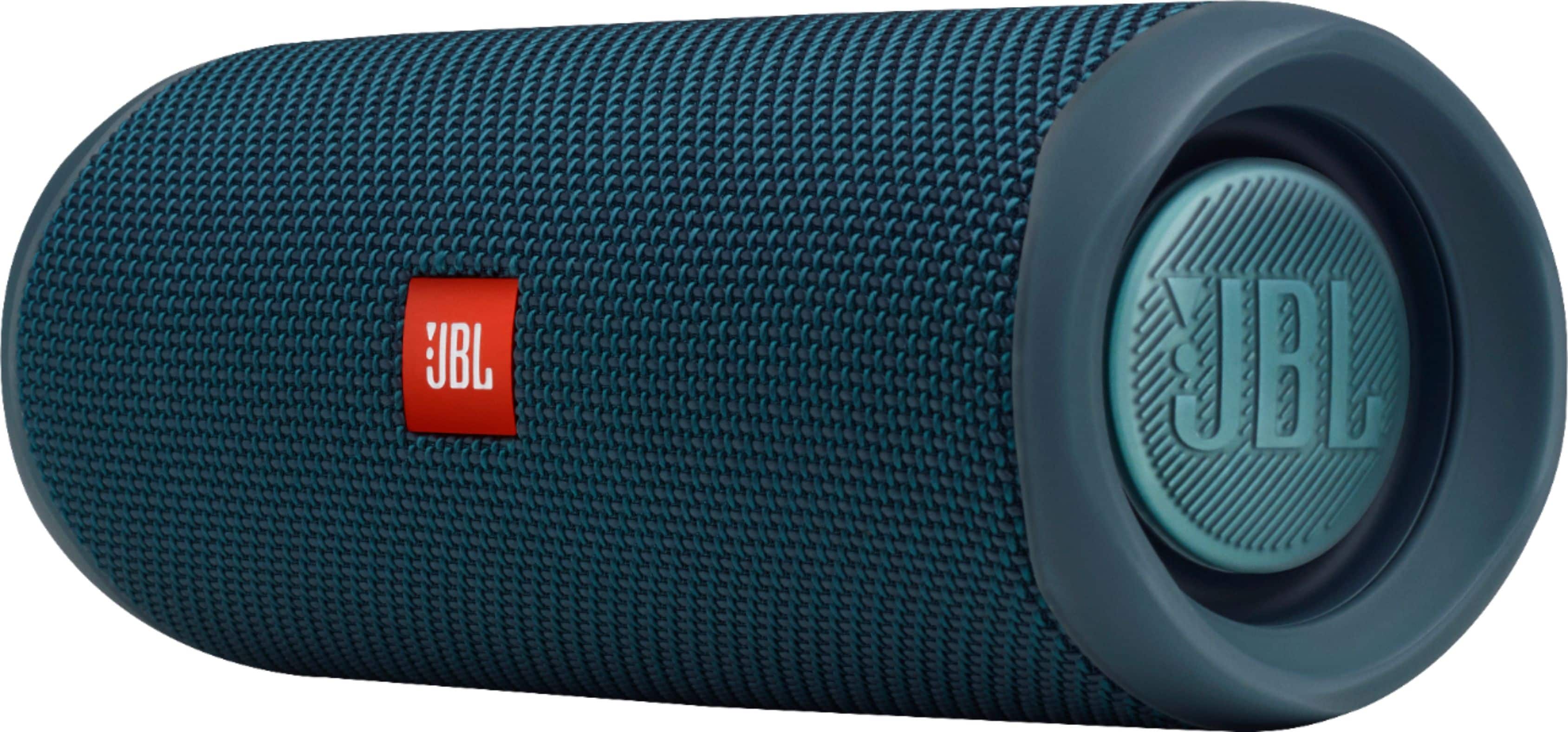
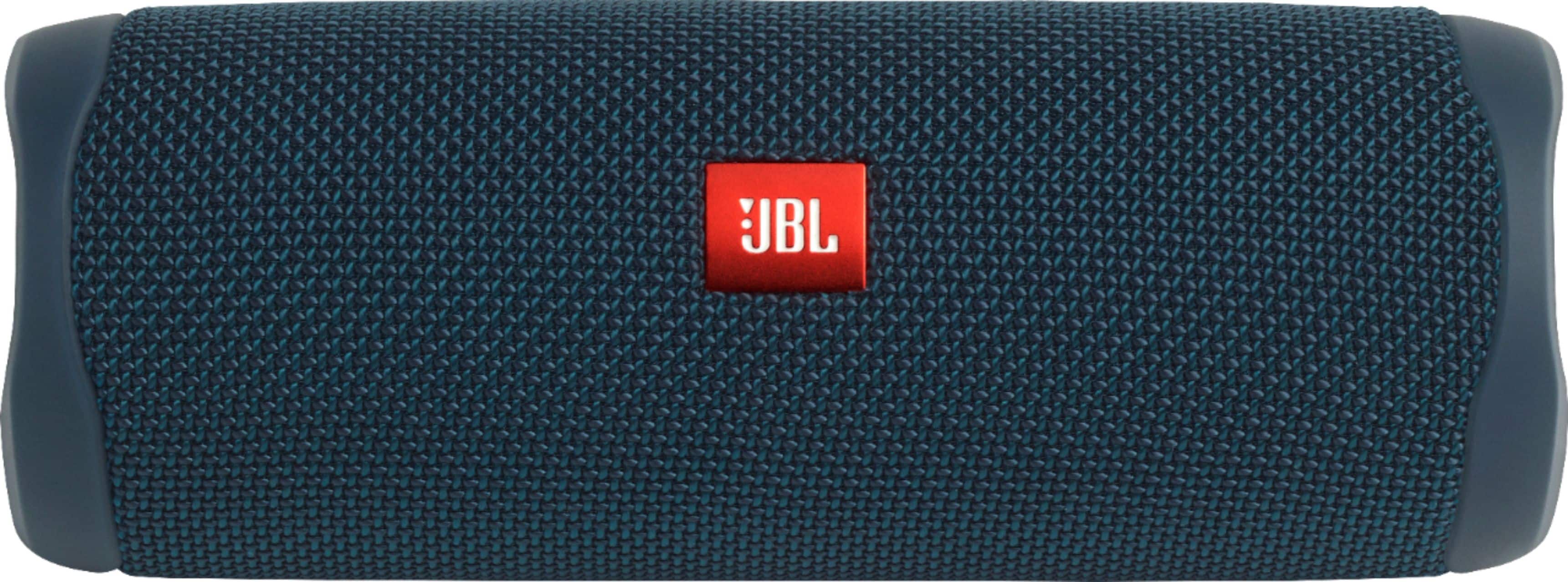
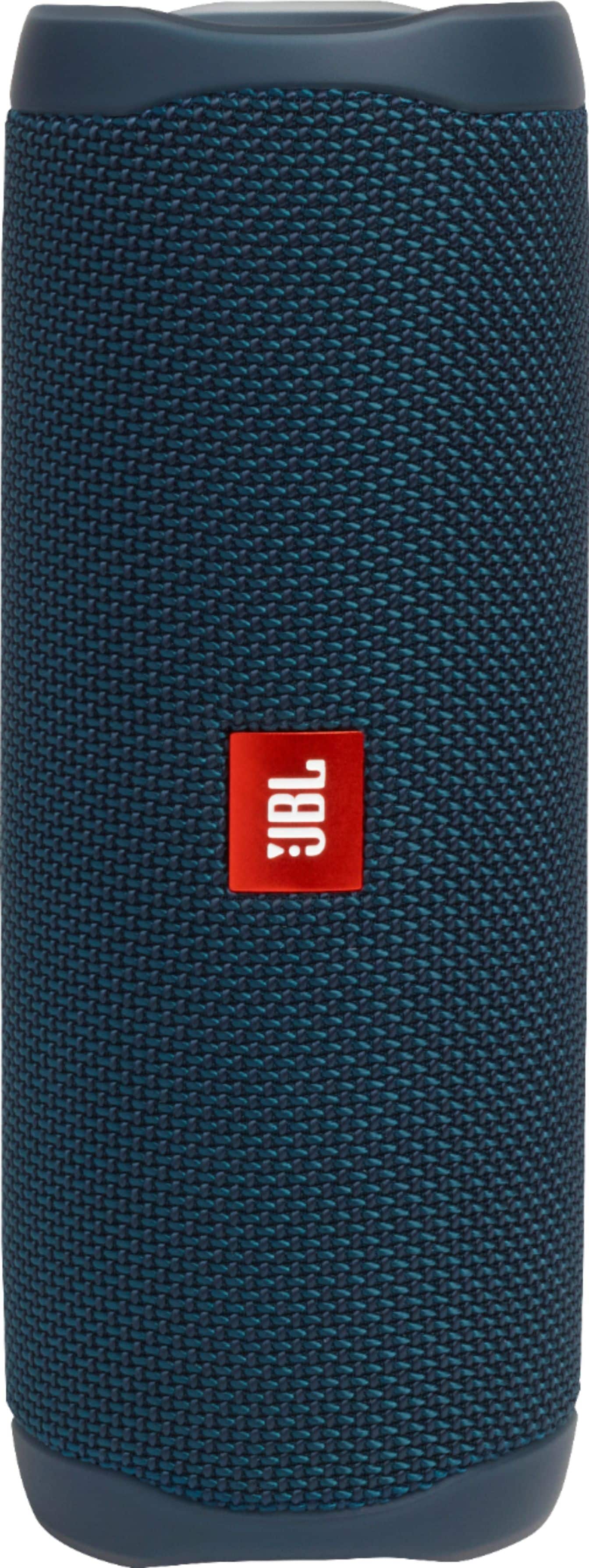
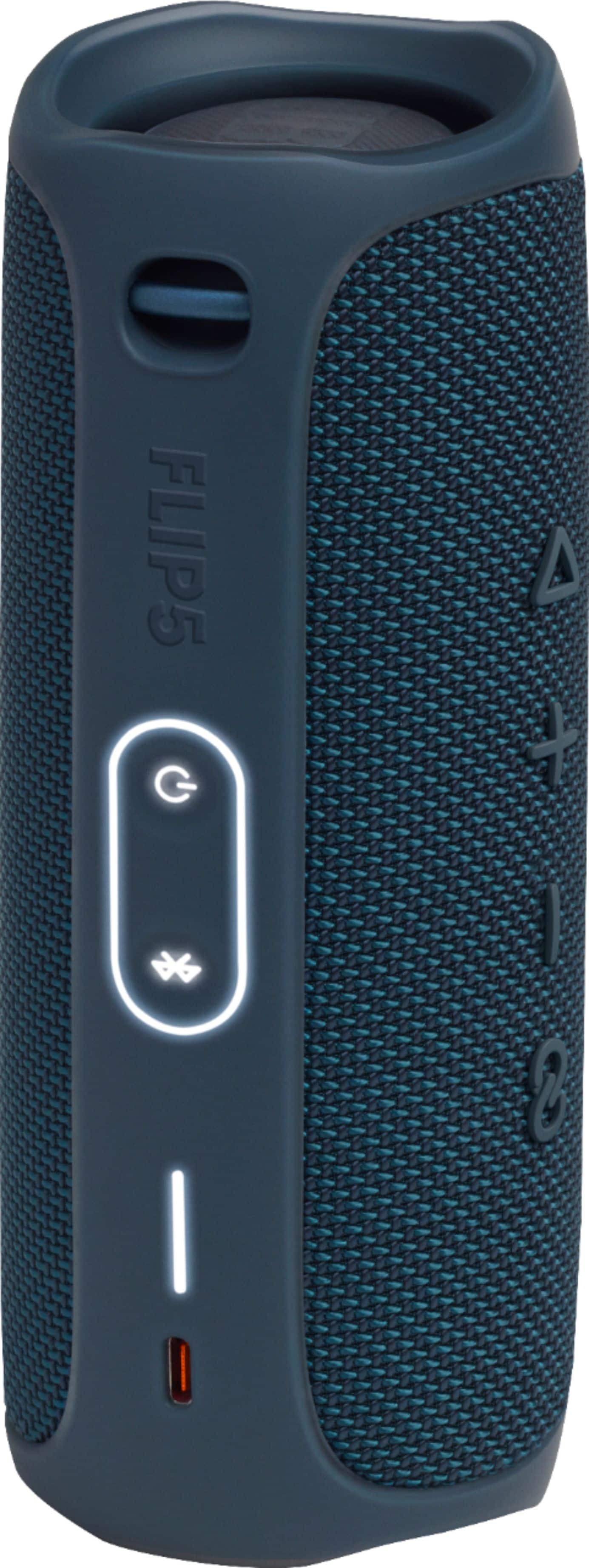
A:AnswerThanks for your inquiry. The published up‑to playtime of the JBL Flip 5 reflects the maximum battery life at low listening levels. As the volume increases, battery life decreases—similar to how a phone battery drains faster with a brighter screen. Audio with heavy bass also uses more power, so the battery may be functioning normally but depleting more quickly under those conditions. To check battery performance, charge the earbuds to 100% and play music at a very low volume with no bass boost. If you have any questions, please contact us directly at: https://support.jbl.com/us/en/#contact
A:AnswerThank you for your inquiry on our JBL Flip 5. With a frequency range of 65Hz - 20kHz, it will beautifully reproduce the low, mid and high tones of an orchestra. For pairing, it features Bluetooth 4.2. You may check if your Samsung Galaxy phone is compatible for its version.
A:AnswerThanks for inquiry. Please note that we don't advise taking the unit apart to replace the battery, as this voids the warranty on your product. You may try to have this checked with our authorized service centers to have the battery replaced, or reach out to our Customer Support. https://support.jbl.com/us/en/
A:AnswerThanks for your question. Our JBL Flip 5 offers more output power and faster charging via its USB-C port. Additionally, it features PartyBoost, which allows you to connect it with other PartyBoost-compatible speakers.
A:AnswerThank you for your inquiry. For a 50x100 room, our JBL Flip 5 is great for "personal" background music in one corner, but it won't "fill" the room for a party or event. For a room that large, we recommend a more powerful unit, like the JBL Boombox 4 or the JBL PartyBox Club 120. These models are designed to deliver high volume and deep bass needed to cover large areas and keep an event lively.
A:AnswerThanks for your question. Our JBL Flip 5 is a mono speaker, meaning it outputs a single audio channel that combines both left and right stereo signals. You can achieve stereo sound by pairing two of these using JBL’s PartyBoost feature. When paired in this mode, one speaker handles the left channel and the other handles the right, creating a true stereo setup.
A:AnswerThanks for your question. Our JBL Flip 5 is designed to connect to phones and tablets via Bluetooth. It appears your device is not supported by Bluetooth, which is why it won't connect.
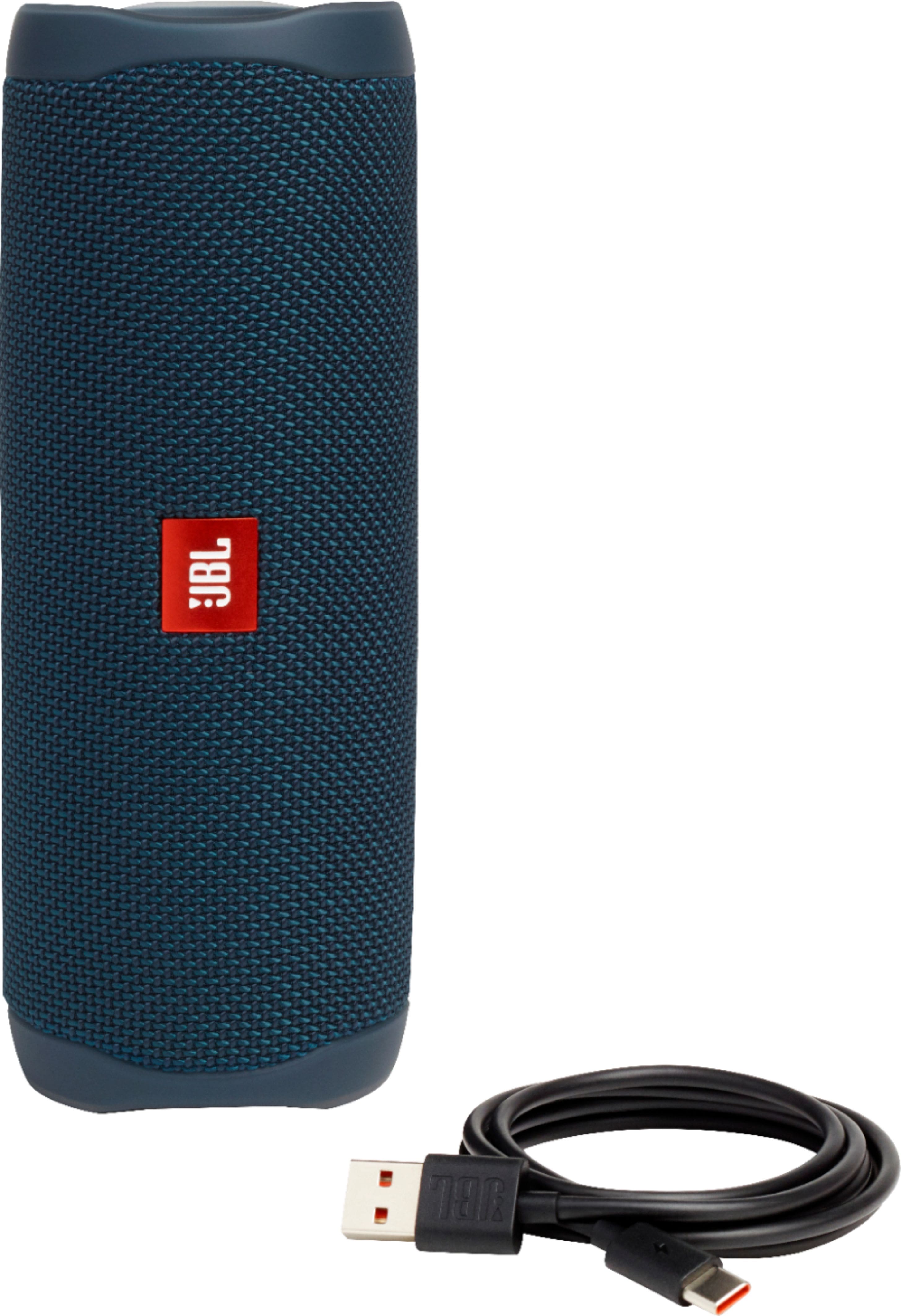
A:AnswerIt comes with a USB charging cord. A white light on the side flashes its charging level. A full charge at max volume gets about 7 hours. At work i leave it charging while it plays all day.