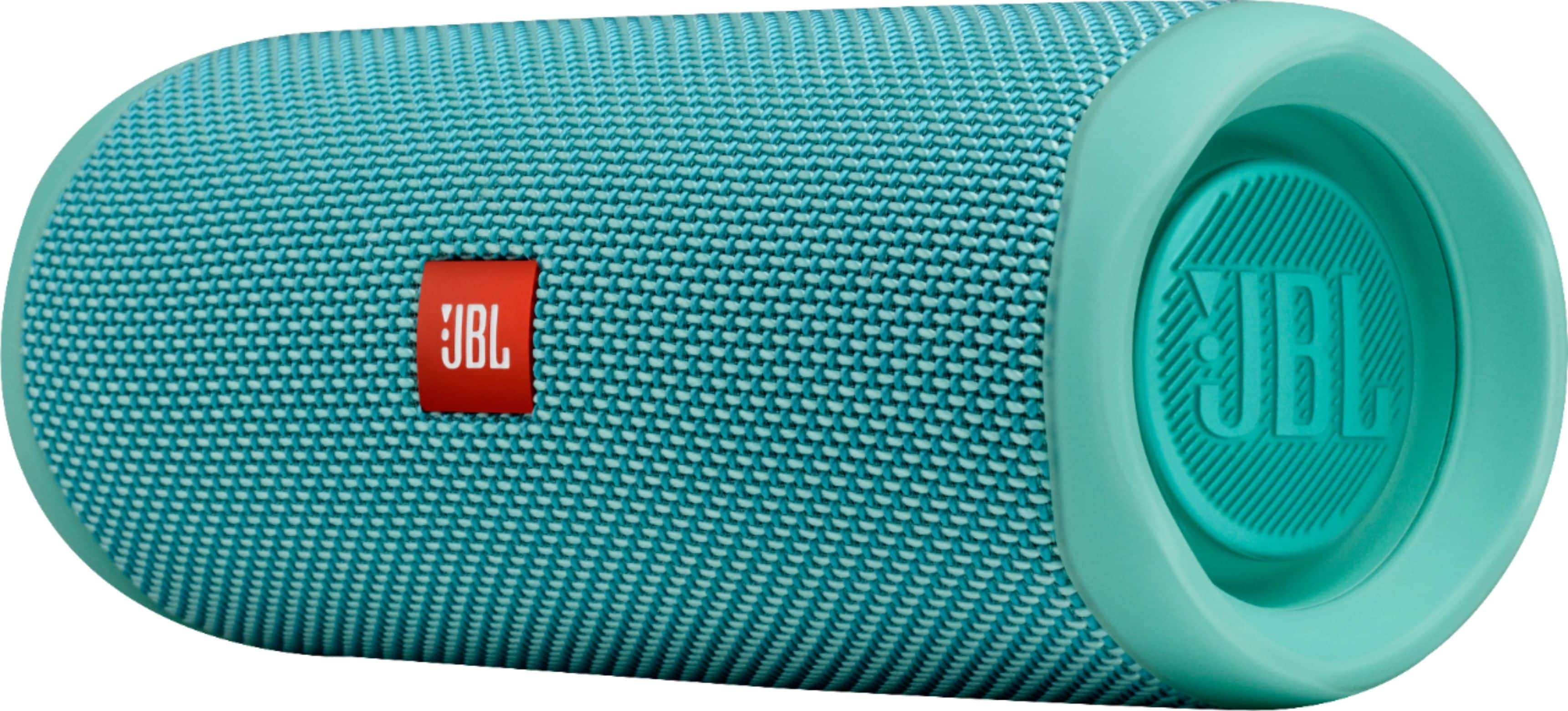
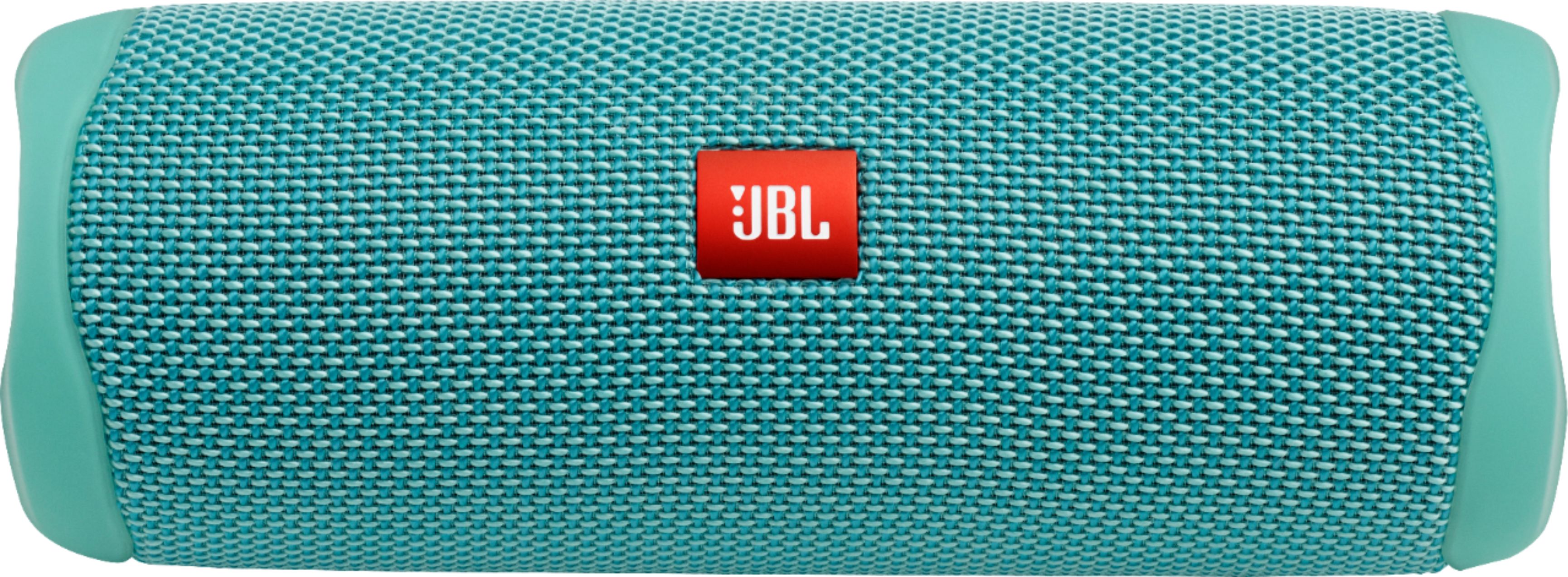
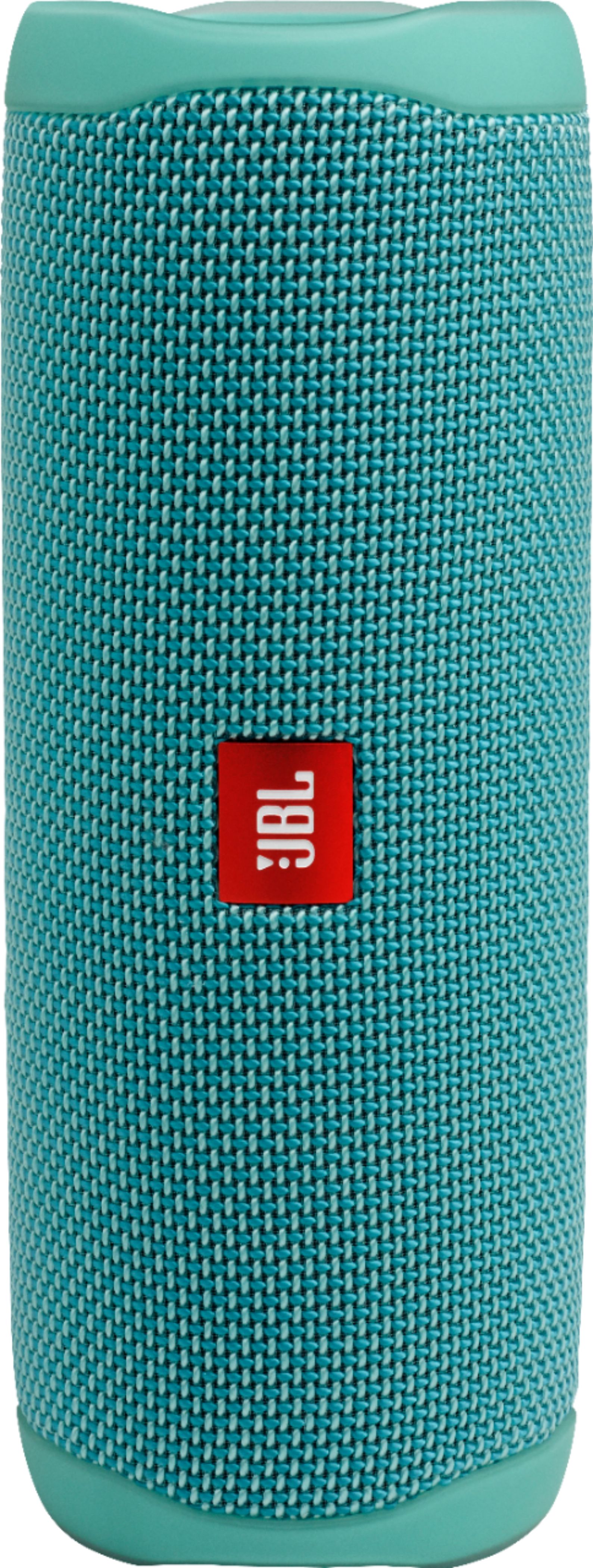
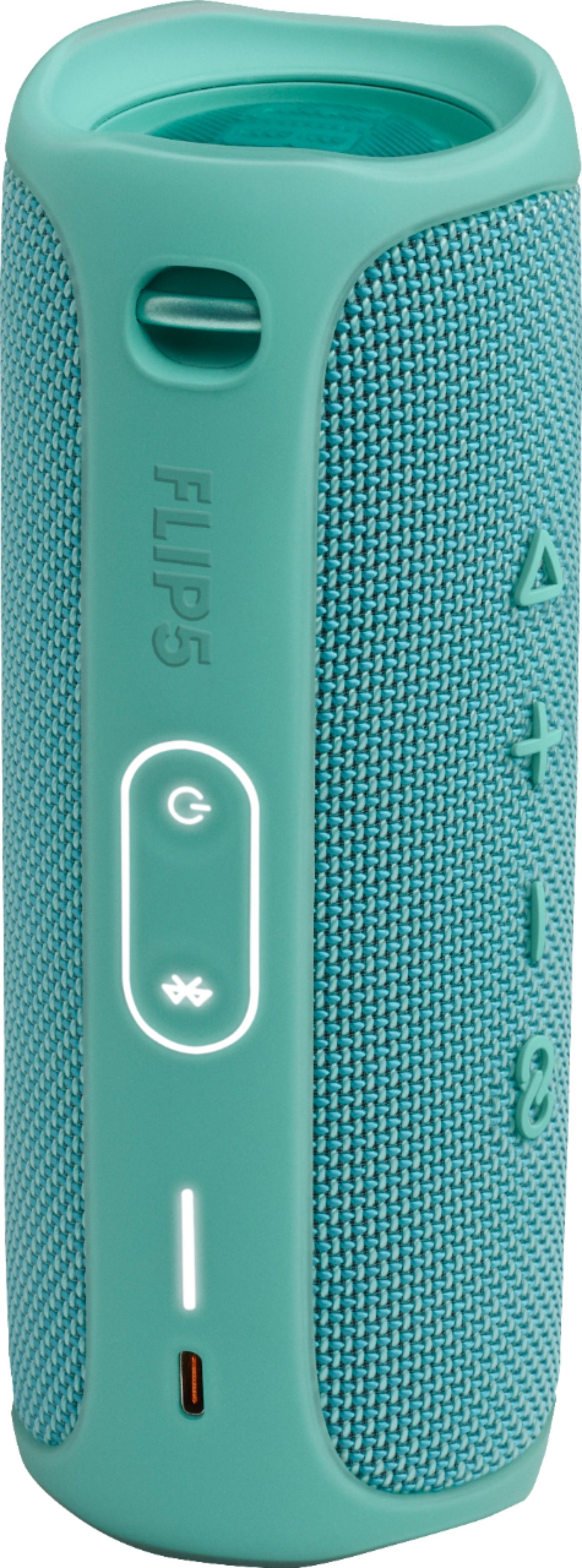
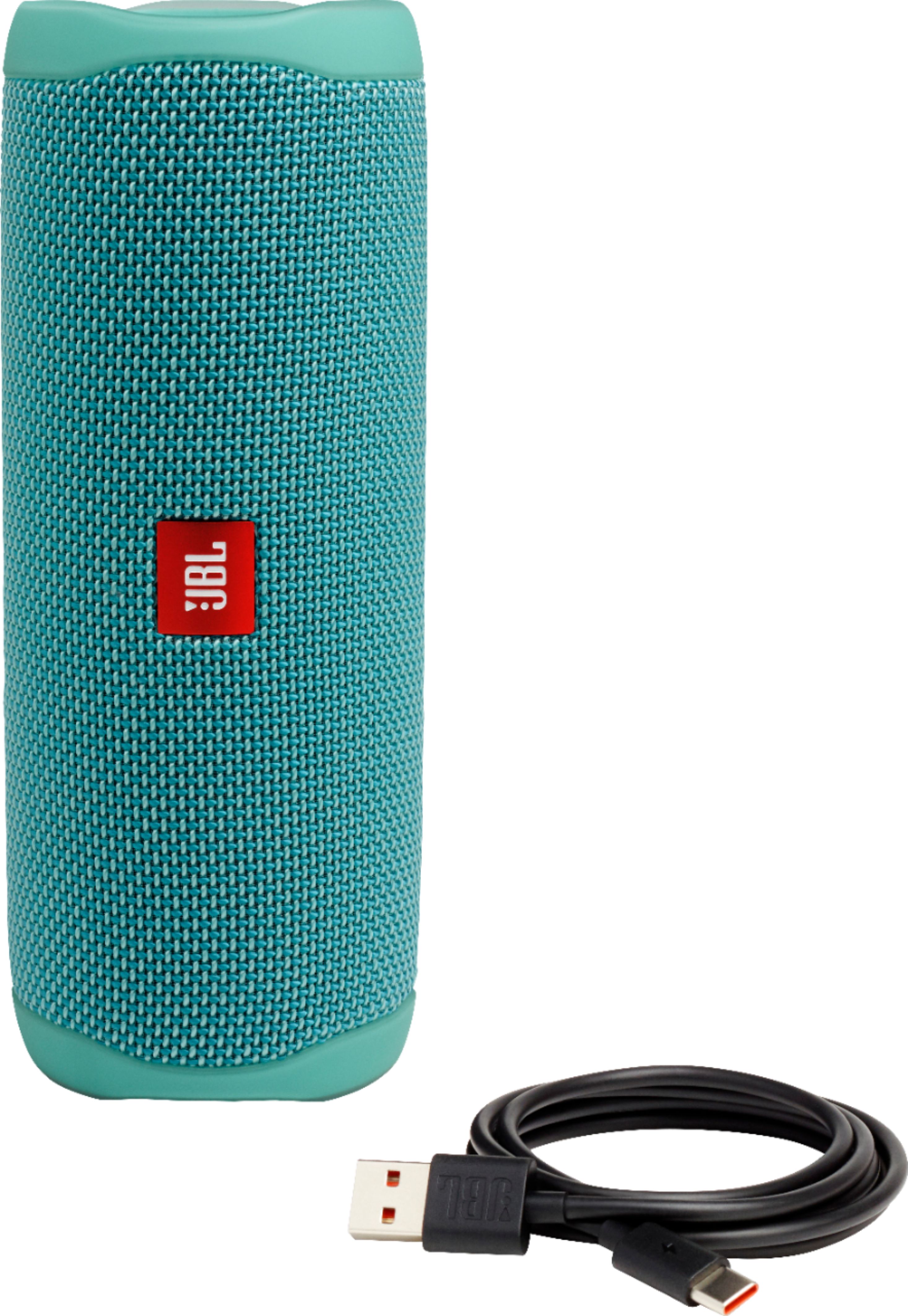
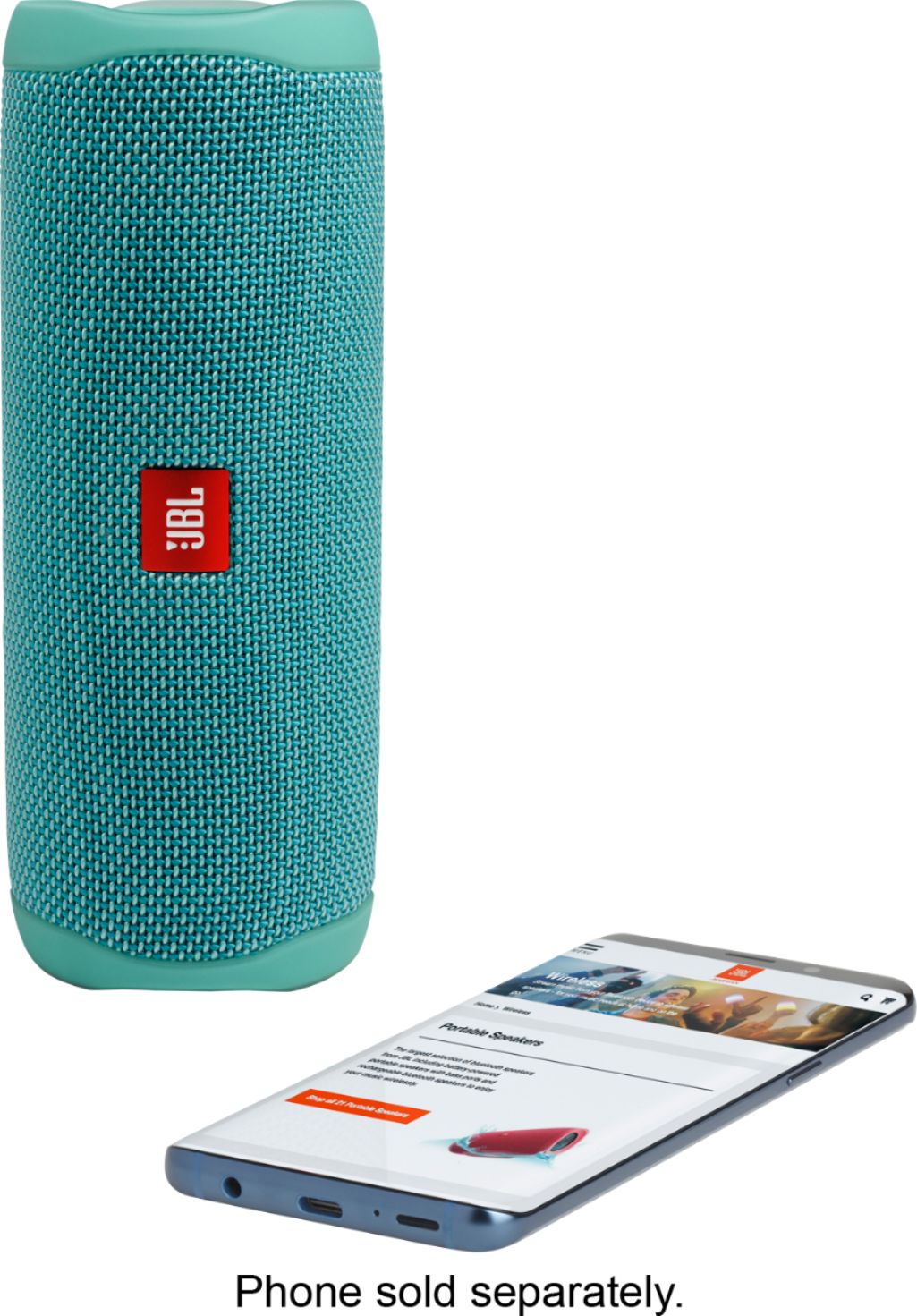
A:AnswerThanks for your inquiry. Our JBL Flip 5 Bluetooth Portable Speakers have a shoulder handle to which you can attach a strap. You may purchase this from other third-party sellers.
A:AnswerThanks for your question. Our JBL Flip 4 is not optimized for TV and gaming consoles. It may exhibit audio/video delays. It's best for audio book or music listening.
A:AnswerThanks for your inquiry. Our JBL Flip 5 is recommended to be paired with mobile phones, tablets, and laptops via Bluetooth connection. You can connect it to your Smart TV if it is Bluetooth capable but you may experience audio-video delays as these headphones don't have an APTX HD low latency codec.
A:AnswerThanks for your question. You can pack the JBL Flip 5 in your luggage, a carry-on bag, or a protective case sold separately at any third-party retailer. It should be away from other materials or belongings that may cause scratches or dents. Since this unit contains a lithium-ion battery, it is best to get more information from the airlines about their guidelines for bringing electronic devices. We could provide you the Material Safety Data Sheet of our JBL Flip 5, which may be useful when you confirm with the airline if they allow it with your luggage or as a hand carry. Please reach out to our Customer Support to request a copy of this document.
A:AnswerOur JBL Flip 5 has a Bluetooth range of up to 10-15 meters without obstructions between your connections. For best connectivity results, please ensure a clear line of sight between your earbuds and the source. A distance farther than that would pose a risk of signal deterioration.
A:AnswerThanks for your inquiry. Our JBL Flip 5 is a stand-alone Bluetooth speaker, you will not be able to connect a wired/wireless mic to this speaker.
A:AnswerThanks for your inquiry. Our JBL Flip 5 is recommended to be paired with mobile phones, tablets, and laptops via Bluetooth connection. You can connect it to your Smart TV if it is Bluetooth capable but you may experience audio-video delays as these headphones don't have an APTX HD low latency codec.
A:AnswerHold and release the Bluetooth button on the side of the Flip 5. Go into your phone's connections settings and select Bluetooth. Select JBL Flip 5 and connect.
A:AnswerWe recommend using our JBL Flip 5 in temperatures between 5 and 45 degrees Celsius (41 to 113 F), as any temperature lower or higher than that can affect the battery performance. If you need more help with your unit, please contact our customer support for assistance.