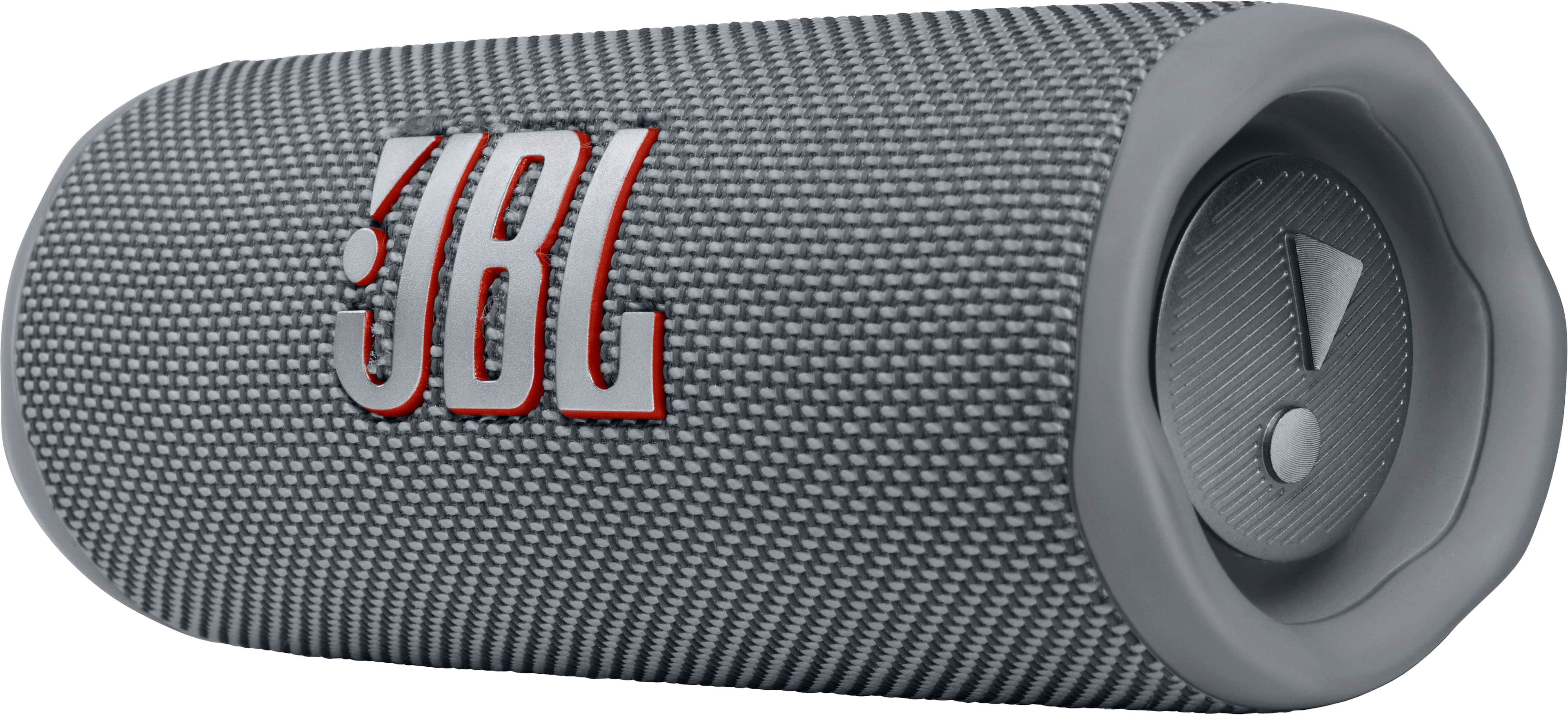
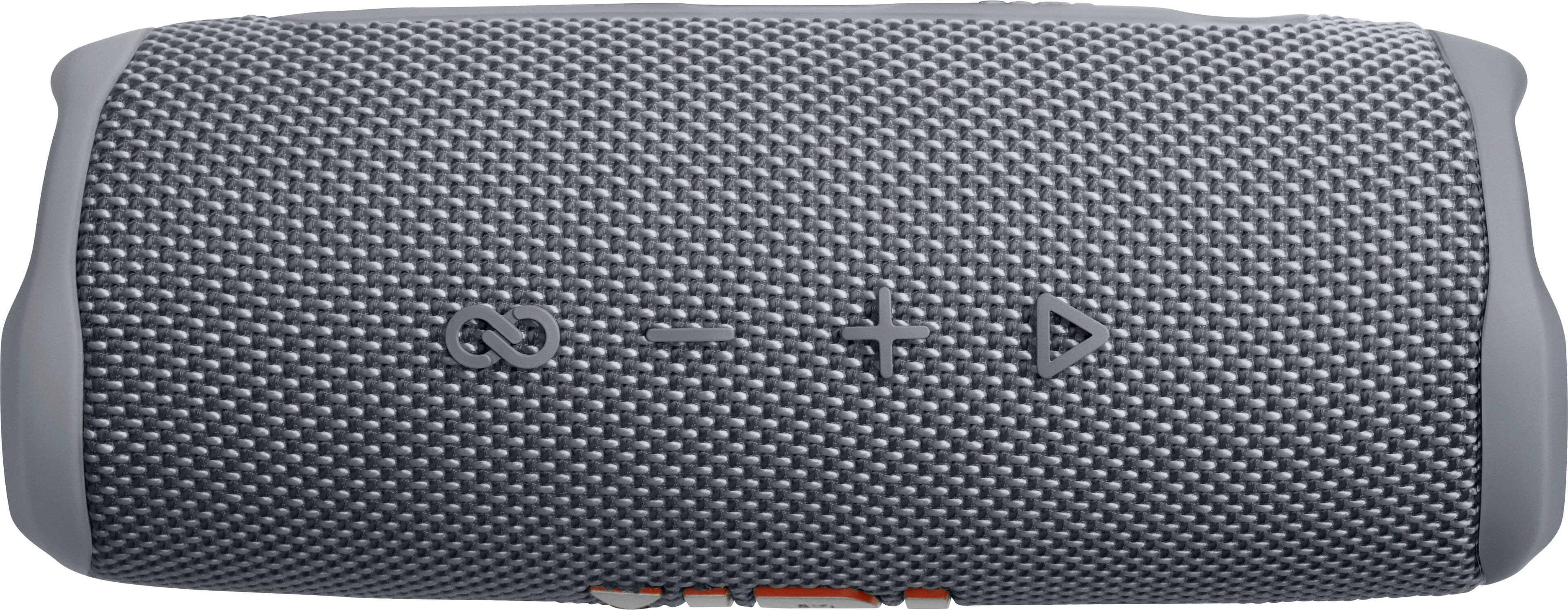
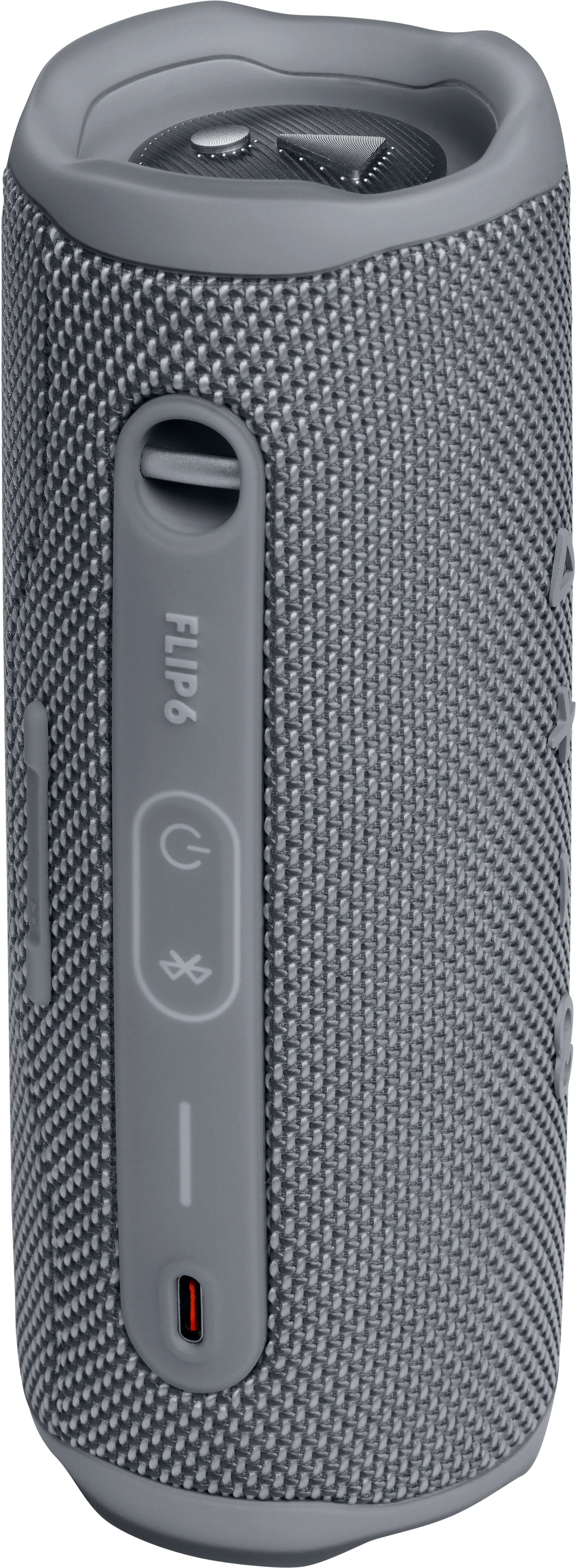
A:AnswerThanks for your inquiry. Our JBL Flip 5 and 6 can be linked together via PartyBoost in Party Mode. Please note that stereo Mode can only be enabled when 2 of the same speaker model are used. For more help, please contact JBL Customer Support.
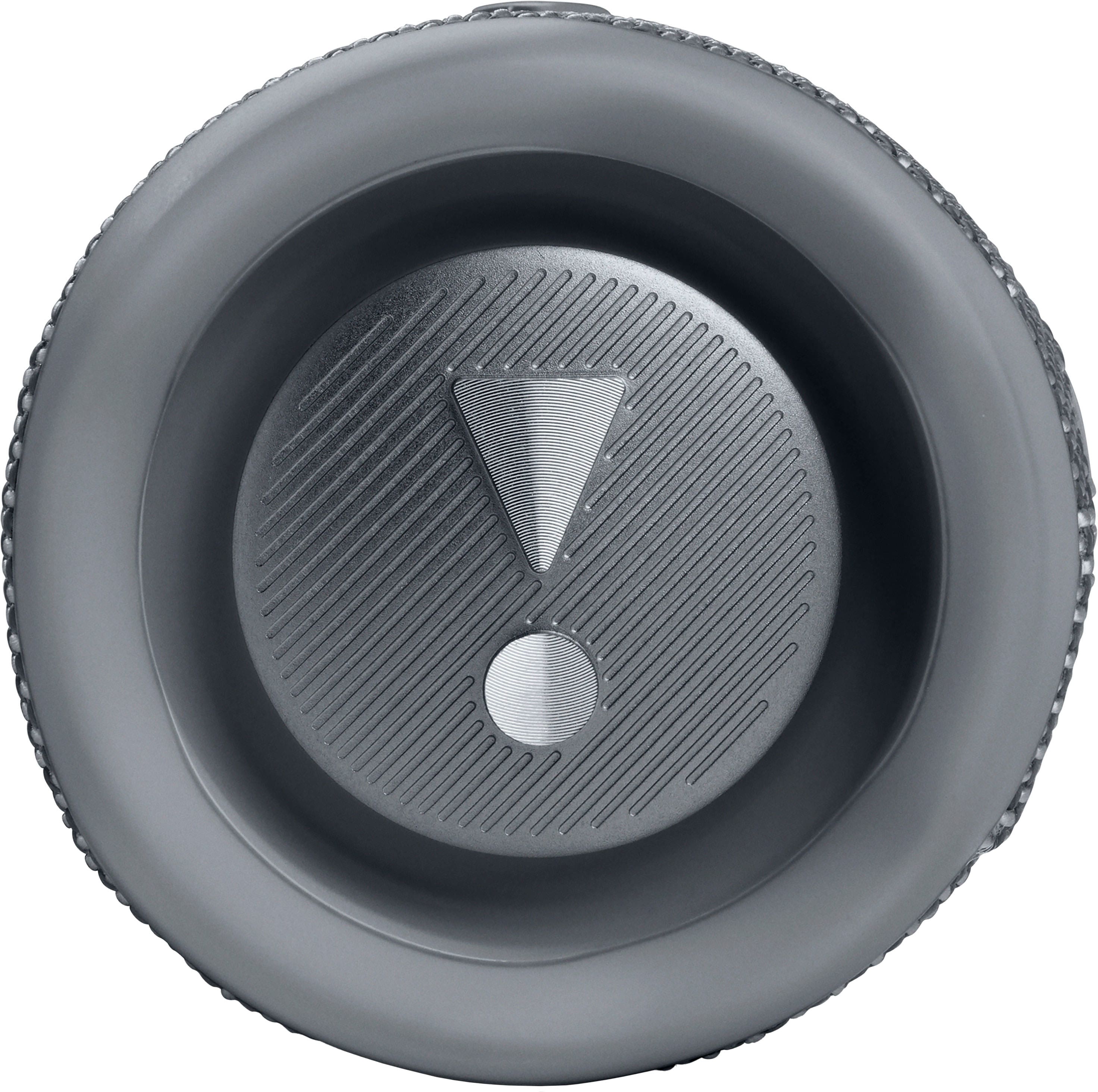
A:AnswerThanks for your question. While the JBL Flip 4 and JBL Flip 6 have the same music playtime of up to 12 hours (volume level and music content dependent), our JBL Flip 4 has 16W RMS of output power, JBL Connect+, IPX7 waterproof rating, a speakerphone feature, and a 3.5mm audio cable input. On the other hand, our JBL Flip 6 has 30W RMS of output power, JBL PartyBoost, IP67 waterproof and dustproof rating, and multiple transducers or drivers.
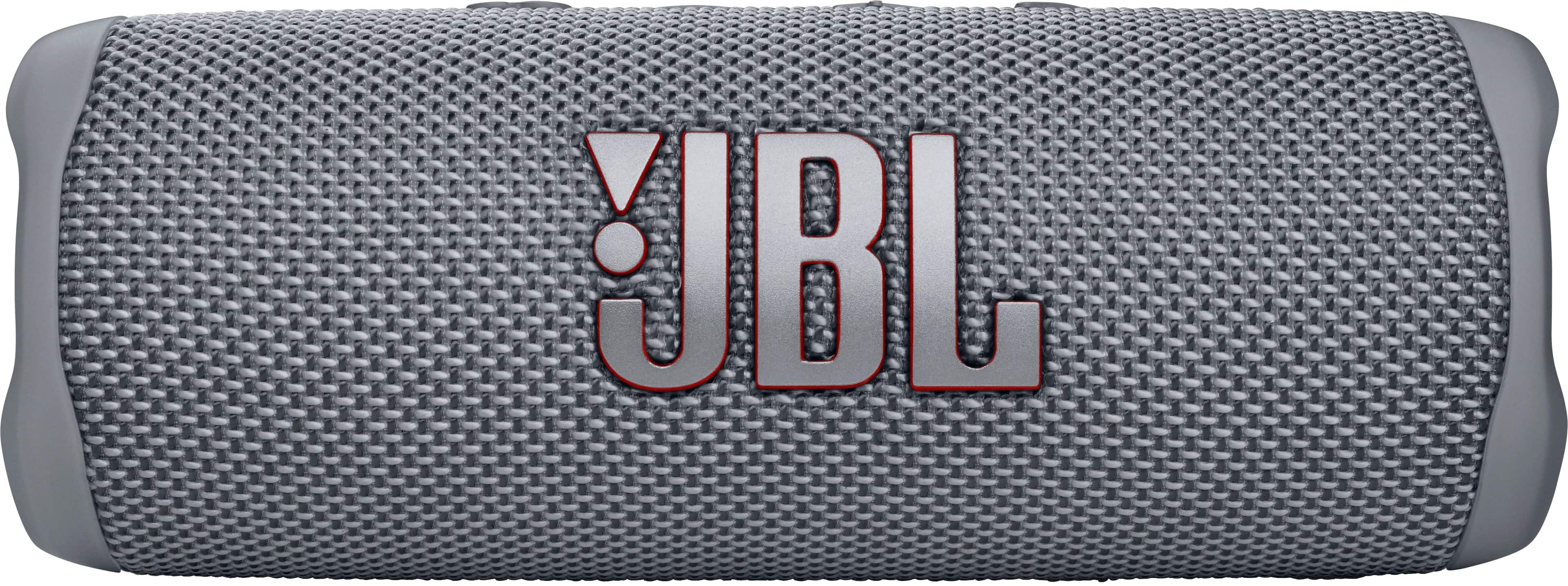
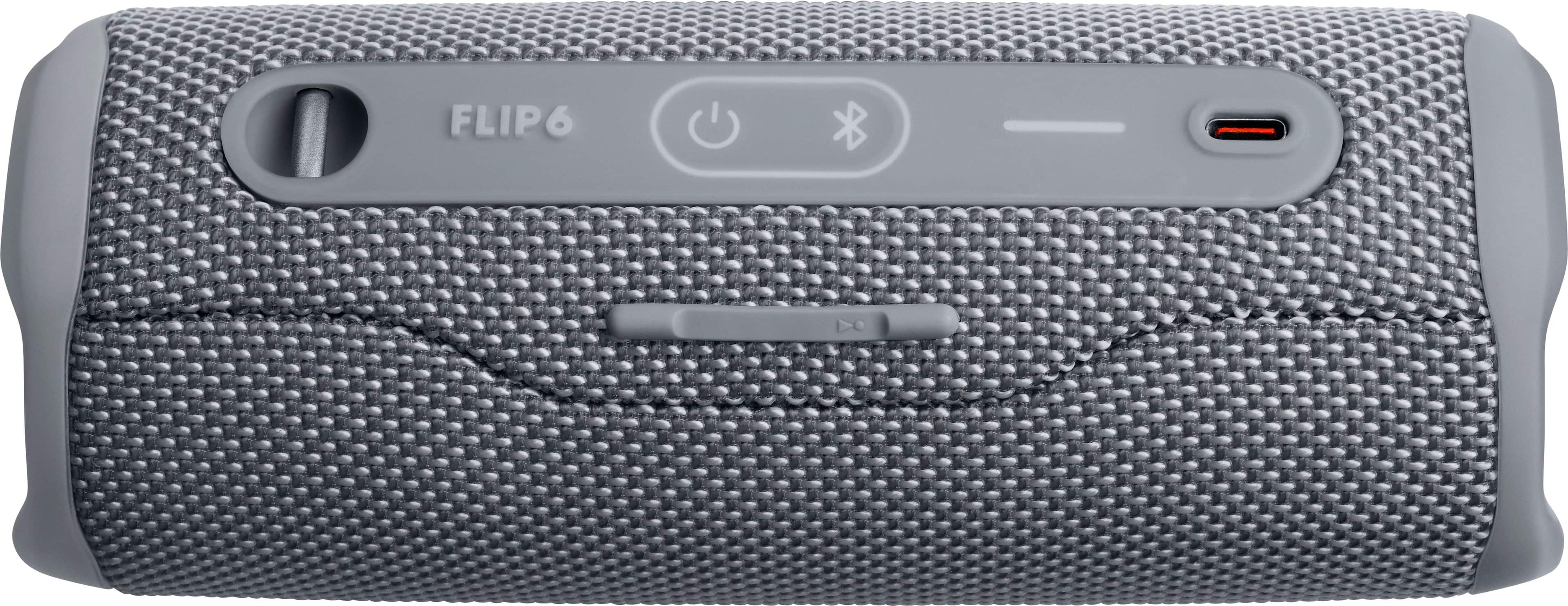
A:AnswerFirst, turn on the bluetooth on your Samsung phone. Next power on the JBL speaker and press the bluetooth button next to the power button on the JBL speaker.
A:AnswerNo you cannot use a micro usb card. The speaker does not have this as an input option. You will need to use it with bluetooth. You can possibly use the micro usb device in a cell phone and connect the output from the phone to the speaker using bluetooth.