A:AnswerI have not heard any type of ringing, while pausing, playing music or anything like that, maybe the pair you have is a defective pair. Have you reached out to Best Buy, or the manufacturer?
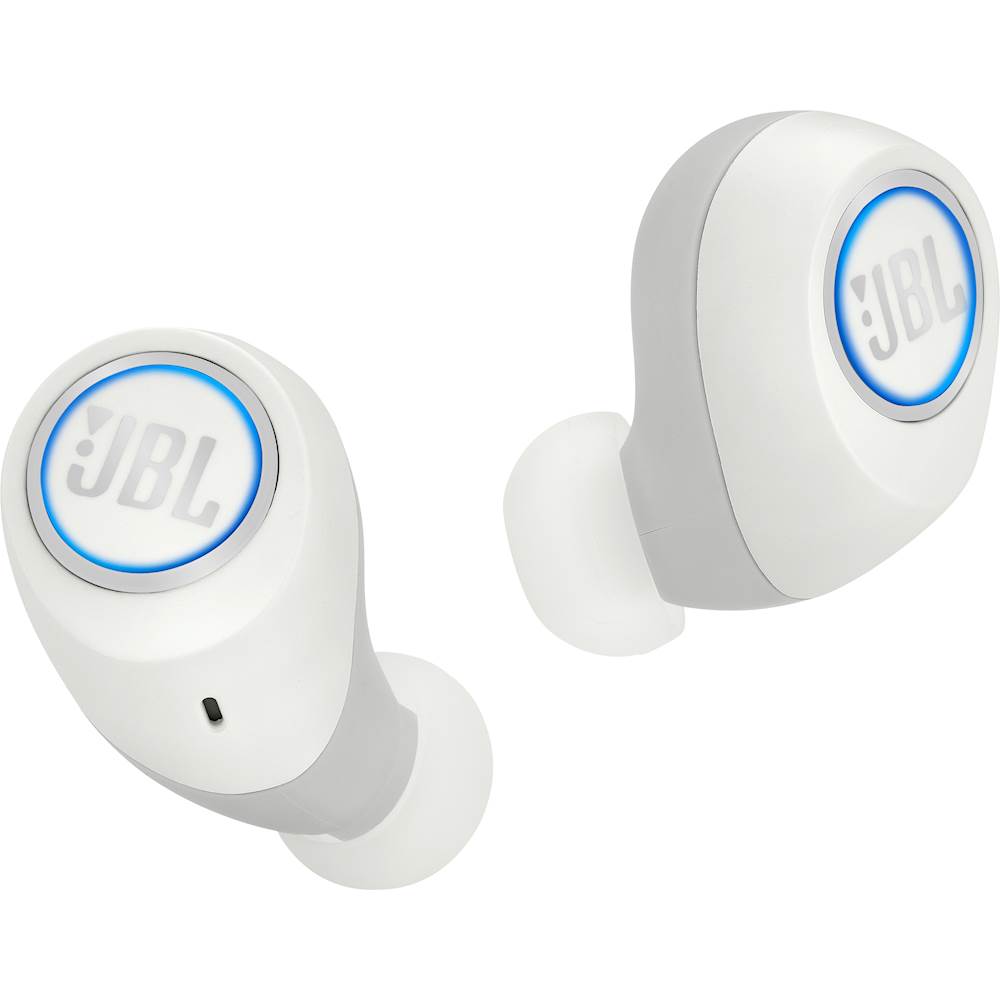
A:AnswerPush and hold the button on both ear pieces until a blue light flashes. They should connect to each other and be available under your Bluetooth settings.
A:AnswerJBL Free has Bluetooth version 4.0. The range of this could go up to 8-10 meters. Please note that interference or signal blockage may cause disruption.
A:AnswerJBL Free has lithium-ion batteries that have charging cycles. It's best to use both headphones at the same time, so their battery life would be the same. If you have further questions, please reach out to our Customer Support. https://support.jbl.com/us/en/contact.html
A:AnswerUnfortunately, we don't sell our JBL Free separately. We'd like to know what's going on and help you with your options. Please reach out to our Customer Support. Thanks. https://www.jbl.com/support-contact.html
A:AnswerOur JBL Free are mainly designed for playing music and using it with your Playstation 4 may have some audio delays. We suggest using gaming headphones to work with your Playstation 4.
A:AnswerWe'd like to try some troubleshooting with you so we could isolate the issue with your JBL Free earphones. Please reach out to our Customer Support. https://www.jbl.com/support-contact.html
A:AnswerYes. JBL Free has an IPX5 waterproof rating, meaning it's splashproof and sweatproof. For more information, check out the specifications here: http://bit.ly/2NU9i0Q