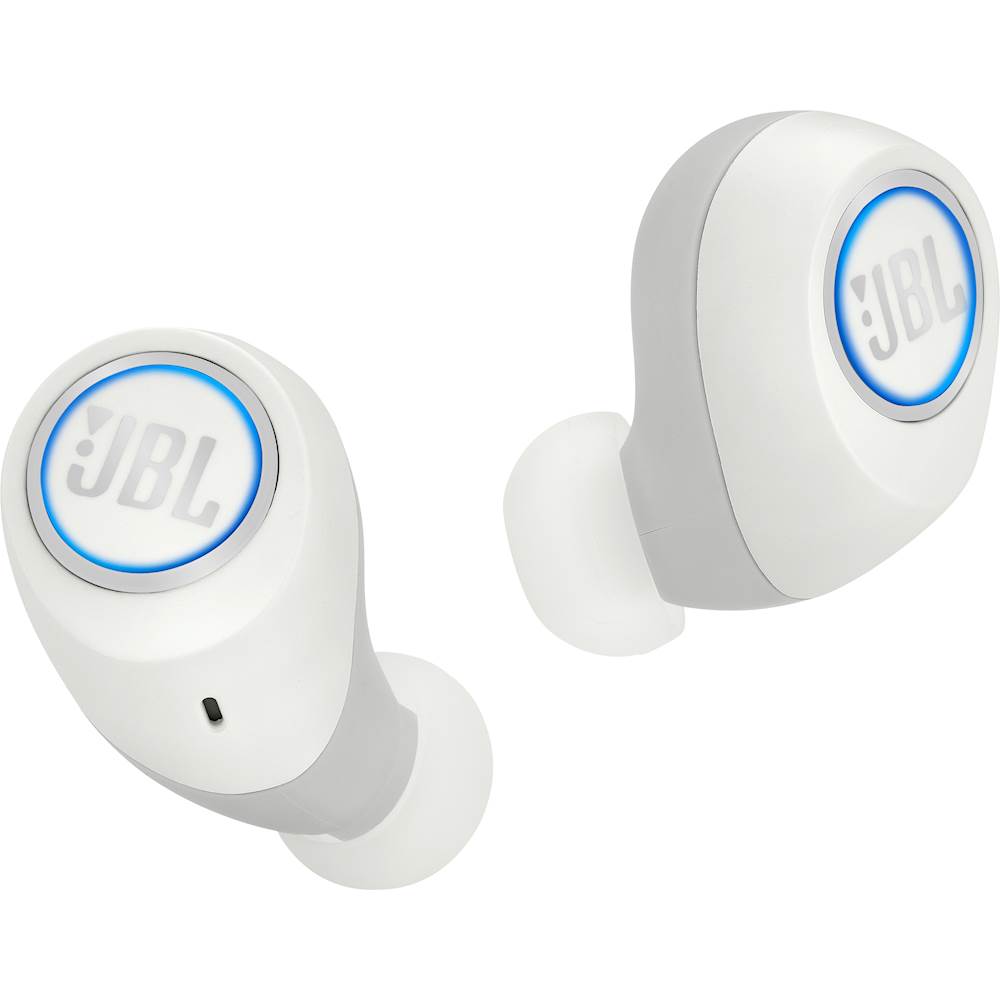
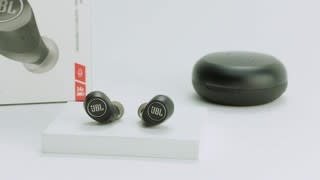
A:AnswerYes. JBL Free has an IPX5 waterproof rating, meaning it's splashproof and sweatproof. For more information, check out the specifications here: http://bit.ly/2NU9i0Q
A:AnswerWe'd like to know more details about your JBL Free and try some troubleshooting steps. Please contact our Customer Support through the link so we can assist you. Thanks. https://www.jbl.com/support-contact.html.
A:AnswerHi there, we understand you wanted to know about volume controls for your JBL Free X. Your product is designed to have the volume adjusted through your phone. The touch controls are for the following commands: Bluetooth pairing, answering and rejecting calls, activating Siri or Google now, skipping songs, and audio sync. For more information about your earphones, check out this link. Thanks: https://www.jbl.com/wireless-headphones/JBL+FREE+X.html
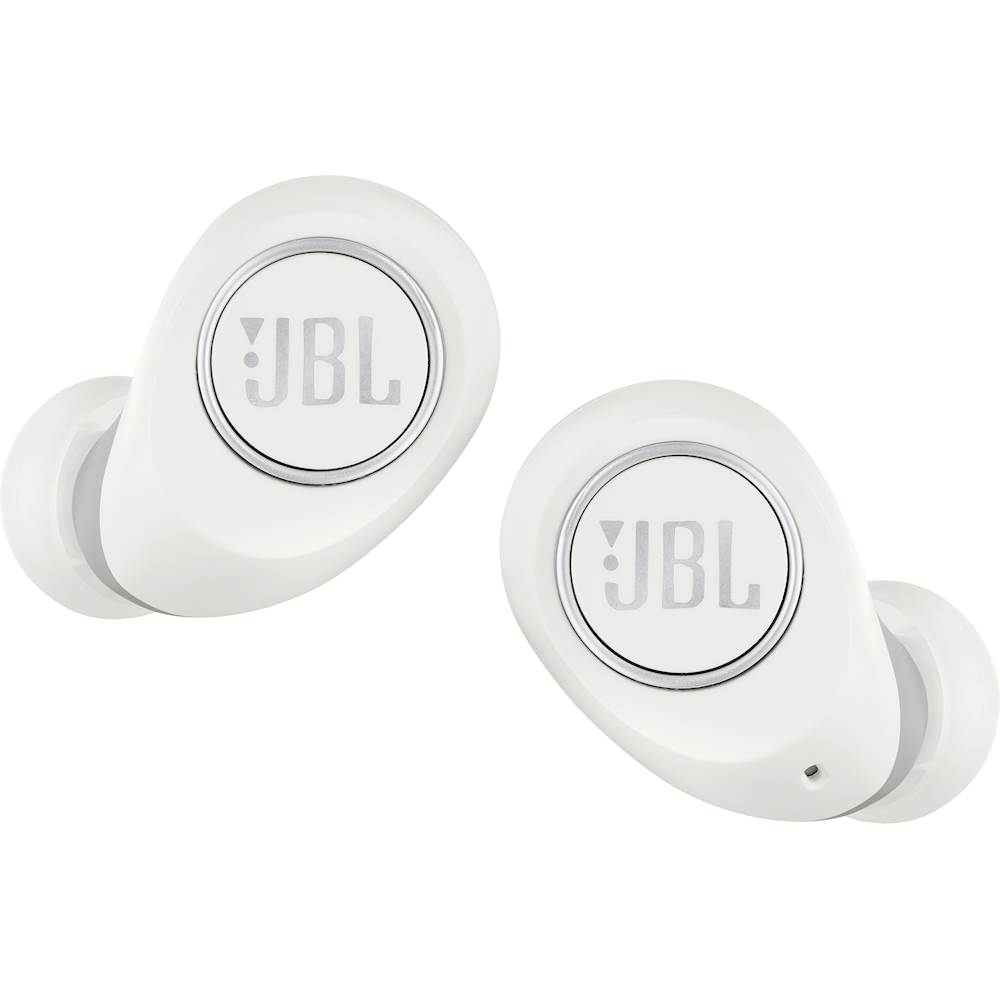
A:AnswerWe appreciate your time in reaching out. Simply put the JBL Free in pairing mode. To do so, press and hold the right earpiece for 5 seconds as it alternates between blue and white LED lights. Make sure that the device you are attempting to connect to is in pairing mode. The JBL Free should display on discoverable devices within 3-8 seconds and choose JBL Free. The headphones will connect after you hear the audio confirmation tone. Follow the steps to pair a device on your Apple Watch or iPhone, and you should be good to go.
A:AnswerHi there, thanks for reaching out. Please try to use a different charging cable to see if that works. If that doesn't work, please submit a case request and so we can assist you: https://support.jbl.com/us/en/customer-service/contact.html
A:AnswerThanks for reaching out. Based on your statement, you can connect your Apple X via Bluetooth. On that note, the earphone is working because being able to see it on your lists of Bluetooth devices means that it went to pairing mode when you attempt to connect it to your laptop. However, it may be the Bluetooth driver on your laptop that is not updated or needs to be modified. We recommend you to contact your computer/laptop manufacturer if you have the latest Bluetooth driver. If you need more assistance, submit a case request at https://www.jbl.com/support-contact.html and our customer service team will be happy to help.
A:AnswerLyle.
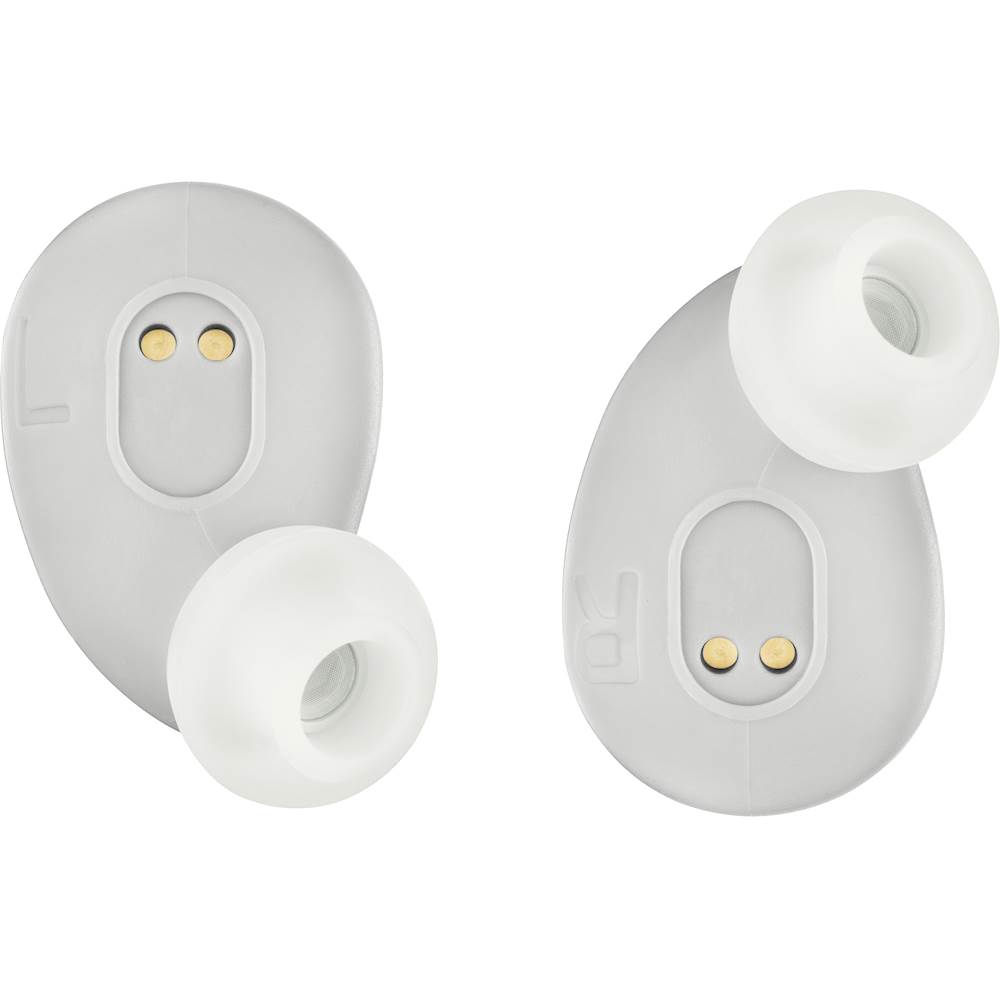
No you cannot. The right ear piece is the only ear piece that actually pairs to your device. The left ear piece is wirelessly tethered to the right ear piece. So you can choose not to use the left side and leave it off in the charging case and only use the the right.
A:AnswerThanks for that interesting question. If your TV has a wireless connection technology built-in to set itself so you can use wireless headphones to connect to your TV then It's possible. Make sure that the earphones are in pairing mode.
You may have to contact your TV manufacturer for assistance.
A:AnswerWe would like to work with you directly to help you with your issue. Please submit a case request at https://www.jbl.com/support-contact.html and the Customer Service Team will be more than happy to assist you.