A:AnswerWe would like to work with you directly to help you with your issue. Please submit a case request at https://www.jbl.com/support-contact.html and the Customer Service Team will be more than happy to assist you.
A:AnswerThanks for reaching out, we would like to work with you directly. Please submit a case request at https://www.jbl.com/support-contact.html and the Customer Service Team will be more than happy to assist you.
A:AnswerMine was doing the same thing for over six months. One day I noticed my ring battery charger looked like it would fit so I plugged it into the link 10. Immediately the static stopped and the Bluetooth came on. Try a new charger. I think their life span is pretty short.
A:AnswerYou should be able to use the speaker if your TV has Bluetooth built in. Just connect it via Bluetooth and it should do the trick. If your TV doesn't have Bluetooth I would say no.
A:AnswerWe would like to work with you directly to help you with your issue. Please submit a case request at https://www.jbl.com/support-contact.html and the Customer Service Team will be more than happy to assist you.
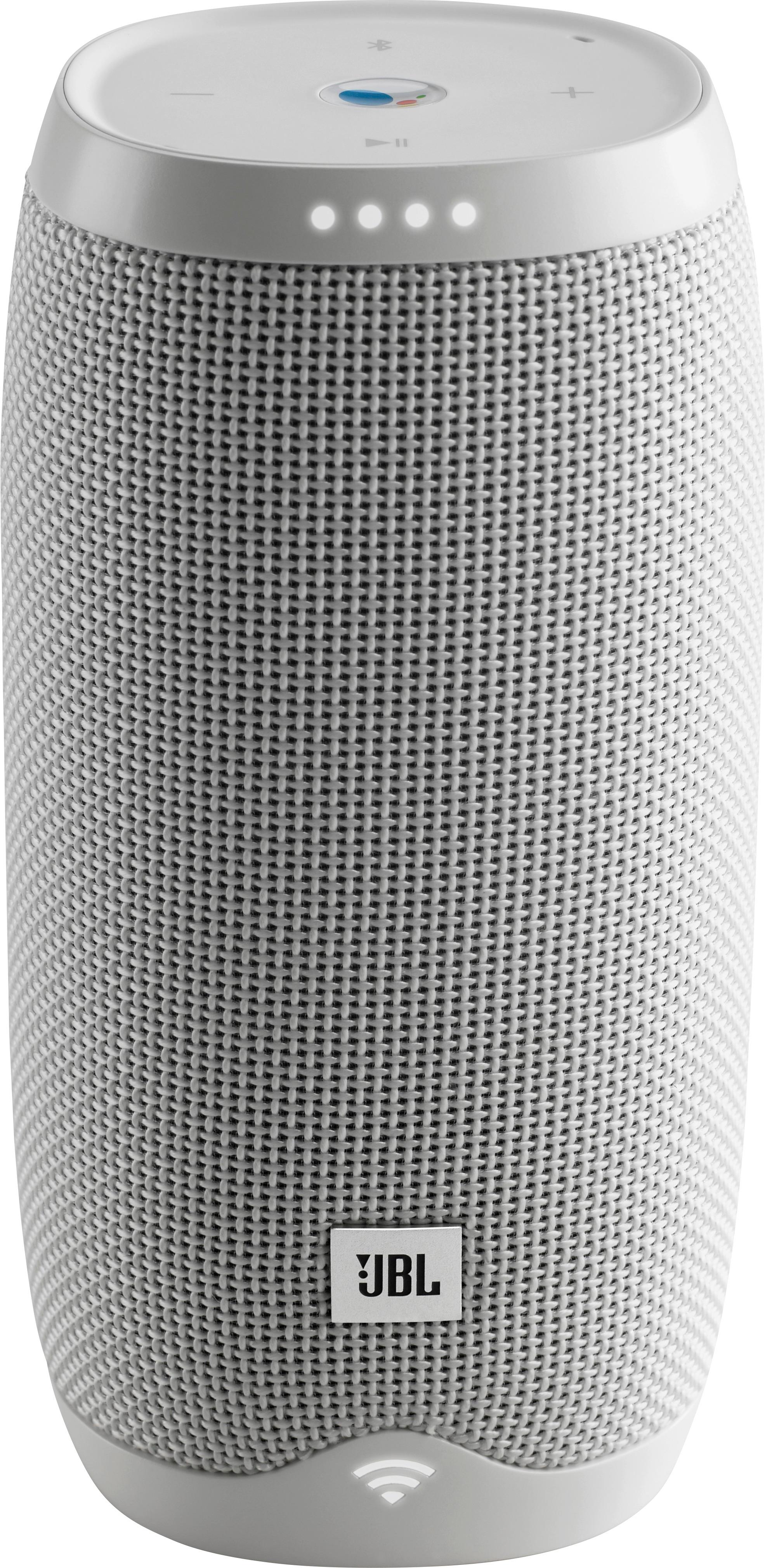
A:AnswerYou should be able to turn the speaker off after one press on the power button. While the Link 10 is not plugged in to charge, leave it turned on, and wait until it turns off. After it does, please try powering it on, then off, and see if it would work better that time. But if the speaker would still not power off, please submit a case request at www.jbl.com/support-contact.html and the customer service team will be more than happy to further assist you.
A:AnswerWe would like to work with you directly to help you with your issue. Please submit a case request at https://www.jbl.com/support-contact.html and the Customer Service Team will be more than happy to assist you.