Questions & Answers
- Model:
- JBLLIVEFRNCPTWSWAM
- |
- SKU:
- 6465263
Q: QuestionAre these 100% waterproof earbuds
Asked by Silverfox.
- A:Answer Our JBL LIVE FREE NC+ TWS is sweatproof and waterproof. It's rated IPX7 which means that the device can be submerged in 1m of water for up to 30 minutes without permanent damage.
Answered by JBL Support

Q: QuestionSo, I picked these up today. Paired nicely to the phone, but could not get the Alexa app to work. The Alexa app sees it, but voice commands are ignored. Called support and was told that it doesn't work with Alexa yet. Is this true?
Asked by Fred.
This question was asked about the related product: JBL - Live FreeNC+ True Wireless Noise Cancelling In-Ear Earbuds - Black
- A:Answer Thanks for bringing this to our attention. Kindly download the JBL Headphone App to set up your preferred voice assistant with your JBL Live Free NC+ TWS. If you have more questions or concerns about your device, please reach out to JBL Customer Service for technical support and assistance at (800) 336-4525 Mon - Fri: 9:00 am - 11:00 pm (EST), Sat-Sun: 9:00 am - 5:00 pm (EST).
Answered by JBL Support

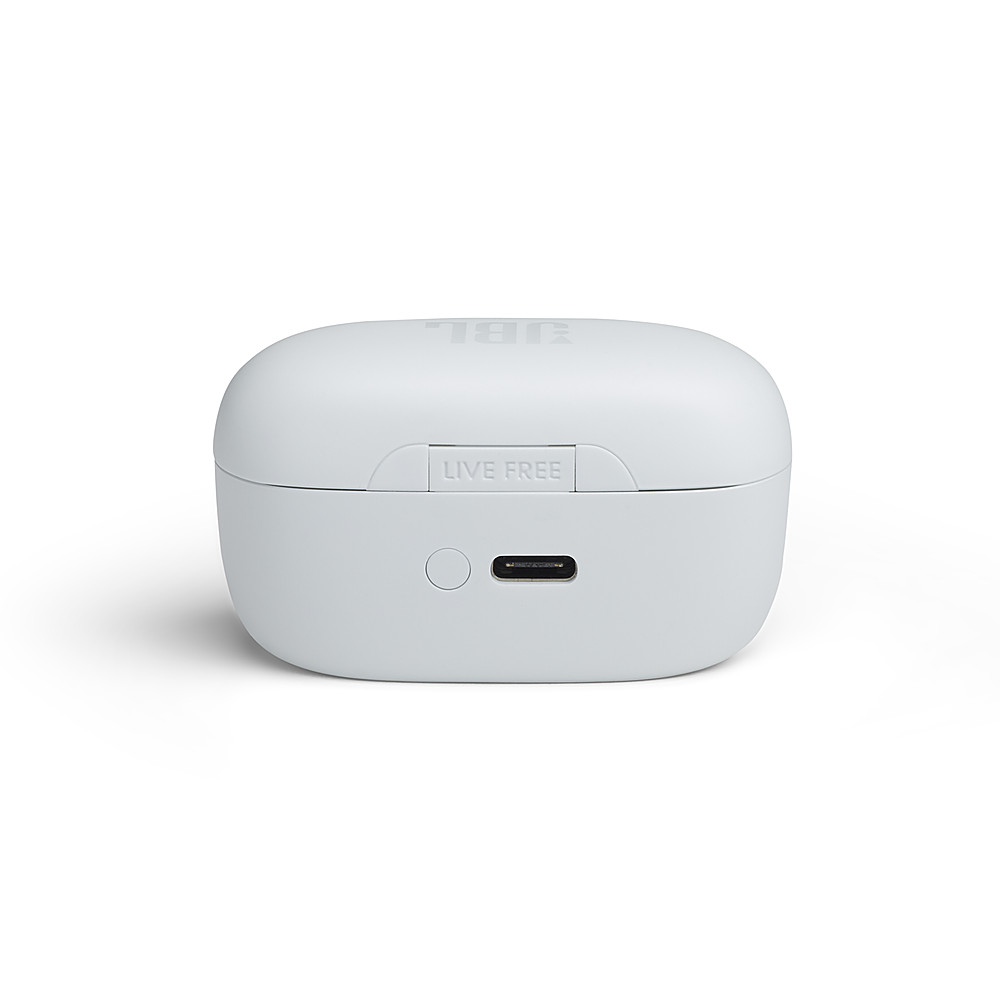
Q: QuestionWhat's the recommended amperage USB wall adapter?
Asked by Josh.
This question was asked about the related product: JBL - Live FreeNC+ True Wireless Noise Cancelling In-Ear Earbuds - Black
- A:Answer The recommended amperage of the power adapter for our JBL Free NC is 2A.
Answered by JBL Support

Q: QuestionI want to know if I have a warranty..
Asked by Anonymous.
This question was asked about the related product: JBL - Live FreeNC+ True Wireless Noise Cancelling In-Ear Earbuds - Black
Q: QuestionCan i get the app for these earbuds on my PC?
Asked by Miles.
This question was asked about the related product: JBL - Live FreeNC+ True Wireless Noise Cancelling In-Ear Earbuds - Black
- A:Answer Thanks for your inquiry. Our JBL Live Free NC+ does not have an app for the PC as the JBL Headphones App is only available for mobile devices. You may download any 3rd party App for the PC to adjust the EQ settings of the earbuds.
Answered by JBL Support

Q: QuestionCan you adjust the bass?
Asked by Anonymous.
This question was asked about the related product: JBL - Live FreeNC+ True Wireless Noise Cancelling In-Ear Earbuds - Black
- A:Answer Download the jbl headphone app. Turn on your earbuds to connect to app. Go to eq setting. Create your own sound with a high low end, and whatever mid and high you want.
Answered by user885061
Q: QuestionWill this connect to pc?
Asked by Ttver.
This question was asked about the related product: JBL - Live FreeNC+ True Wireless Noise Cancelling In-Ear Earbuds - Black
- A:Answer Yes with bluetooth
Answered by TheRealSlimCrazy
Q: QuestionWhy do none of your earbuds support multipoint connection??? I'd buy some if that were a feature. Too bad.
Asked by AandJ.
This question was asked about the related product: JBL - Live FreeNC+ True Wireless Noise Cancelling In-Ear Earbuds - Black
- A:Answer Thanks for your inquiry. We have the Live Pro 2 TWS and Live Free 2 TWS that have a multipoint connection.
Answered by JBL Support

Q: QuestionRight side is in mono sound, tried auto and manual reset (unpair/ re-paired) with no change to audio on right bud. How to resolve? Or where to find info to resolve?
Asked by Ares.
- A:Answer Try the app
Answered by Death4420
Q: QuestionI can only get one ear bud to p look at at a time ??
Asked by Cat.
This question was asked about the related product: JBL - Live FreeNC+ True Wireless Noise Cancelling In-Ear Earbuds - Black
- A:Answer Hello, I am sorry to know that you are experiencing issues with one of our products, please contact our technical support line for troubleshooting assistance or to help you determine your warranty options.
Answered by JBL Support

Q: QuestionIs there a case for these?
Asked by melmel.
This question was asked about the related product: JBL - Live FreeNC+ True Wireless Noise Cancelling In-Ear Earbuds - Black
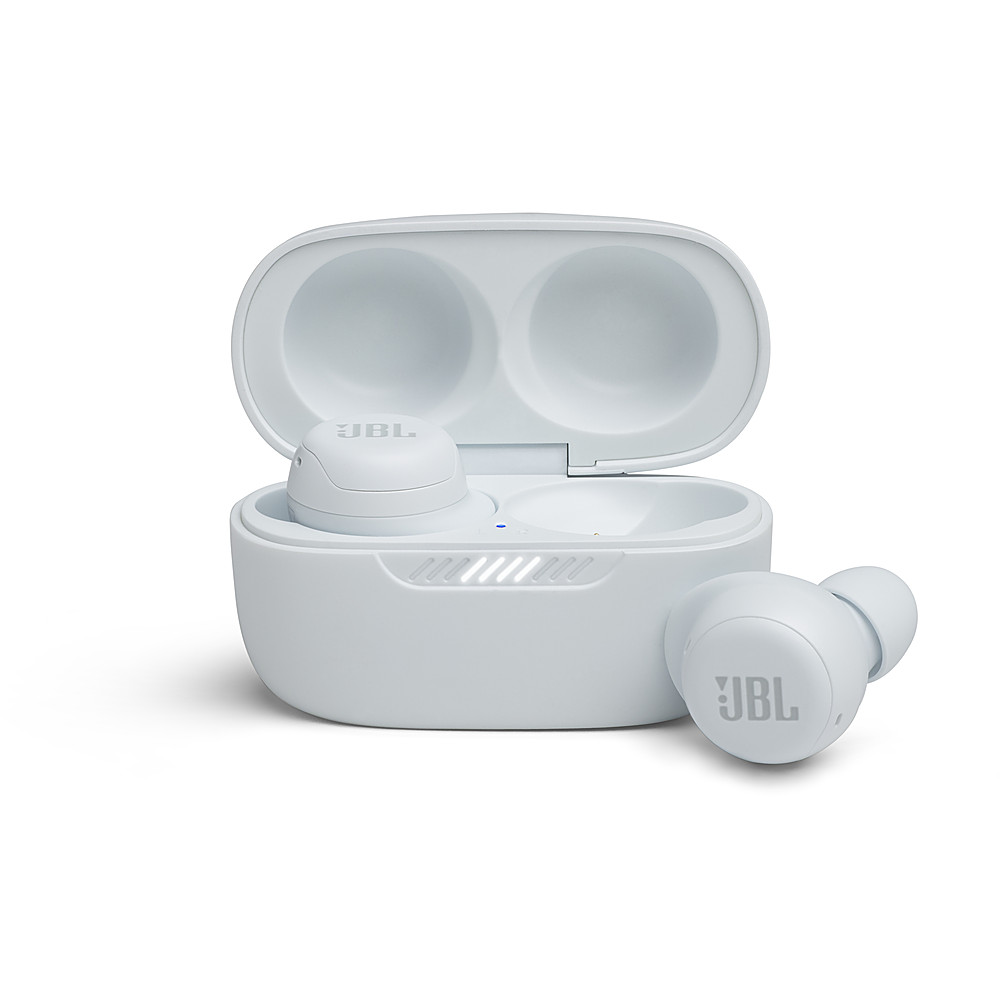
- A:Answer Thanks for your question. We don't sell a protection case for our JBL Live Pro + TWS. However, you may try to check a protection case from a third-party seller.
Answered by JBL Support

Q: QuestionCan you use one at a time, left and right ear bud, when talking on the phone?
Asked by SP.
This question was asked about the related product: JBL - Live FreeNC+ True Wireless Noise Cancelling In-Ear Earbuds - Black
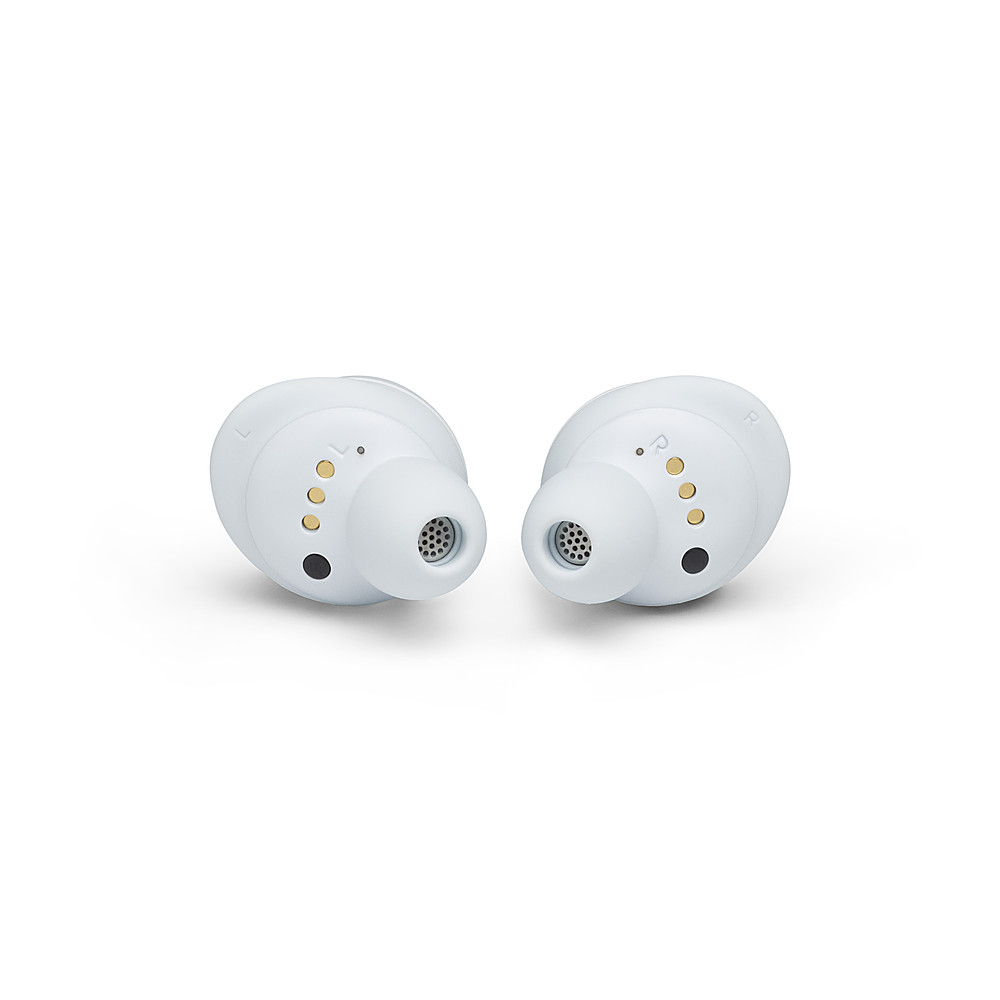
- A:Answer Yes just leave the other in the charging case
Answered by TheRealSlimCrazy
Q: QuestionI can’t get the case to pair with my iPhone I can only get them to pair with each earphone separately any suggestions?
Asked by Devin.
This question was asked about the related product: JBL - Live FreeNC+ True Wireless Noise Cancelling In-Ear Earbuds - Black
Q: QuestionIs anyone able to get the noise cancelling to work? I've has several pairs of noise cancelling headphones before, so I kind of know what to expect. But I literally cannot hear the difference when turning the ANC on and off.
Asked by Fred.
This question was asked about the related product: JBL - Live FreeNC+ True Wireless Noise Cancelling In-Ear Earbuds - Black
- A:Answer The noise cancelling function does not work at all. Troubleshot with JBL, no fix. Replacement unit has the exact same issue. The noise cancellation feature does not work, period. Please JBL, have your engineers research this issue and fix it or advise that it cannot be fixed.
Answered by david
Q: QuestionHi: Are these multipoint?
Asked by Fred.
This question was asked about the related product: JBL - Live FreeNC+ True Wireless Noise Cancelling In-Ear Earbuds - Black
- A:Answer Our JBL Live Free NC+ TWS doesn't have a multipoint connection. It can pair to multiple devices but can only connect to one device at a time.
Answered by JBL Support

Q: QuestionWHY DOES THE CHARGING LIGHT ON THE CASE ALWAYS STAYS ON?
Asked by KAFRICA.
This question was asked about the related product: JBL - Live FreeNC+ True Wireless Noise Cancelling In-Ear Earbuds - Black
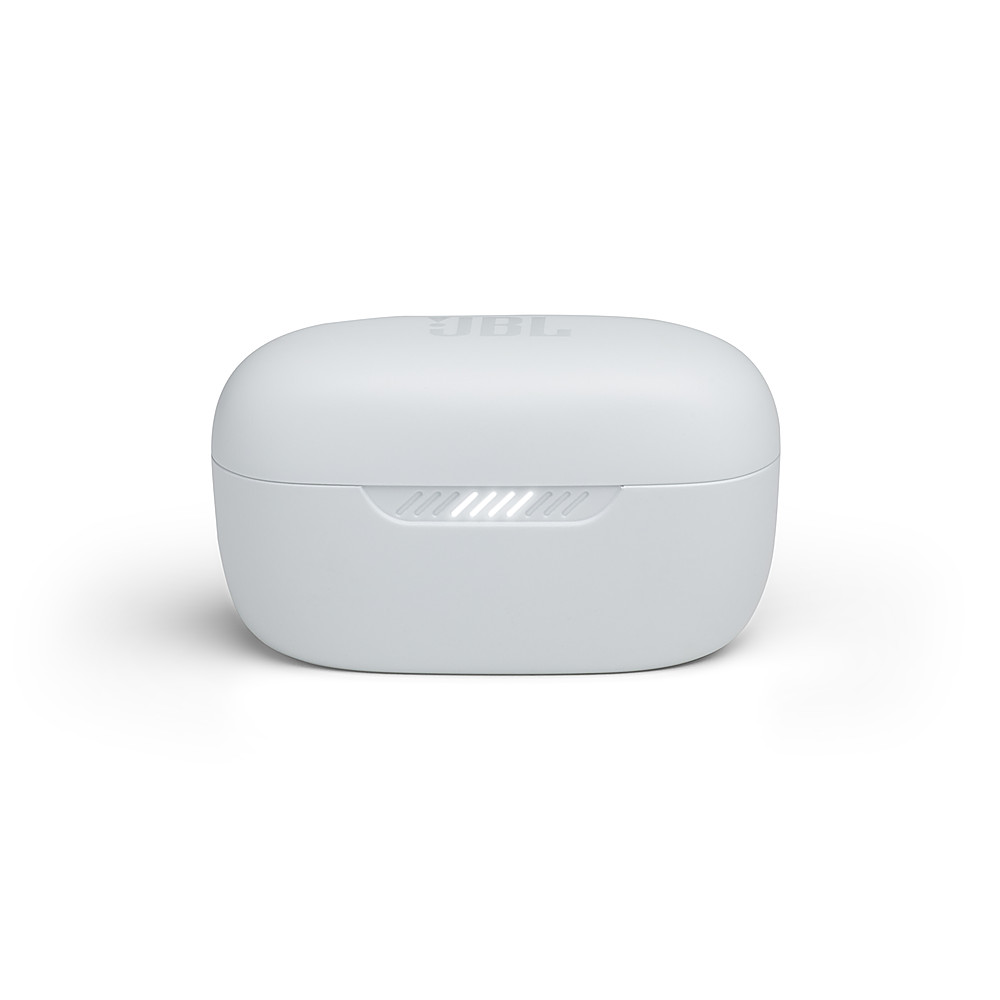
- A:Answer Thanks for reaching out. It's normal for the LED to slowly blink when the case is open. The LED should turn off after 5-10 min once the case is closed. If the LED bottom light stays on consistently after 10 min and never turn off then there is an issue. Try performing a factory reset by double-tapping the button on the right earbud, then on the third tap - press and hold the button for more than 5 seconds (until the unit shuts off). If the issue persists, contact JBL Customer Service for technical support and assistance.
Answered by JBL Support
Best-selling Best Buy
- $299.99$299.99The price was $349.99
- $59.99$59.99The price was $99.00
- $199.99$199.99The price was $349.99
- $14.99$14.99The price was $19.00
- $24.99$24.99The price was $29.99
- $14.99$14.99The price was $19.00