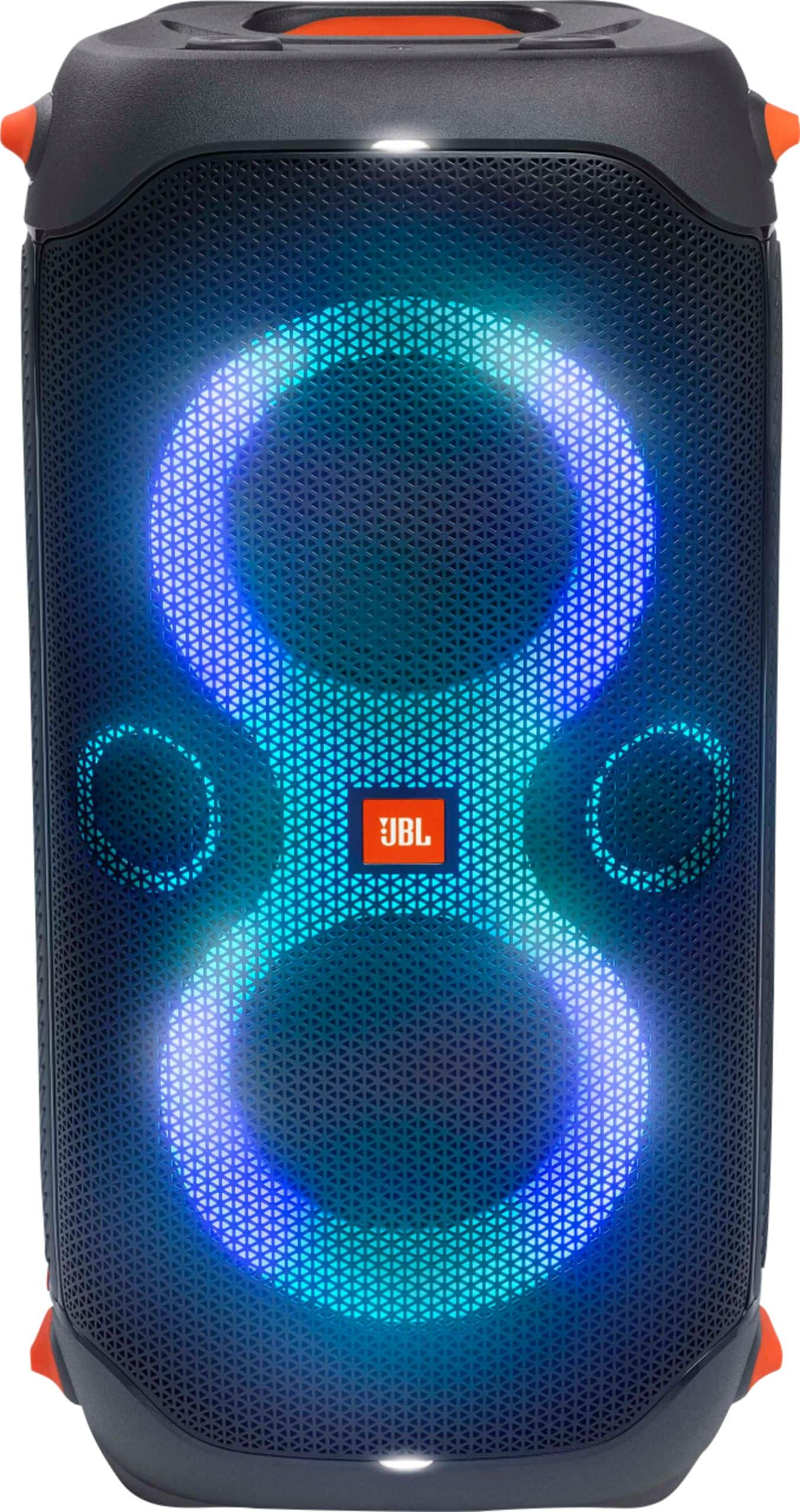
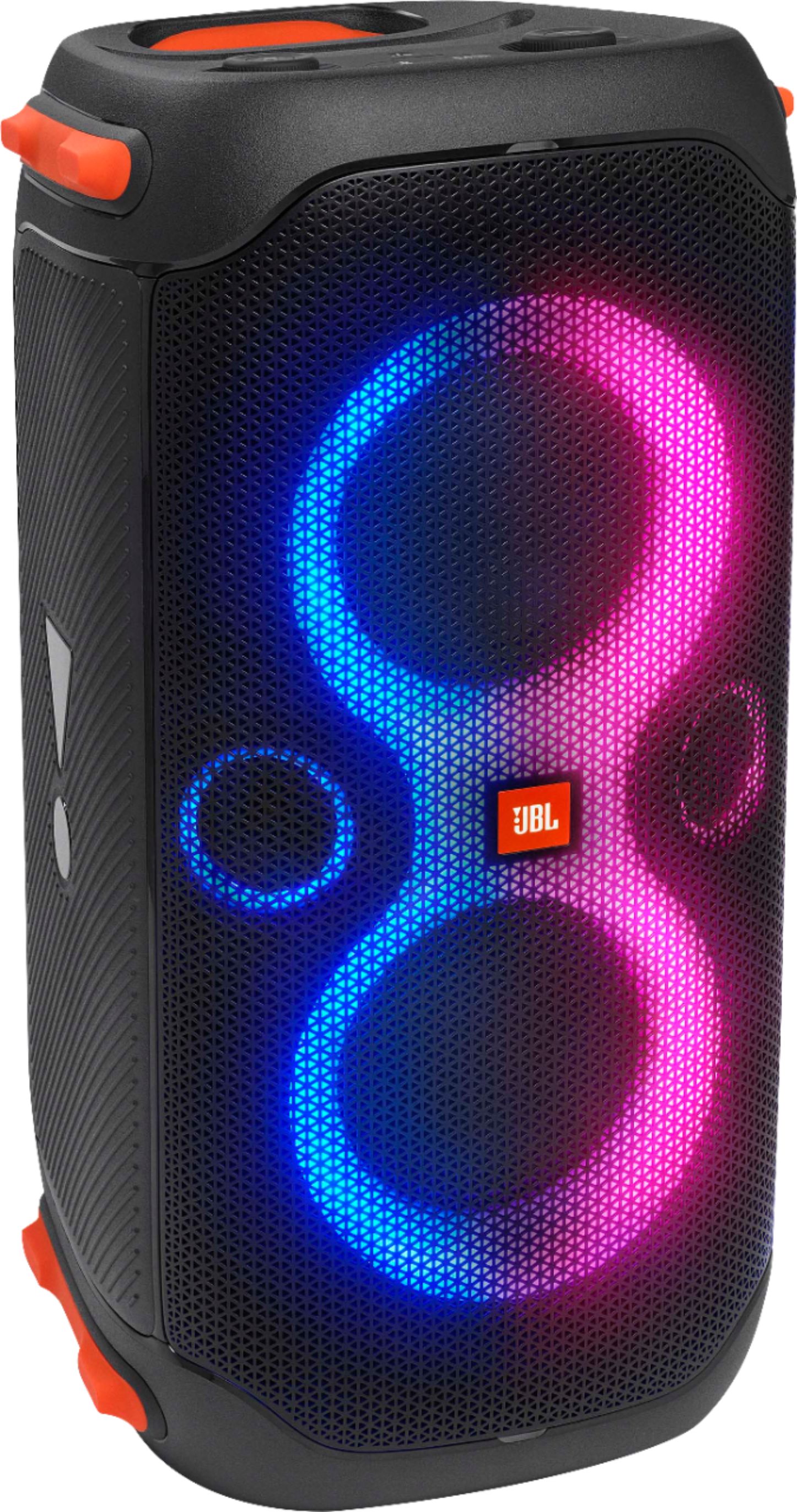
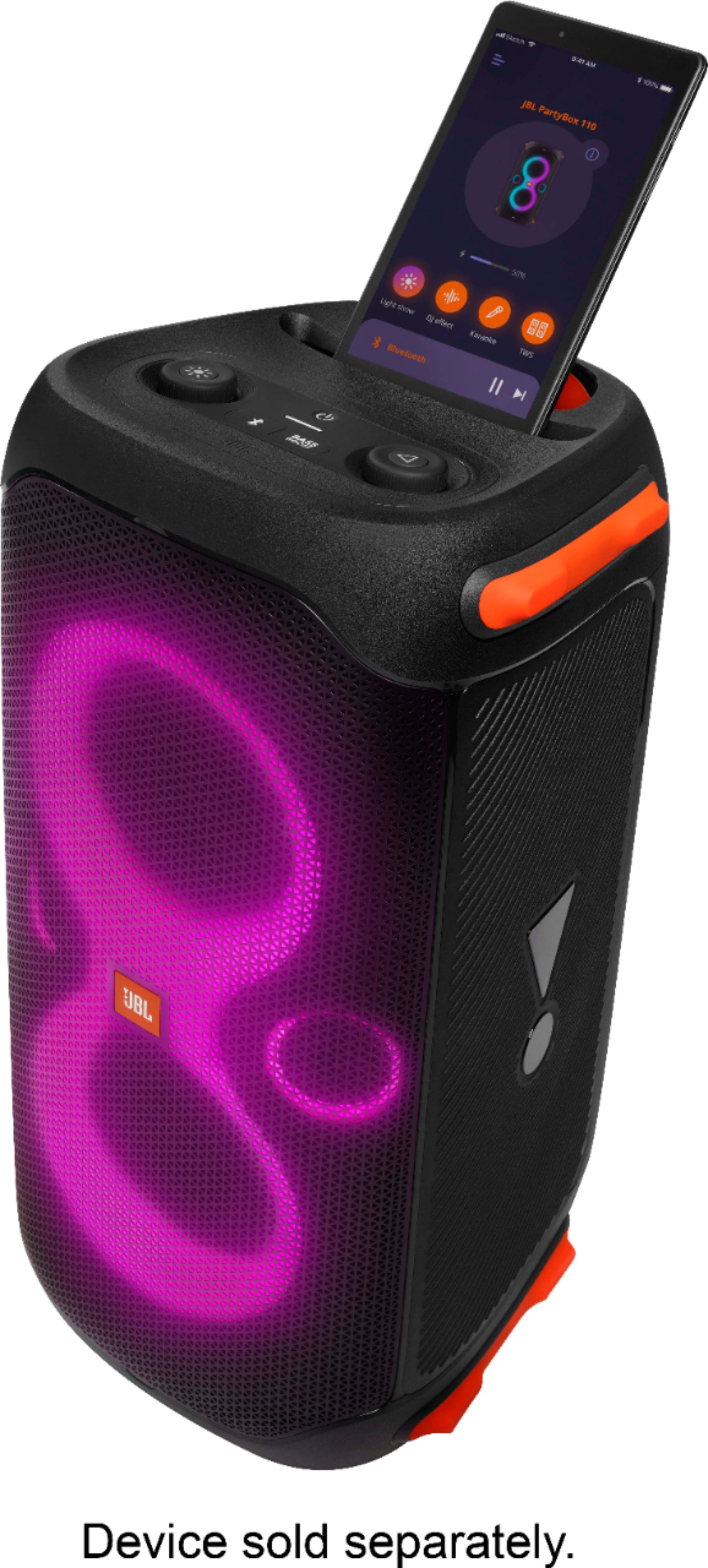
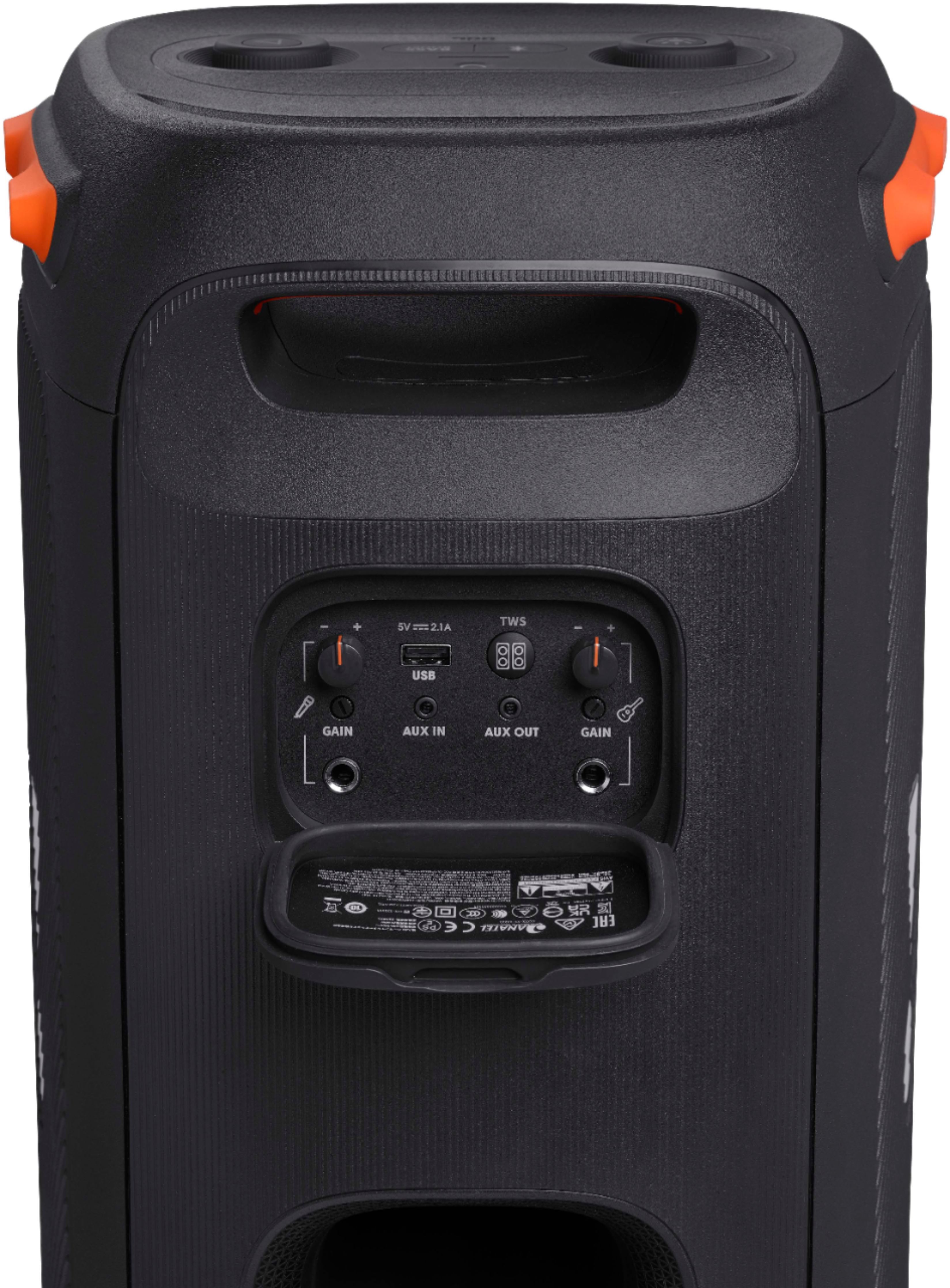
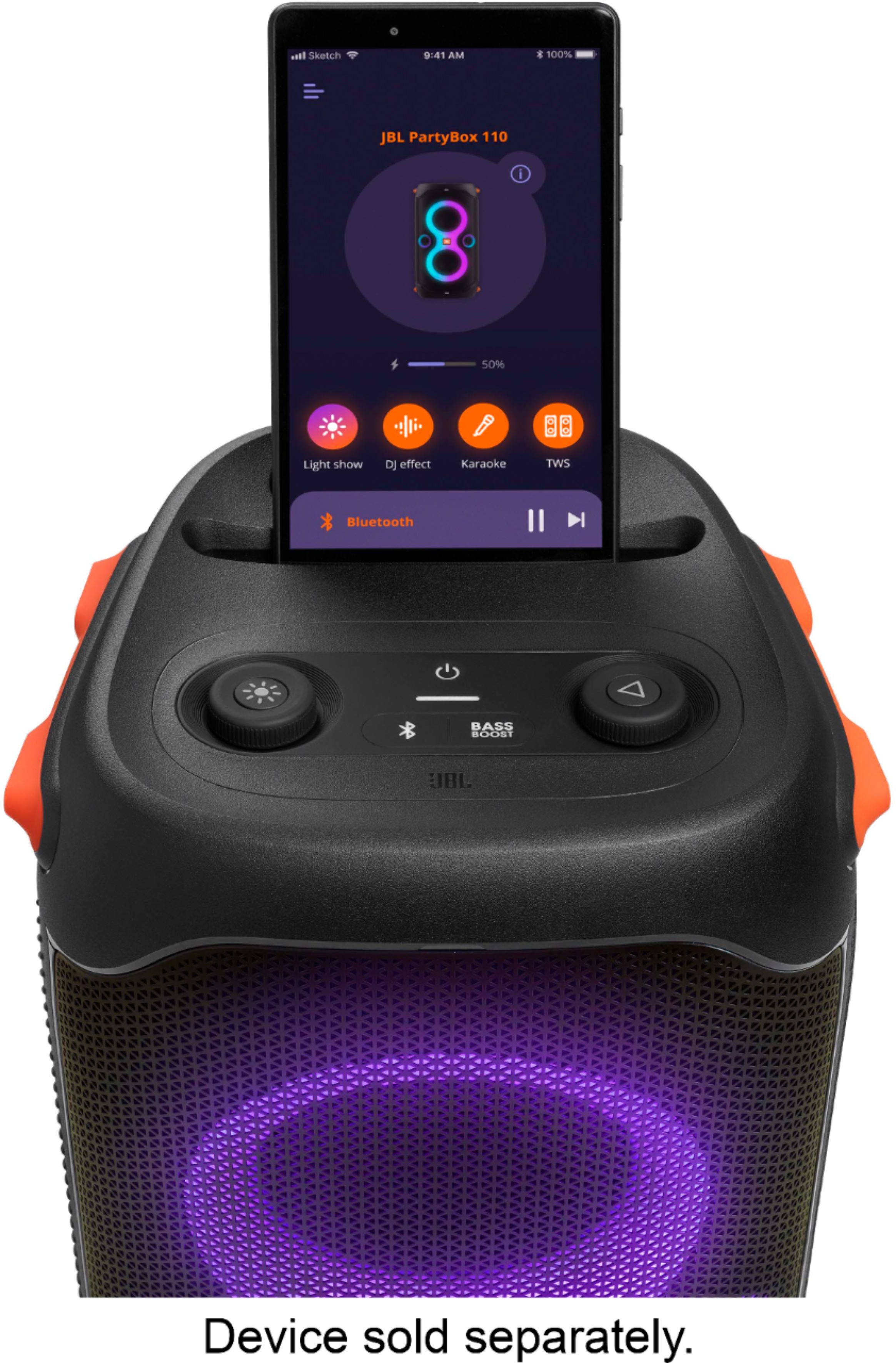
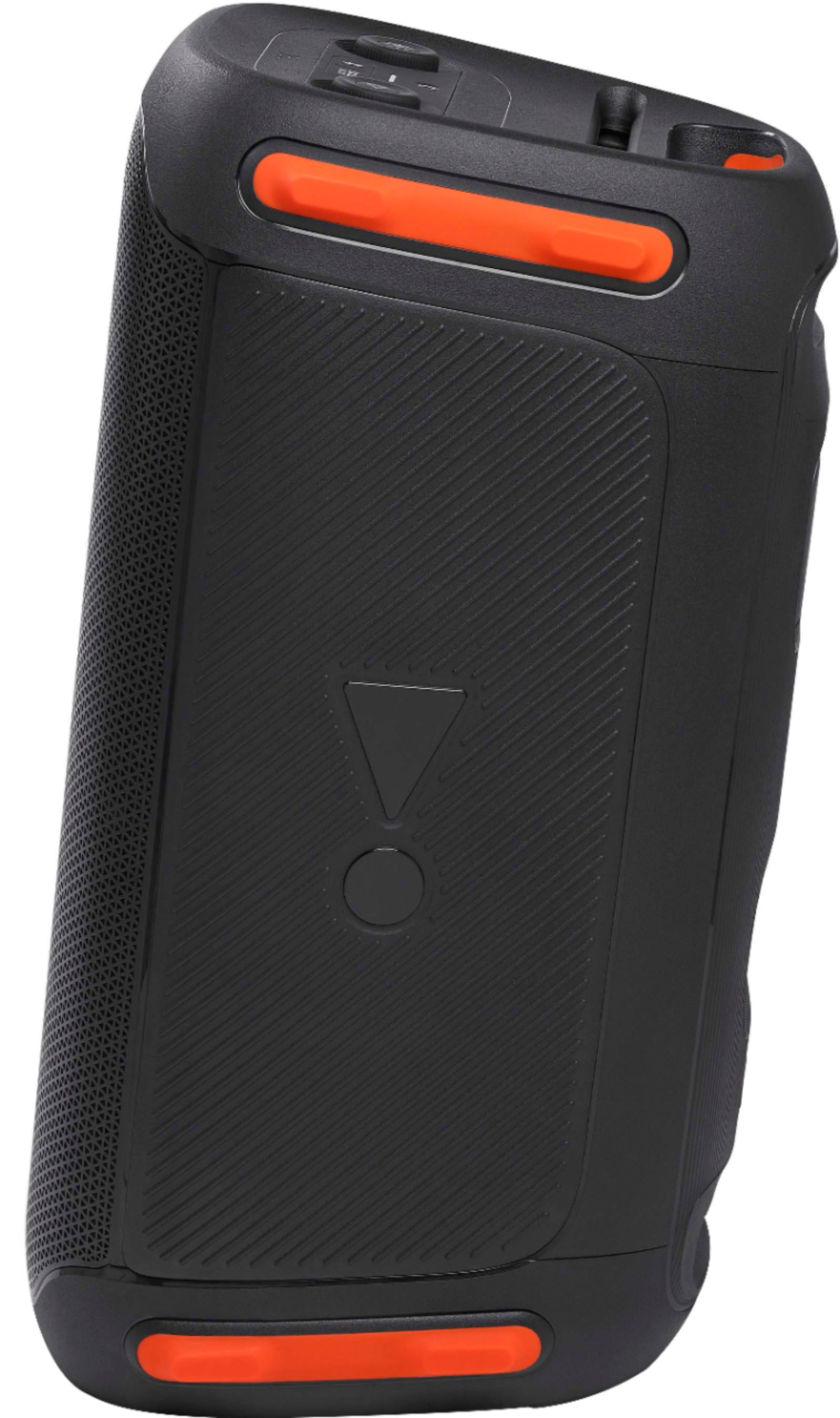
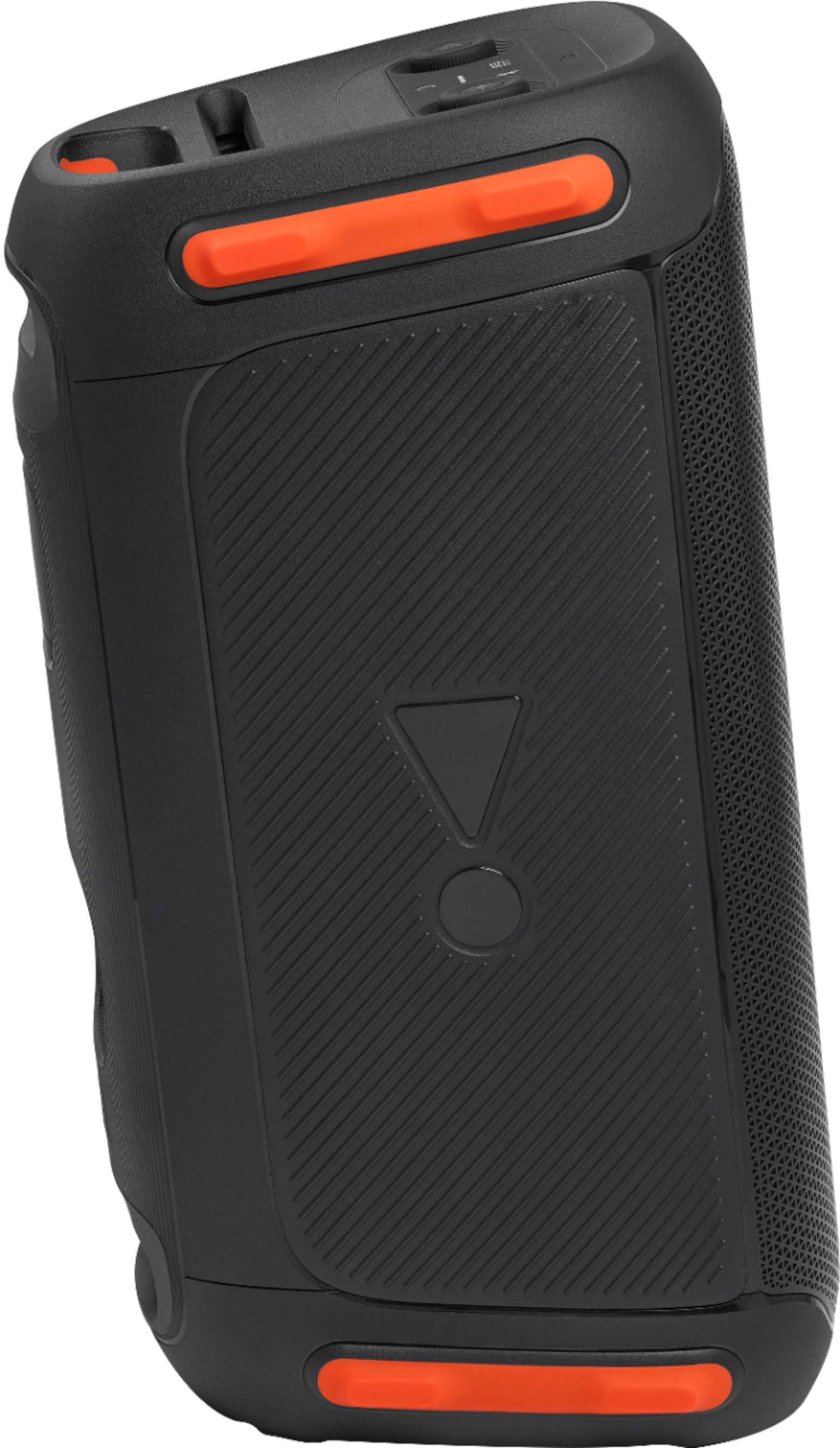
A:AnswerIt sure can! My friend has the 310 and they do TWS pair with the button on the back. You will control volume on each through the JBL app. They do not match volume automatically.
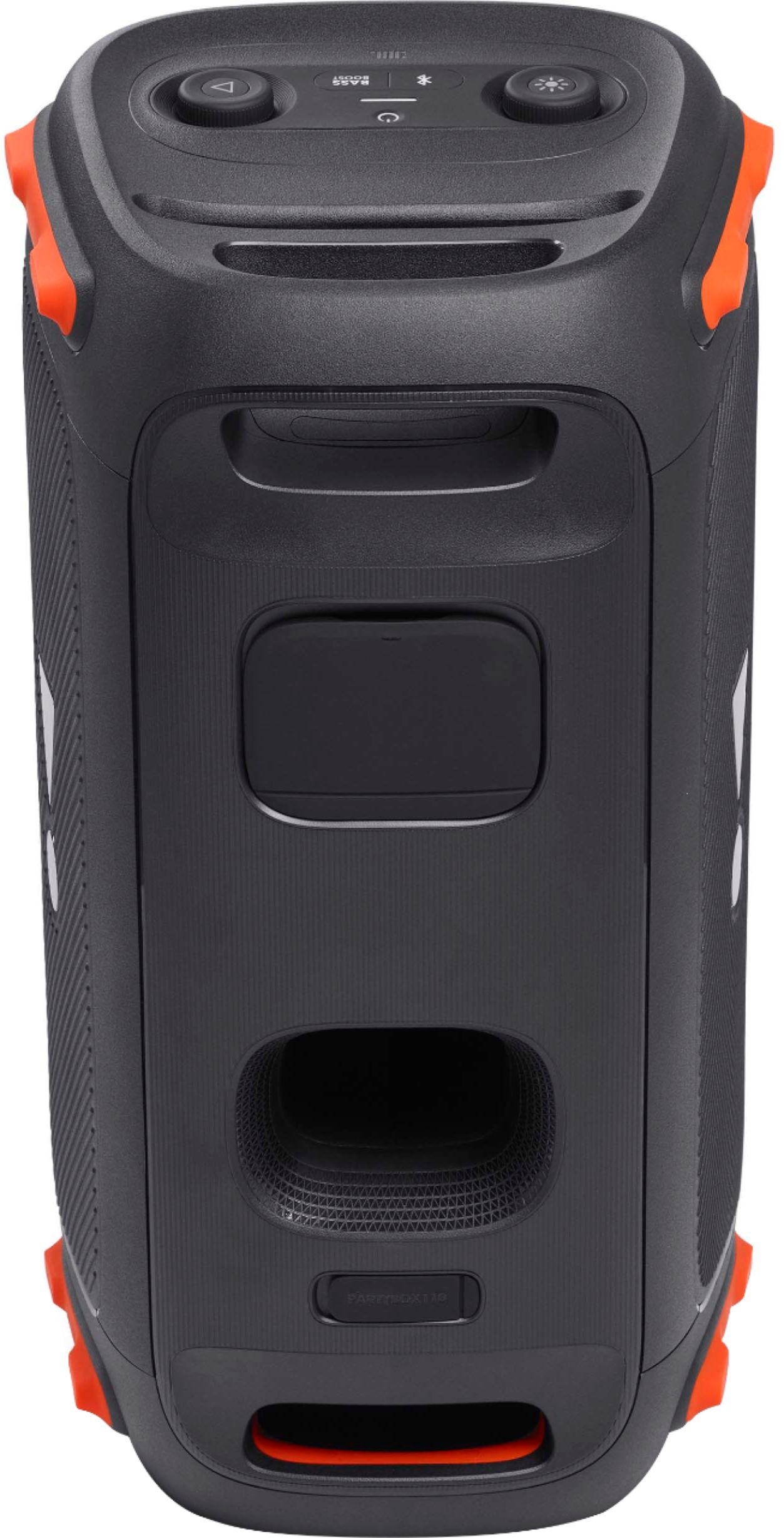
A:AnswerHi, you won't need any adaptor, you will need a 3.5 mm AUX cable, one end goes in the headphone jack of your CD player, the other end in AUX in on the back of your JBL PARTYBOX 110
A:AnswerNo microphone. Has a microphone and guitar input. I’ve run microphones through both so you can use two. It does have echo feature. Wattage plugged in is 160watts. Unplugged slightly less. Maybe 140?
A:AnswerThanks for bringing this to our attention. Please try to use a different wall socket and make sure the AC power cord is properly attached to the speaker. If the issue still persists, please contact our customer support via our official website or toll-free hotline for further assistance.
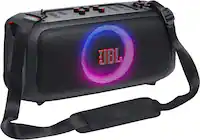
A:AnswerOur JBL PartyBox 110 can only connect with a PartyBox 310, 710, and another 110 using the TWS feature. Press the buttons labeled TWS on both speakers to connect the speakers in TWS mode.
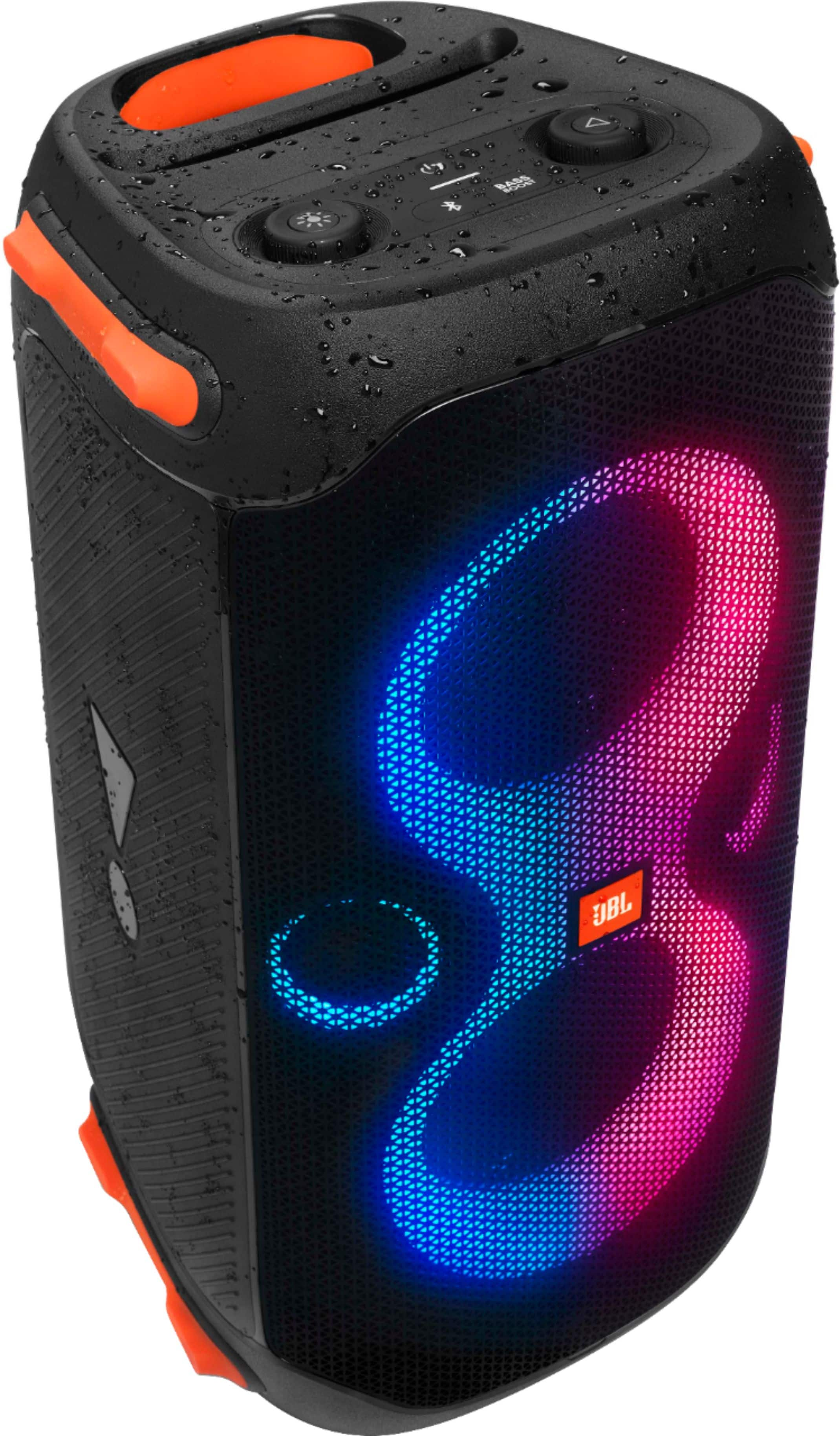
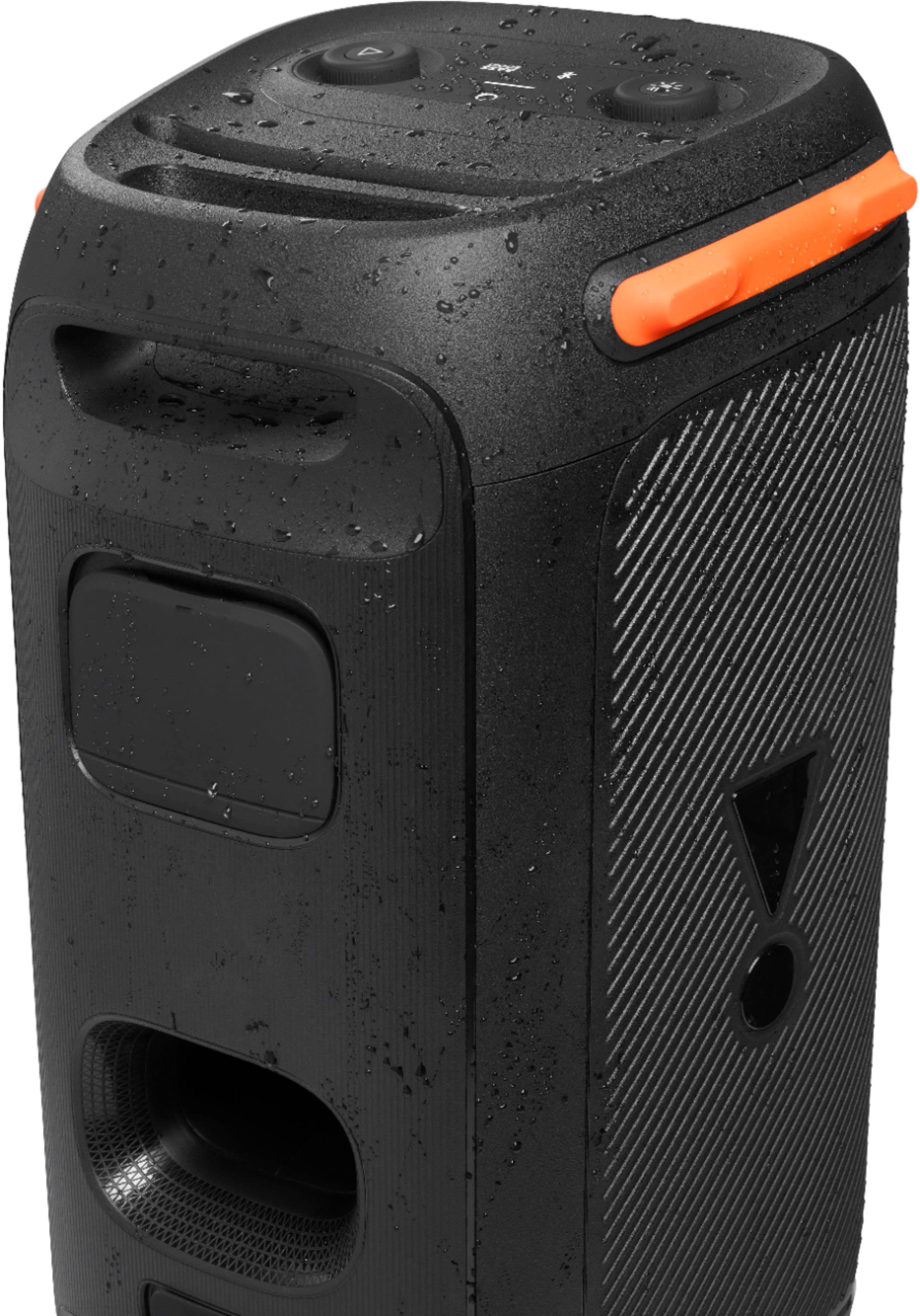
A:AnswerOur JBL Partybox 110 has an IPX4 splashproof rating, and you can connect it to your TV via an Aux cable. Aux out from the TV and aux in from the speaker. Please note that this unit is designed for audio listening only so expect some latency when streaming videos or watching TV.