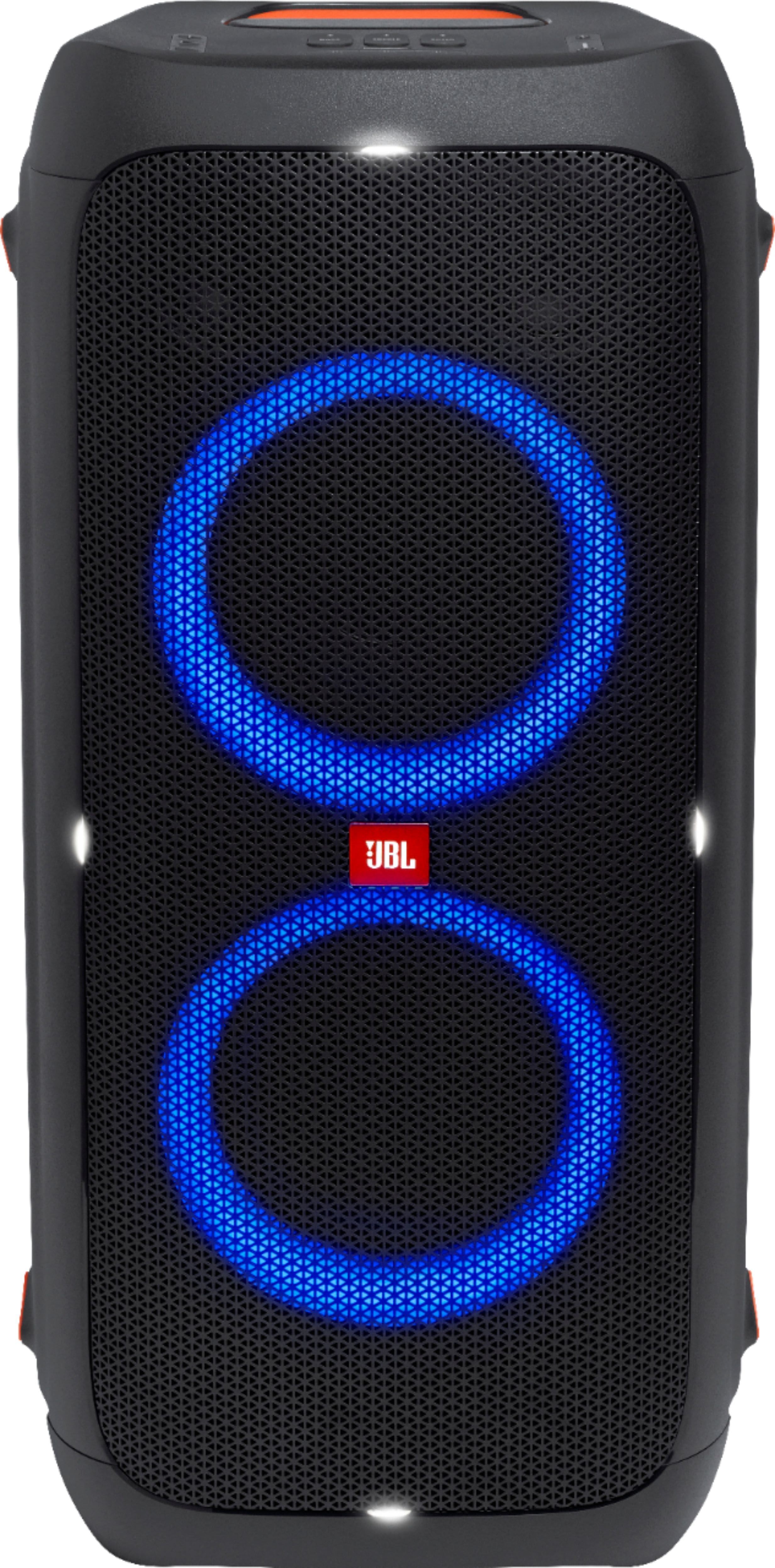
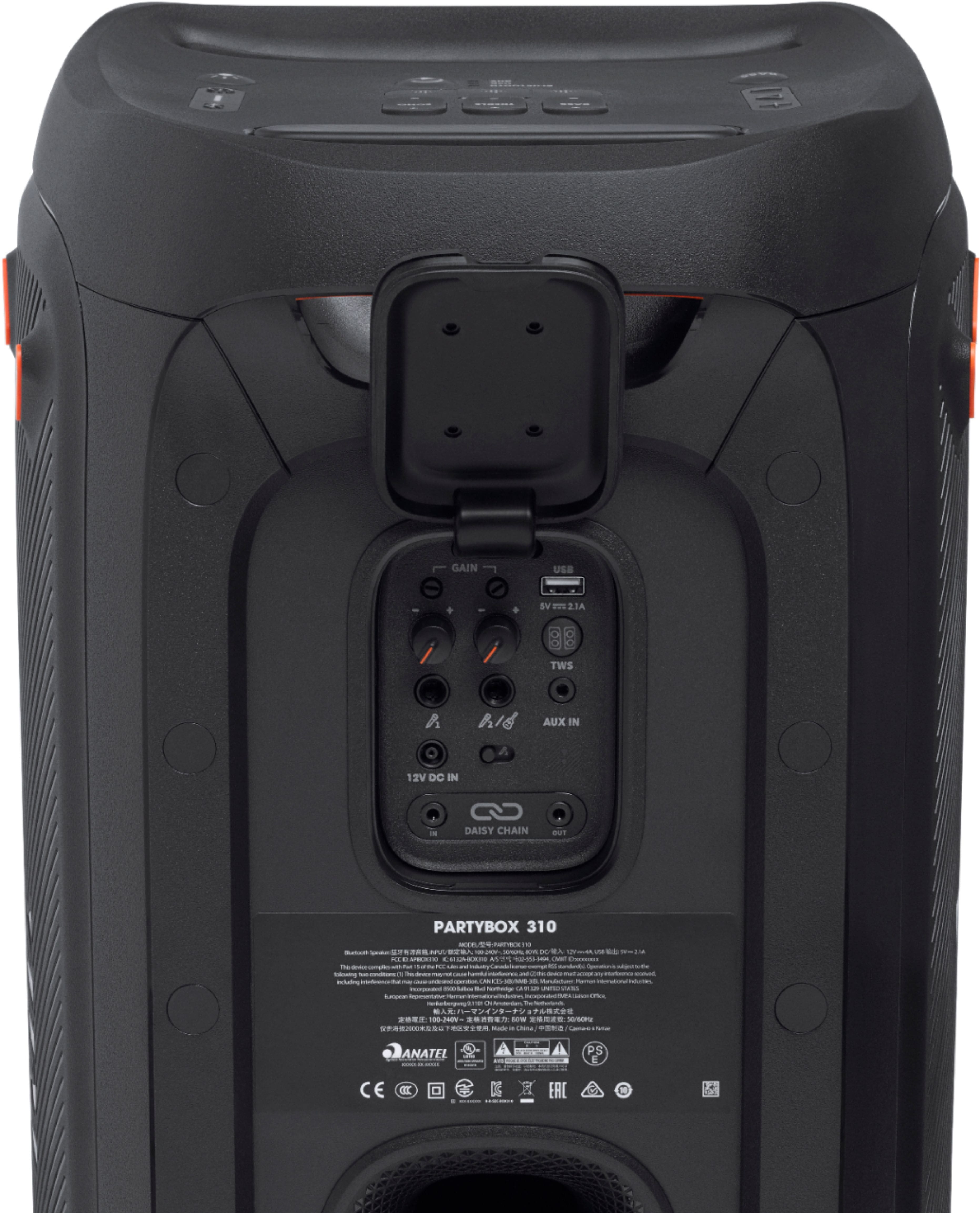
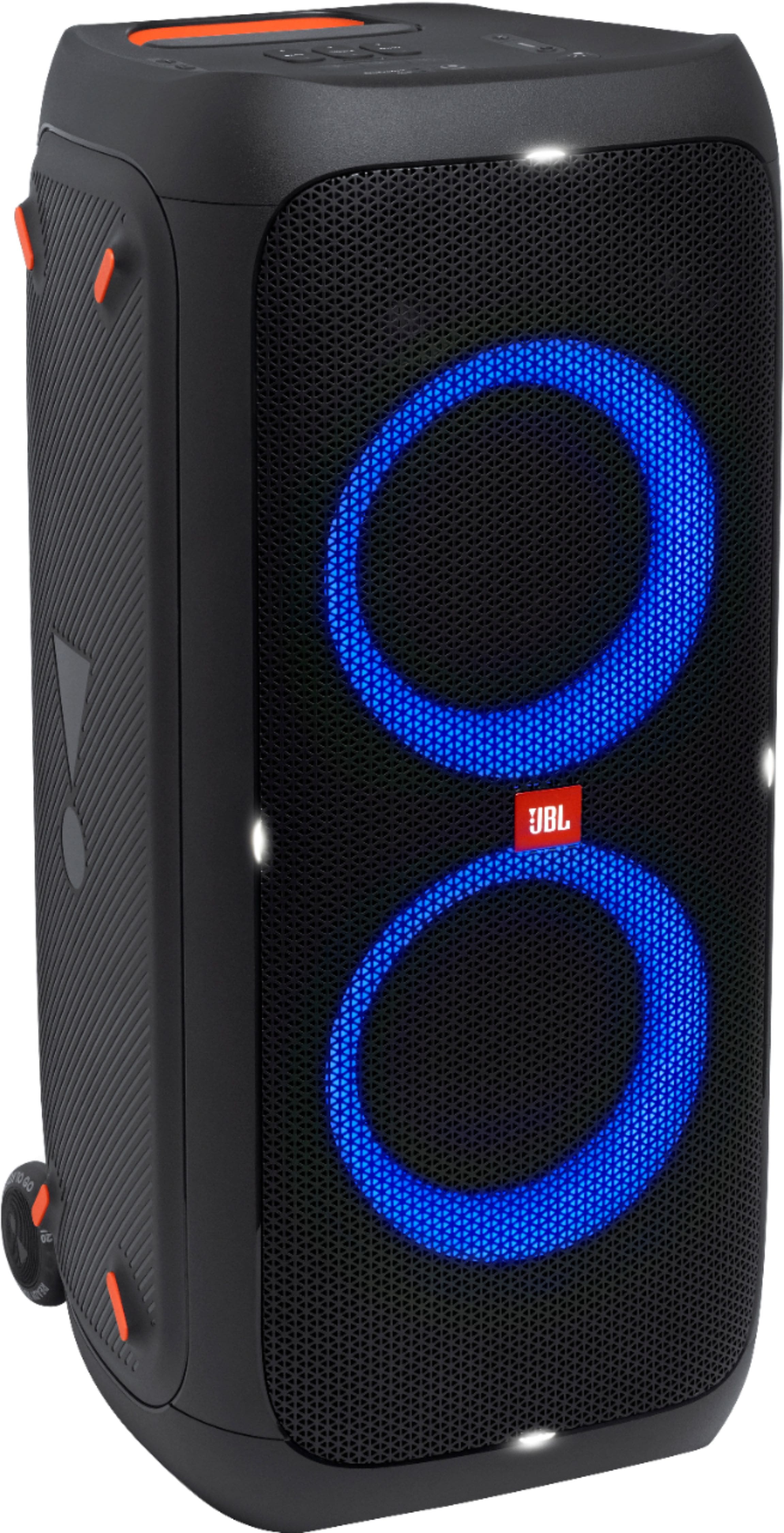
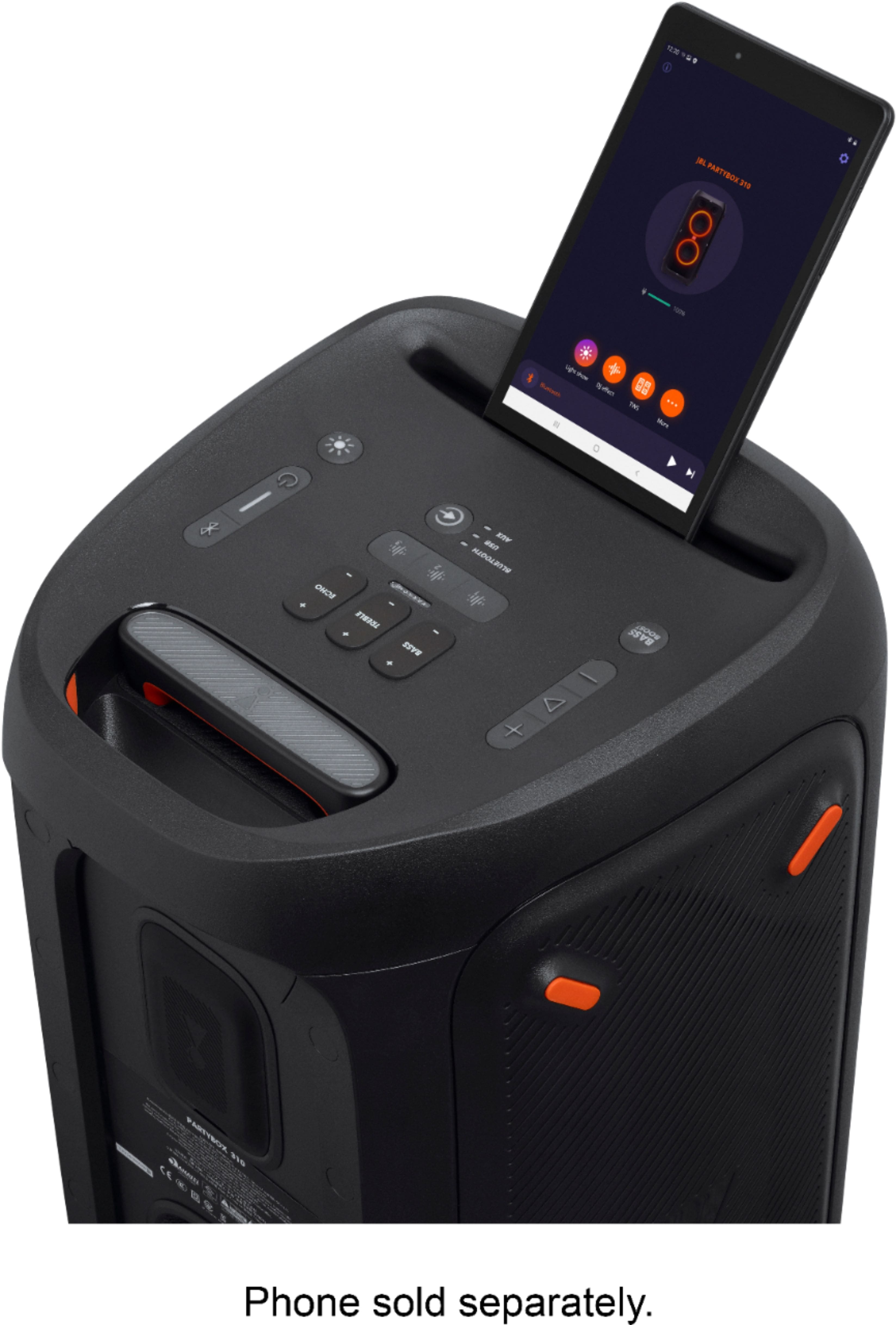
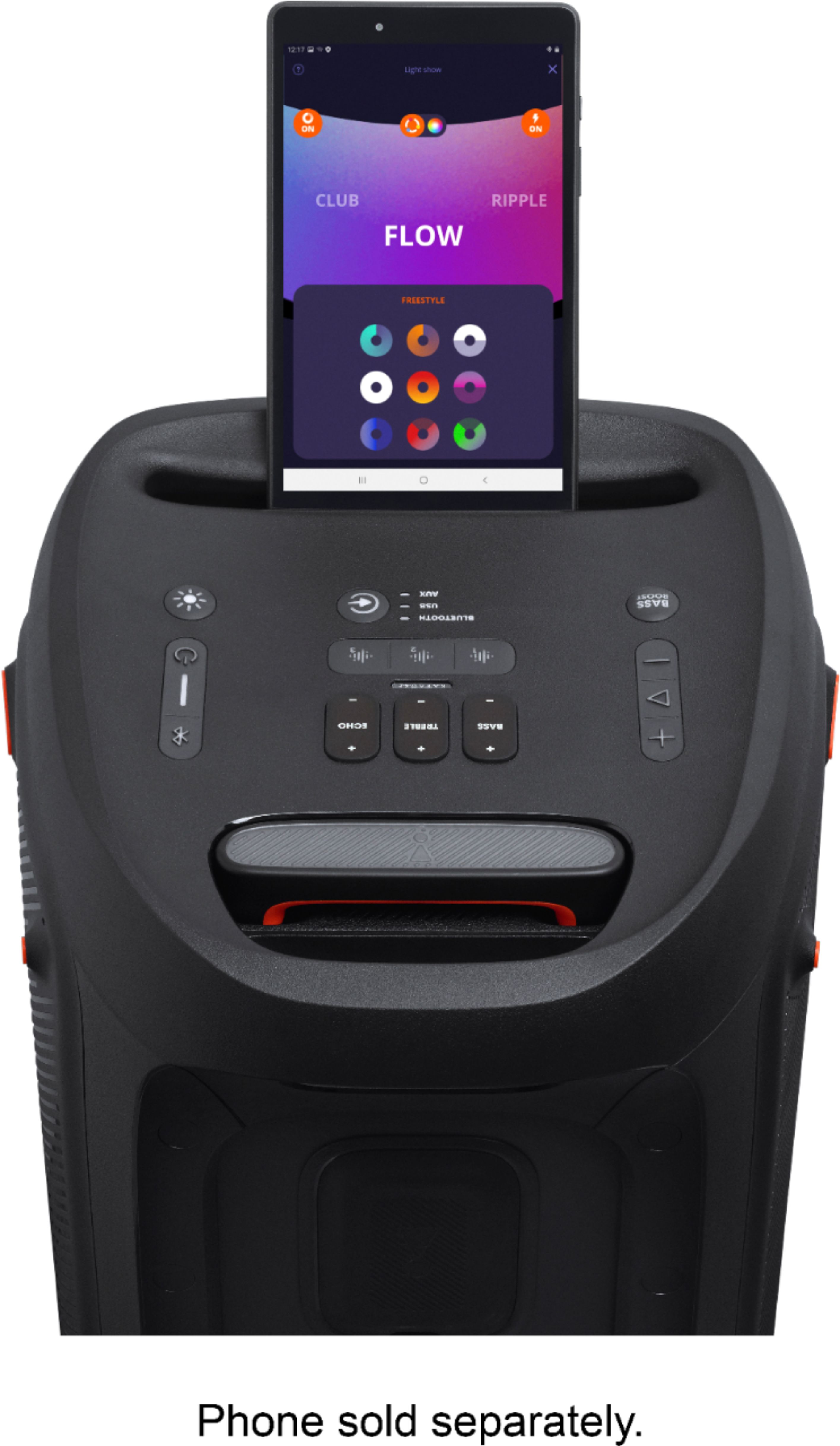
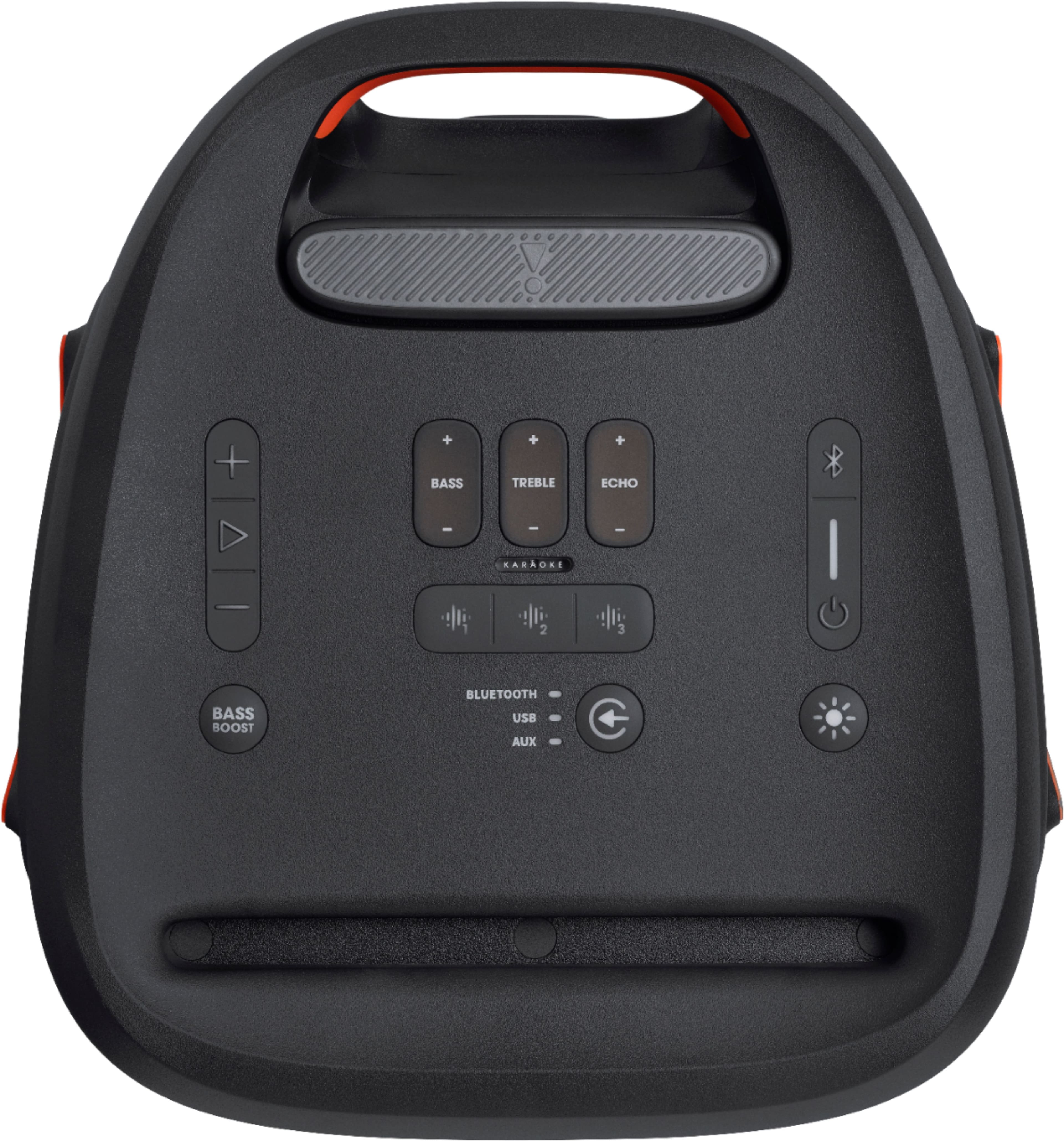
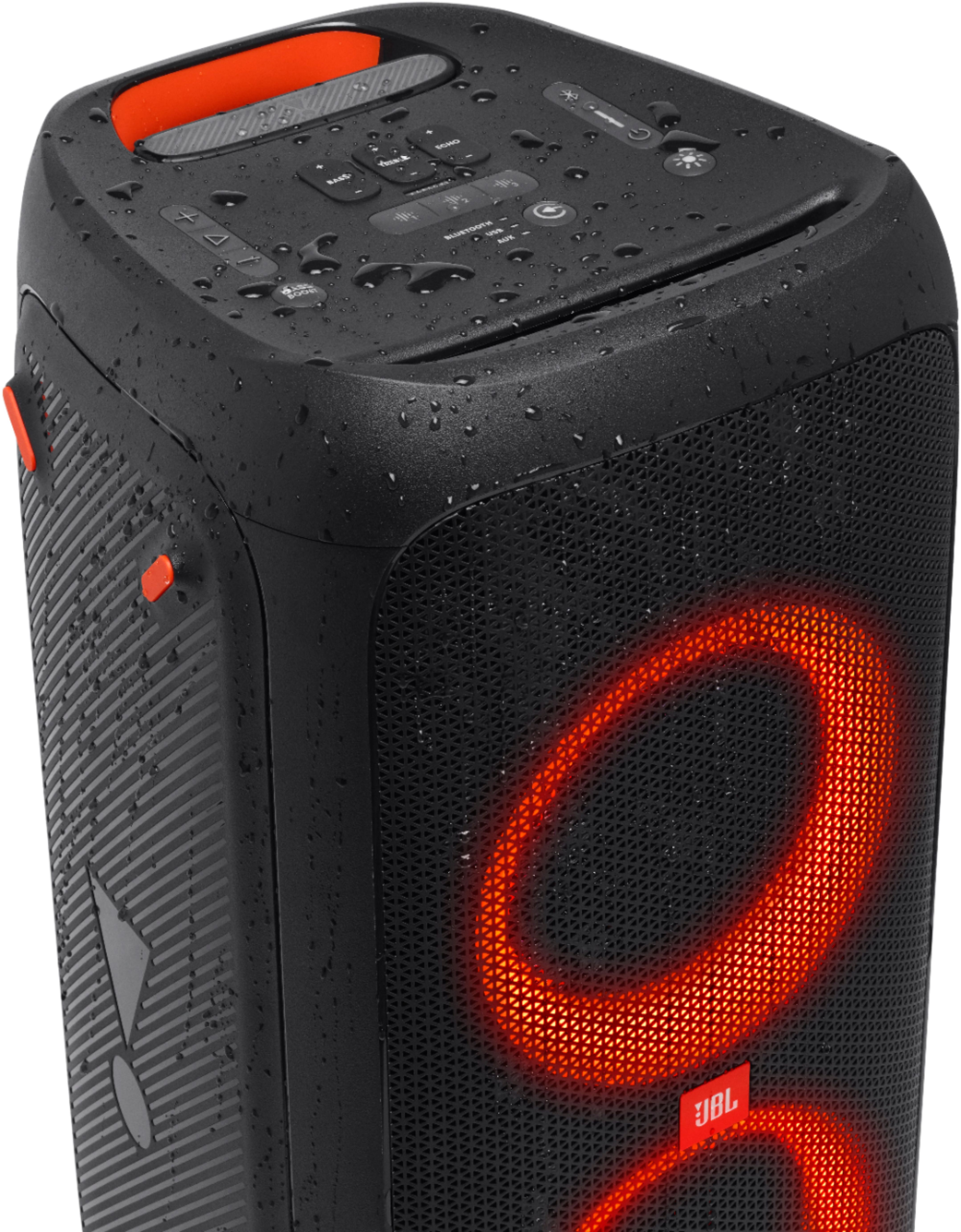
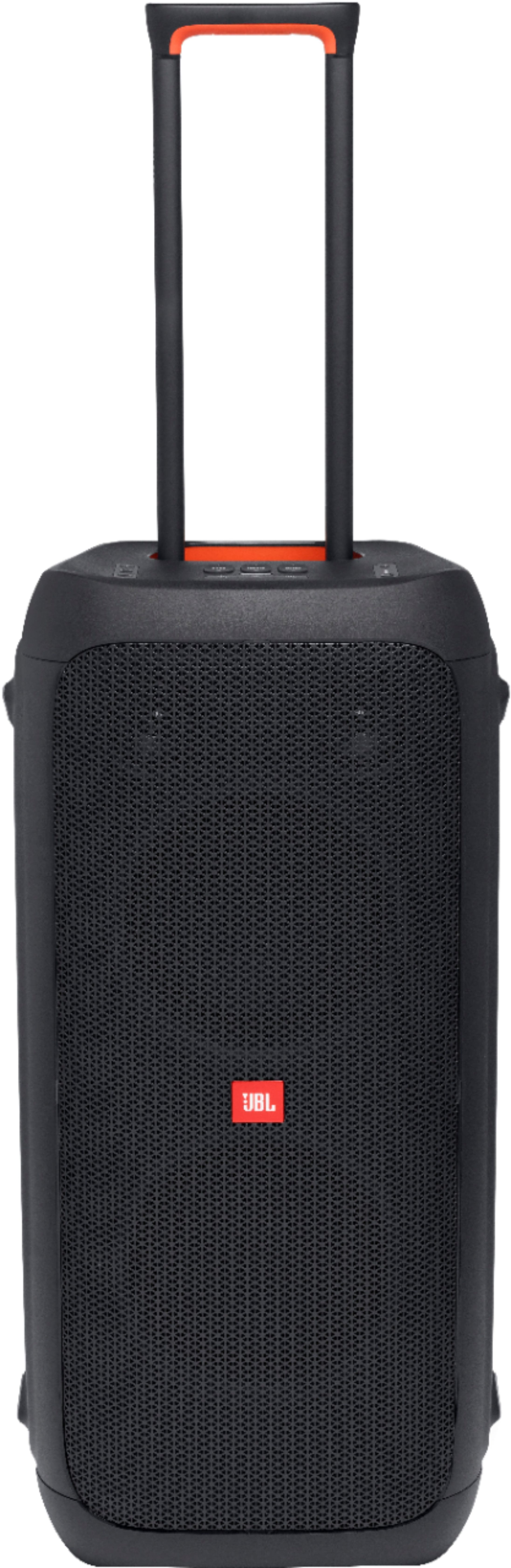
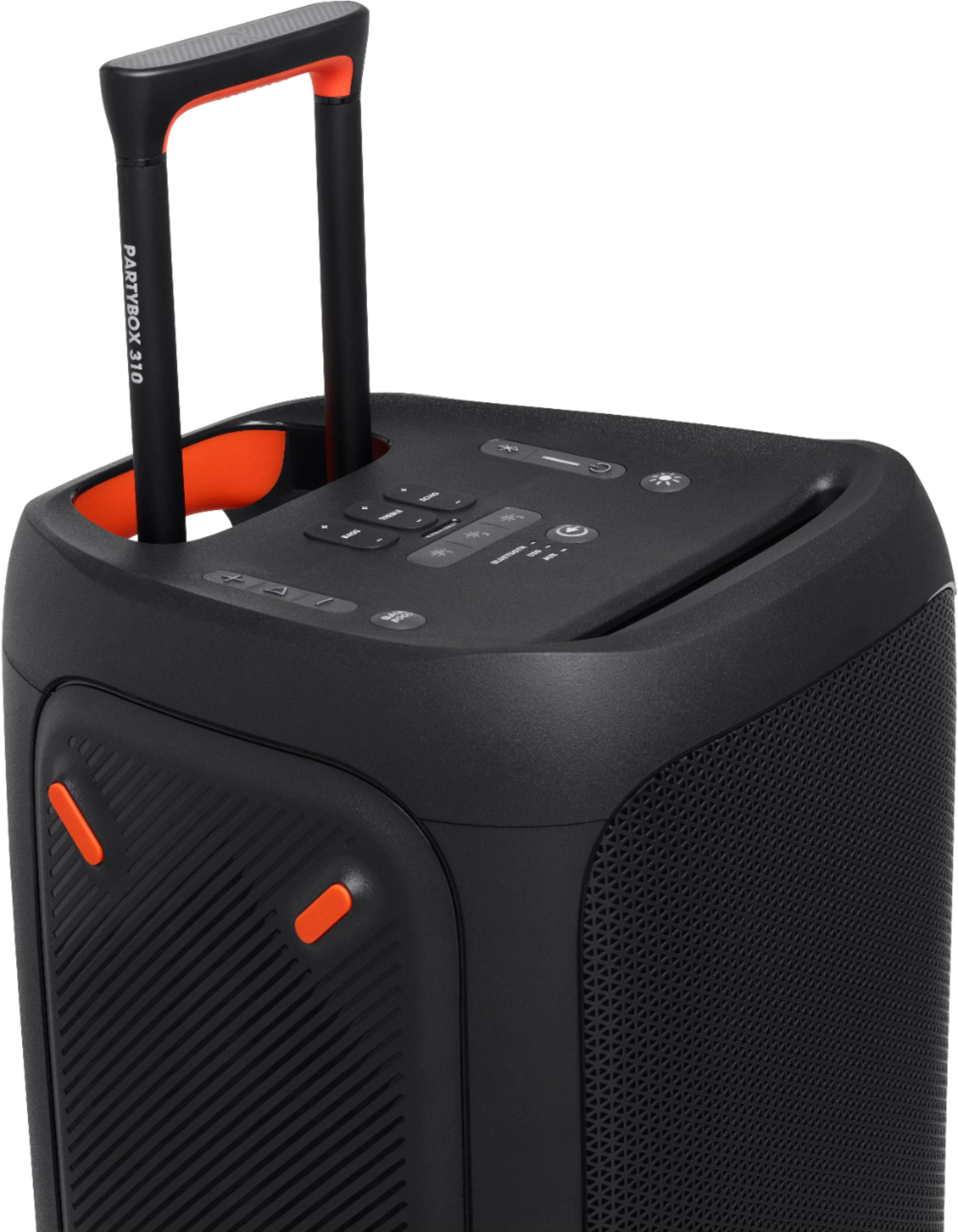
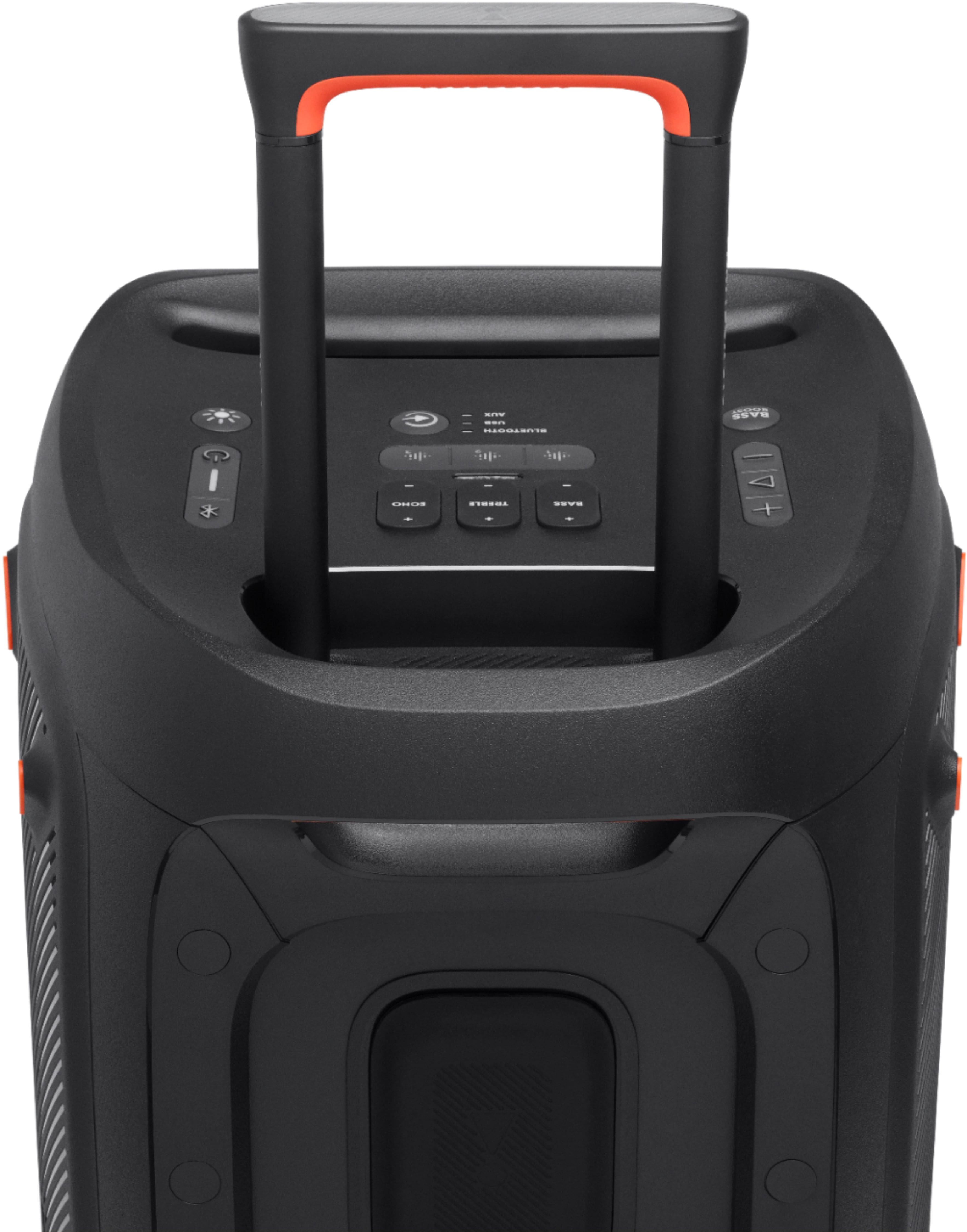
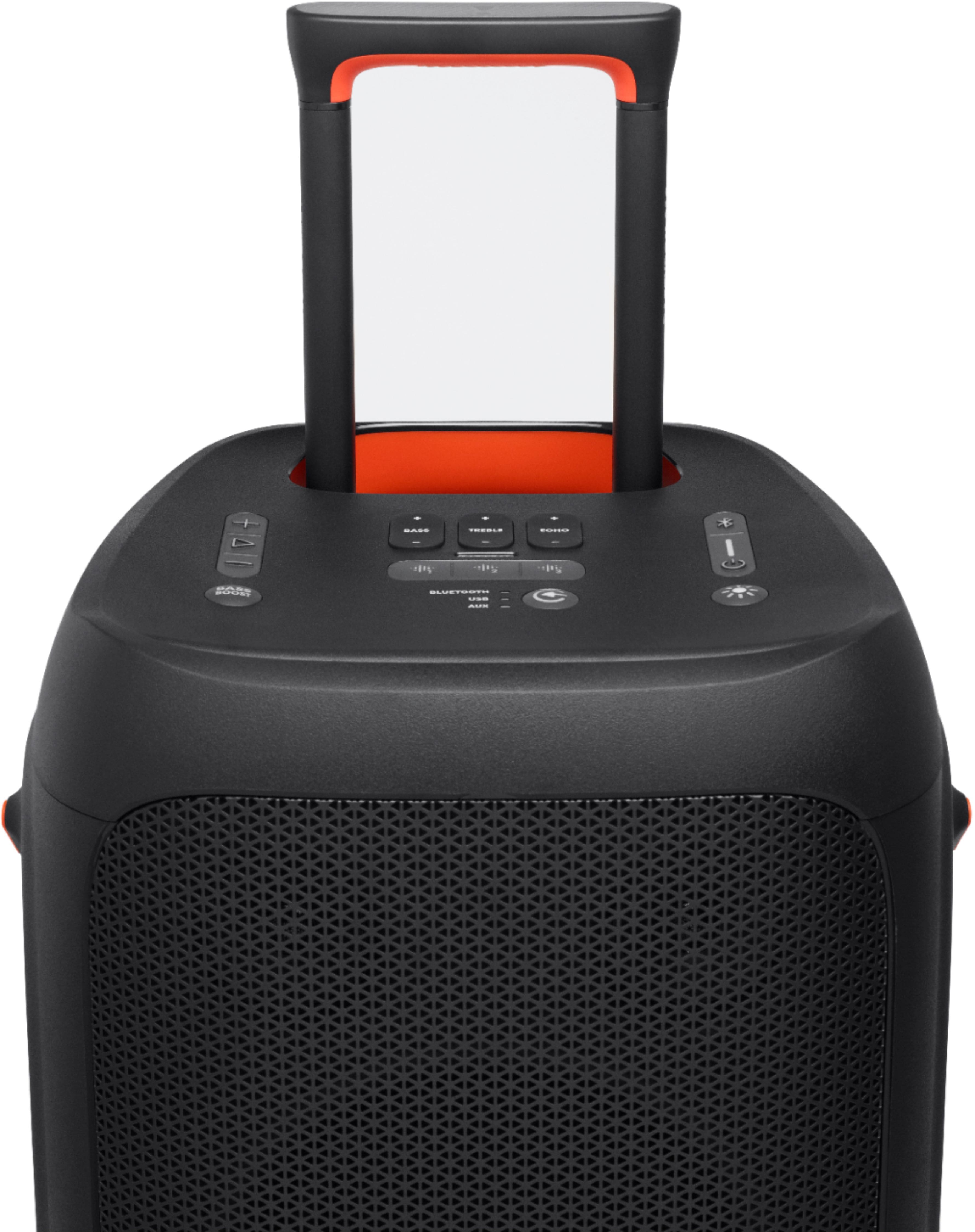
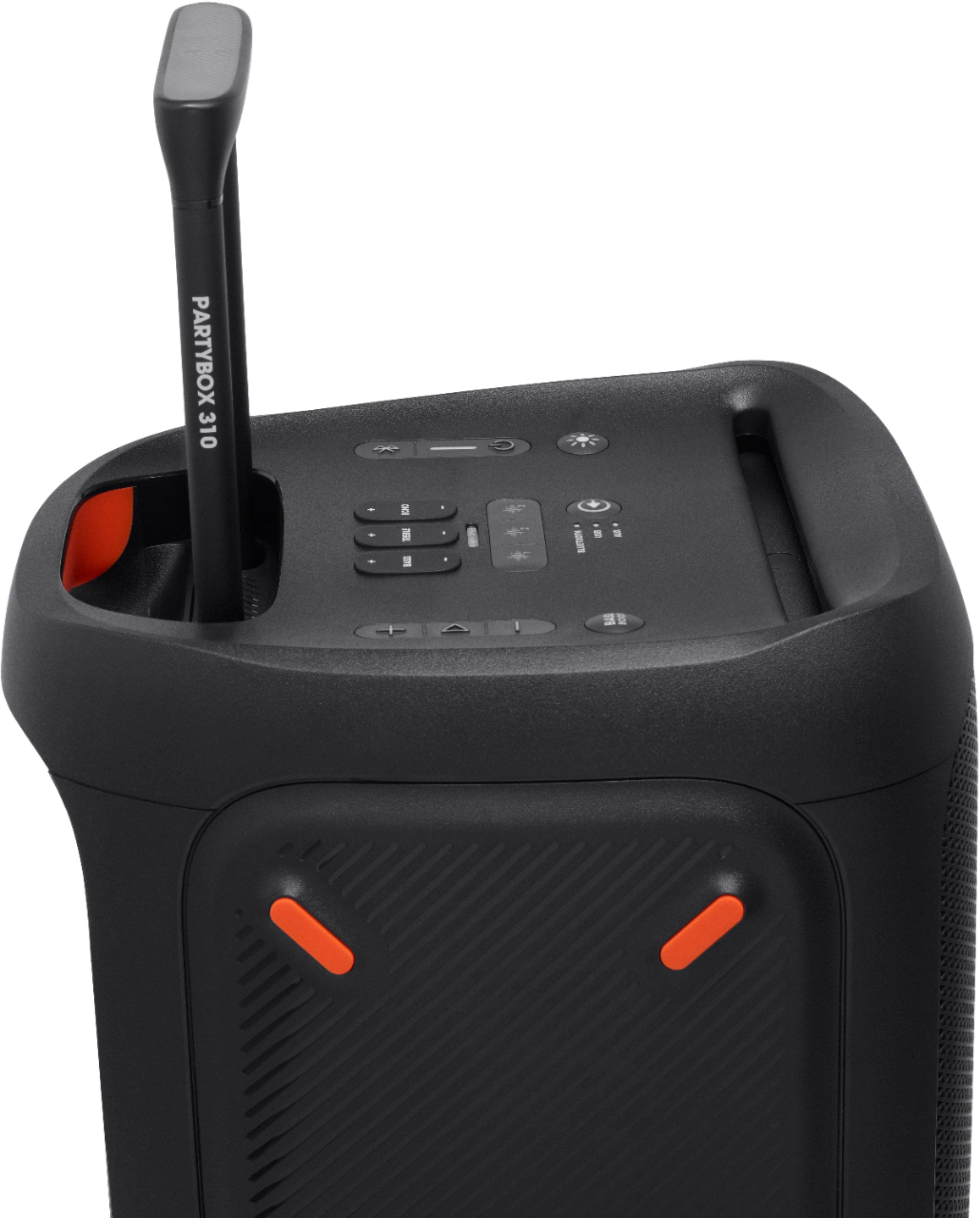
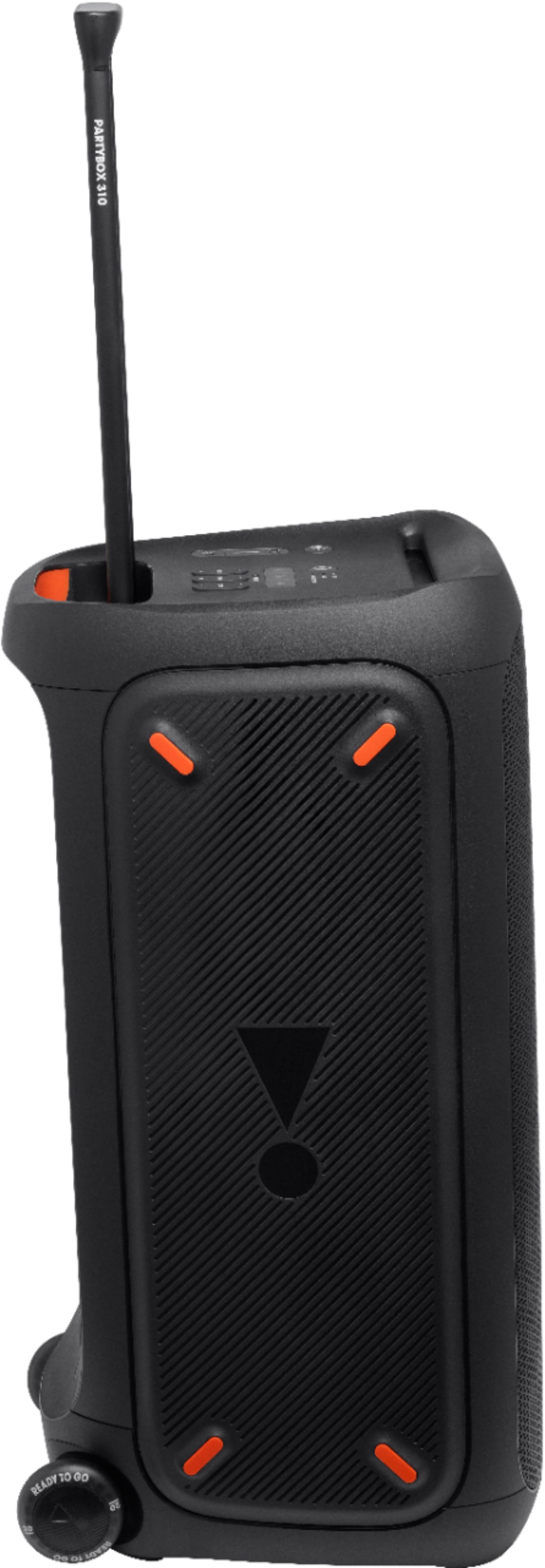
A:Answer Thanks for your inquiry. You can connect 2 partybox 310s via TWS. Simply press the buttons labeled TWS on both speakers to connect the speakers in TWS mode. TWS can be activated and deactivated remotely in the JBL Partybox app, in addition to assigning the left and right channels to the correct speakers. Once the TWS connection is set up, it will be in Stereo mode by default if both speakers are the same model, otherwise, the speakers will be in Party mode by default if different Partybox models are used. You can also switch between Stereo and Party mode in the JBL PartyBox app if two of the same Partybox models are used.