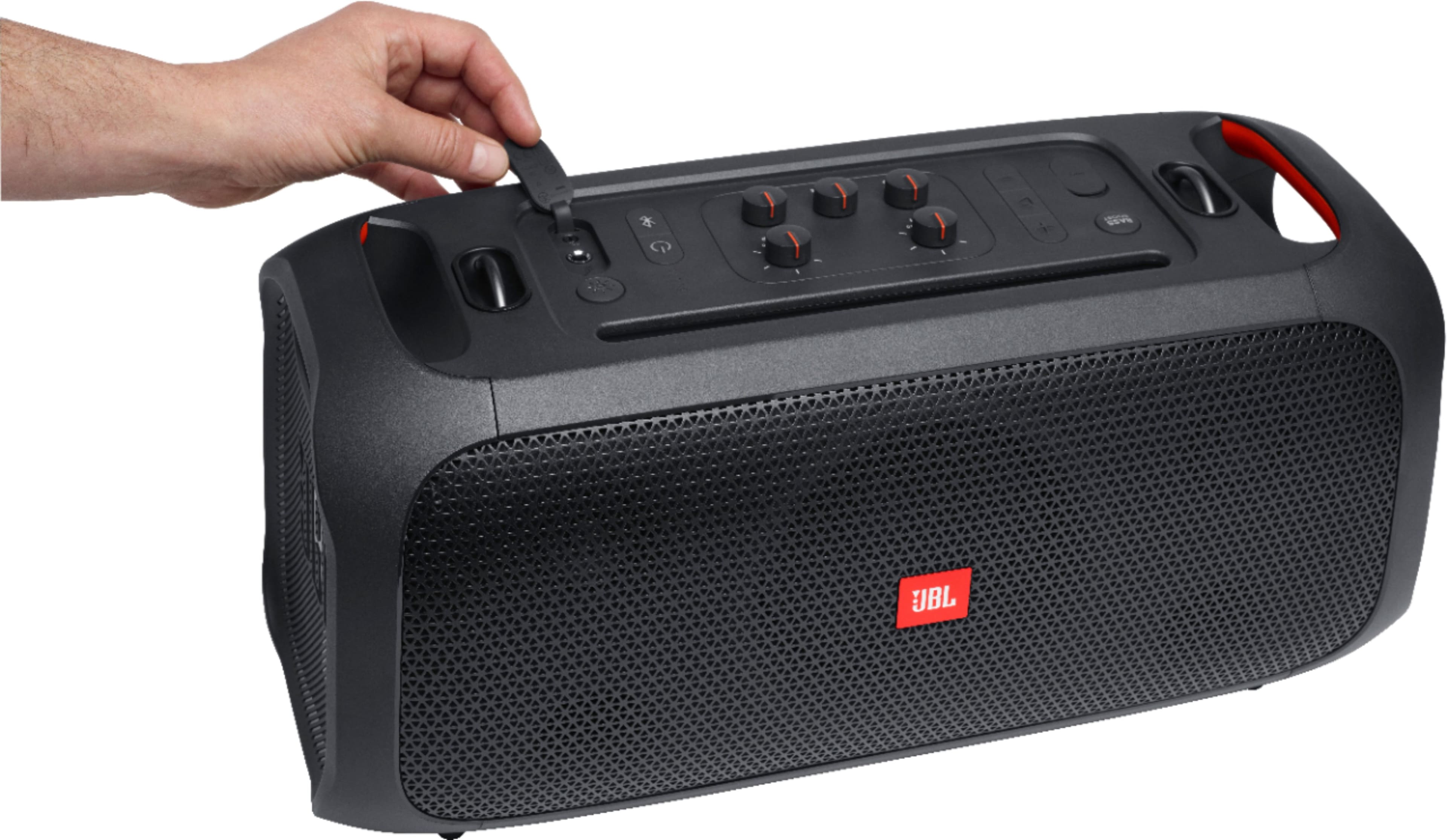
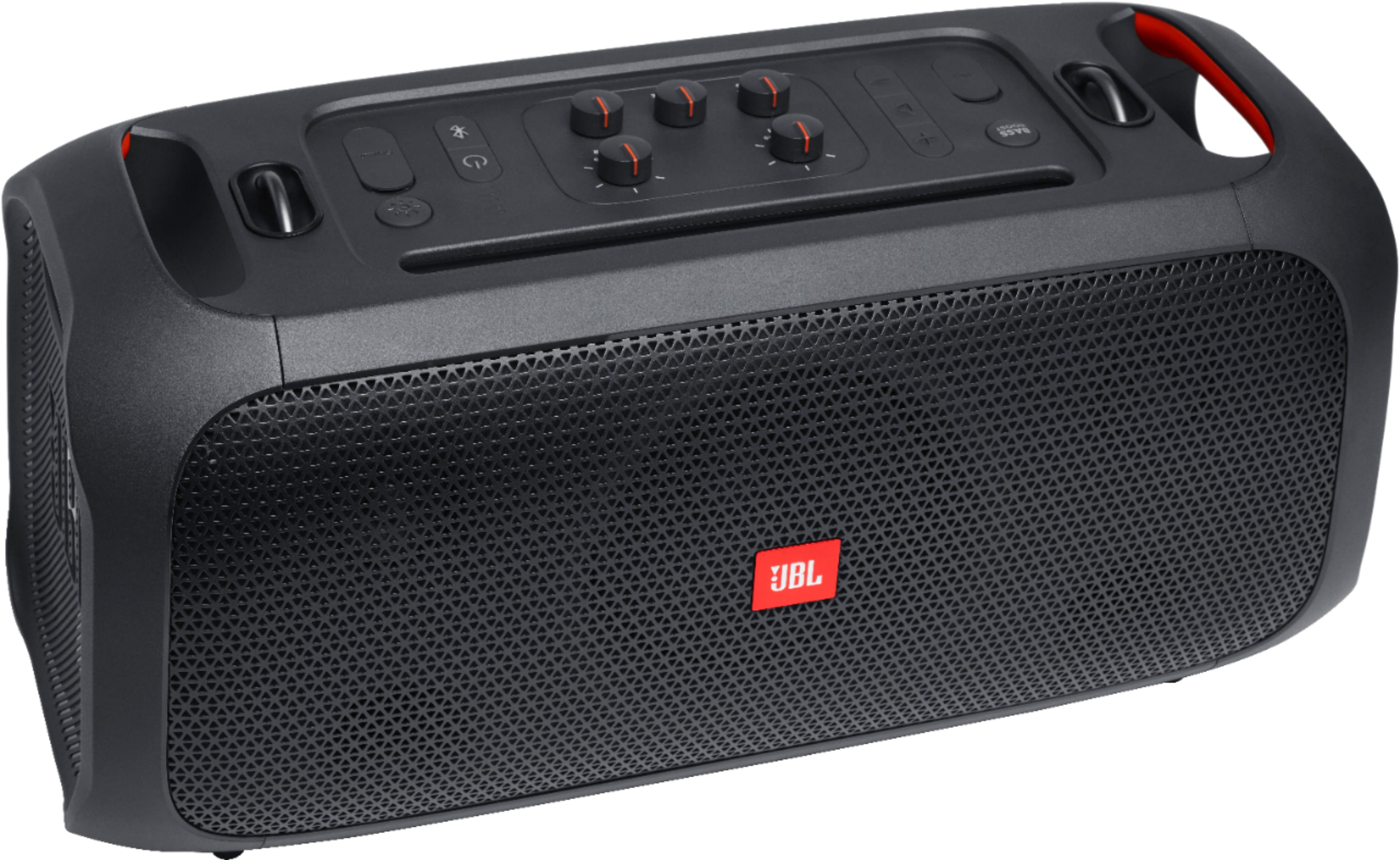

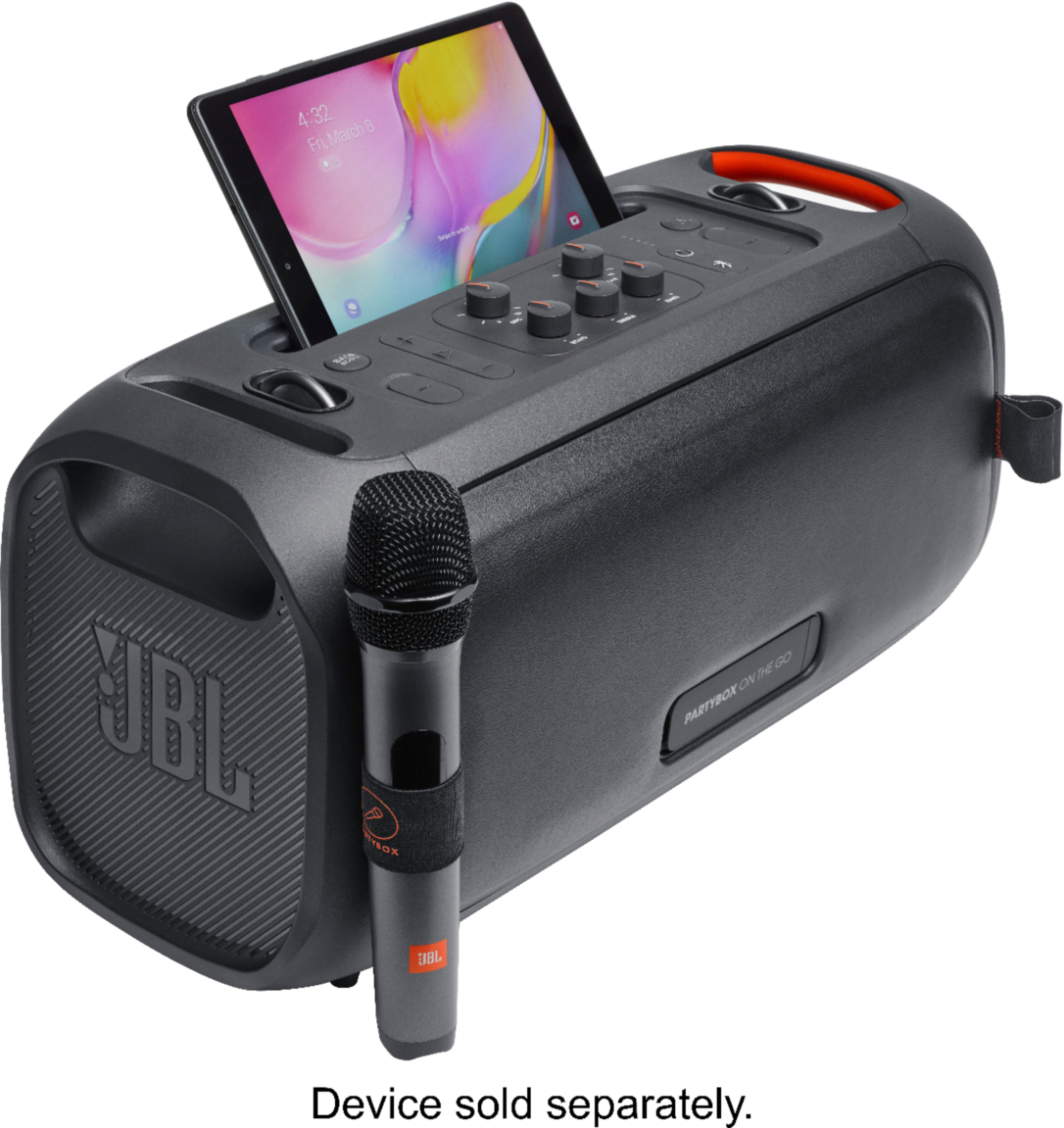

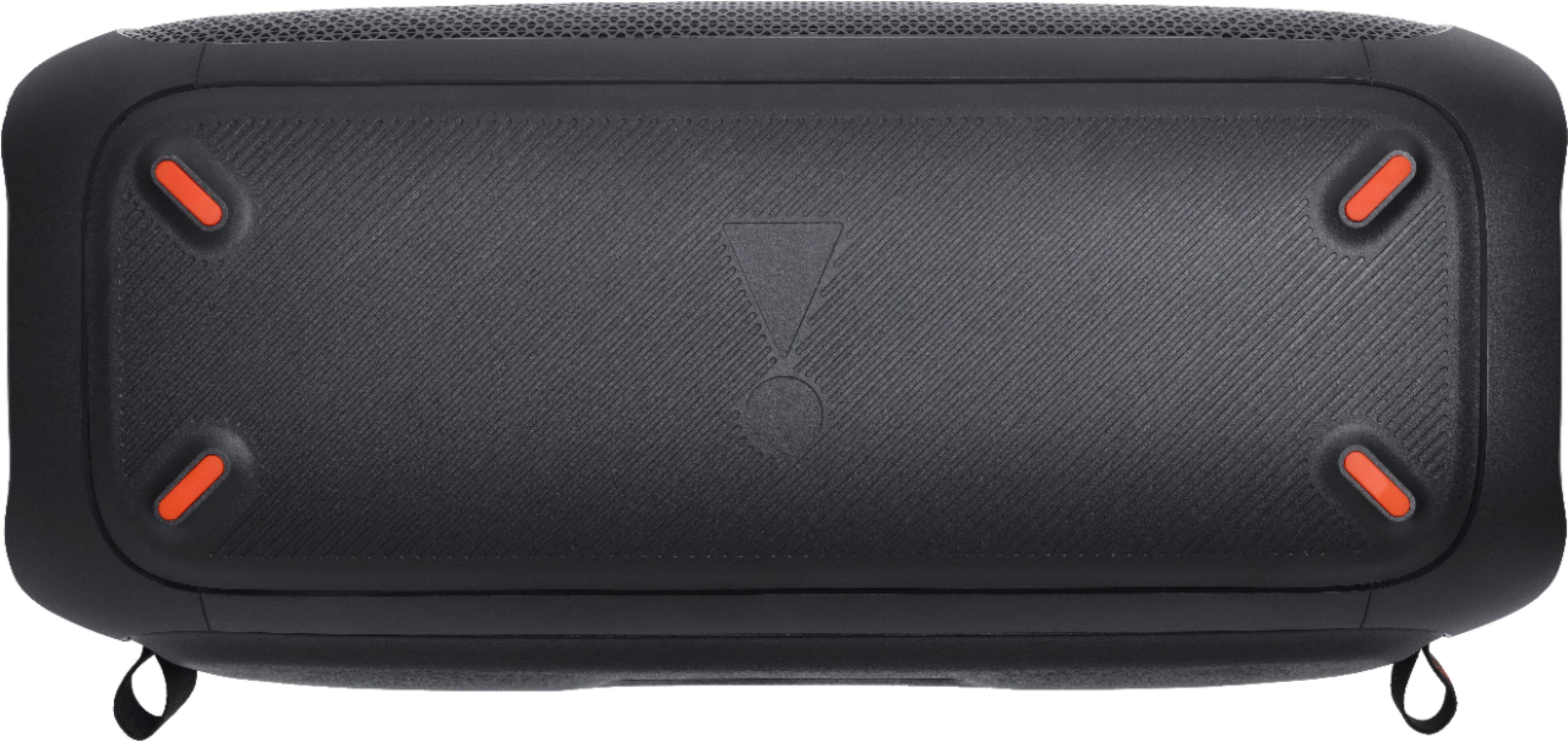
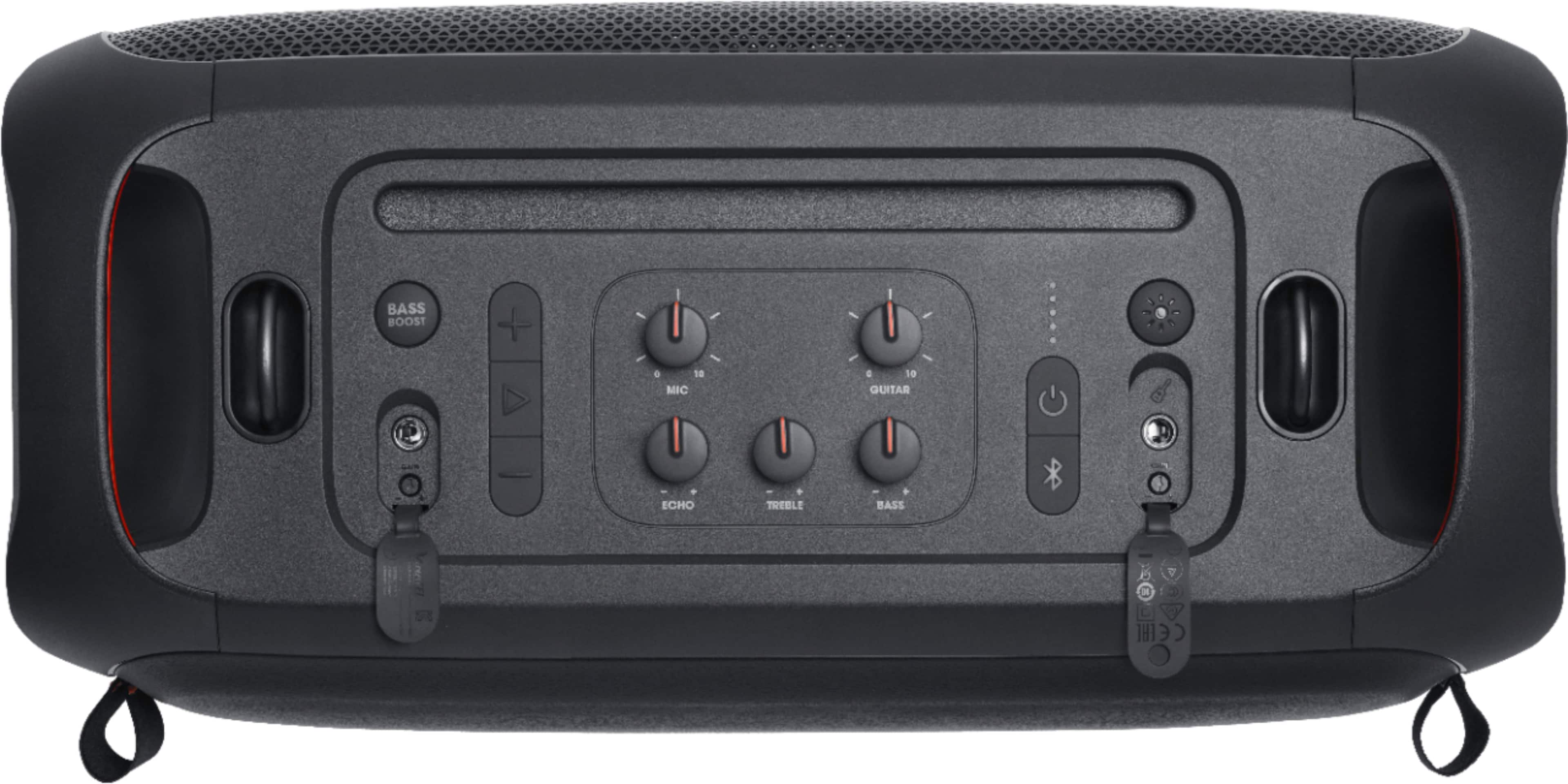
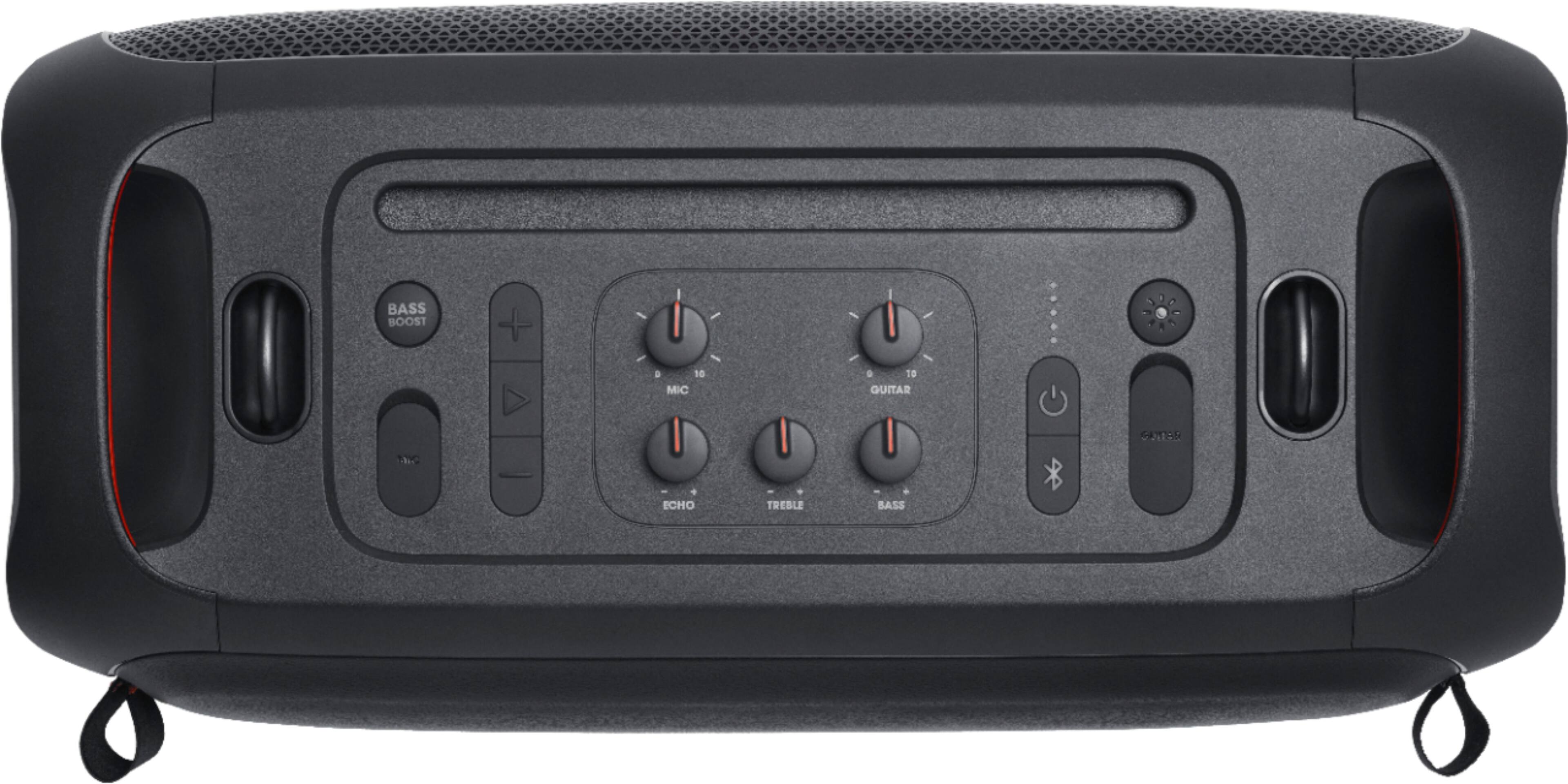
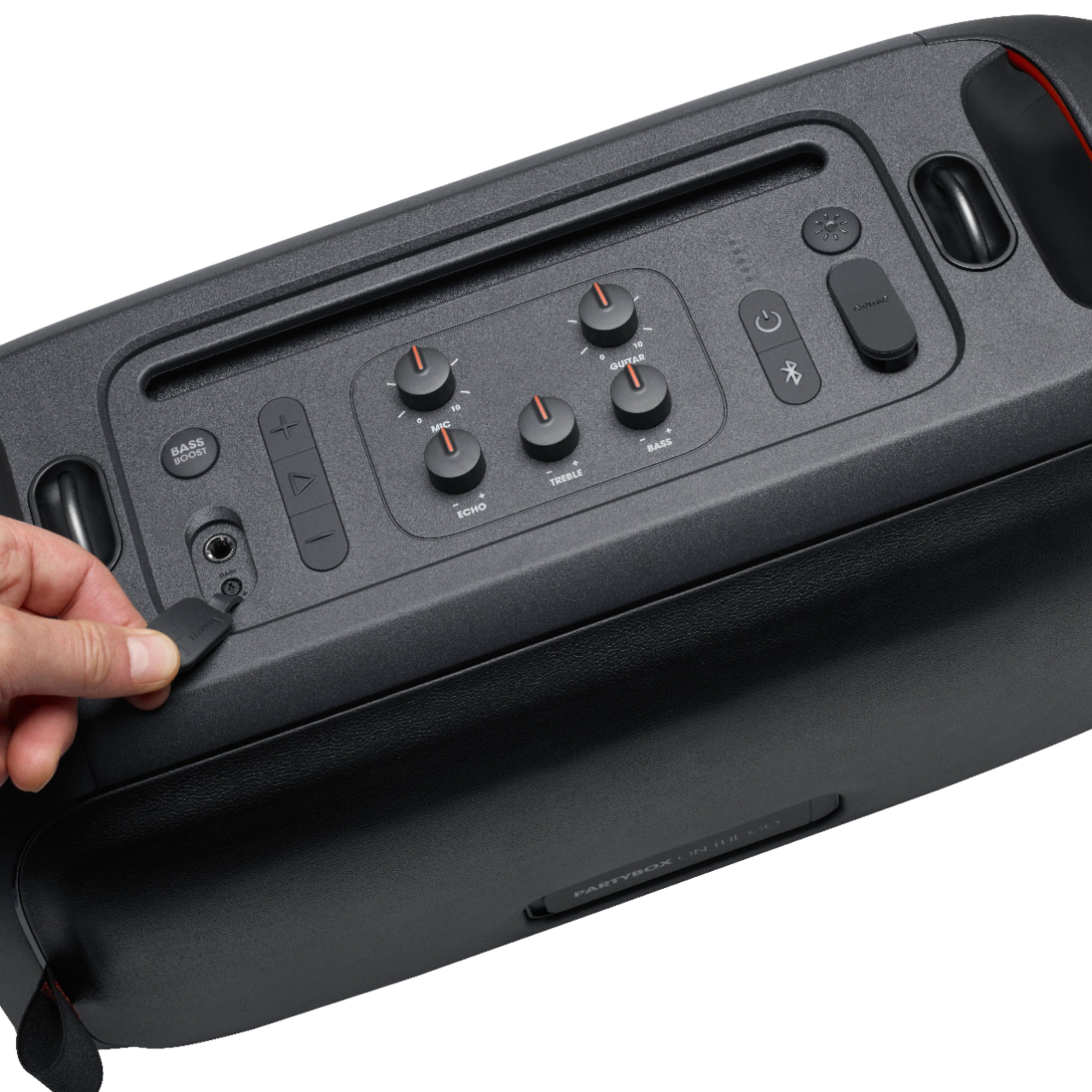
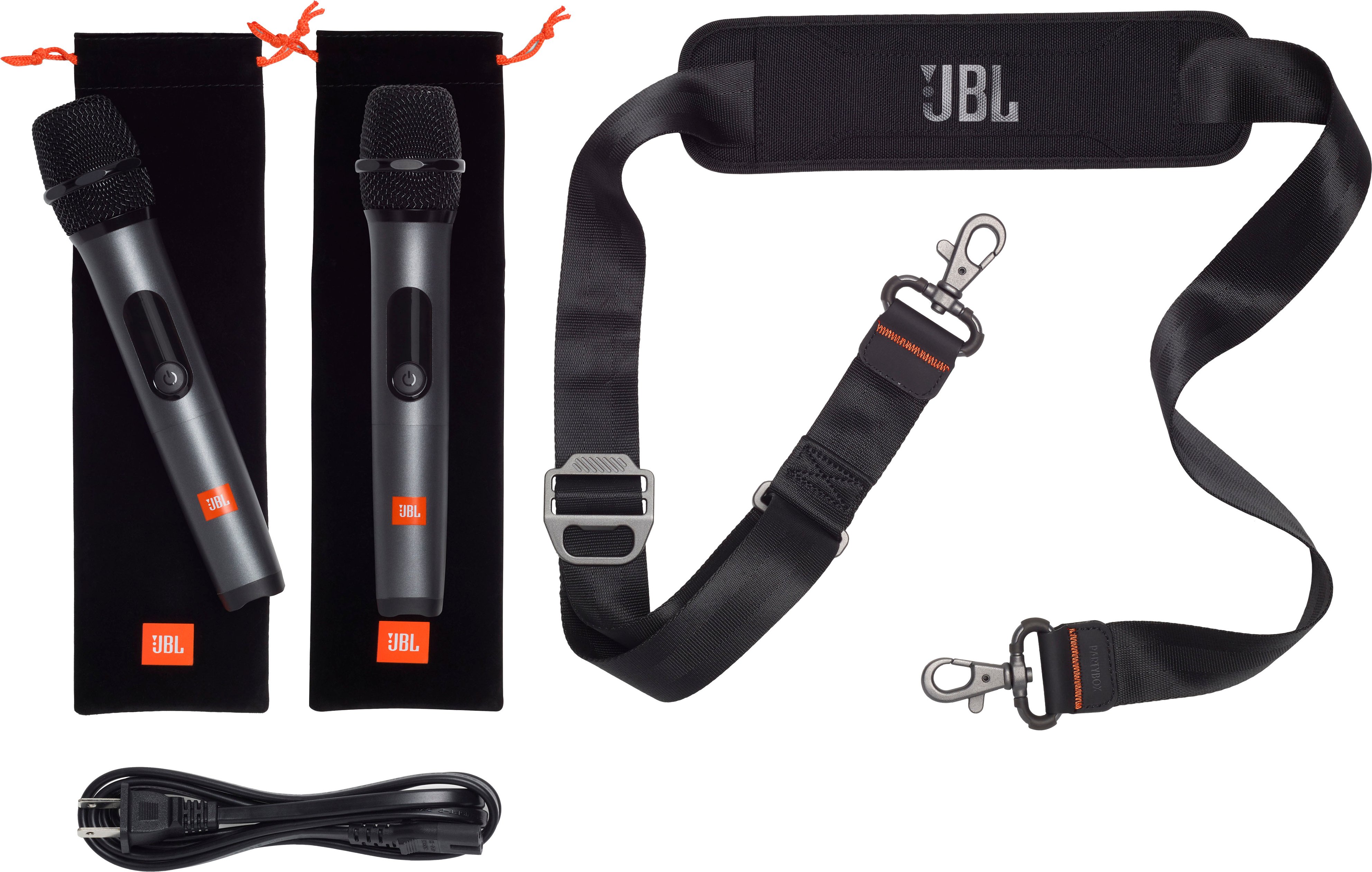
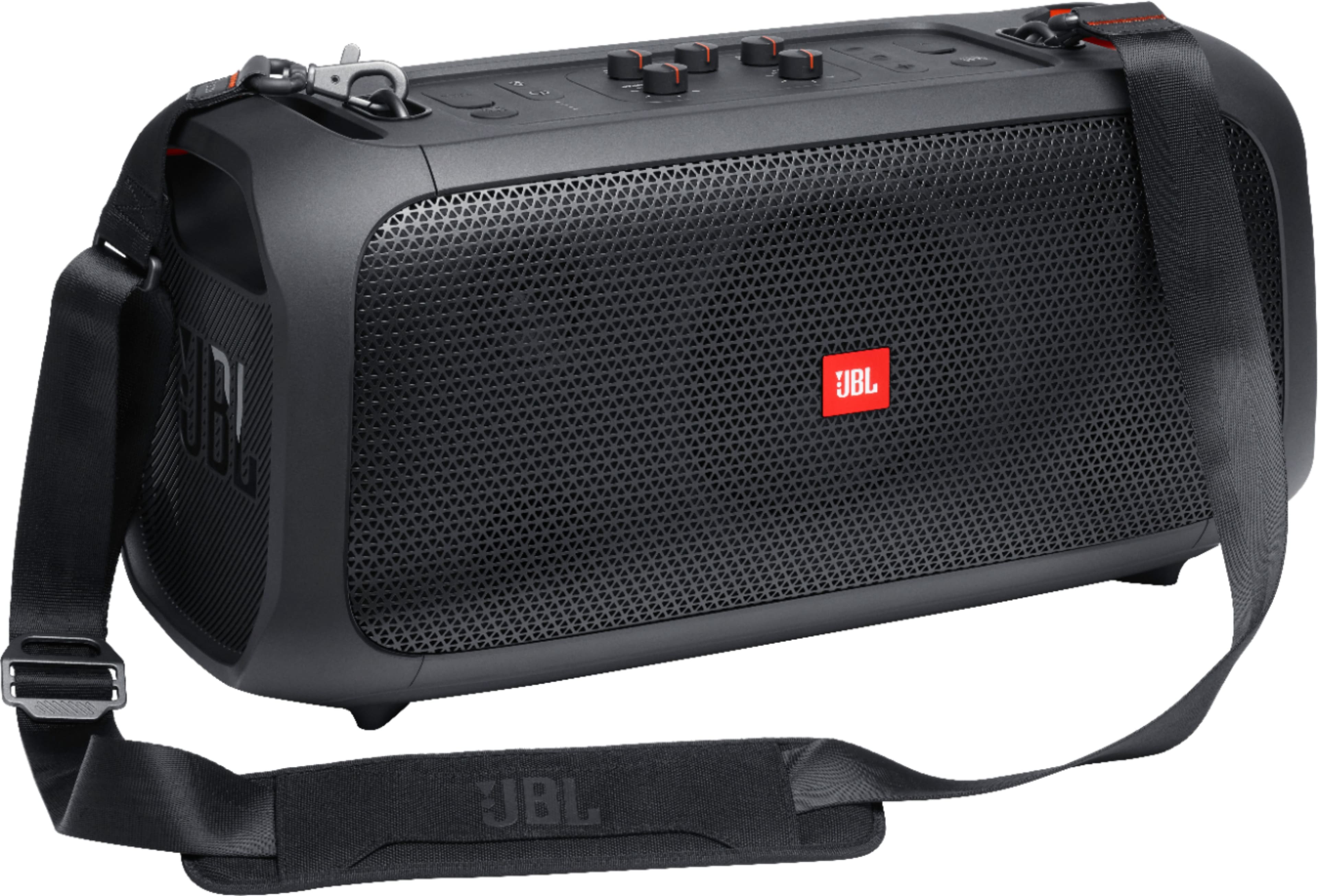
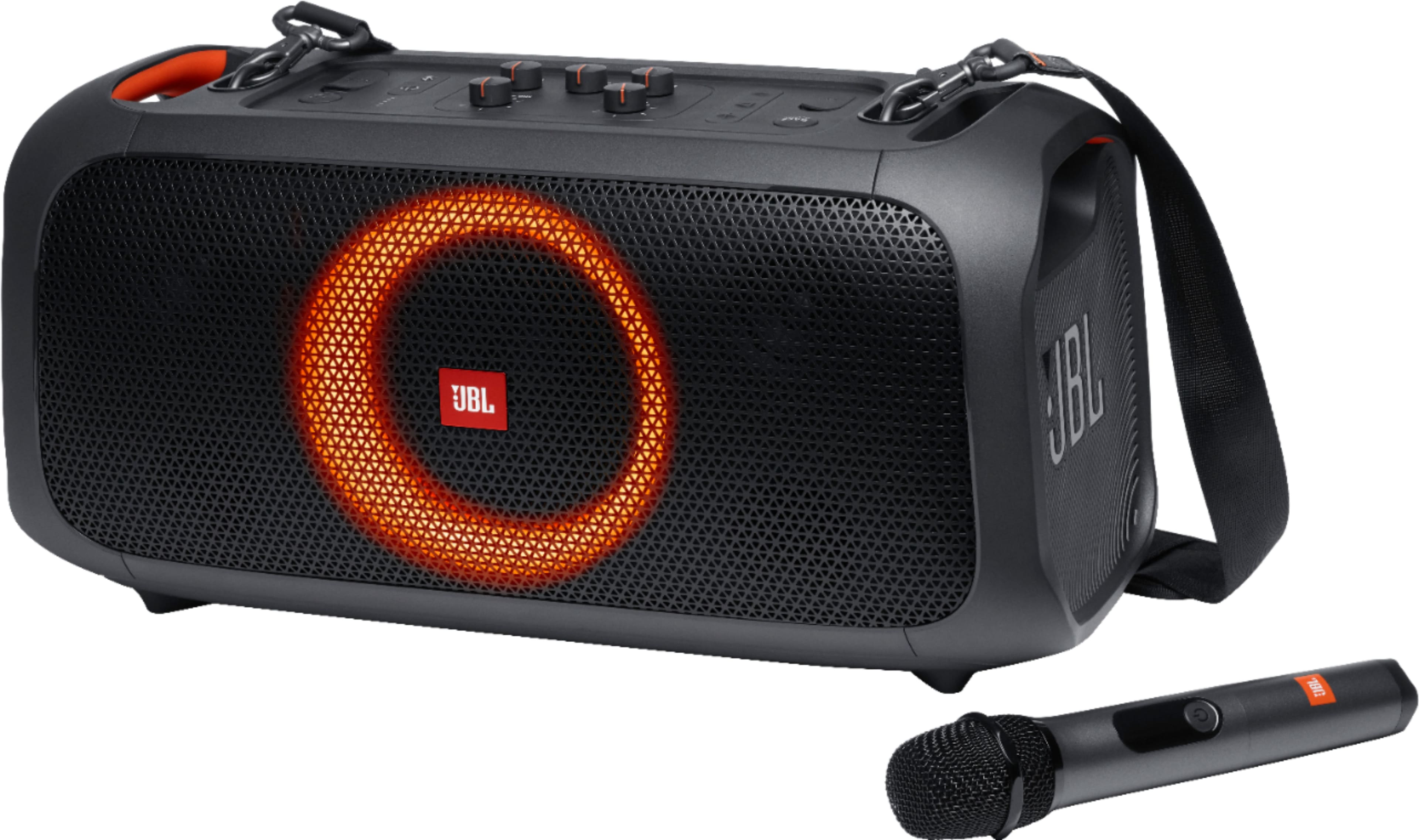
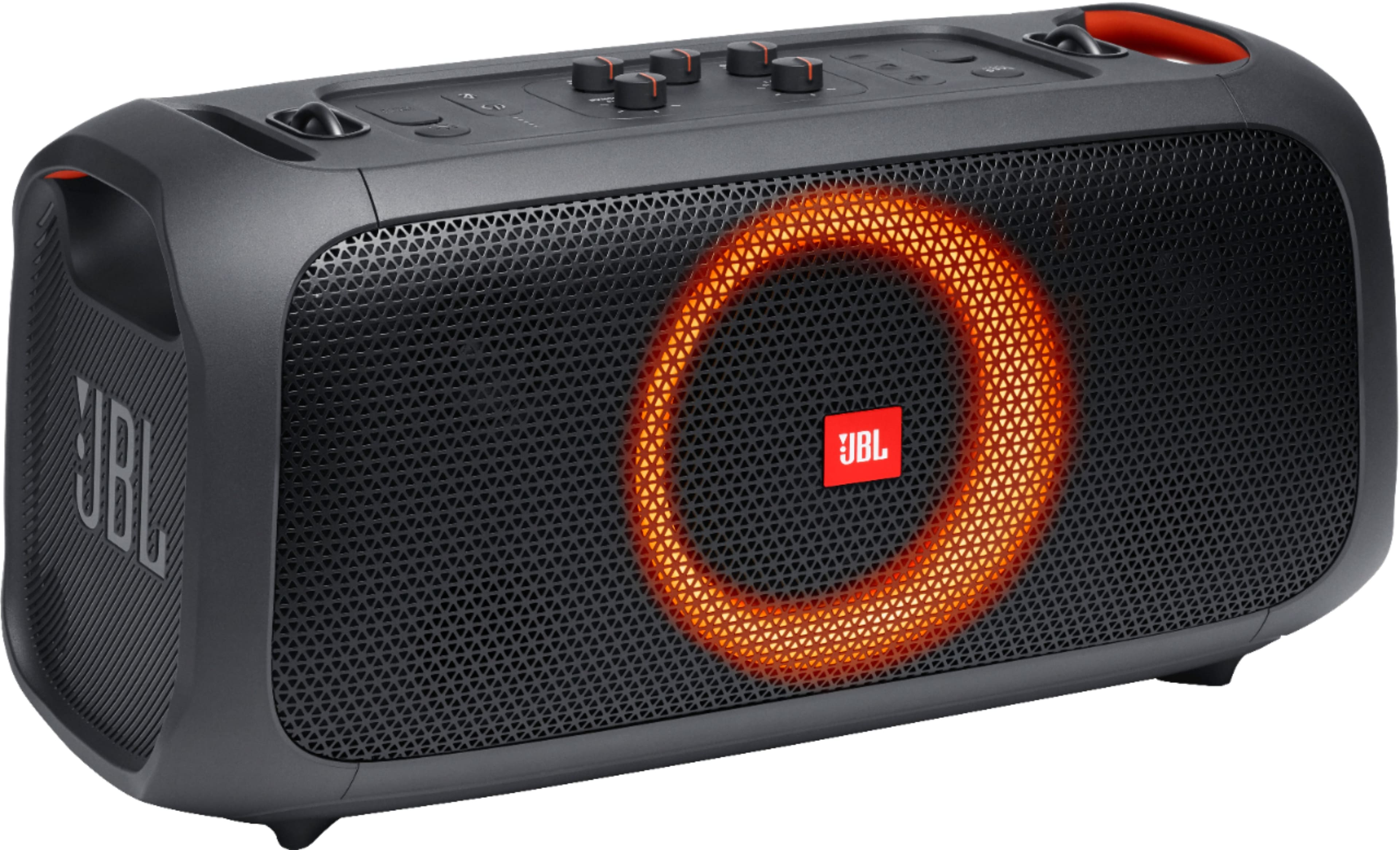
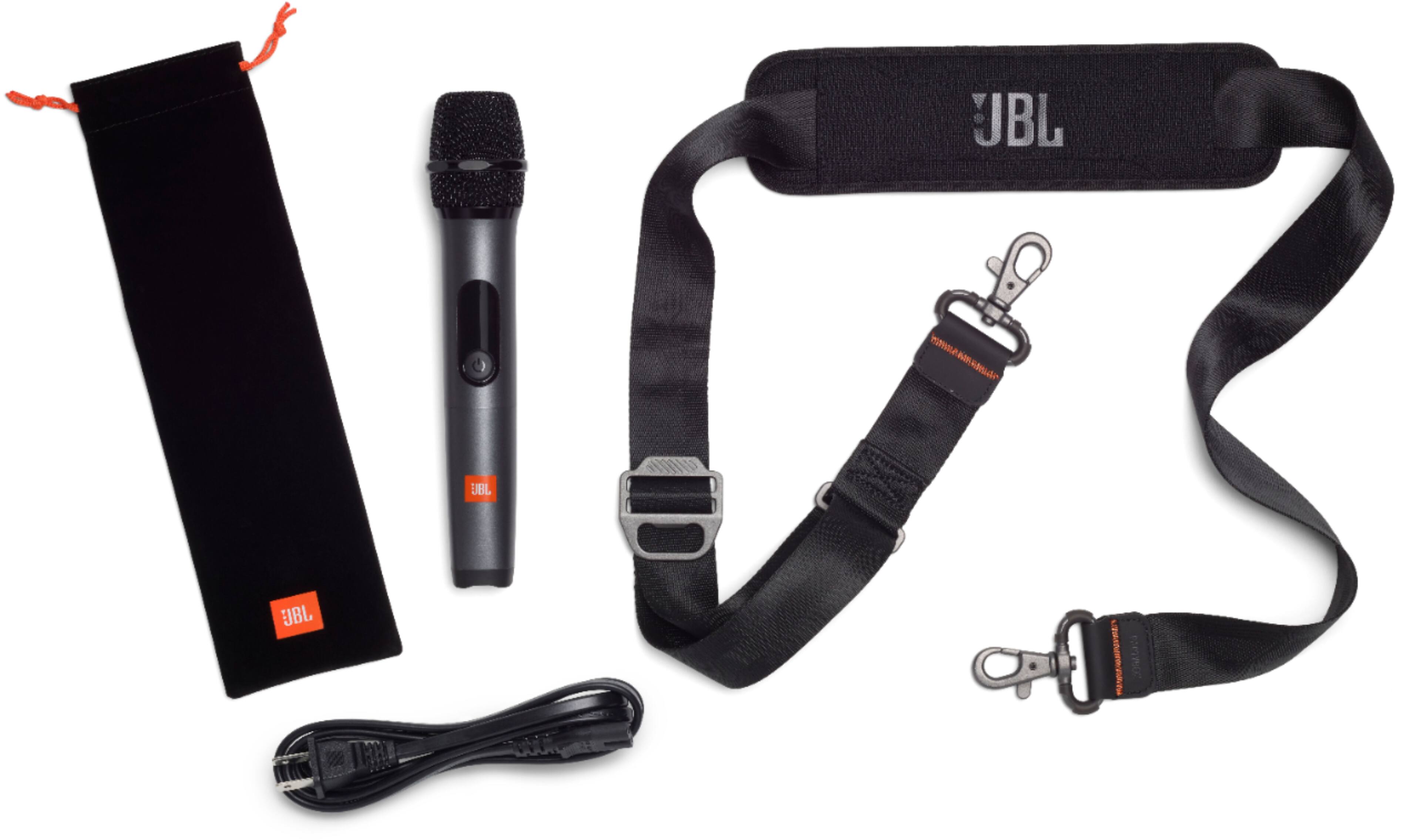
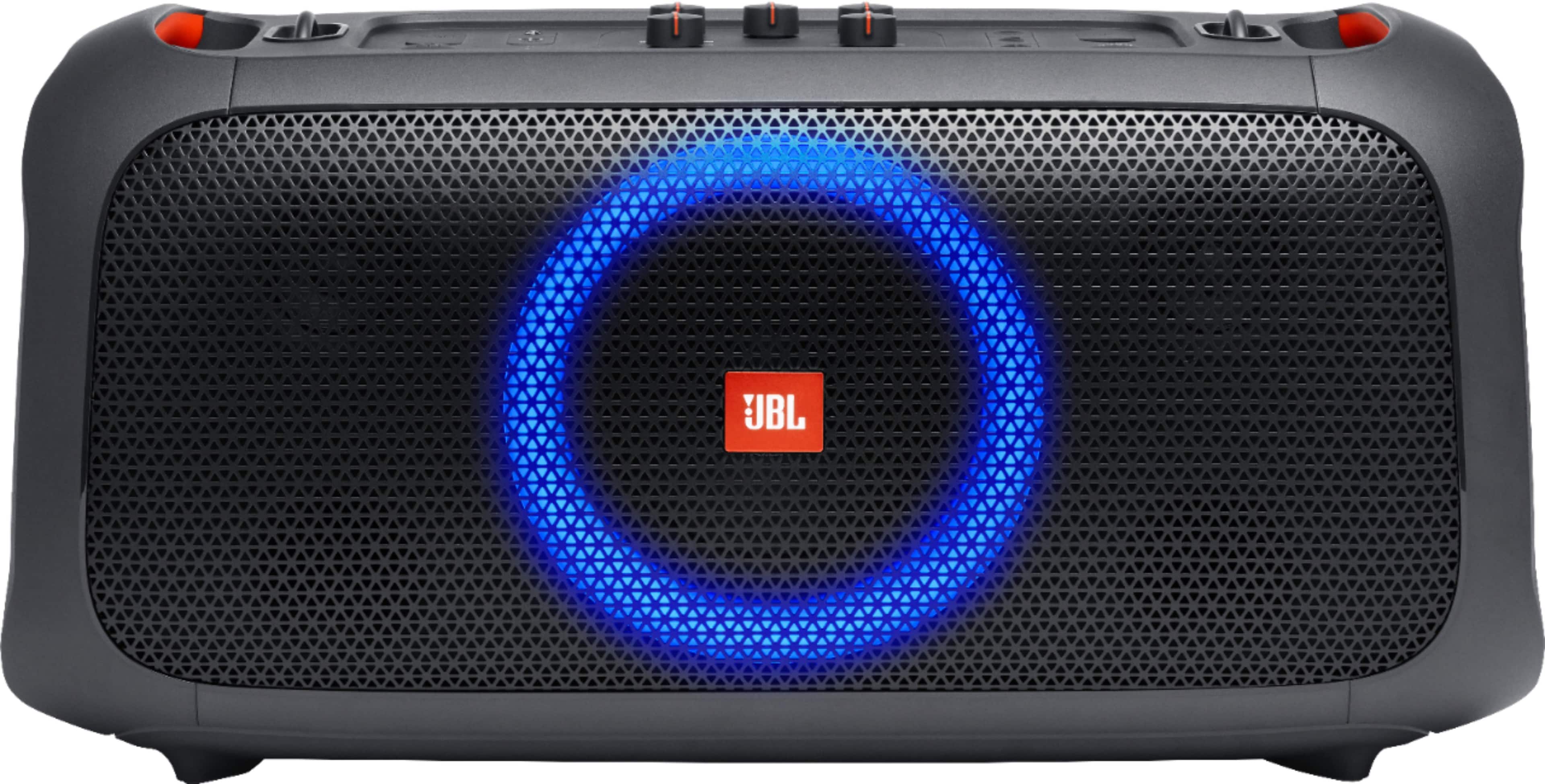
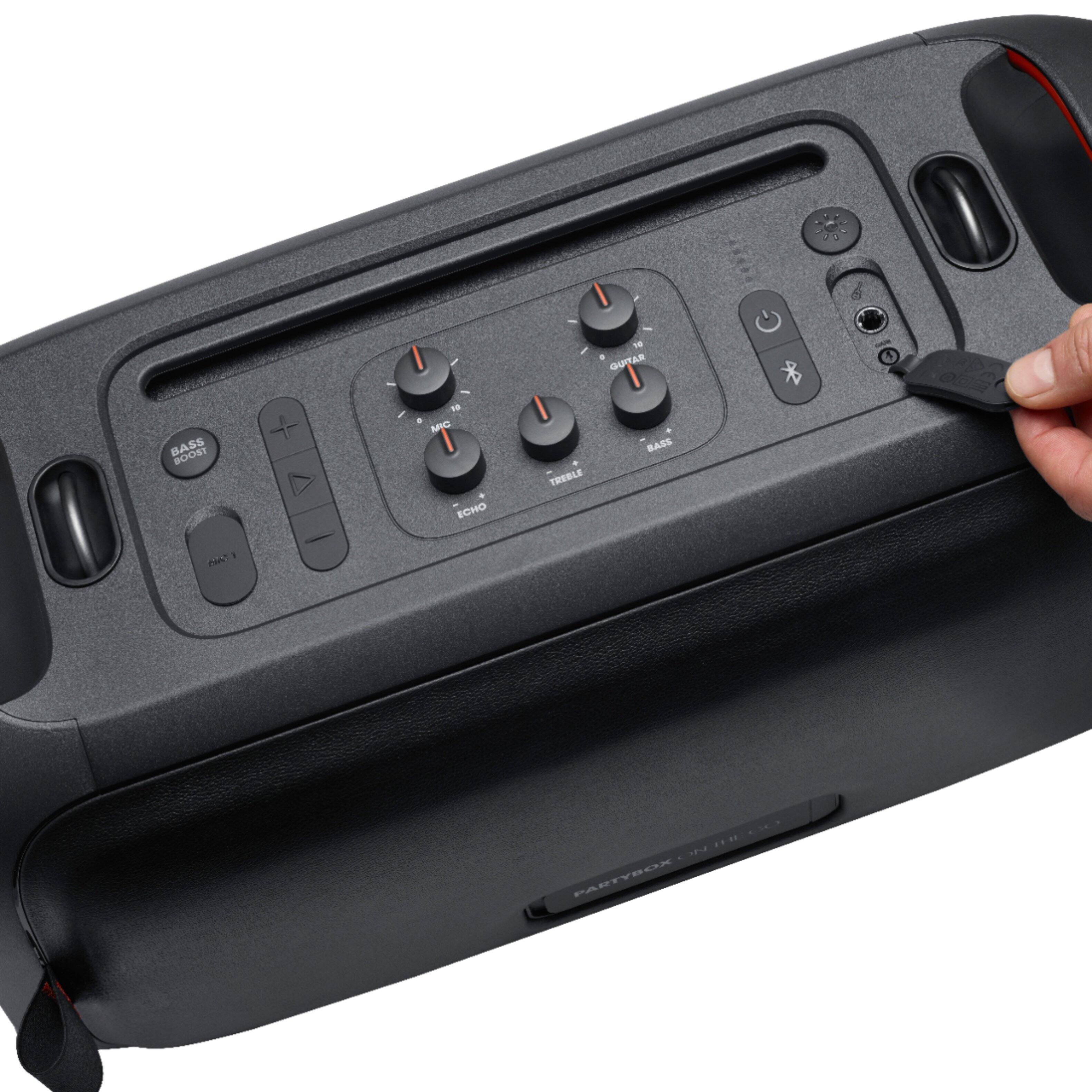
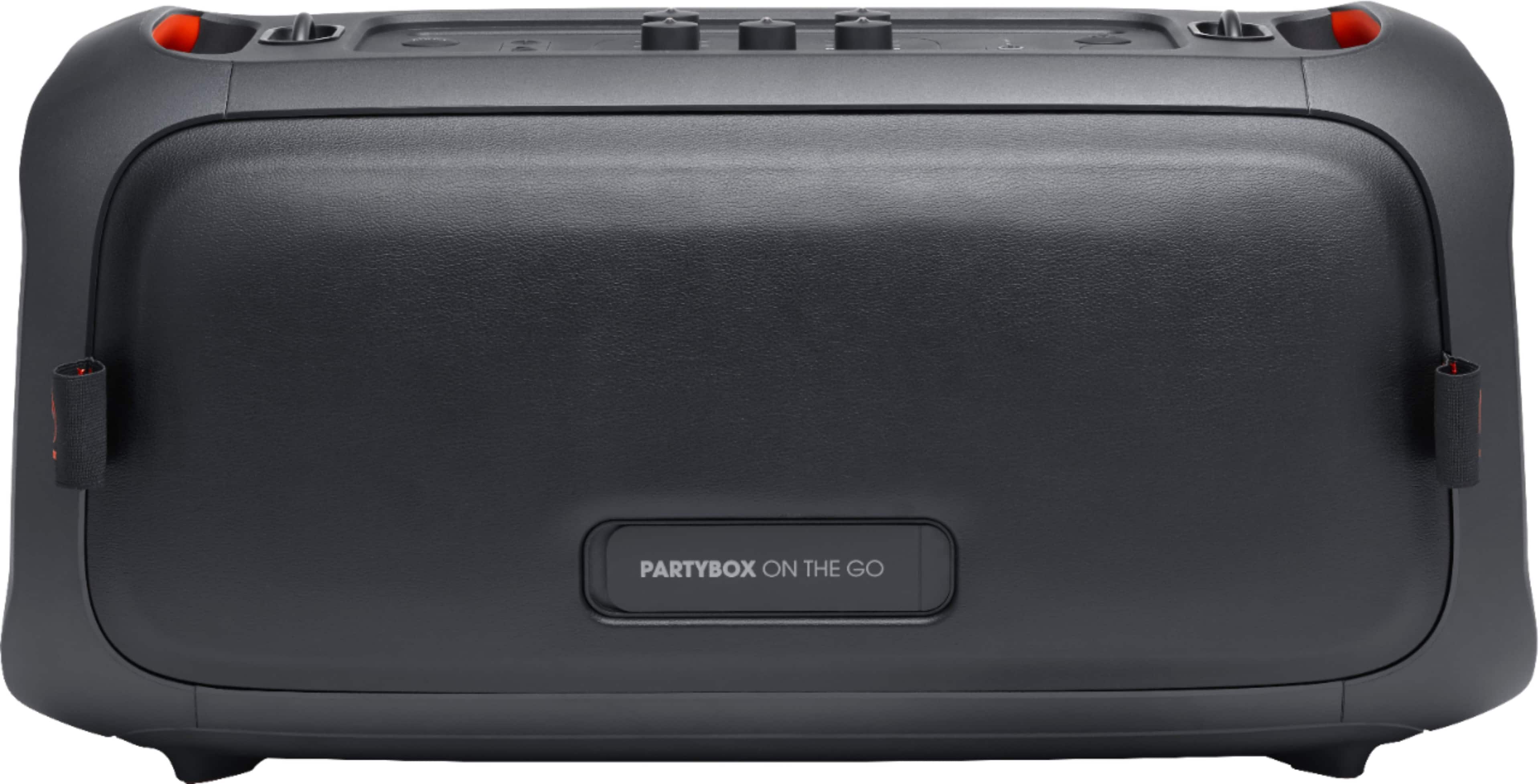
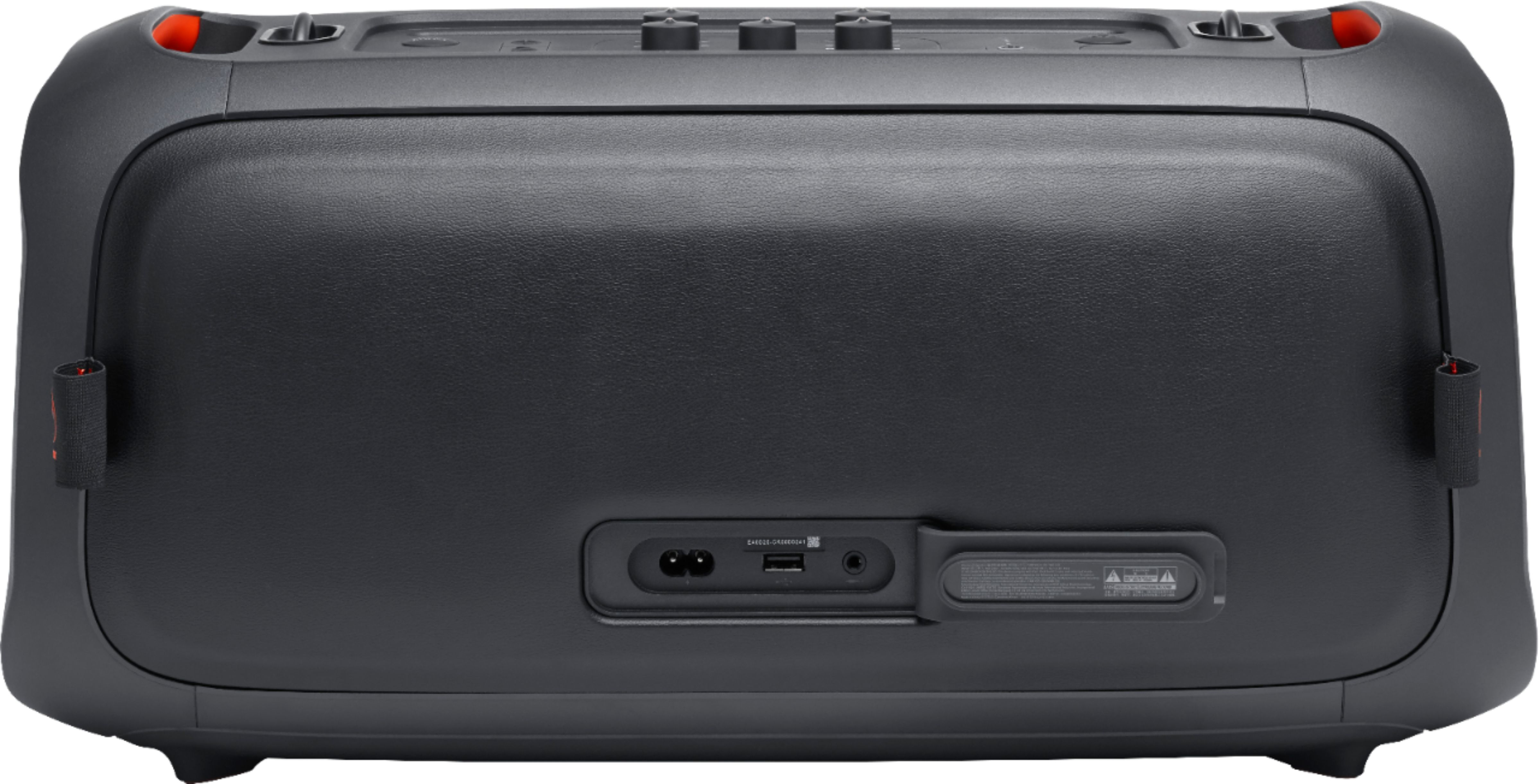
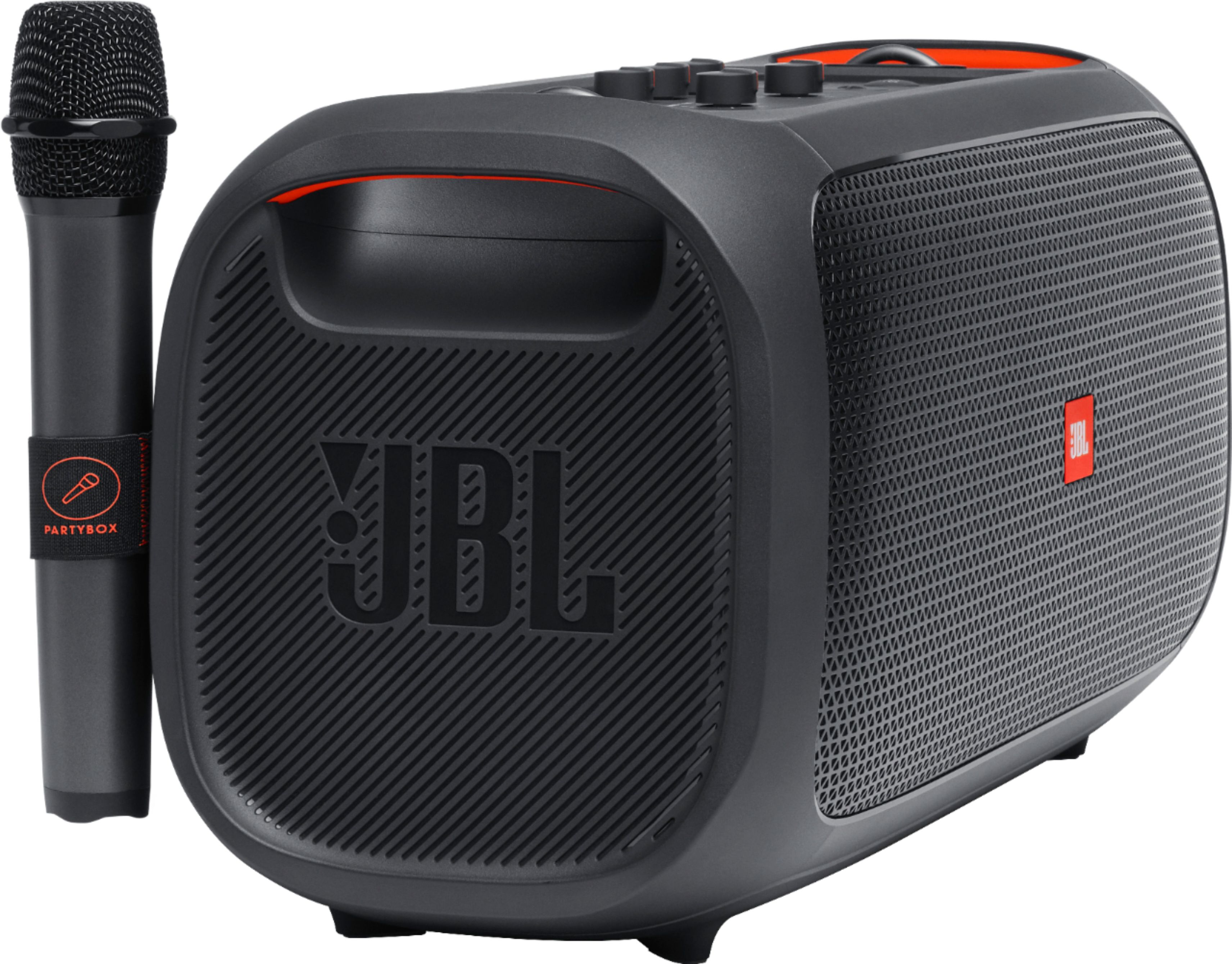
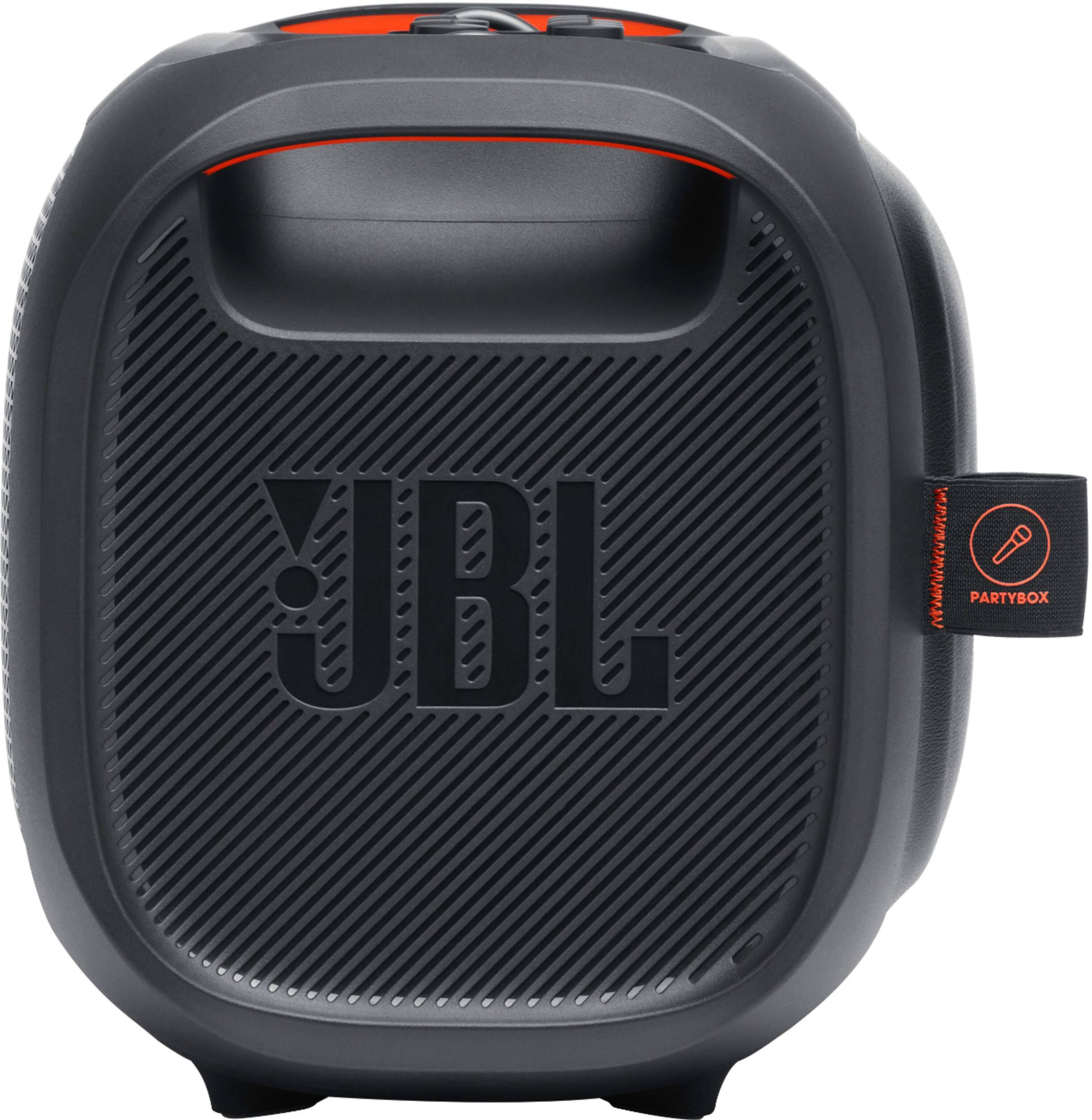
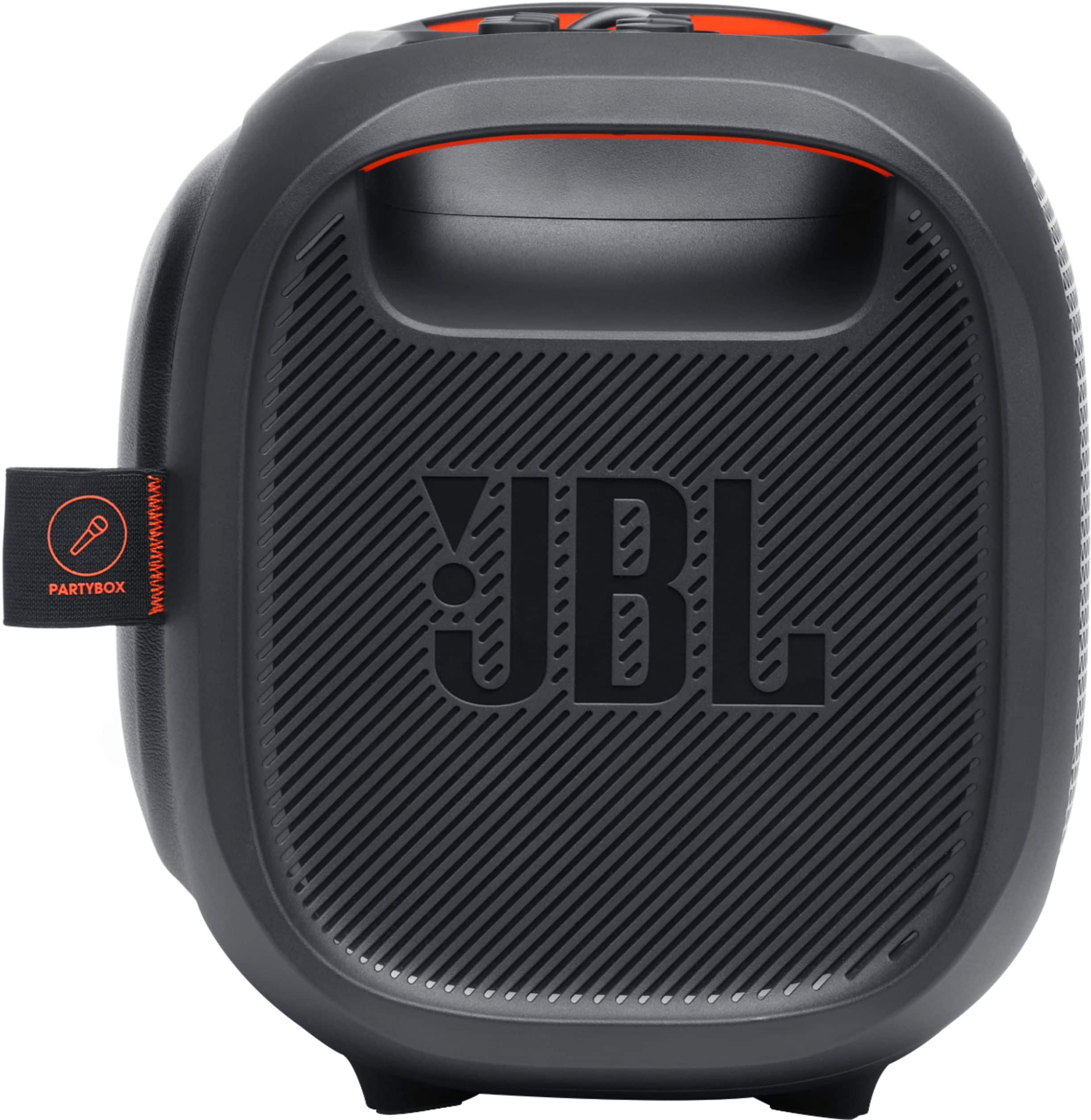
A:AnswerThanks for reaching out. Please make sure that your JBL PartyBox On the Go has a sufficient charge. Try to plug it in until it reaches full capacity, and turn it back on to check if it would work. If the issue persists, please reach out to our JBL Customer Support so we could check your warranty. We're here to help.
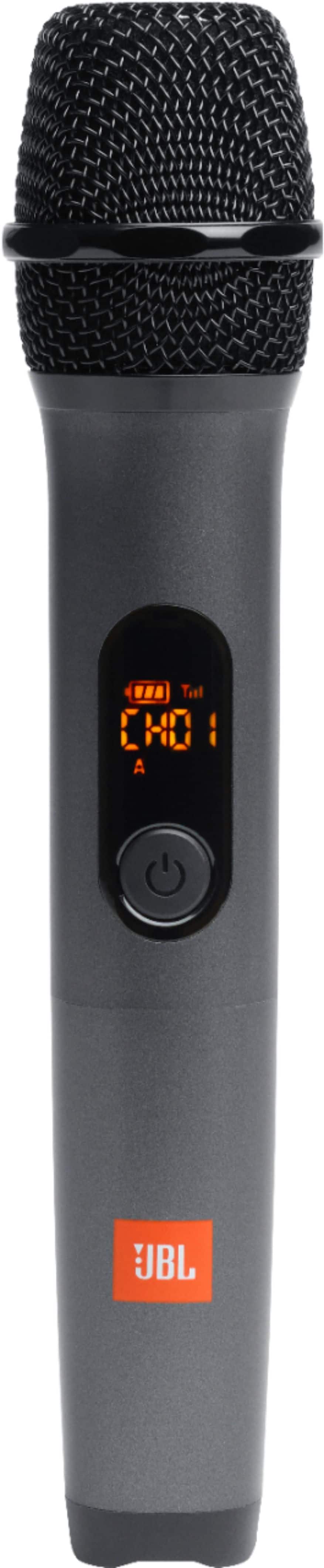
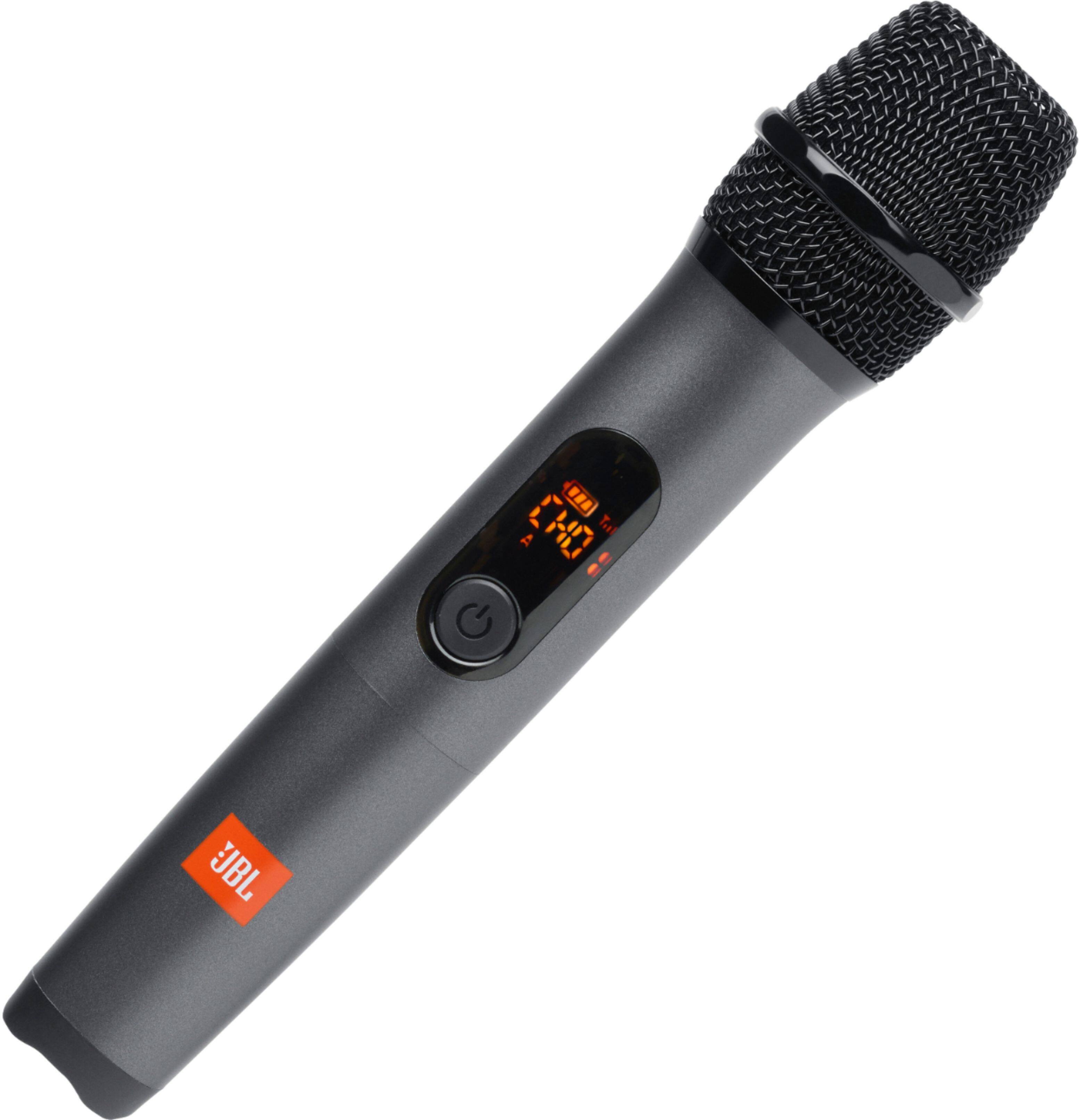
A:AnswerWe're sorry to hear that the microphone of your JBLPartybox-On-the-go has stopped charging. You may try to change the battery of the microphone. If you need more help with your device, please contact our customer support service via our official website or toll-free hotline
A:AnswerWe appreciate the feedback that you've provided us with the mic of our JBL PartyBox On-the-Go speaker. Please try to use different two Alkaline AA batteries to check if it would work and charged it for atleast 5-6 hours. If the problem persists, please reach out to our Customer Support to check your options here: https://bit.ly/3EtVulg
A:AnswerThanks for reaching out. Here are some things to try that often fix these issues. Try disconnecting the cable from your product and re-inserting it. Sand or dirt can get into the product’s charging port. Check the port. Clean if needed with compressed air or a toothpick. See if the power jack can be wiggled in the port, and if wiggling it makes the LED light up, even if only briefly. If none of these steps fixes the charging issue, contact JBL Customer Service for technical support and assistance. https://bit.ly/3puQdV9
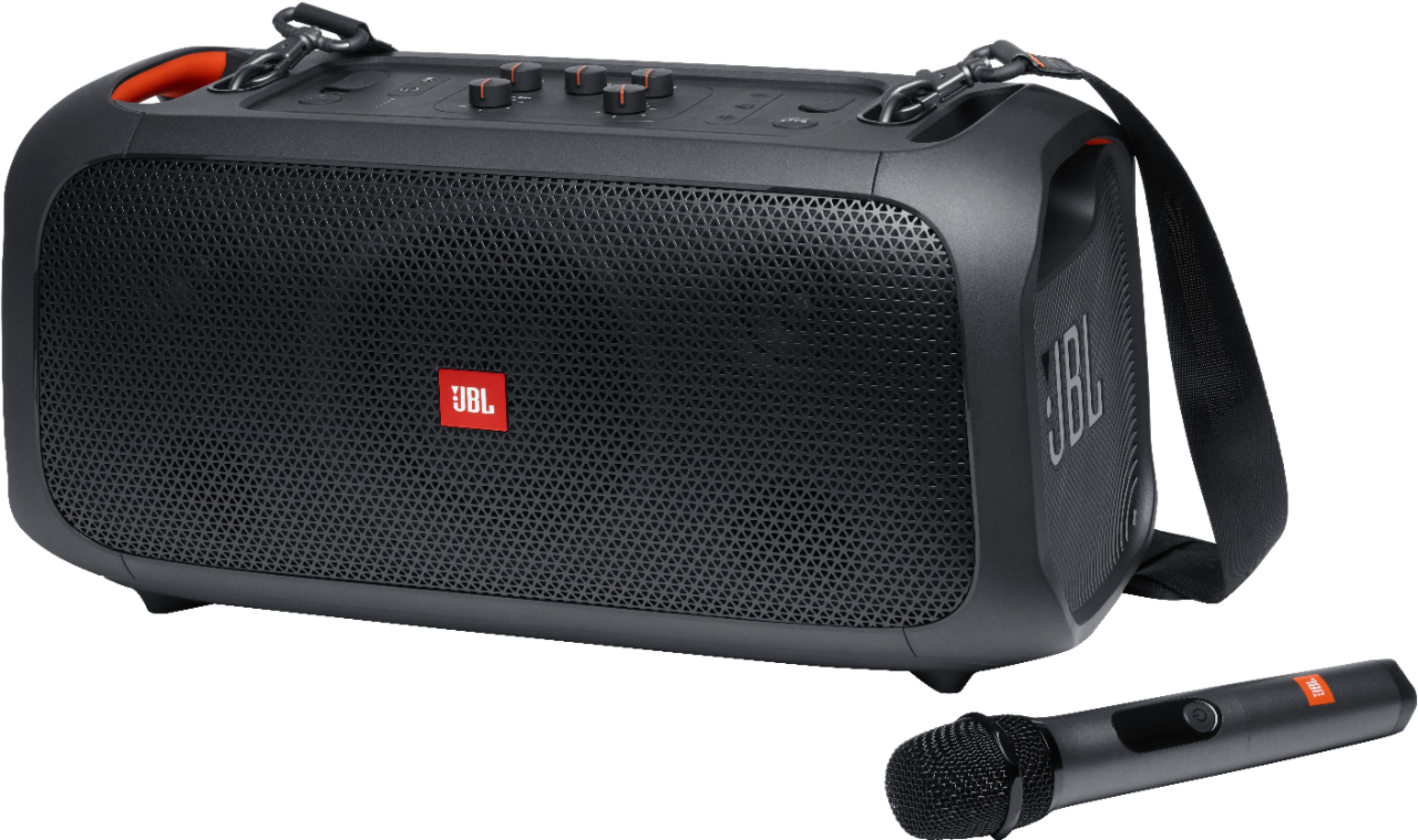
A:AnswerThe wireless mic of the Partybox-On-the-Go is not compatible with the Partybox 300. To use a wireless microphone to our JBL PartyBox 300. Your wireless mic needs to have a receiver that will plug in to the back of our PartyBox 300. A wireless mic that directly connects to the PartyBox 300 cannot be guaranteed to successfully connect.
A:AnswerThanks for taking the time in providing your feedback with our JBL Partybox On The Go. We'd like to know more information about what issues you're having with the speaker and try some steps. If you've had this product for less than 30 days and must be purchased directly from our website. You can always return it and get a full refund. Please use the link to contact our customer support. https://bit.ly/2WocMfi
A:AnswerWe appreciate the feedback that you've provided us with the mic of our JBL PartyBox On-the-Go speaker. Please try to use different two Alkaline AA batteries to check if it would work. If the problem persists, please reach out to our Customer Support to check your options here: https://bit.ly/3EtVulg
A:AnswerWe're sorry to hear about what happened. Please try to charge the speaker to a different power outlet and make sure to plug the charging cord properly into the speaker. If the problem persists, please contact us, so we can check your options: https://support.jbl.com/us/en/#call
A:AnswerThanks for bringing this query to our attention. You can use a 3rd party wireless microphone with our JBL Partybox On the Go for as long as the microphone unit comes with a receiver that you can connect to our speaker using a 3.5 mm aux cable. You may contact our customer support team if you have other questions and/or concerns about our products. Here's the link. https://bit.ly/2WocMfi
A:AnswerThanks for your interest in our products. We have no news yet if we'll have a JBL PartyBox On The Go 2 in the future. Please subscribe to our newsletter at the bottom page of our website, to receive the latest news and updates regarding our products: http://jbl.com/
A:AnswerThanks for your interest. We don't have news to share about when our JBL Partybox On-The-Go will be available in the US again. This speaker hasn't been discontinued, it's just not currently in stock. You could sign up for the JBL Newsletter or continue following us for news and updates.
A:AnswerOur JBL PartyBox On-The-Go has IPX4 protection making it resistant to water splashes from any direction, but it is not capable of resisting sustained low-pressure water jet spray nor can it be submerged in water.