Questions & Answers
- Model:
- JBLT230NCTWSBAM
- |
- SKU:
- 10095738
Q: QuestionMy earbuds won’t pair to Apple Watch. Any suggestions?
Asked by Hallie.
- A:Answer Our JBL Tune 230NC is compatible with both Android and iOS devices. You could try to search for the headphones on the Bluetooth menu of your Apple Watch. However, we can't guarantee its compatibility.
Answered by JBL Support

Q: Questionare the compatible with iPhone?
Asked by Mer.
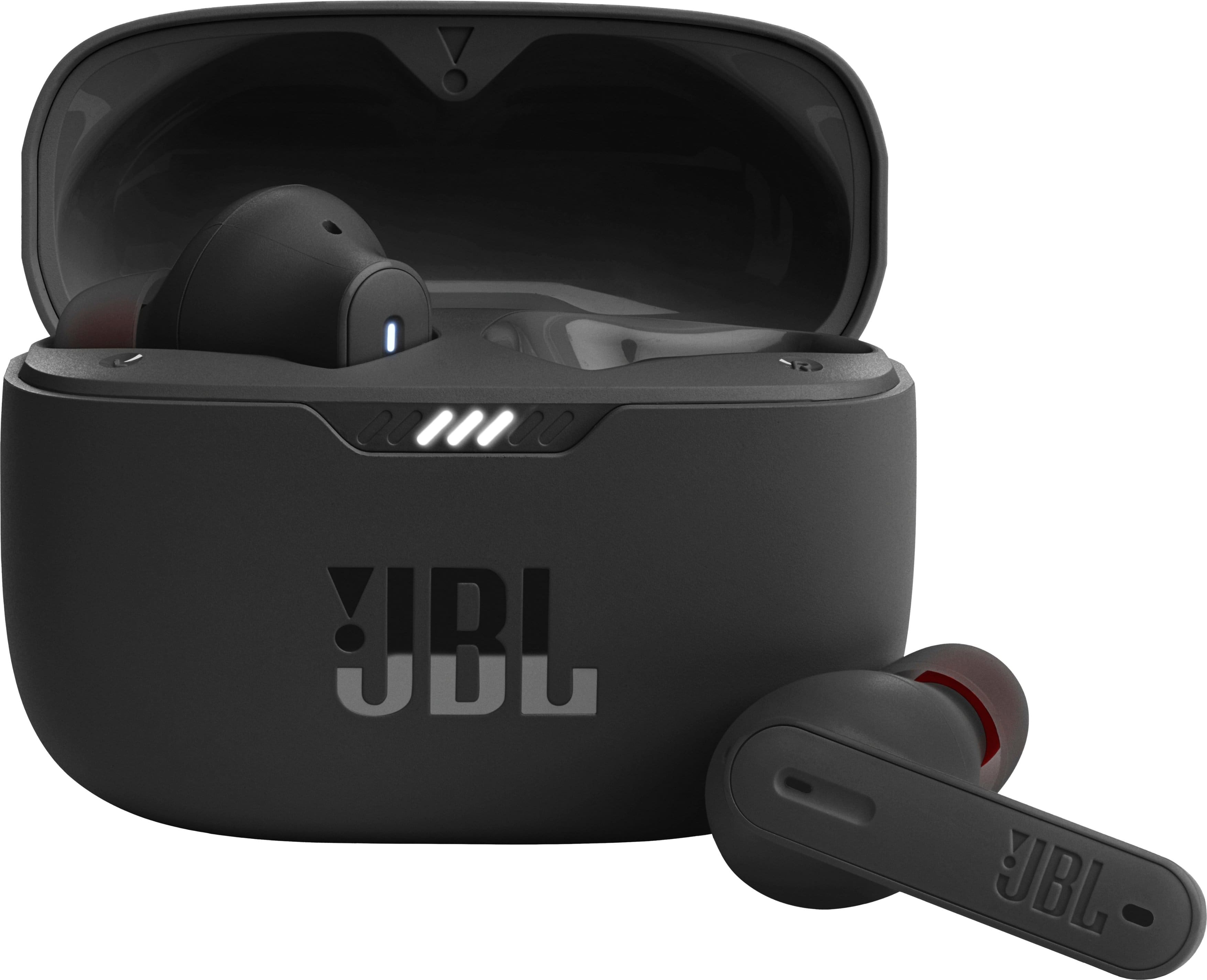
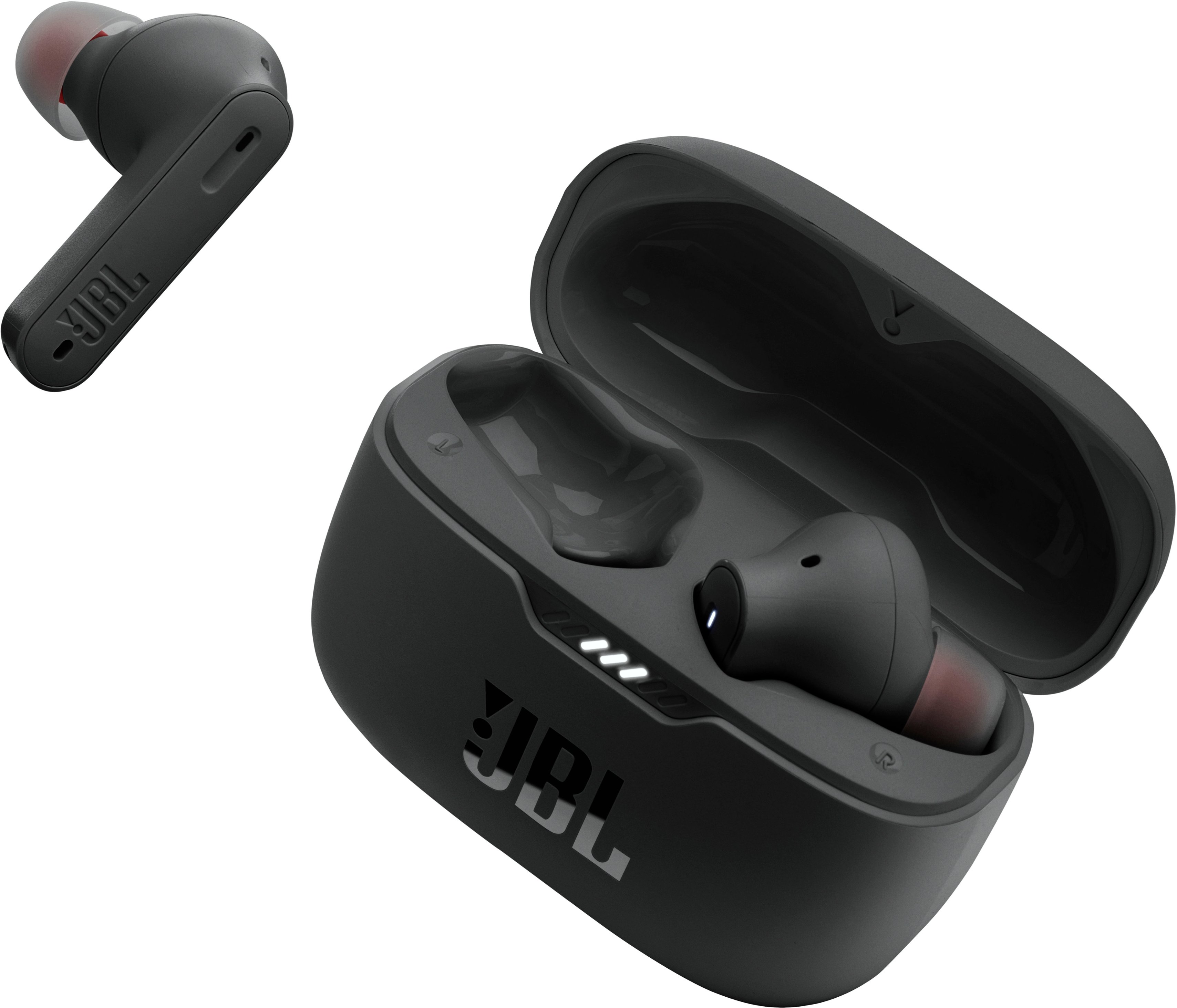
This question was asked about the related product: JBL - Tune 230NC True Wireless Noise Cancelling In-Ear Earbuds - Black
- A:Answer Yes
Answered by ColemanH
Q: QuestionWas able to pair to an older IPhone. However, the app continues to state "we can't find your headphones". So I am unable to access it. Also, I am not able to connect these to a Lenovo Chromebook. No matter what I do, it won't locate them. Help.
Asked by Ben.
This question was asked about the related product: JBL - Tune 230NC True Wireless Noise Cancelling In-Ear Earbuds - Black
- A:Answer It could be that your Chromebook doesn't have the correct Bluetooth driver. Please make sure your Bluetooth driver is up to date. If the problem still persists, We'd like to work with you directly to address the issues you're experiencing with the JBL Tune 230NC TWS. If needed, we'd also like to get more information so we can check your options. Please contact our customer support service via our official website or toll-free hotline.
Answered by JBL Support

Q: QuestionDoes this wireless set allow for you to use one while the other is charging? Like listen to music or answer phone calls. On either one?
Asked by Kay.
This question was asked about the related product: JBL - Tune 230NC True Wireless Noise Cancelling In-Ear Earbuds - Black
- A:Answer yup
Answered by Omar
Q: QuestionCan I connect this to my ps4?
Asked by gabe.
This question was asked about the related product: JBL - Tune 230NC True Wireless Noise Cancelling In-Ear Earbuds - Black
- A:Answer Our JBL Tune 230NC doesn't work with Sony Playstation 4.
Answered by JBL Support

Q: QuestionIs the case water resistant or water proof too? Or just the headphones themselves?
Asked by Xxx3.
This question was asked about the related product: JBL - Tune 230NC True Wireless Noise Cancelling In-Ear Earbuds - Black
- A:Answer The case is not waterproof and i can tell that because it happened to me
Answered by Anonymous
Q: QuestionEarbuds connected properly but left earbud just is a series of lots of beeps. Have updated the software but continues to beep.
Asked by JLS.
This question was asked about the related product: JBL - Tune 230NC True Wireless Noise Cancelling In-Ear Earbuds - Black
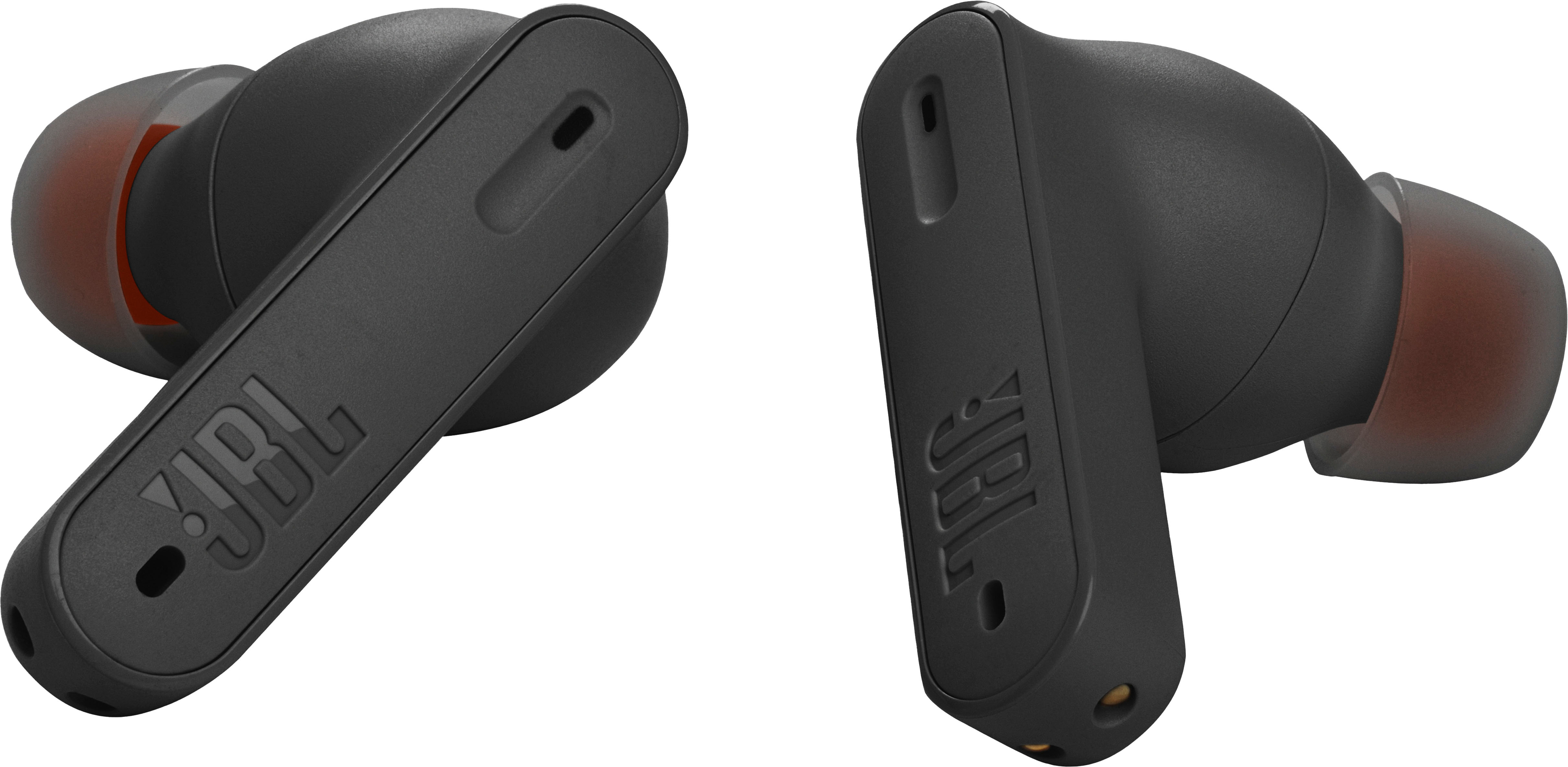
- A:Answer Thanks for your inquiry. We recommend doing a factory reset on your JBL Tune 230NC TWS by removing both earbuds from the charging case and tapping both earbuds twice, then, tap-hold for 5 seconds at the same time. If you need more help, please contact our customer support.
Answered by JBL Support

Q: QuestionWhy is it saying I can only choose one earbud to listen to at a time?
Asked by Anonymous.
This question was asked about the related product: JBL - Tune 230NC True Wireless Noise Cancelling In-Ear Earbuds - Black
- A:Answer You are able to listen at both at the same time.
Answered by Anonymous
Q: QuestionI constantly have issues with one side not charging. It's intermittent and frustrating. Is there a fix?
Asked by Lastwatt.
This question was asked about the related product: JBL - Tune 230NC True Wireless Noise Cancelling In-Ear Earbuds - Black
- A:Answer If it’s still under warranty take them back and swap them out. My left bud stopped charging after about 8 months
Answered by JeremyC
Q: QuestionWho do I contact for warranty?
Asked by Doug.
This question was asked about the related product: JBL - Tune 230NC True Wireless Noise Cancelling In-Ear Earbuds - Black
- A:Answer My headphone case stopped charging the right pod about two months ago. Seems to be a common problem. How do I contact warranty?
Answered by MissRed
Q: Questionis there a volume control on the earbud itself?
Asked by Anonymous.
This question was asked about the related product: JBL - Tune 230NC True Wireless Noise Cancelling In-Ear Earbuds - Black
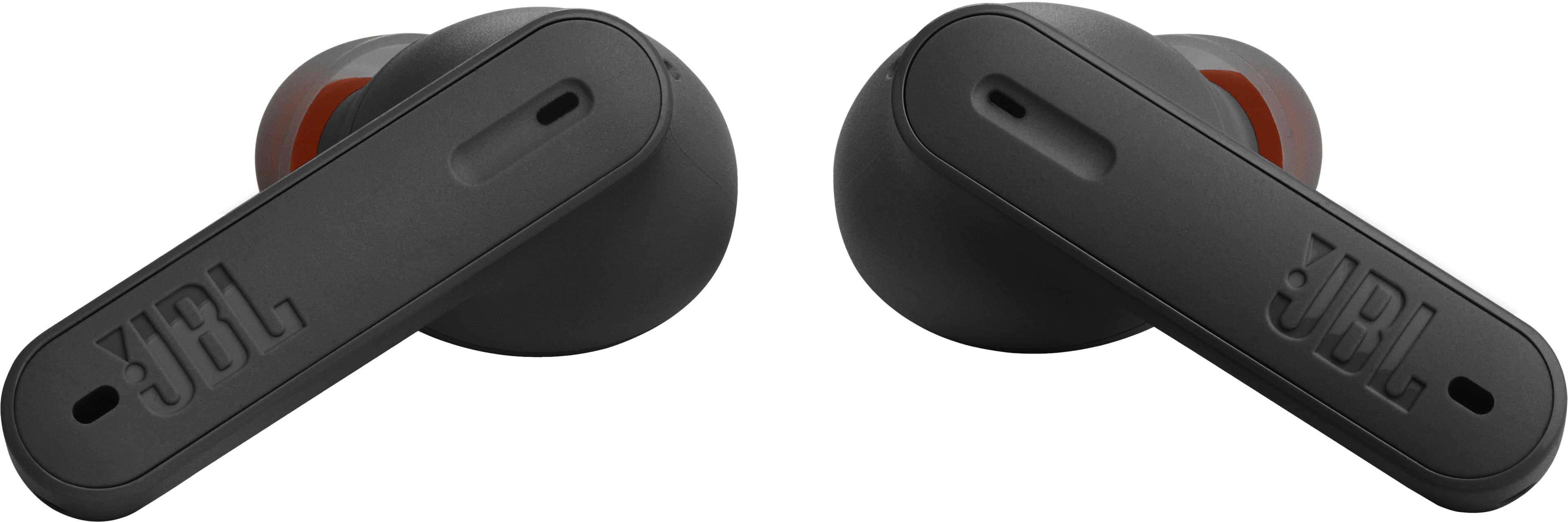
- A:Answer Yes BUT ONLY IF you use the app to change the button configuration on the earbuds. The stock settings will not change the volume but there is a setting to change that will allow volume adjustment. You must use the app.
Answered by BestBuyer
Q: QuestionHas anyone paired these with a Peloton Bike? I bought them for that, and they are not pairing. I have tried for 2 weeks and have asked for help, but they just do not show up in the device list. Thanks.
Asked by JAXFL.
This question was asked about the related product: JBL - Tune 230NC True Wireless Noise Cancelling In-Ear Earbuds - Black
- A:Answer Our JBL Tune 230NC can connect with any Bluetooth capable device. It will pair with Peloton Bike as long as it has a Bluetooth module. PLease contact Peloton if your having issues connecting our JBL eabuds with the Peloton bike.
Answered by JBL Support

Q: QuestionWhen I turn off my Tune 230NC from the app can I turn it on without the case ? I simply don’t want to take the case with me to running and when I’m not using I want to turn them off and when I want to use them I want to turn them back on without the case
Asked by Gurur.
This question was asked about the related product: JBL - Tune 230NC True Wireless Noise Cancelling In-Ear Earbuds - Black
- A:Answer Our JBL Tune 230 NC TWS' earbuds can't power on without the case but you have an option to disable the power saving feature using the JBL App to avoid switch off the earbuds without the case.
Answered by JBL Support

Q: QuestionMy left ear has no sound, but if I gently press the sound returns. Please advise, thank you. Thank you, Doug
Asked by Anonymous.
This question was asked about the related product: JBL - Tune 230NC True Wireless Noise Cancelling In-Ear Earbuds - Black
- A:Answer We're here to help with your JBL Tune 230NC TWS. Please try to manually pair both earbuds by tapping the left and right buds at the same time. If the earbuds are disconnecting from each other, please check that both of the earbuds have been charged to ensure continuous connection. Lastly, try to reset the earbuds to fix the issue. To reset it, tap the touch control of the left or right earbud twice, and on the second time, after tapping, hold it for 5 seconds, and put both earbuds back in the charging case, and they will reset to their factory default. A reset will wipe all previous settings and pairings, so it will be necessary to pair your headphones with your devices again. If you need more help, please contact our customer support.
Answered by JBL Support
Q: QuestionHow do I get to stereo mode? Keeps going to mono?
Asked by Frustrated.
This question was asked about the related product: JBL - Tune 230NC True Wireless Noise Cancelling In-Ear Earbuds - Black
- A:Answer Just return the crappy buds!
Answered by Anonymous
Top Rated
- $249.99Your price for this item is $249.99
- $129.99Your price for this item is $129.99
- Winter Sale Deal$449.99Your price for this item is $449.99
- $157.99Your price for this item is $157.99$179.99The comparable value for this item is $179.99
- Winter Sale Deal$279.00Your price for this item is $279.00
- $224.00Your price for this item is $224.00$249.99The comparable value for this item is $249.99
- $59.95Your price for this item is $59.95$109.95The comparable value for this item is $109.95
- $178.00Your price for this item is $178.00
- Winter Sale Deal$149.95Your price for this item is $149.95
- $19.99Your price for this item is $19.99
- $264.99Your price for this item is $264.99$398.00The comparable value for this item is $398.00
- $209.99Your price for this item is $209.99
- Winter Sale Deal$249.99Your price for this item is $249.99
- $249.99Your price for this item is $249.99
- $319.00Your price for this item is $319.00$349.99The comparable value for this item is $349.99
- $79.95Your price for this item is $79.95$149.95The comparable value for this item is $149.95
- $179.00Your price for this item is $179.00
- $68.00Your price for this item is $68.00
- $39.95Your price for this item is $39.95$64.95The comparable value for this item is $64.95