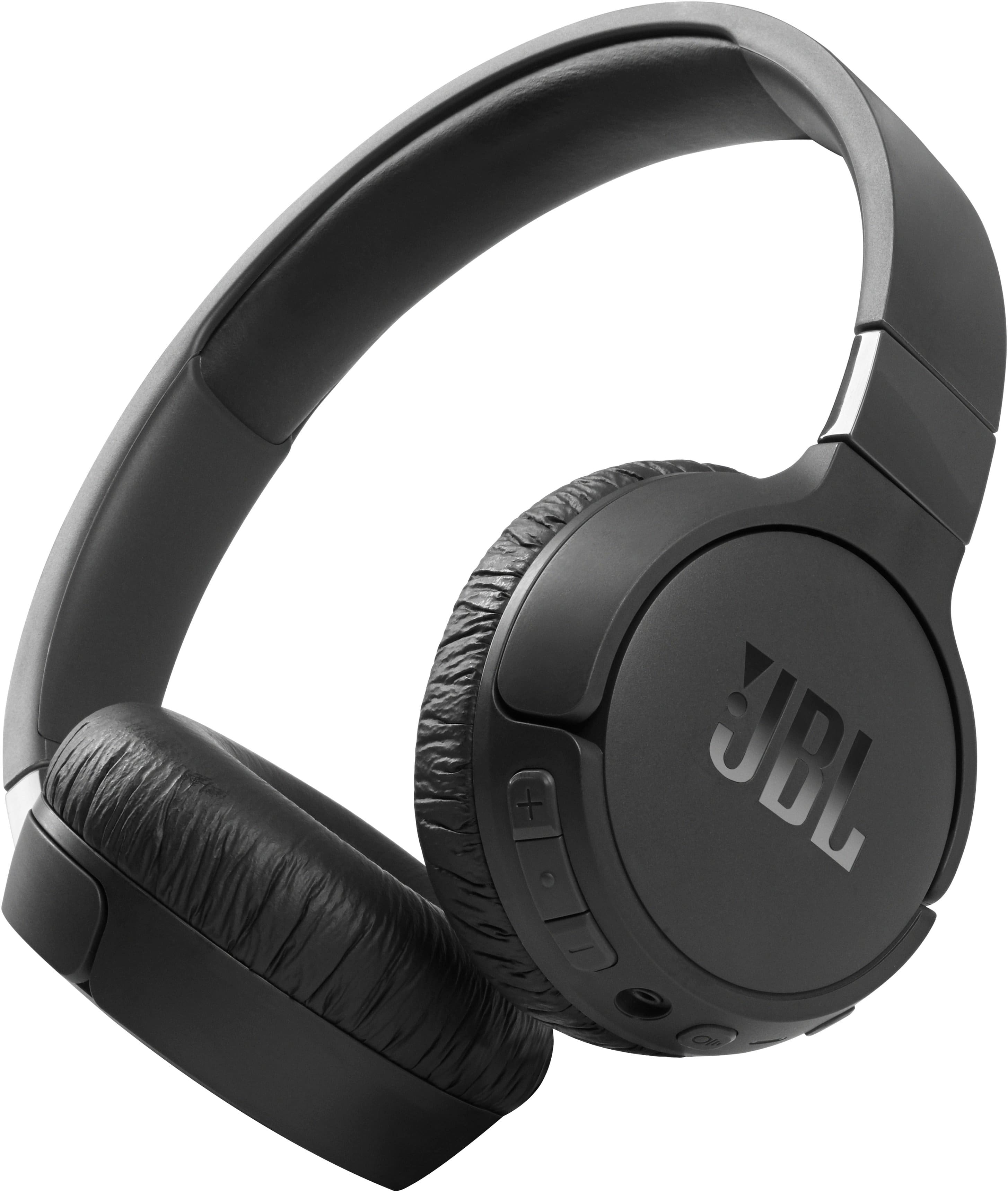
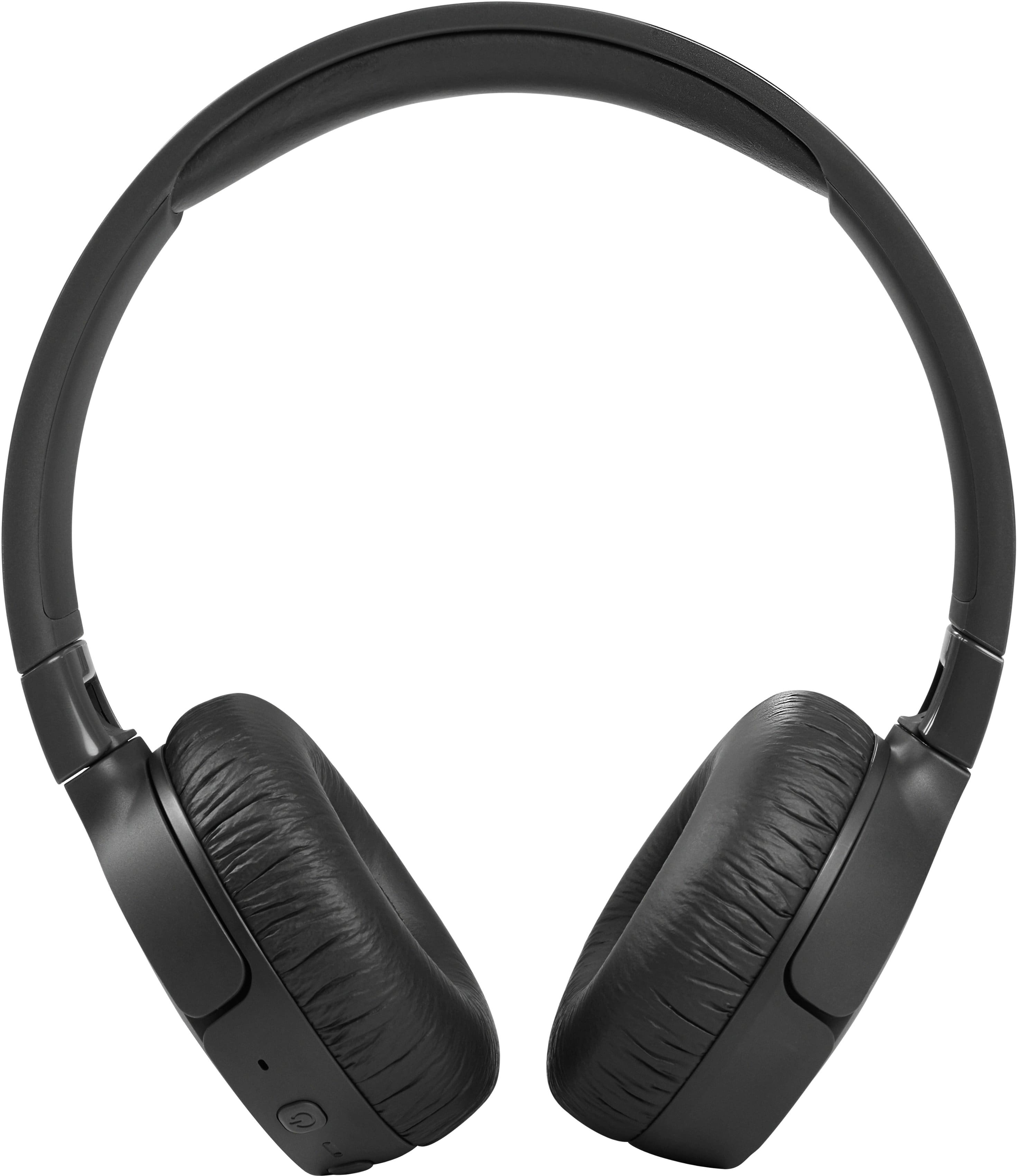
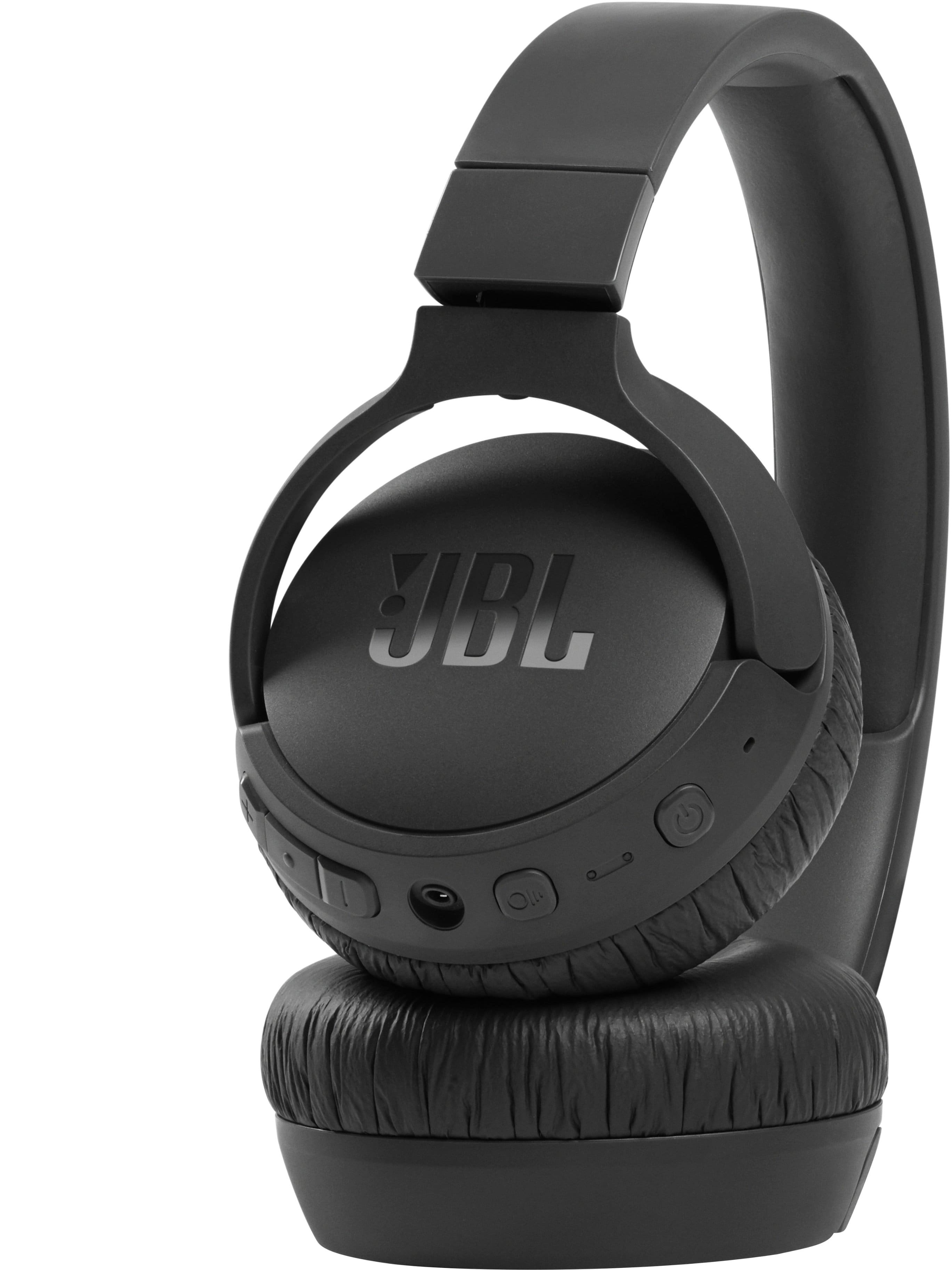
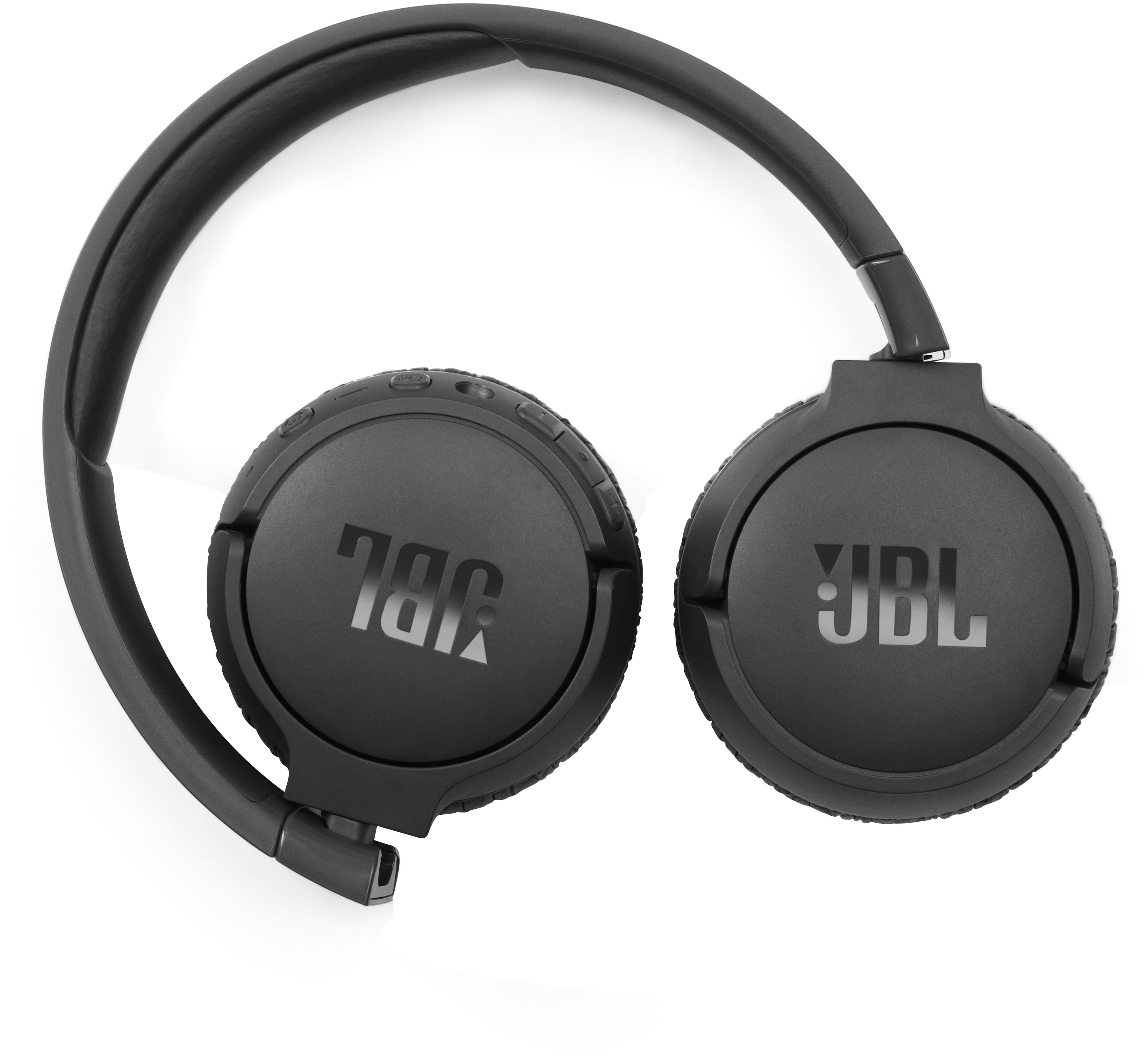
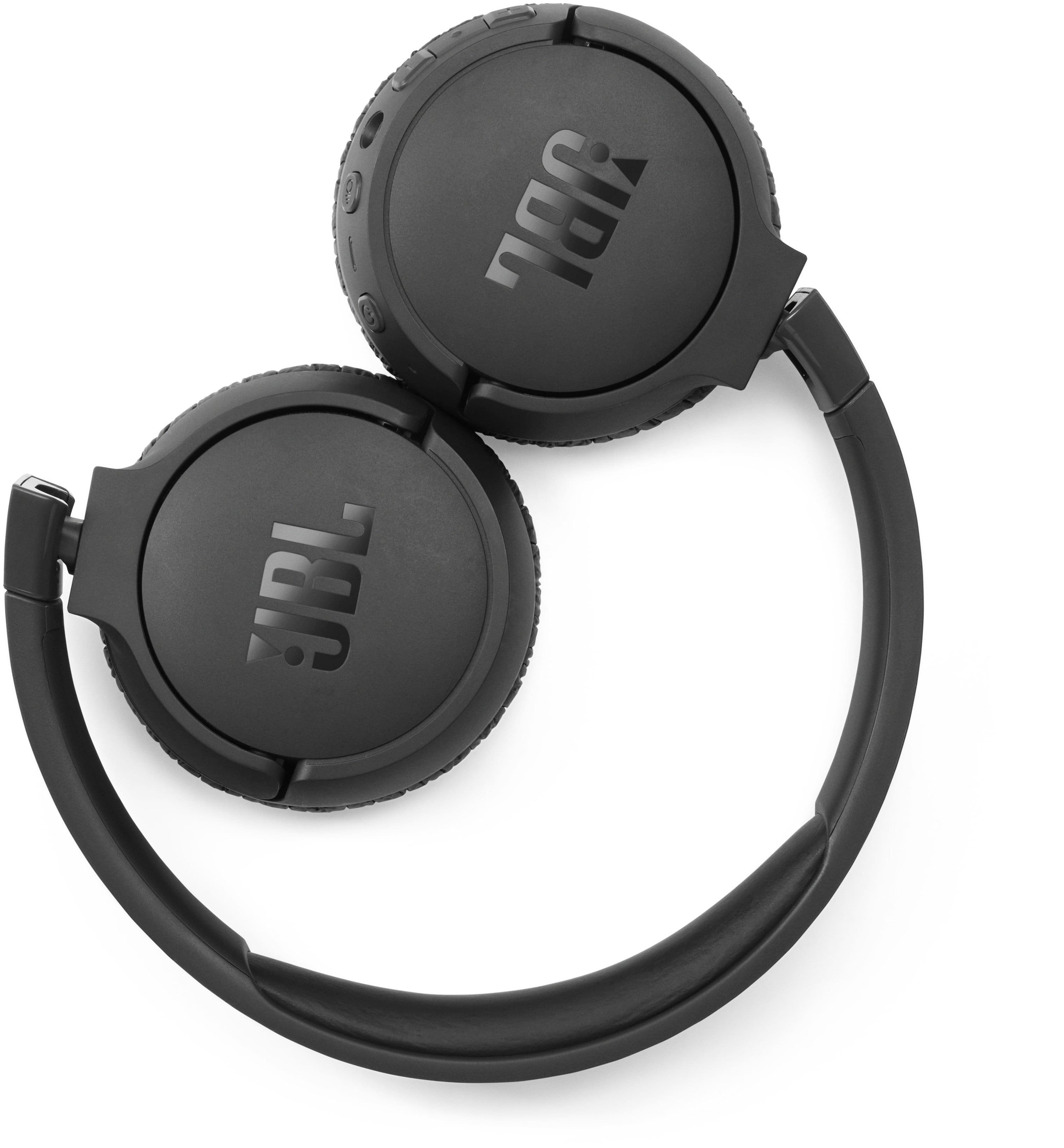
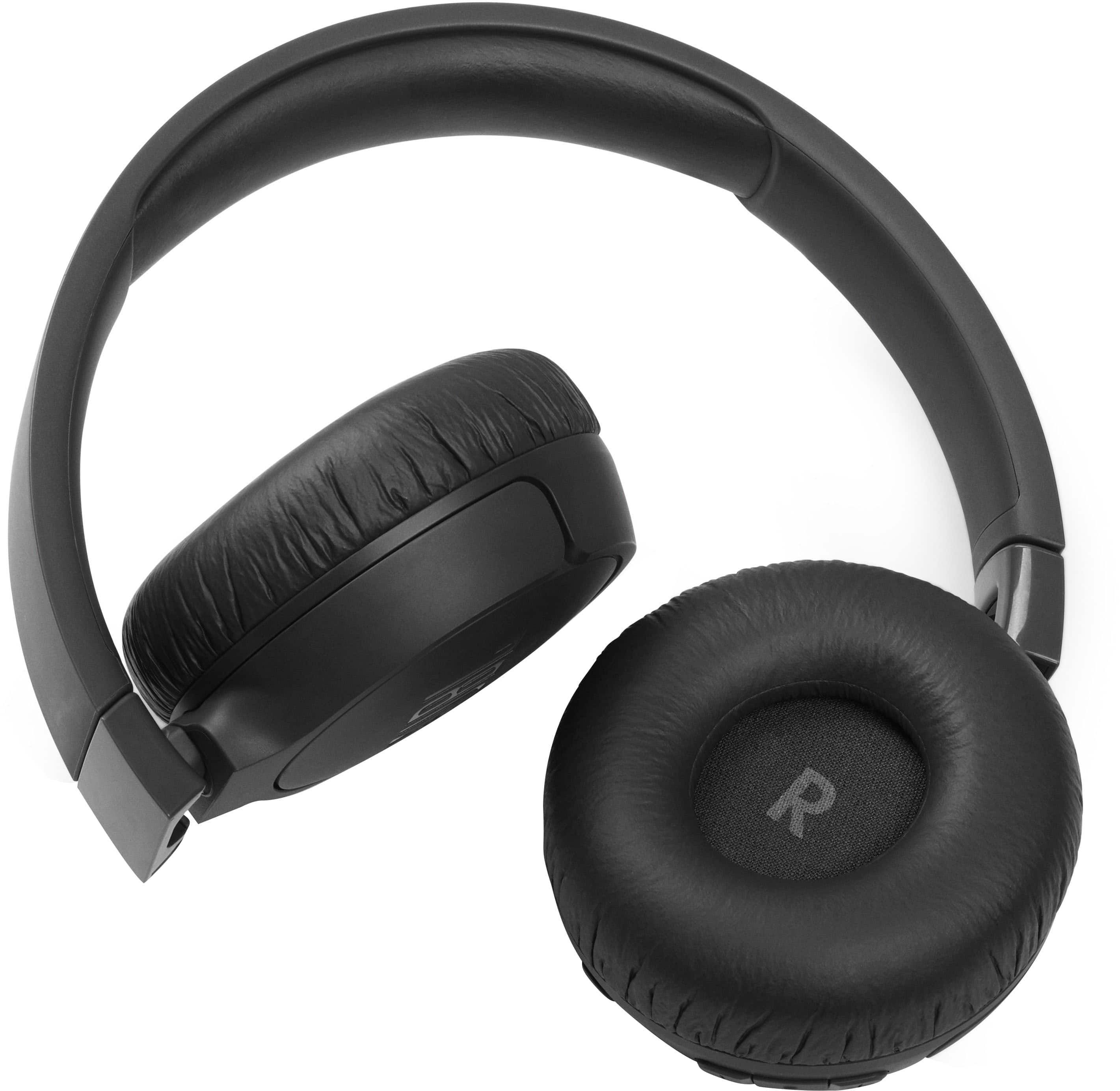
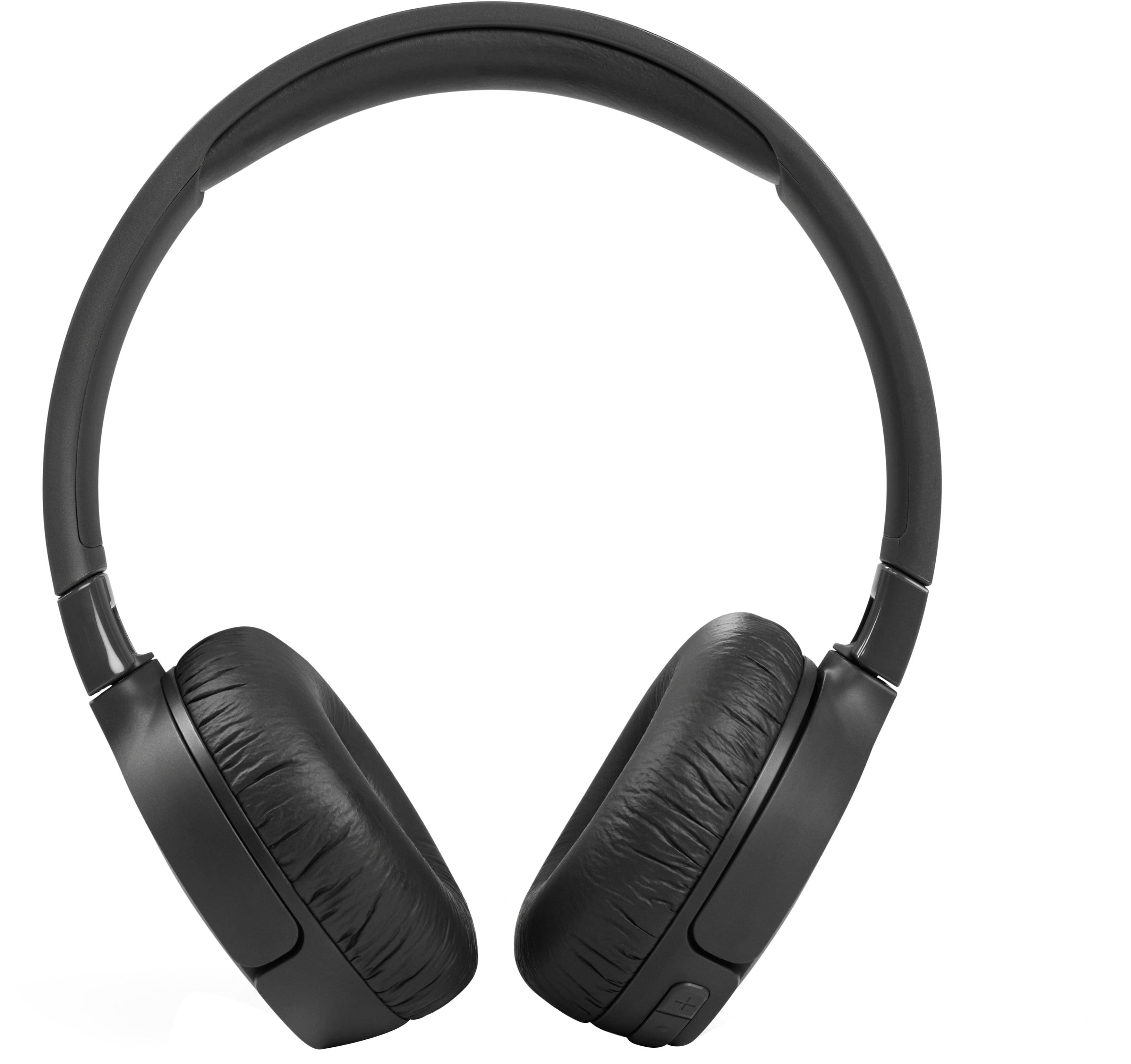
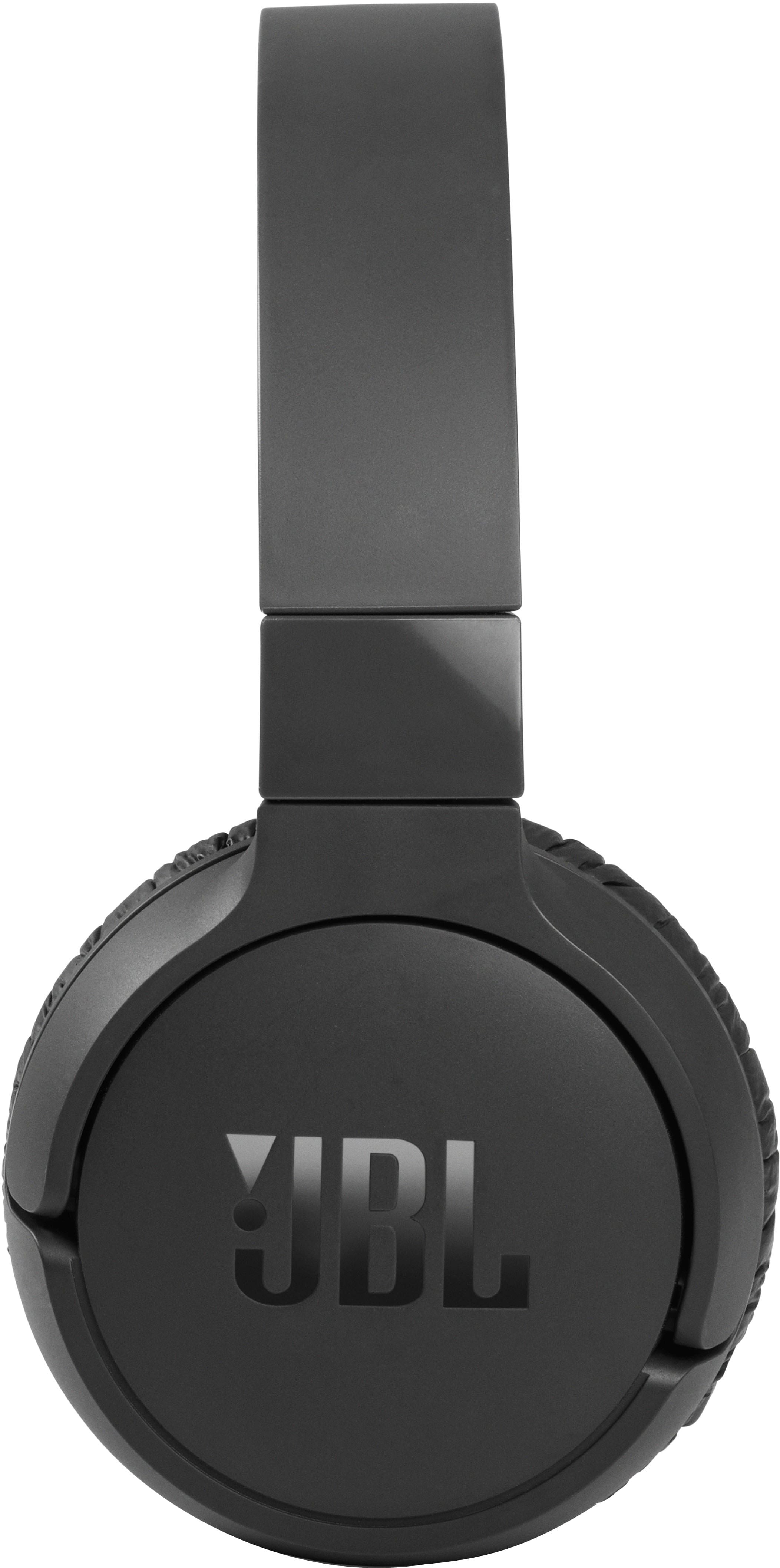
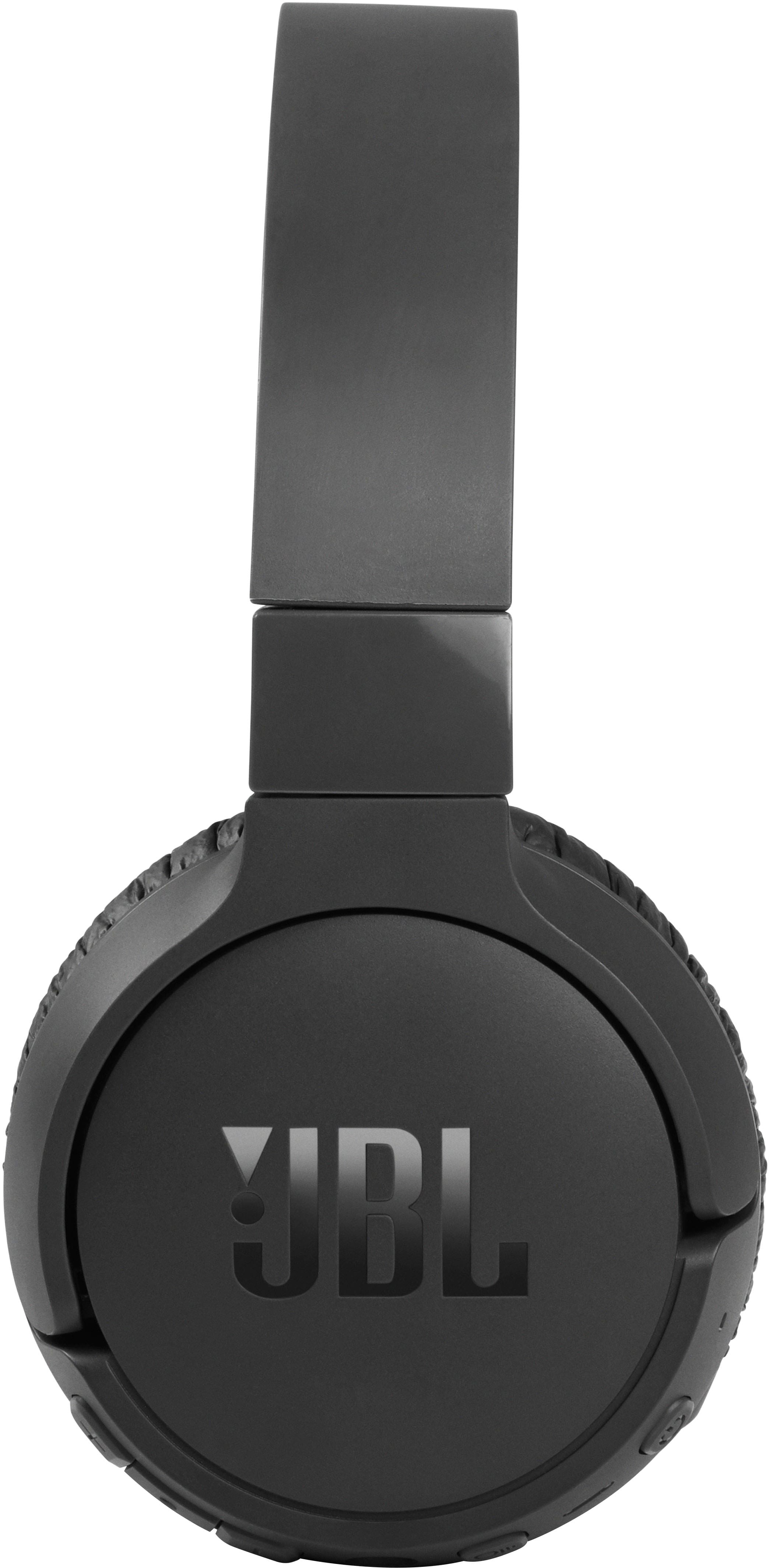
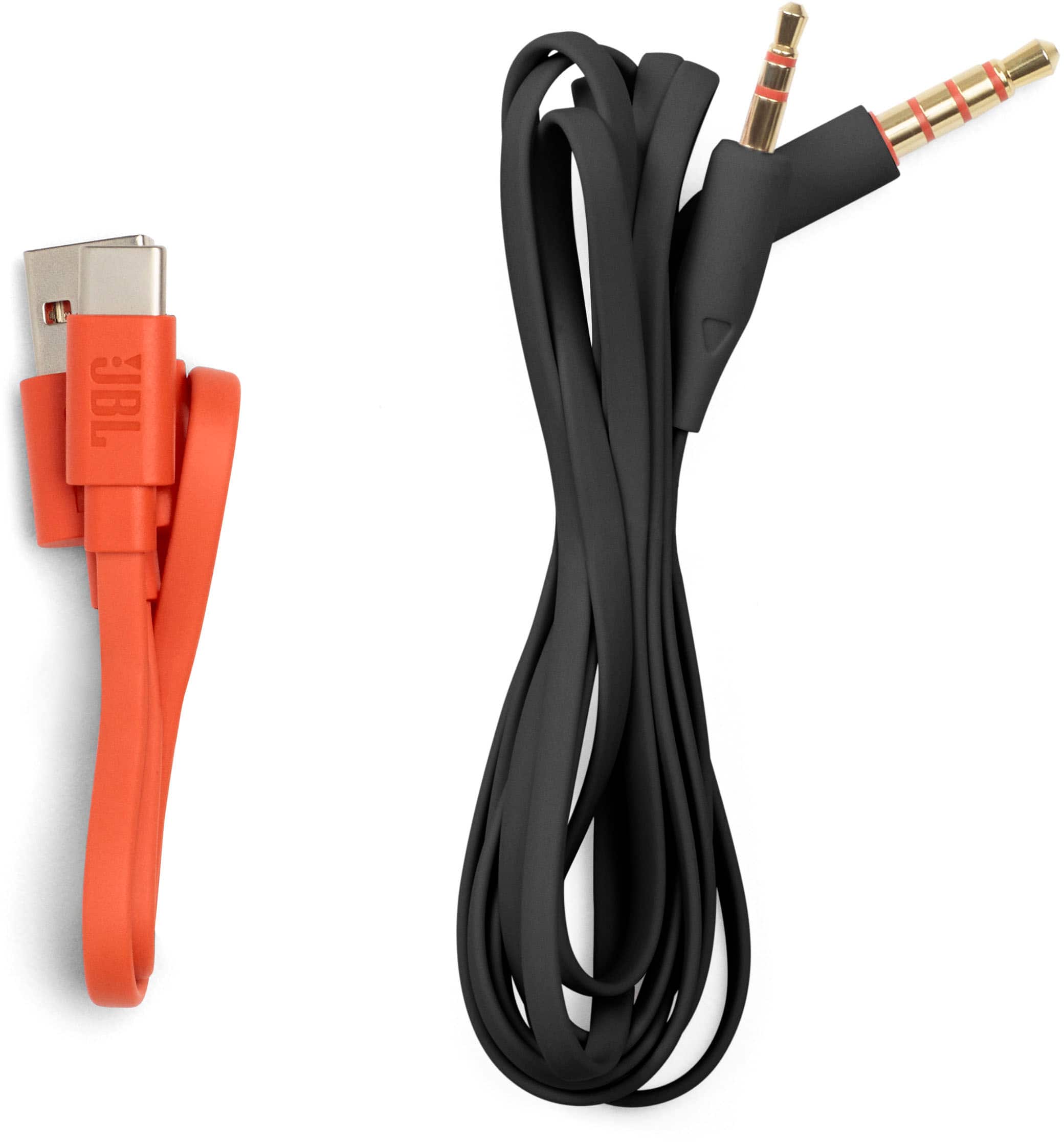
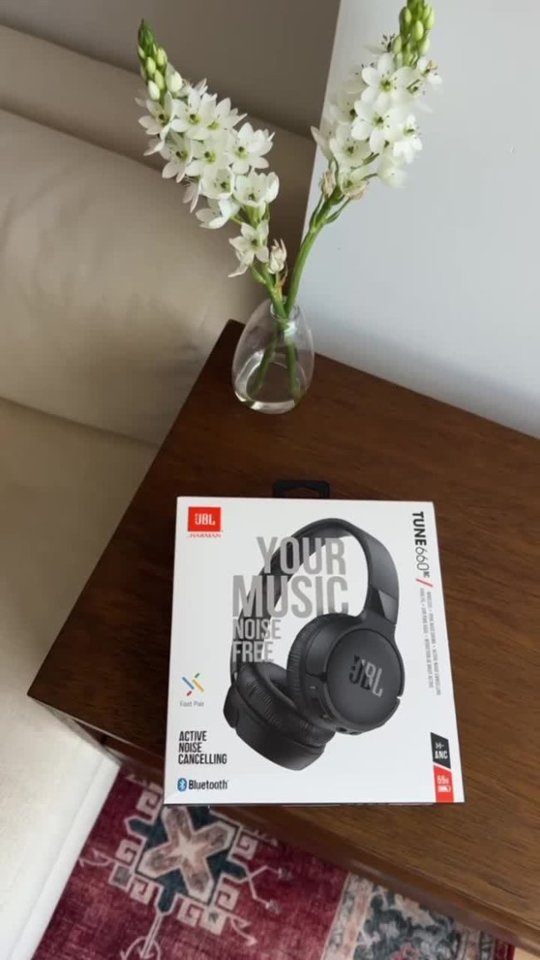
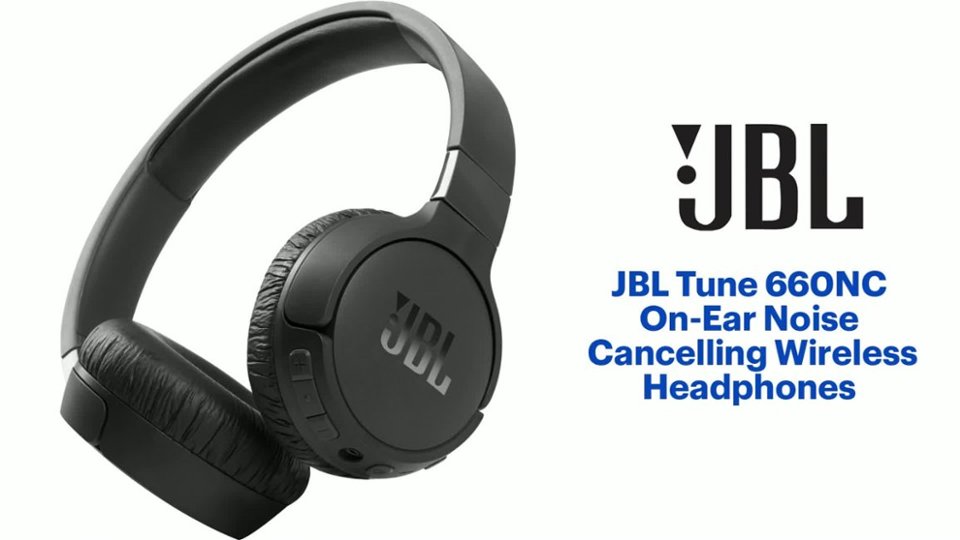
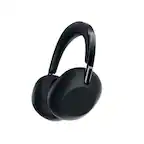
A:Answer Thanks for your inquiry. Our JBL Tune 660NC can connect to a Smart TV via Bluetooth. It is designed to be used for connecting with mobile phones, tablets, and laptops for streaming audio/music. You may encounter audio-video delays when you're using it with video content since these headphones don't have an aptX HD low-latency codec. To start, turn on the Bluetooth on your TV. Then, press and hold the power button on your headphones for more than two seconds; a flashing blue light will indicate that they are in pairing mode. Next, go to the Audio/Sound settings on your TV, choose 'Sound Output,' then select 'Bluetooth Speaker List,' and choose your headphones from the list. If you need more help, feel free to contact us.