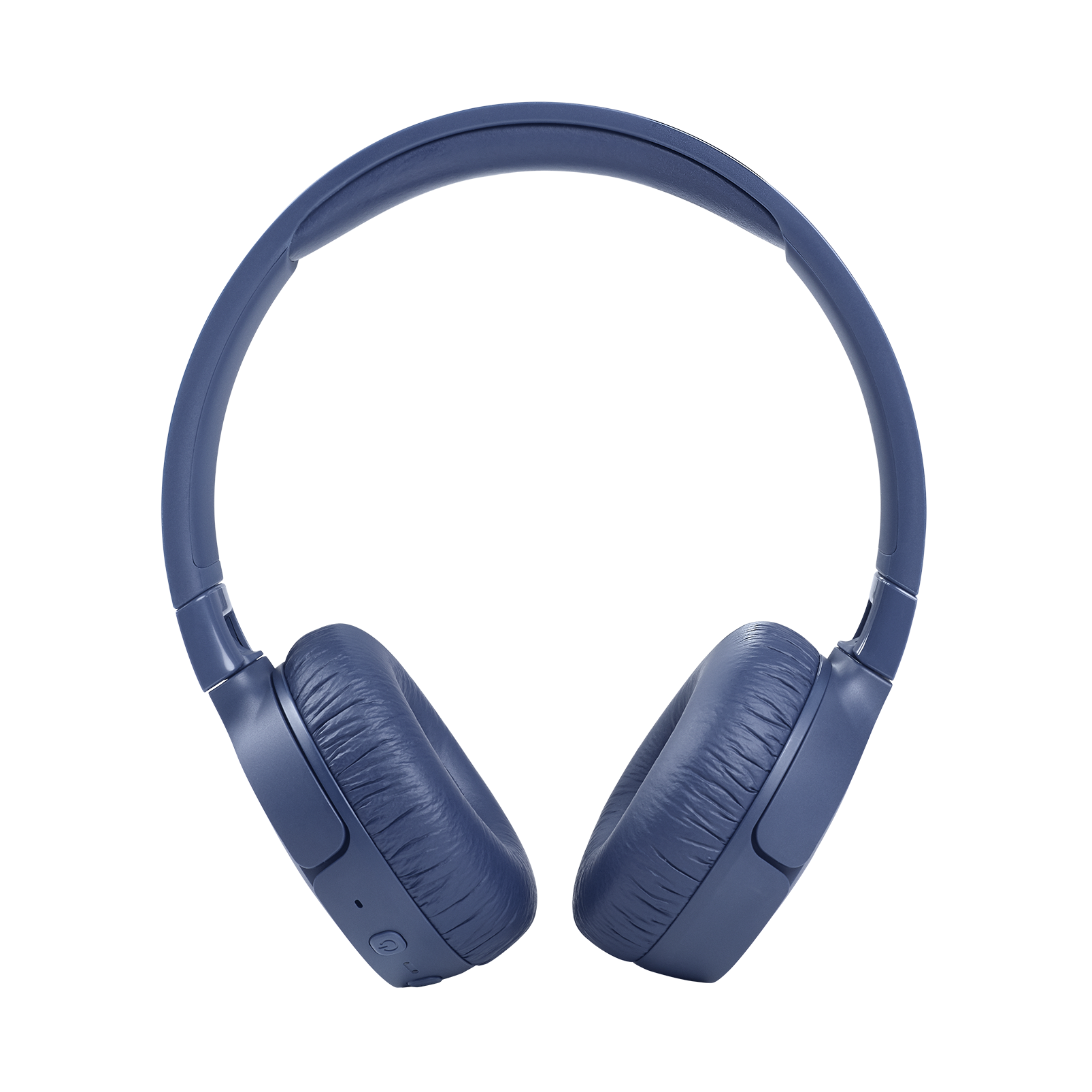
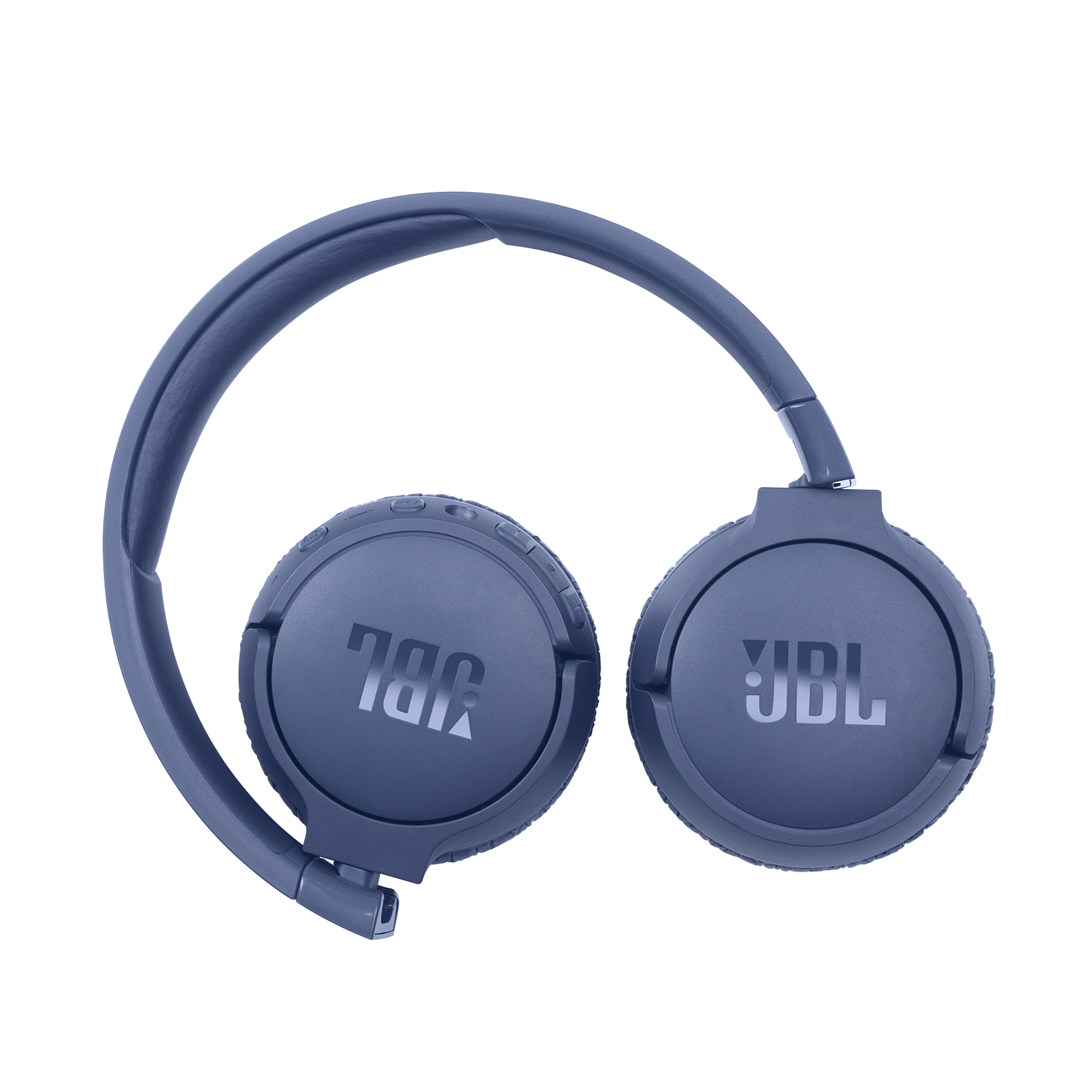
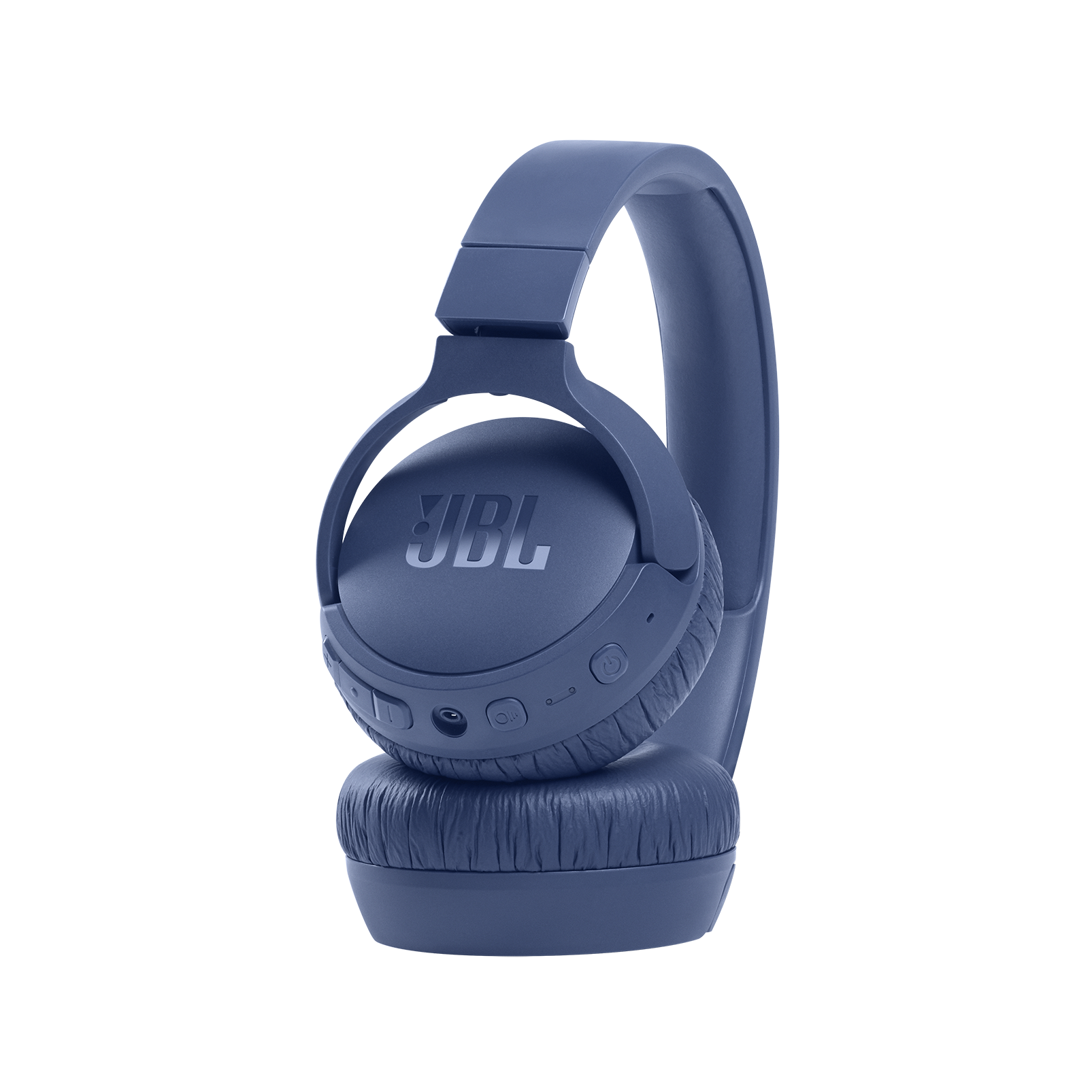
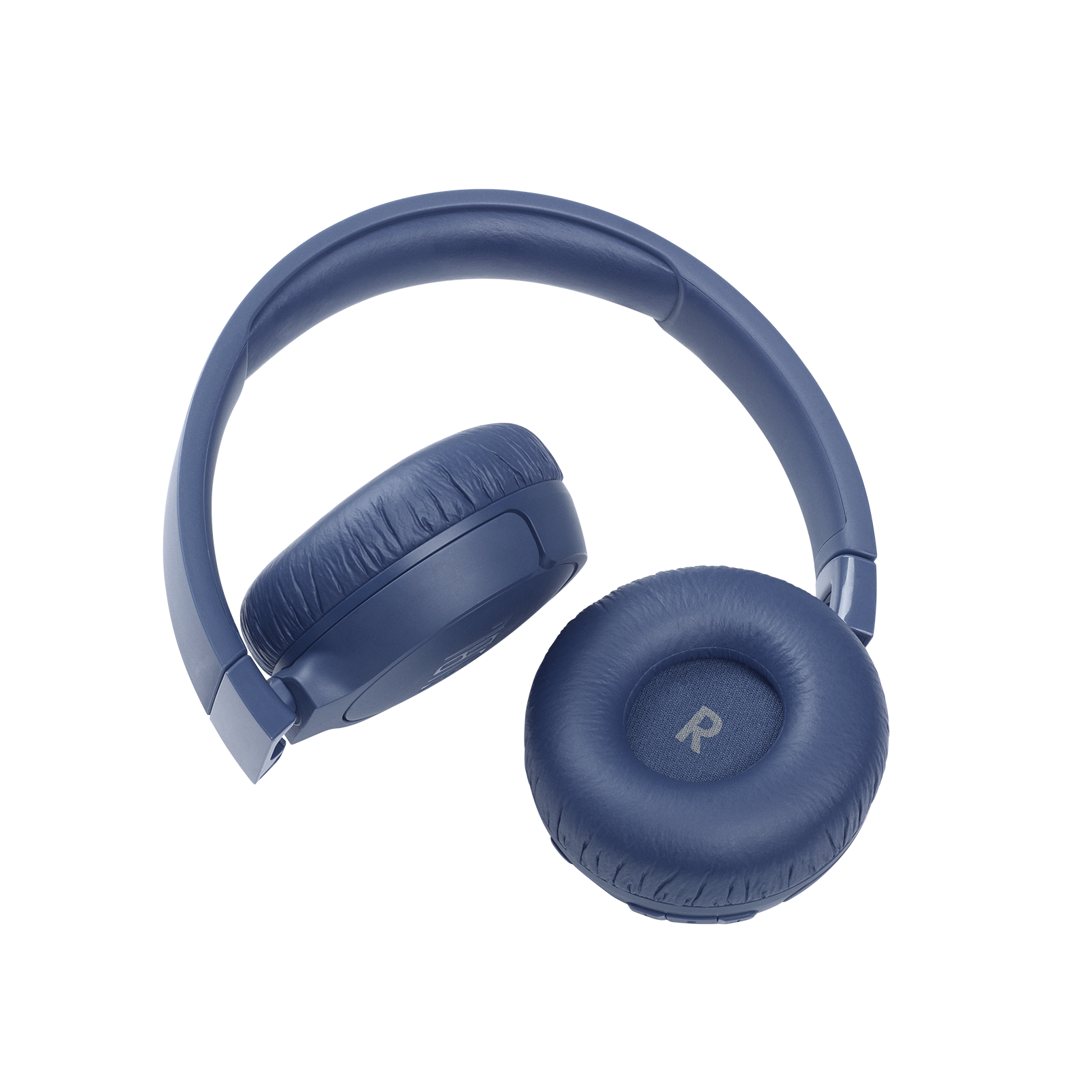
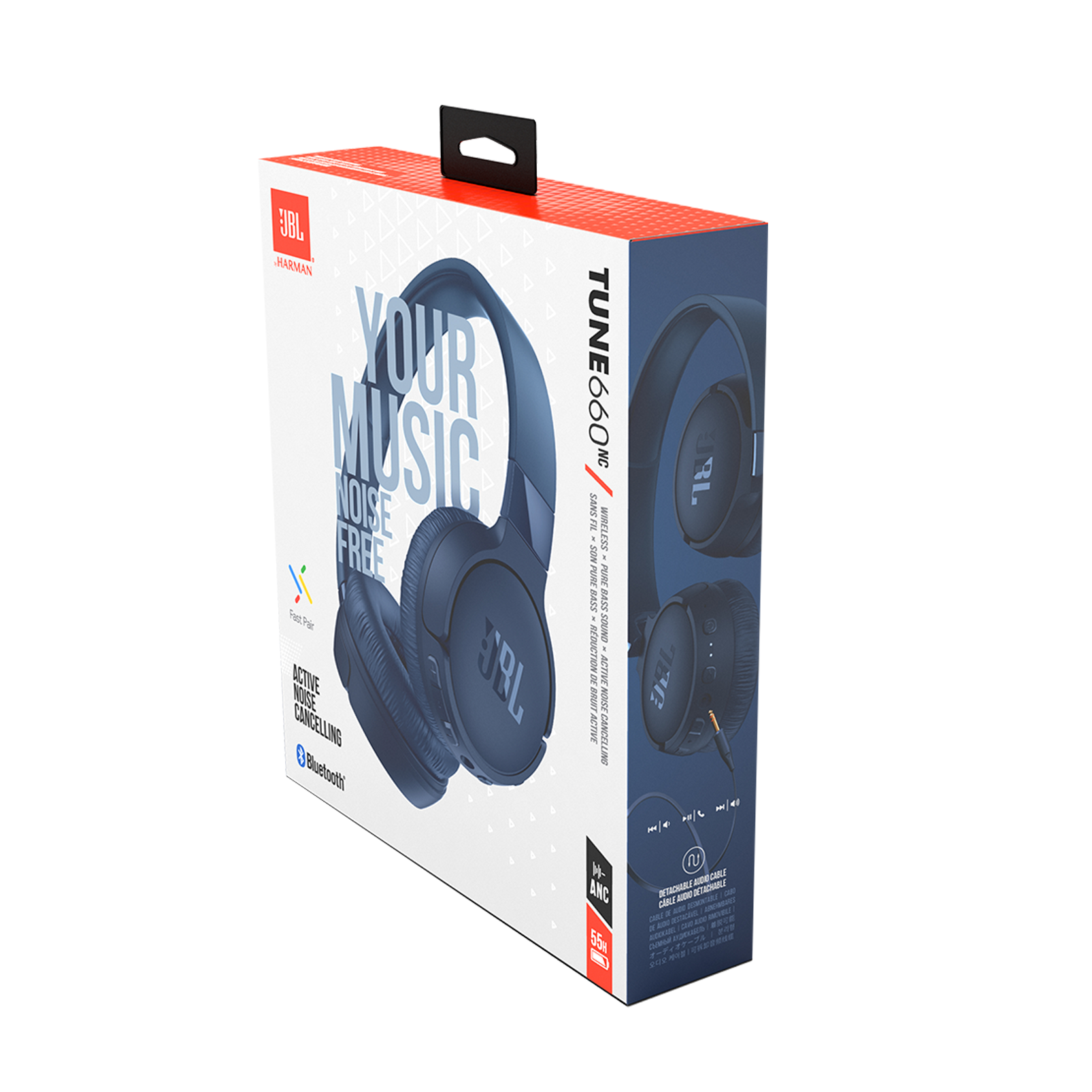
A:AnswerThanks for your inquiry. Our JBL Tune 660NC can connect to a Smart TV via Bluetooth. It is designed to be used for connecting with mobile phones, tablets, and laptops for streaming audio/music. You may encounter audio-video delays when you're using it with video content since these headphones don't have an aptX HD low-latency codec. To start, turn on the Bluetooth on your TV. Then, press and hold the power button on your headphones for more than two seconds; a flashing blue light will indicate that they are in pairing mode. Next, go to the Audio/Sound settings on your TV, choose 'Sound Output,' then select 'Bluetooth Speaker List,' and choose your headphones from the list. If you need more help, feel free to contact us.
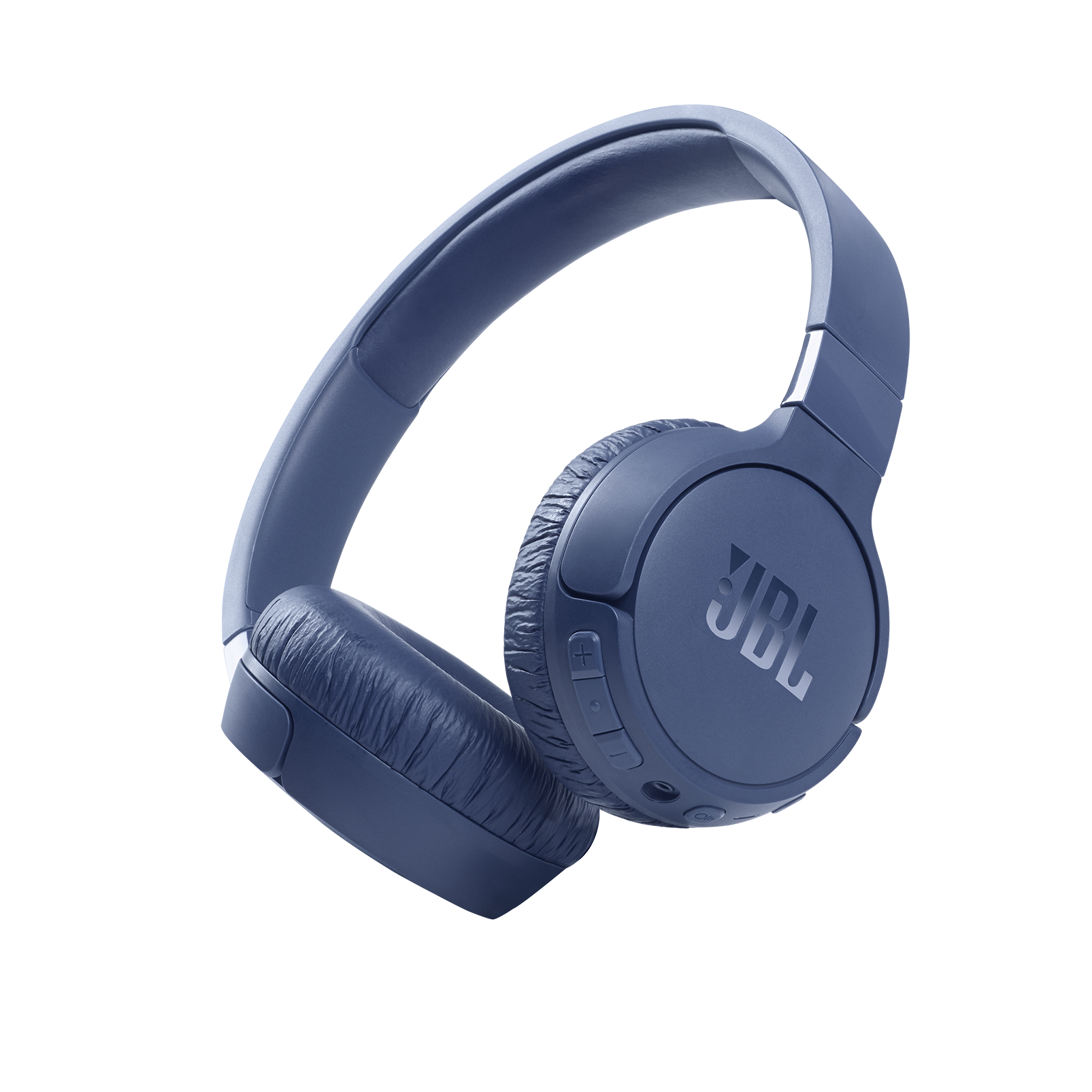
A:AnswerI used them (before they broke) directly connected with a cable to a Focusrite 4i4 to practice with my laptop. You have to make sure they're completely off or the noise reduction circuitry (indicated by white LED being on) puts a delay between plucking/playing your instrument and its sound in the earpieces.
A:AnswerThank you for your inquiry on our JBL Tune 660NC. This function may depend on your TV if it's capable of connecting to different outputs and producing sound simultaneously. We recommend checking with your TV's manual/specification or directly with the support. To add, you can connect our JBL Tune 660NC to your TV via Bluetooth. You may experience audio-video delays as these headphones aren't equipped with an aptX low latency codec.
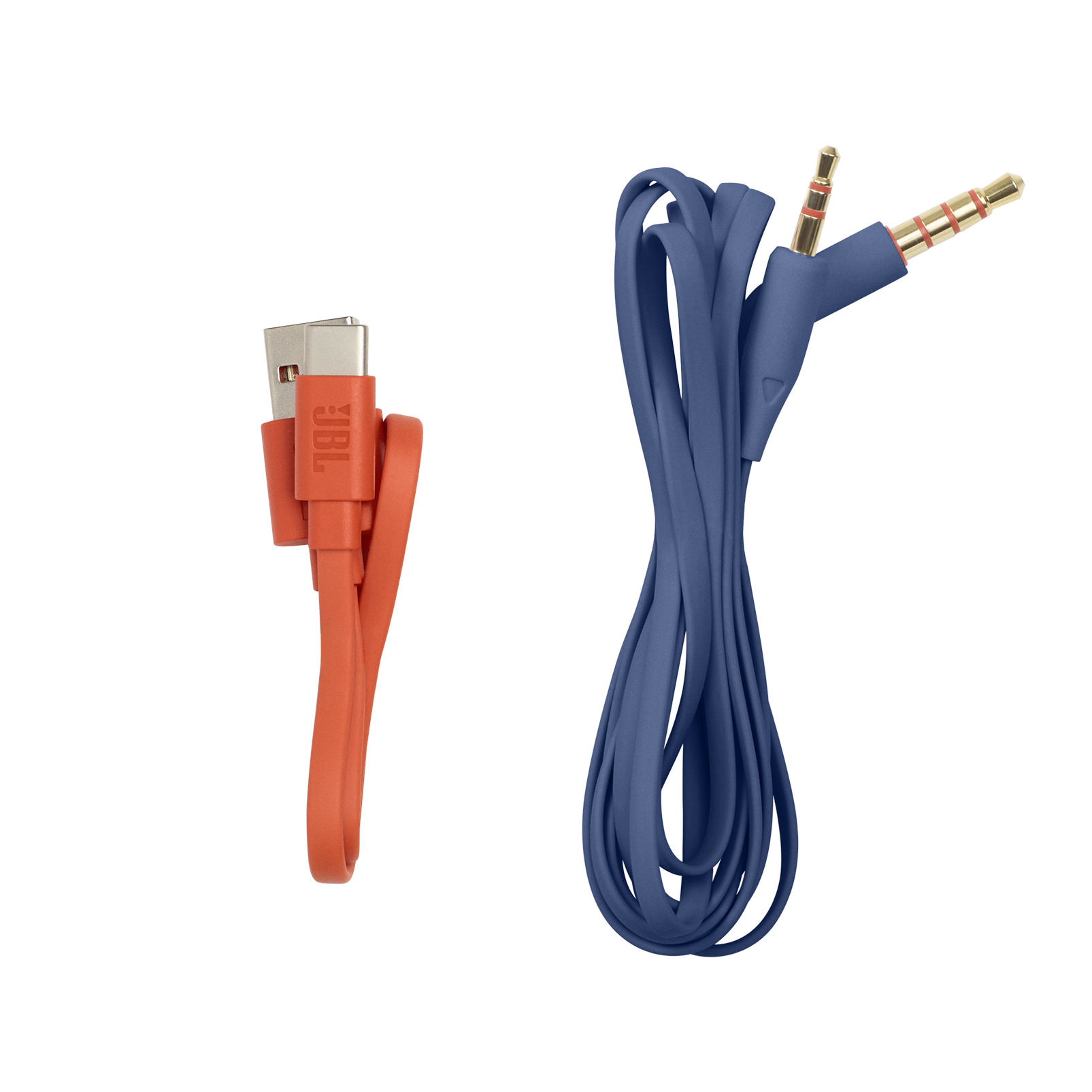
A:AnswerThank you for your question. Our JBL Tune 660NC will work with your mobile or other source device via an Aux cable connection even when the battery is low.