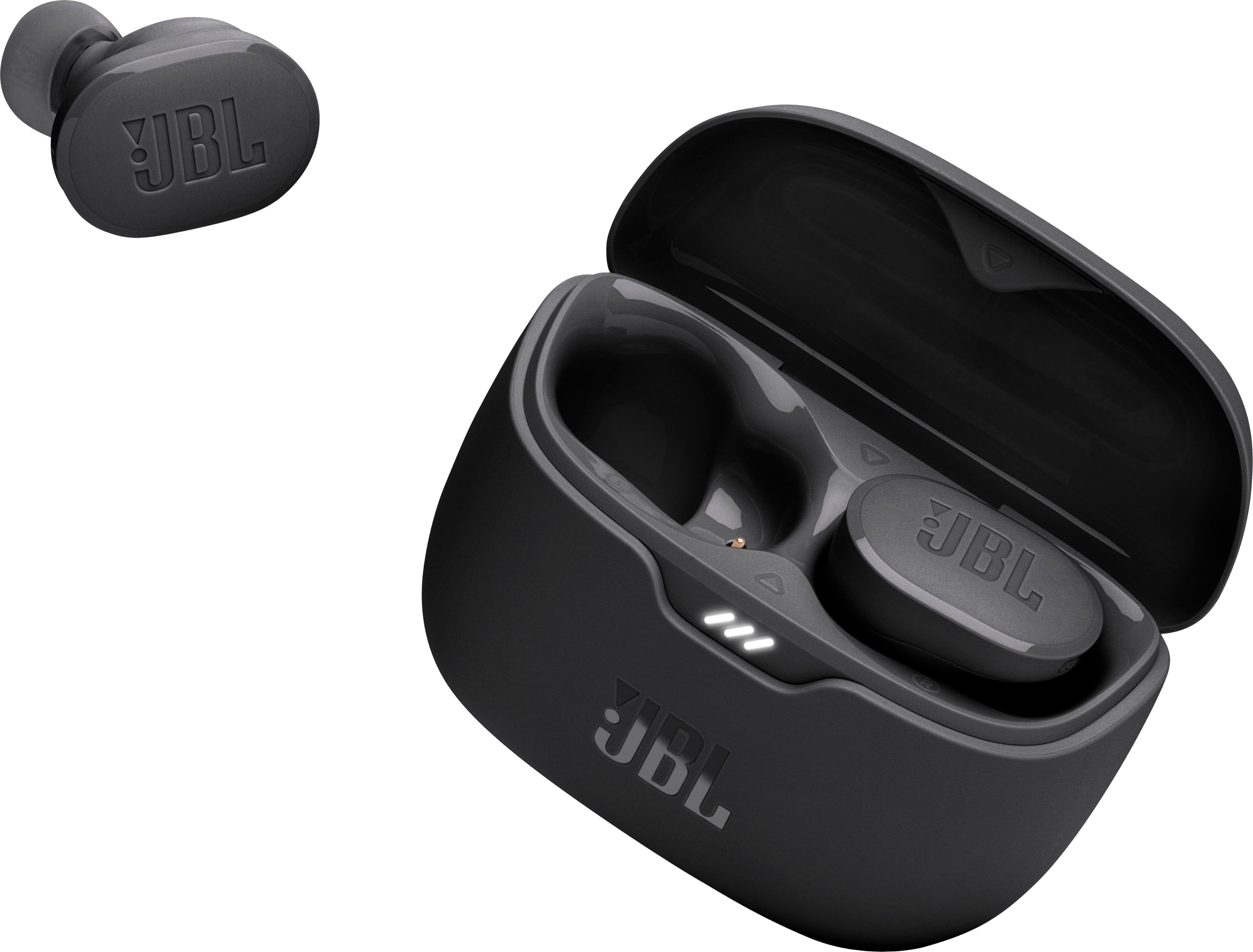
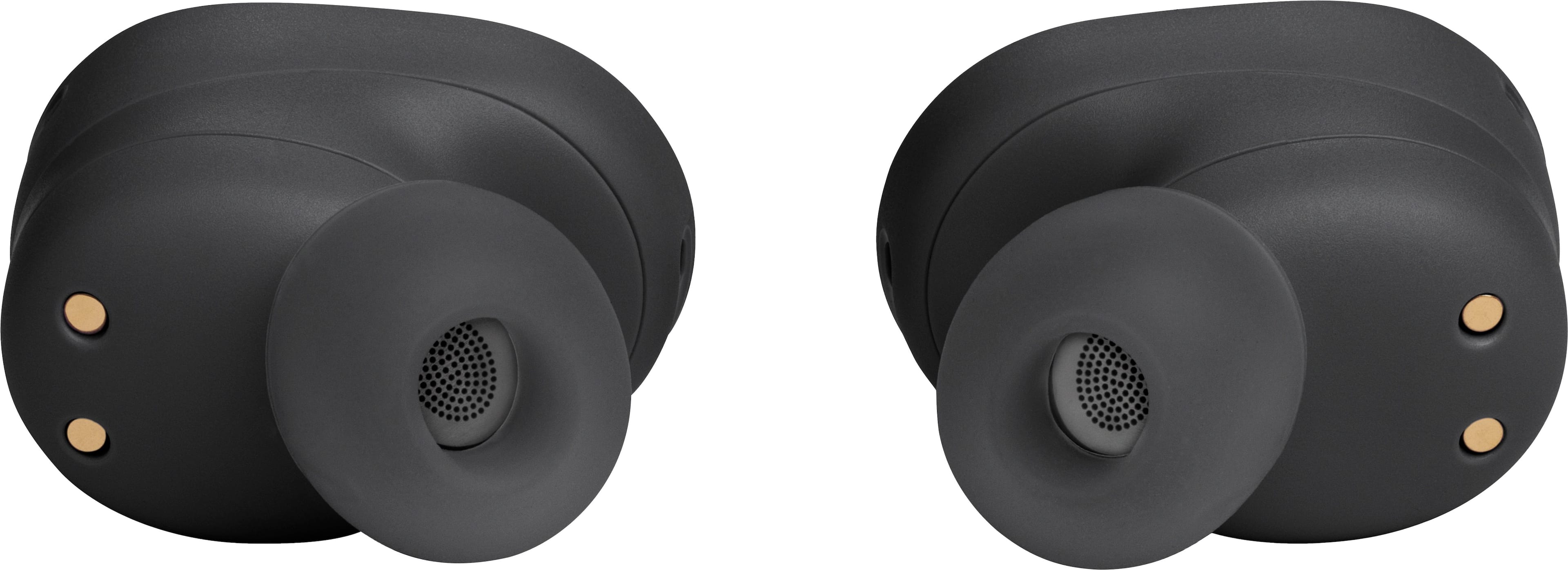
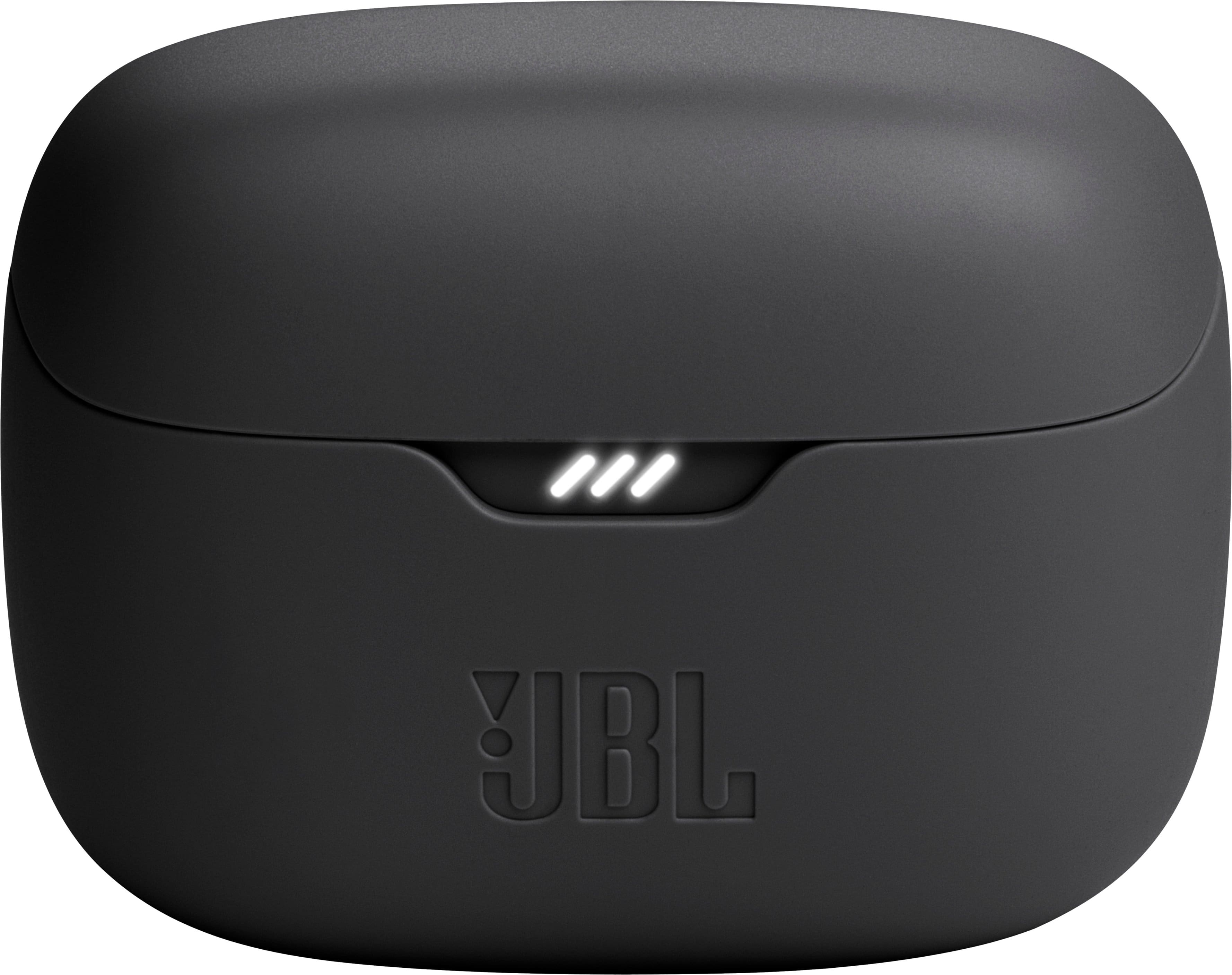
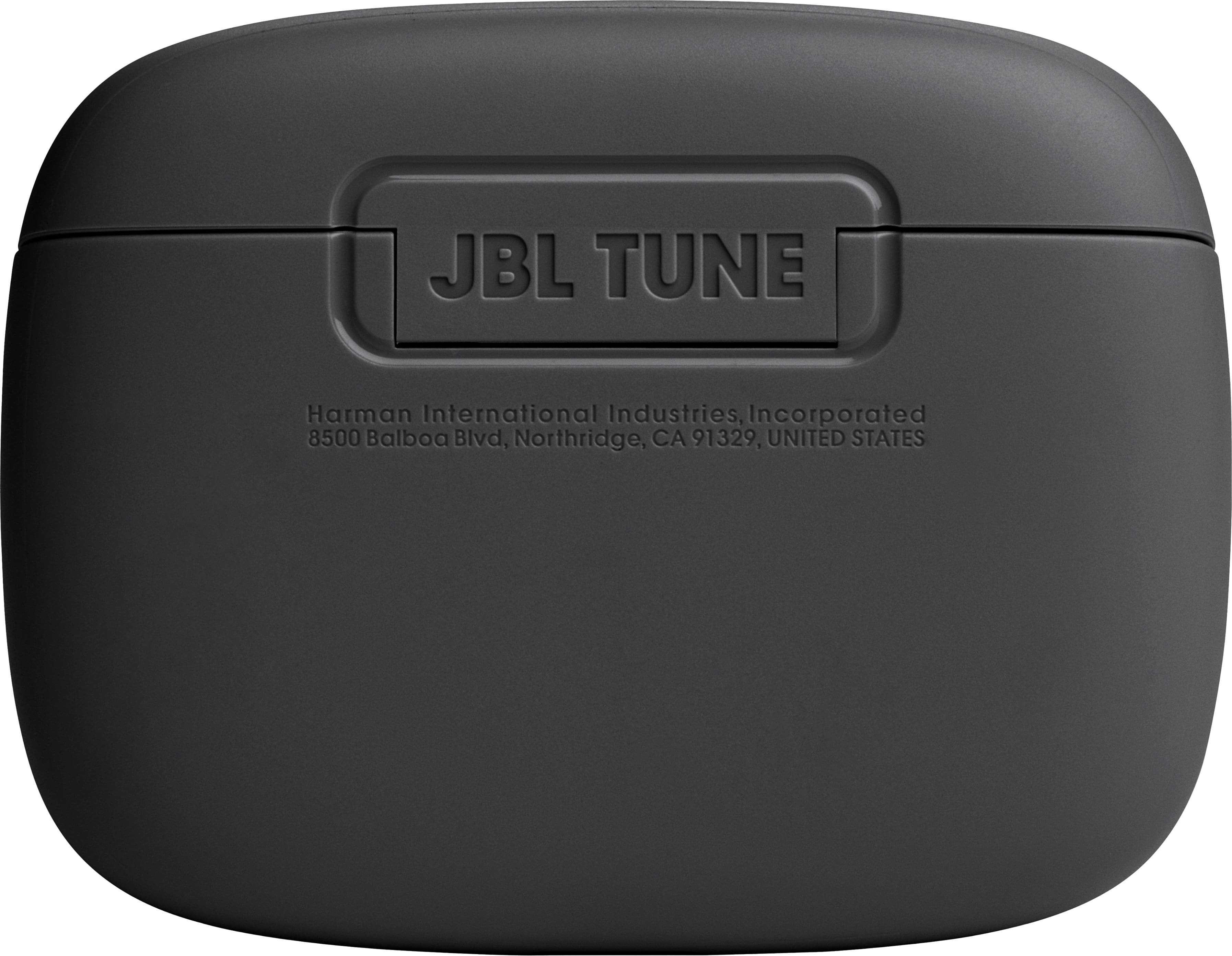
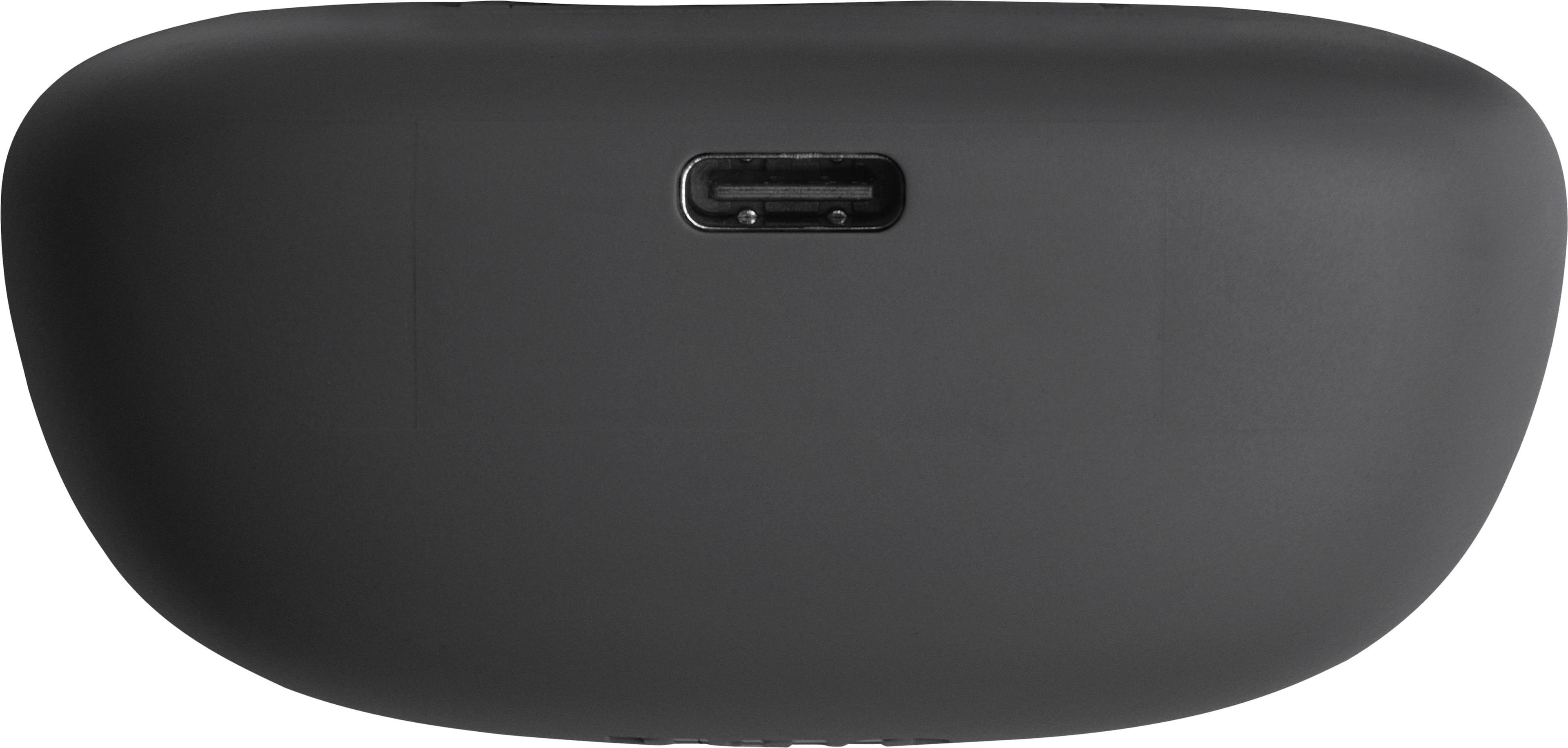
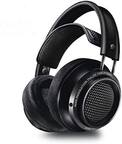
A:AnswerOur JBL Tune Buds doesn;t have Auracast. Both devices should have Bluetoth Auracast feature to pair them together. Our JBL Tune Buds can be paired with your source devices directly such as phones, tablets, and laptops/PC's.
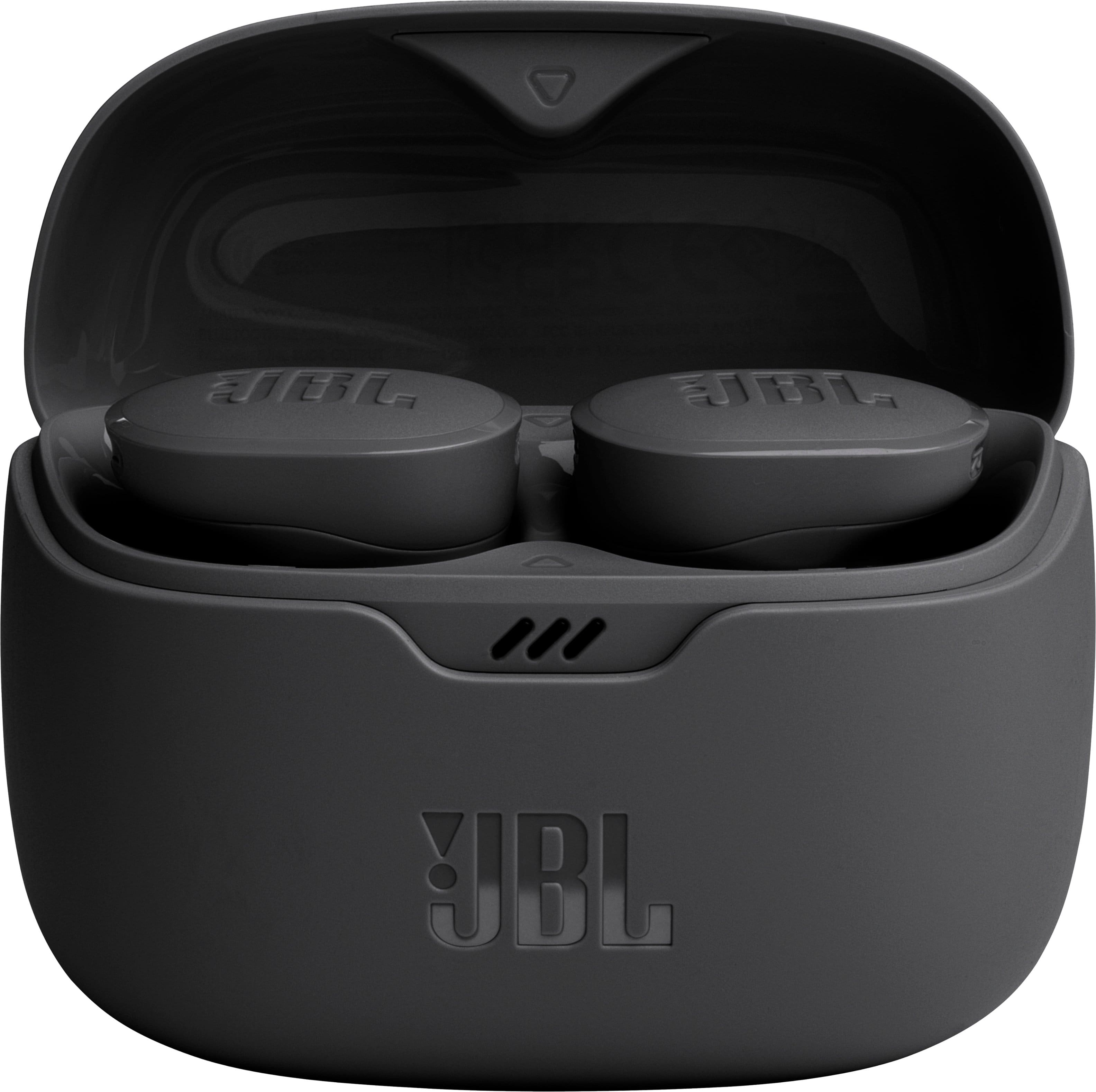
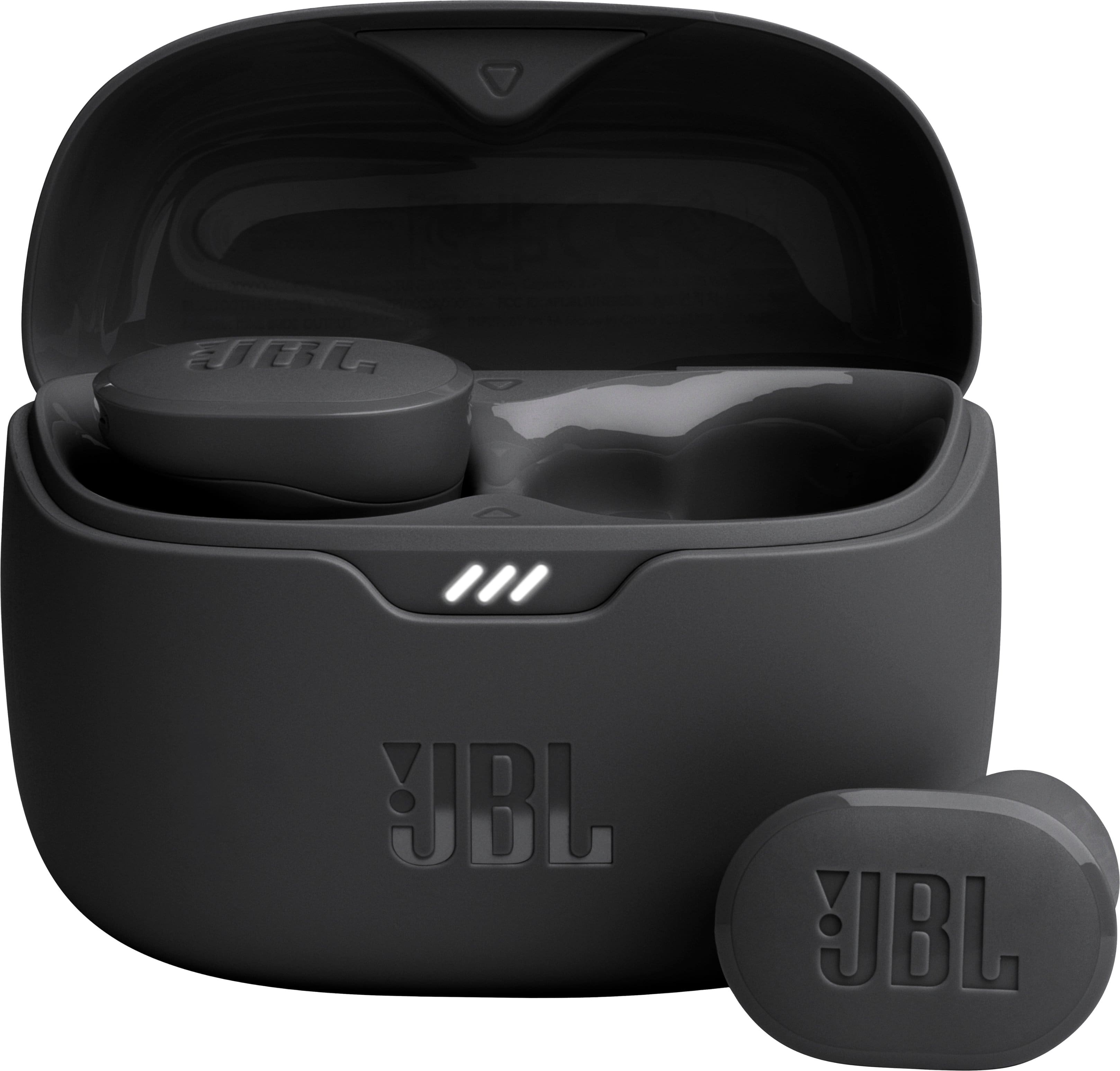
A:AnswerThanks for your inquiry. Yes. While your earbuds are inside the case, please open the lid to turn on your JBL Tune Buds and it will automatically connect to your device. To turn them back off, please put the earbuds back in the case and close the lid. If you need more help, please contact us.
A:AnswerThank you for reaching out to us. At the moment, we don't have this information available. If we can provide this information, we will do so at a later date.

A:AnswerThanks for your inquiry. Yes, our JBL Tune Buds are compatible with all Android cell phones, as they use Bluetooth technology which is universally supported by Android devices.
A:AnswerYes, our JBL Tune Buds' batteries are Lithium-ion polymer, for both earbuds and charging case. You can bring small items in-flight. However, it is best to check with the airline for their policies for bringing small items.