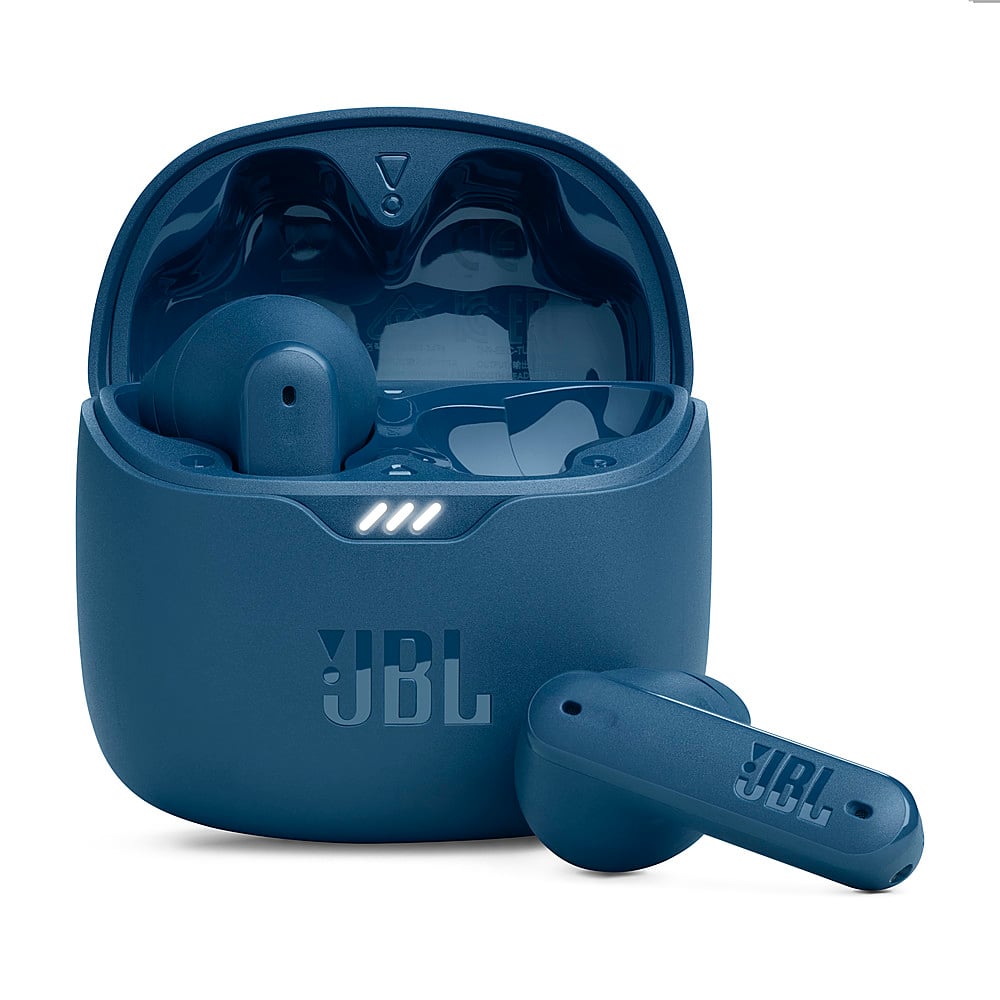
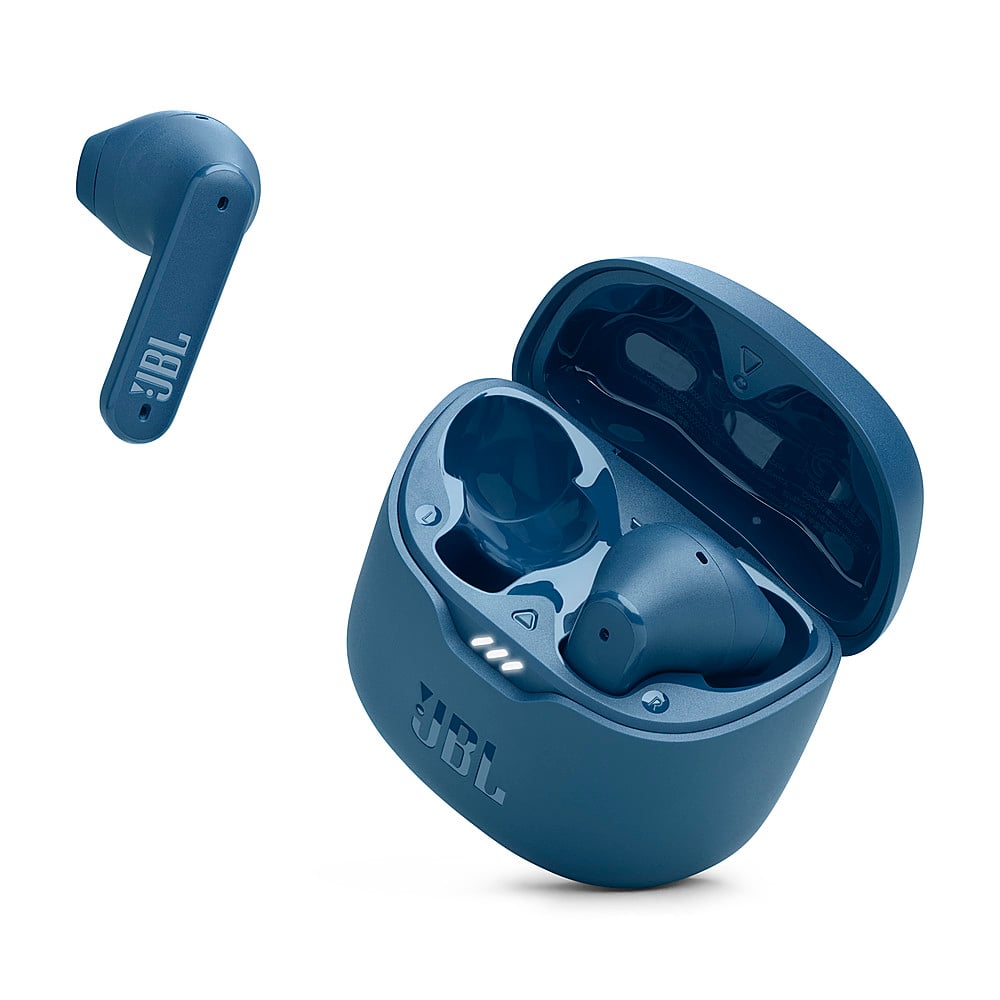
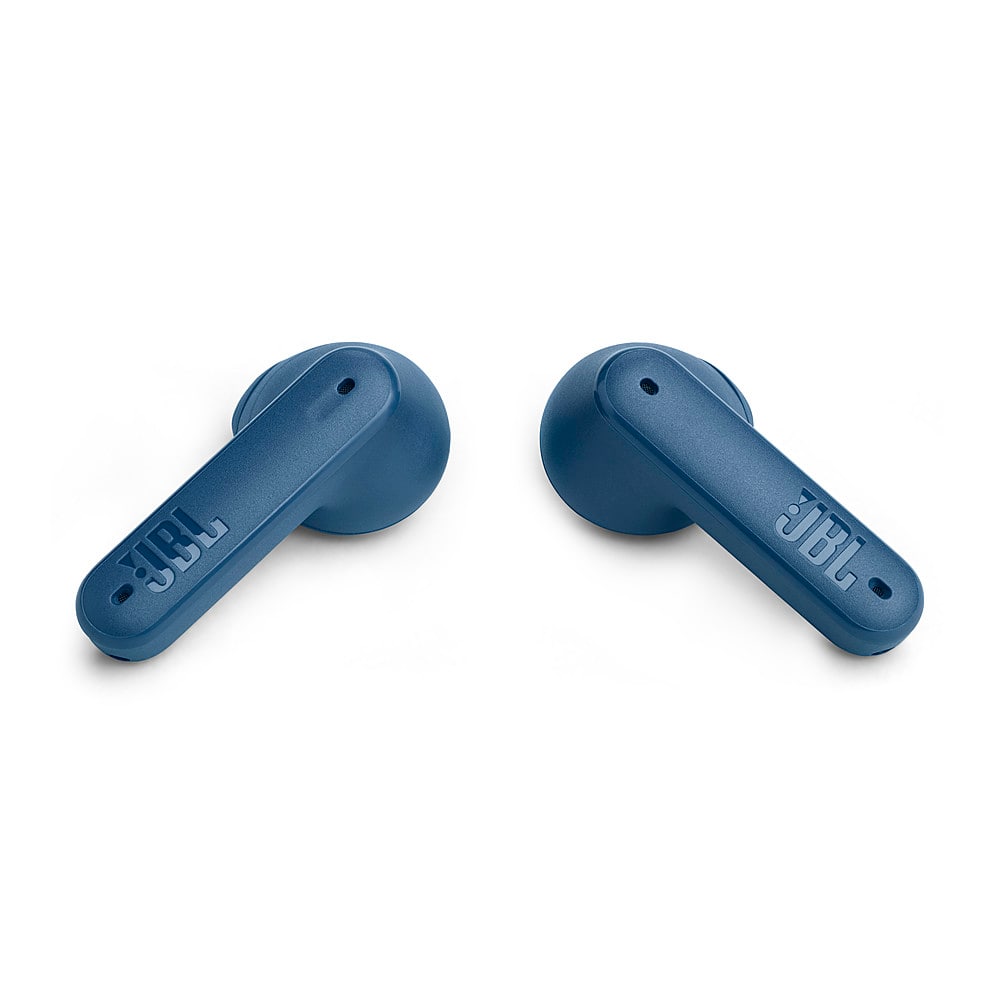
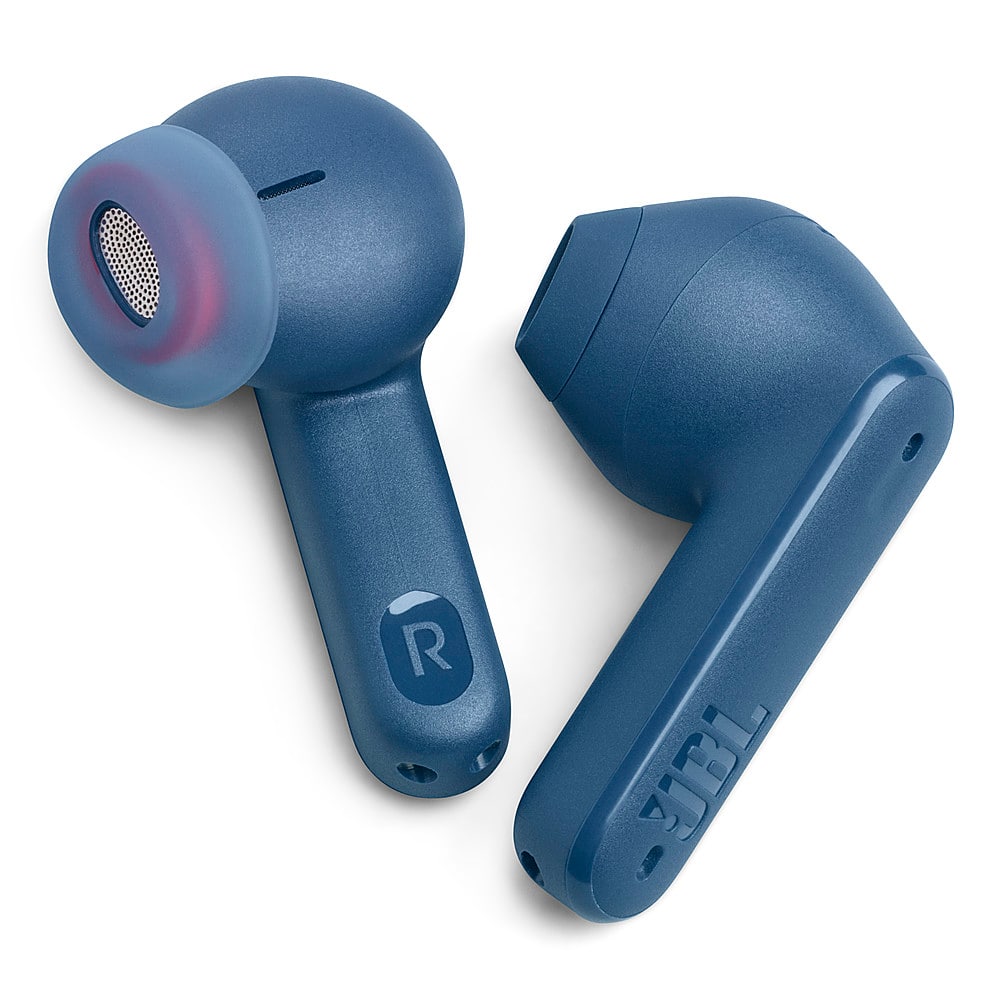
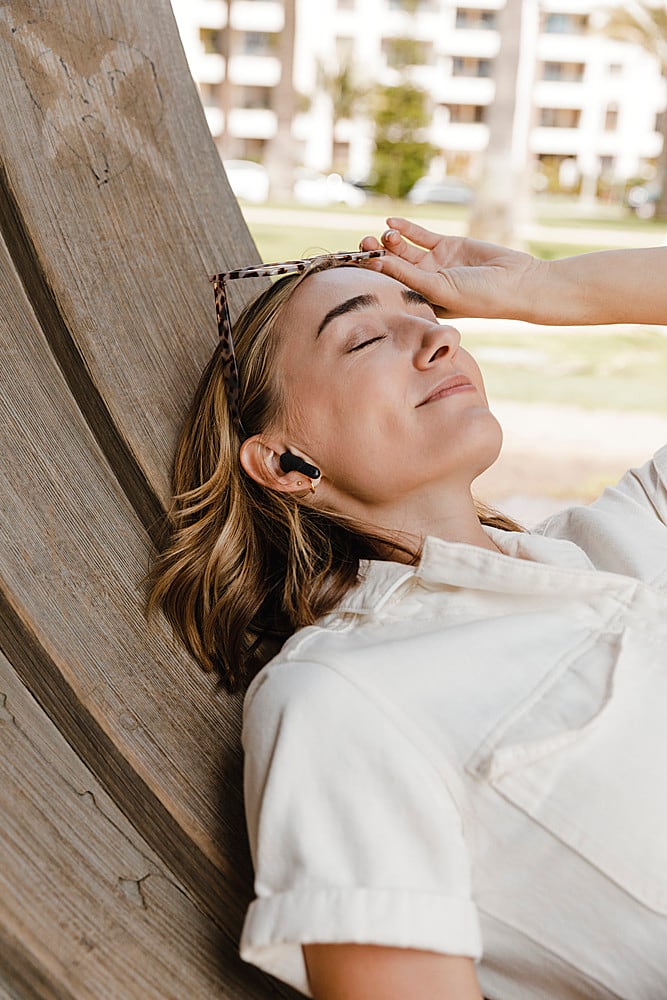
A:AnswerThese would probably do you well! Especially if you put a song on. I won’t lie to you, I’m 8 months pregnant and the first time I put them in, I laid back and woke up like 5 hours later with one of the earbuds still in. I sleep crazy but I couldn’t believe I just fell asleep like that
A:AnswerThanks for your inquiry. Our JBL Tune Flex earbuds do not have built-in volume control on the earbuds themselves. You typically need to adjust the volume through your connected device.
A:AnswerNot sure about the average time, but I've used them for over 2 hours while on a phone call with no issues. Then place them back in the case to charge.
A:AnswerPeople tell me that I sound like I'm talking from inside a barrel. Other times they tell me that I sound like I'm far away. This on the JBL tune flex earbuds.