A:AnswerWe would like to work with you directly to help you with your issue. Please submit a case request at https://www.harmanaudio.com/support-contact.html and the Customer Service Team will be more than happy to assist you.
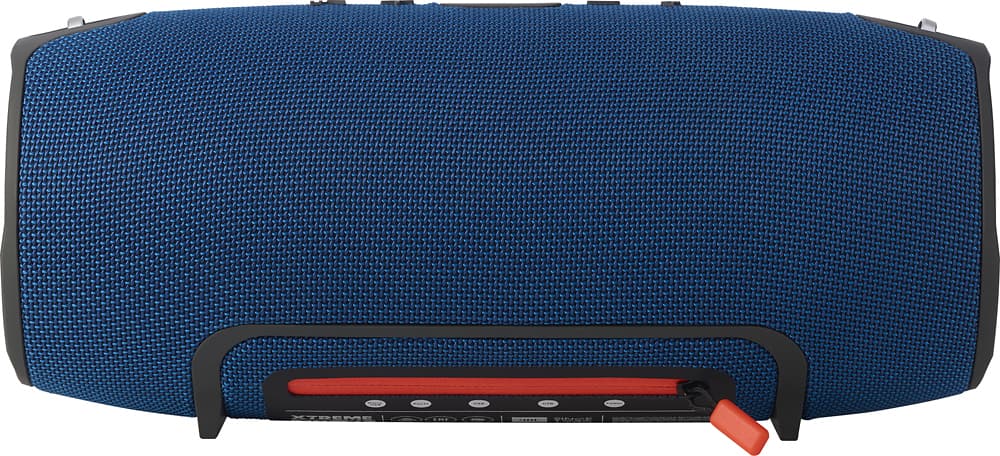
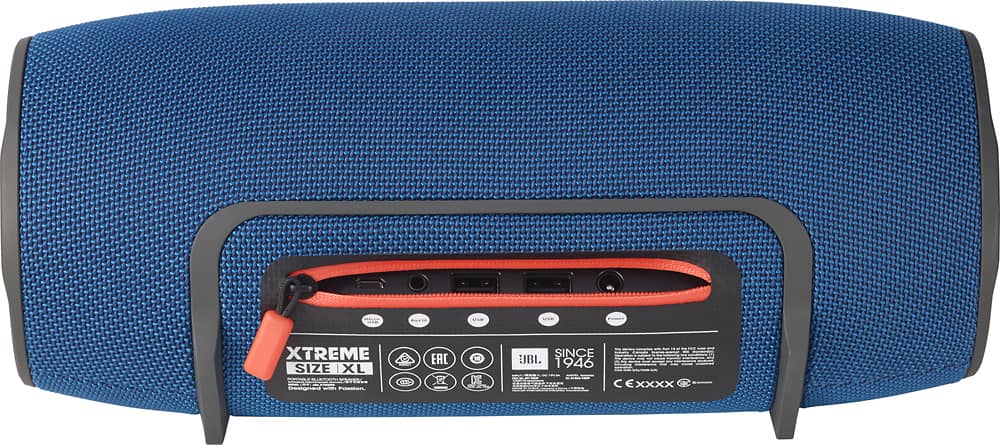
A:AnswerHello! Yes. The XTREME can be connected to a source device in two ways; via Bluetooth or Auxiliary/Wired connection. If your PC is Bluetooth compatible, you can simply press the Bluetooth button on the XTREME to initiate pairing mode and connect to it in your PC's Bluetooth settings. If not, you can run an auxiliary cable from your PC's headphone jack going to the XTREME's own auxiliary port.
A:AnswerHi! Yes, our JBL Xtreme has an auxiliary input which you can use to plug any device and play music. As for the iPod connecting via Bluetooth, it depends on the product if it can transmit Bluetooth to be able to connect to the Xtreme.
A:Answeryes if you watching movie with your laptop simpley go to your bluetooth setting in your laptop and search for Jbl
dont forget to active your speaker with bluetooth bottom
for taplet it works same as your phone!
have fun!
A:AnswerWe would like to work with you directly to help you with your issue. Please submit a case request at https://www.jbl.com/support-contact.html and the Customer Service Team will be more than happy to assist you.
A:AnswerNormally, the sale would run for a week for a specific amount and item. For example, the JBL XTREME could be on sale at a different price or it could go back to regular price and a different unit would be on sale.
A:AnswerWe would like to work with you directly to help you get a new power cord which you can order through us. Please submit a case request at https://www.jbl.com/support-contact.html or contact our toll-free number at 1-800-336-4525 and the Customer Service Team will be more than happy to assist you.
A:AnswerWe would like to work with you directly. Please submit a case request at https://www.jbl.com/support-contact.html and the Customer Service Team will be more than happy to assist you.
A:AnswerWe would like to work with you directly to help you with your issue. Please submit a case request at https://www.jbl.com/support-contact.html and the Customer Service Team will be more than happy to assist you.
A:AnswerYou can use an equalizer if it is a wired configuration. on a wireless or Bluetooth connection you would need to use the equalizer on the sending device. The JBL extreme has a really nice sound and you might not even need one!
A:AnswerWhichever speaker is currently setup to play audio for your computer will play Cortana's voice; however, this does not mean that you can talk to the microphone in the Xtreme with Cortana. This only means that the Xtreme will play the sounds of the Cortana. You still need a mic with your computer so you can give it commands.