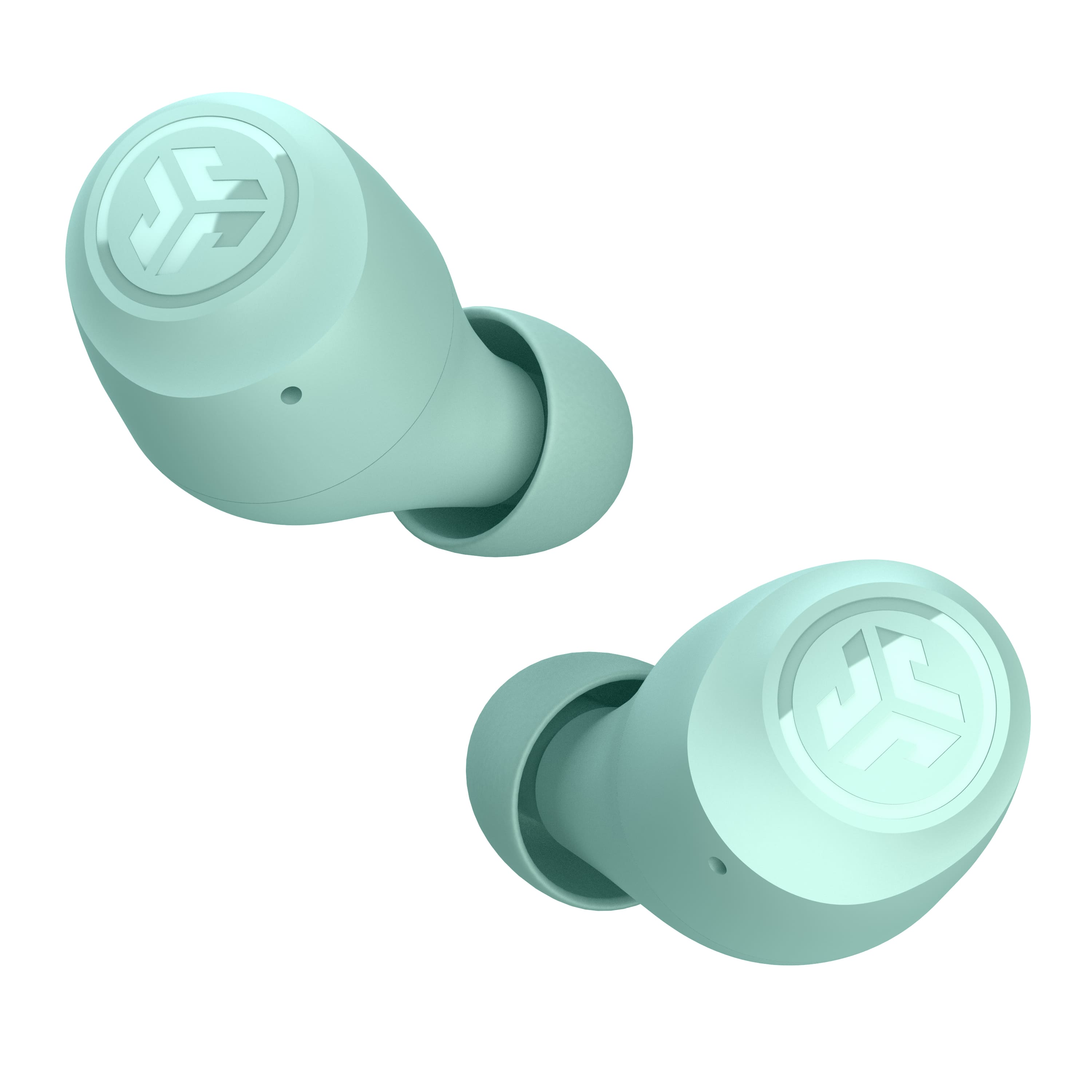
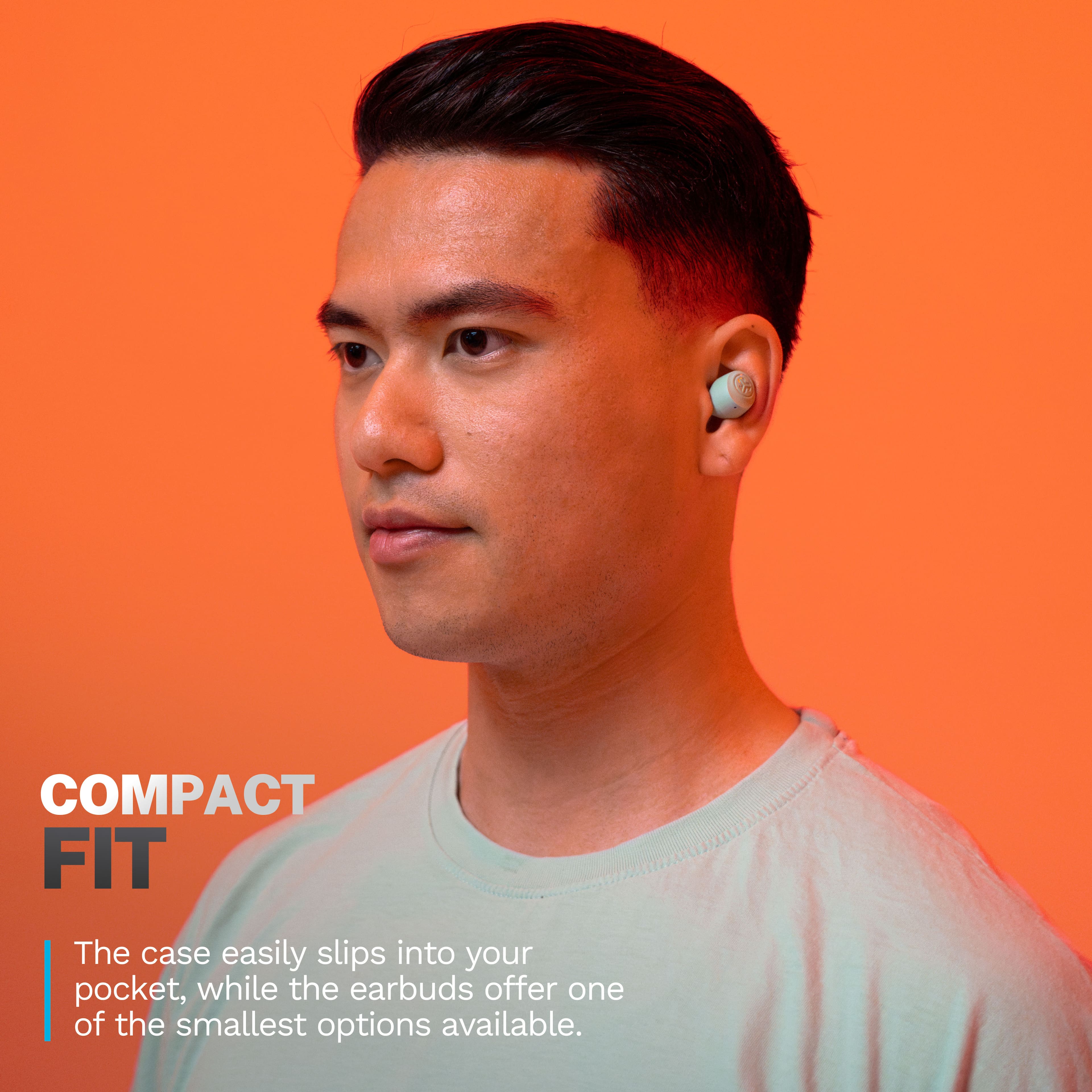
A:AnswerBy tapping the right ear bud one time you can increase the volume and do continue to tap it one a a time to the desired volume level. To decrease volume tap the left ear bud.. Do not tap it two times In a row because you will either hang up a call, pause what you are listening to or activate bixby( Samsung Galaxy user)
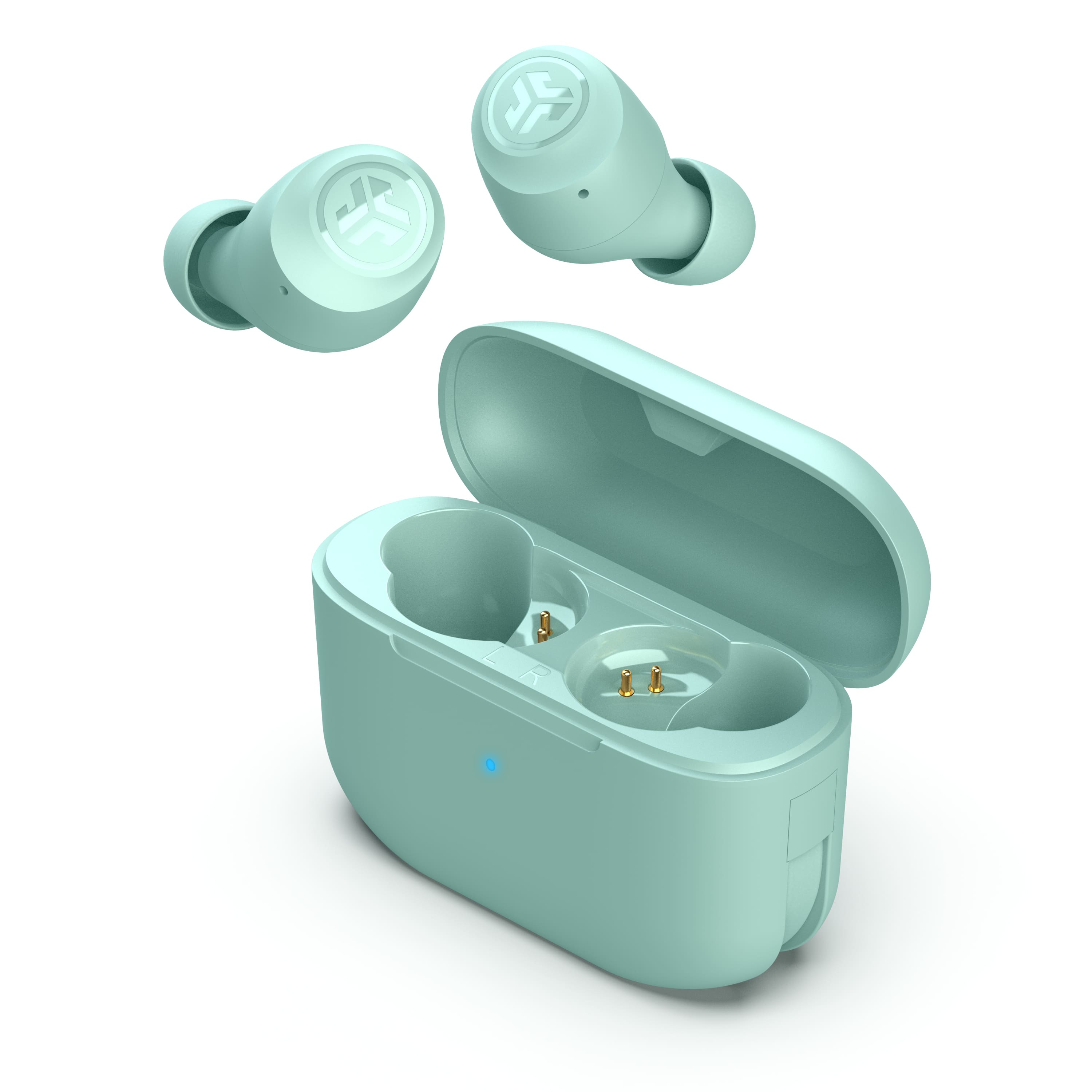
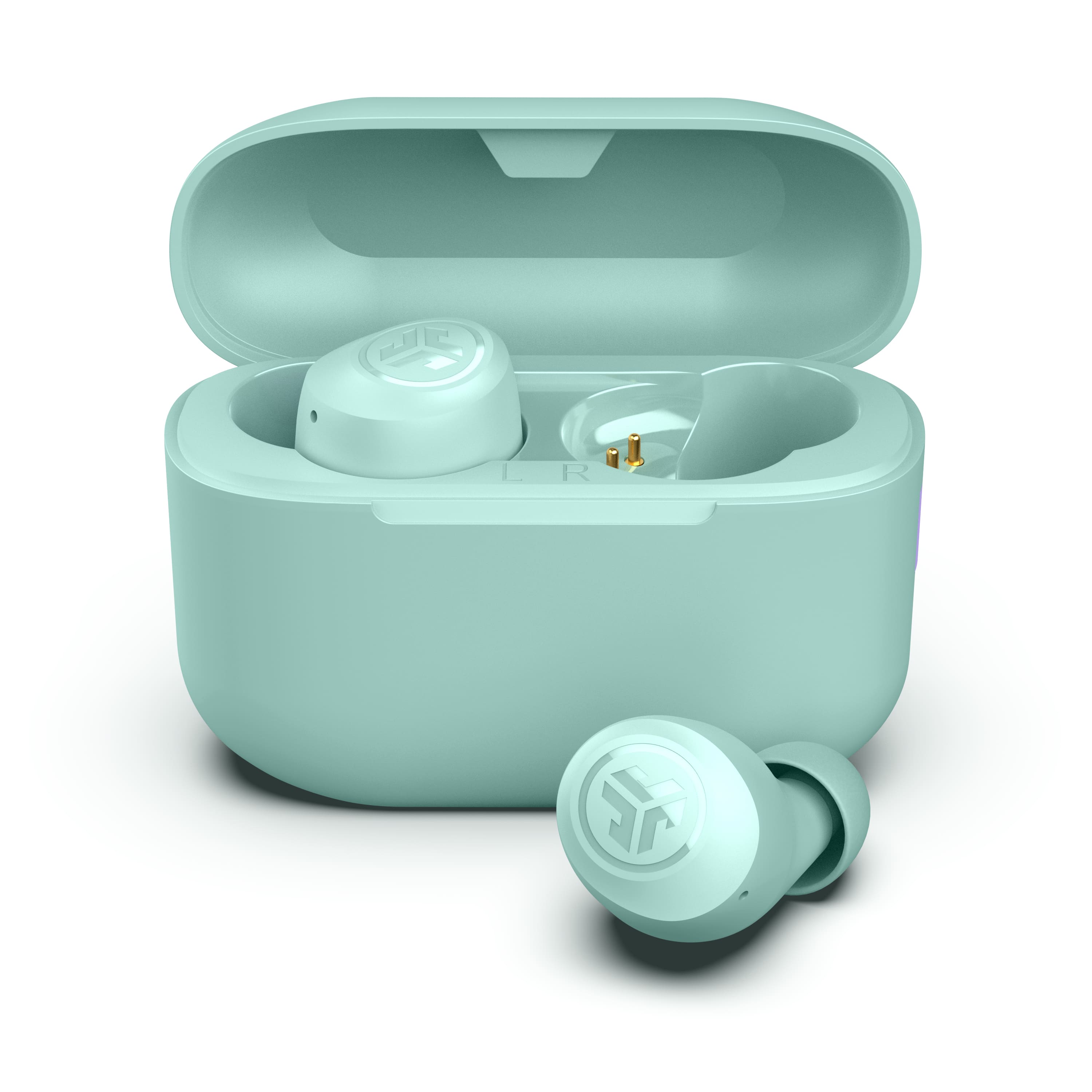
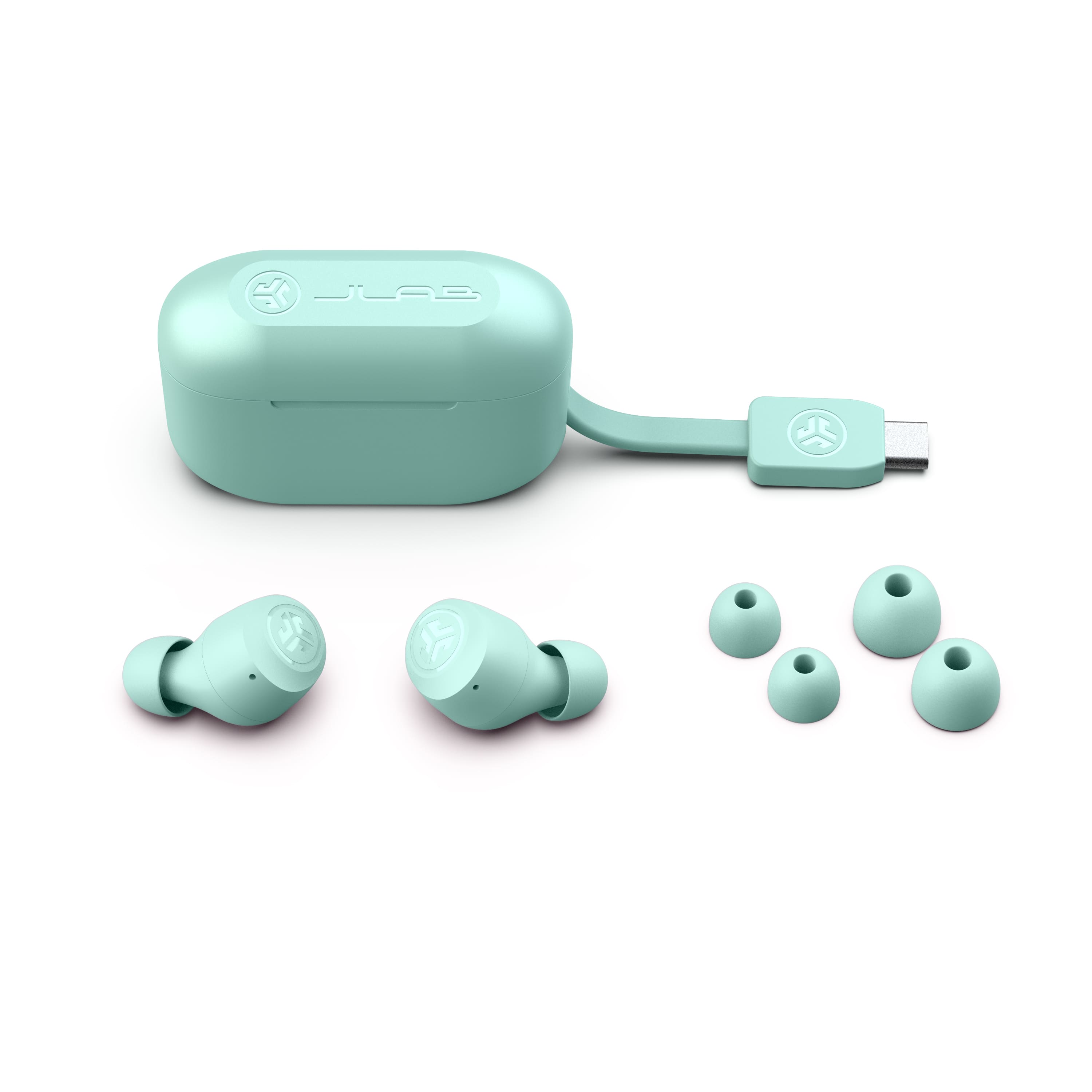
A:AnswerThere is a charging usb cable attached to this, no charging port. I am adding photo to show. it folds neatly into the bottom of the unit. I have had my first set of these for several months and use daily without issues.
A:AnswerI have a iPhone 11 and a Motorola g play 2021 n I have they connect to my hp laptop so I have no issues with that I hope that helps and I would say yes
A:AnswerI had this issue. The instructions in the booklet told me to tap the headphones 7 times each and put them back in the case. They should sync. Worked for me.