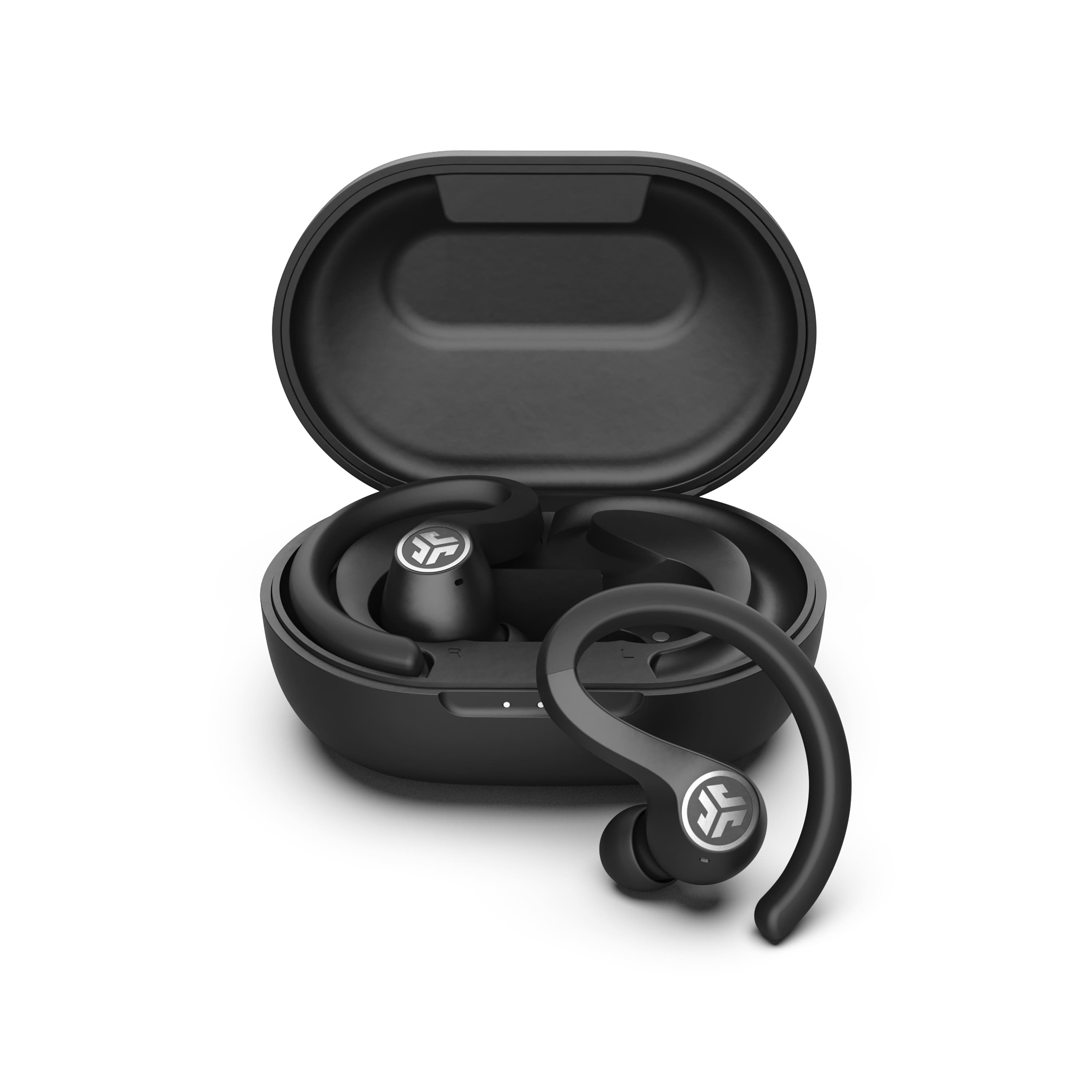
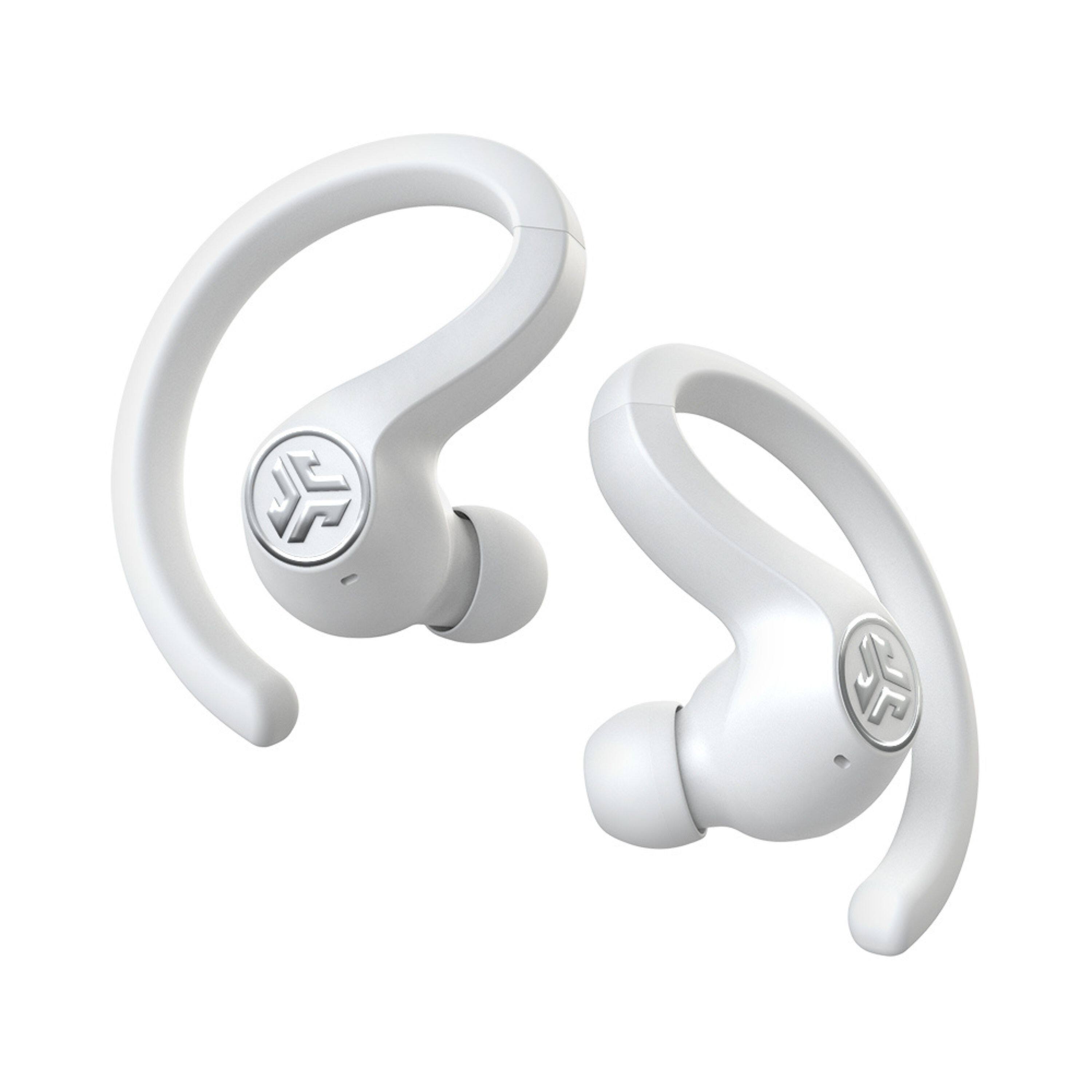
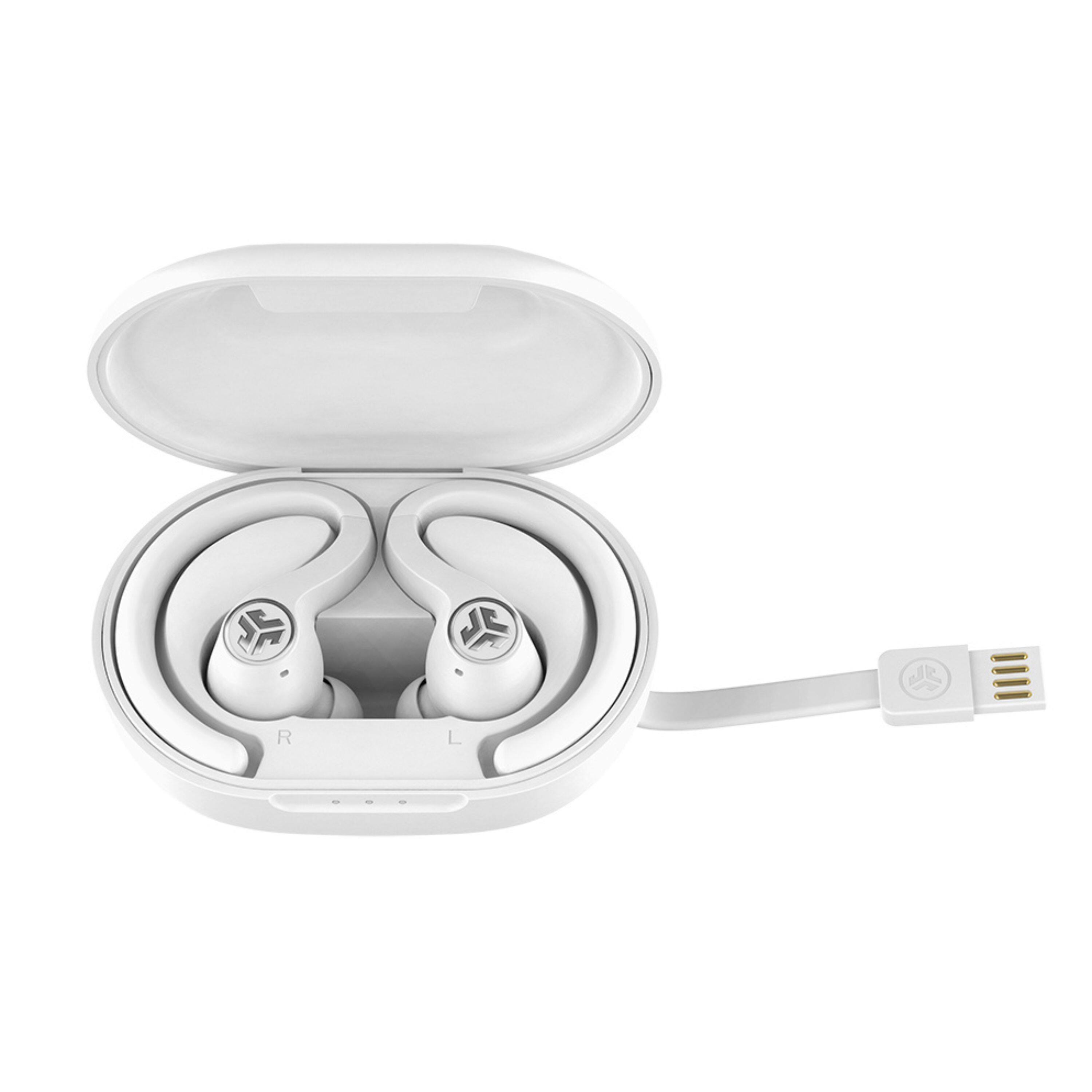
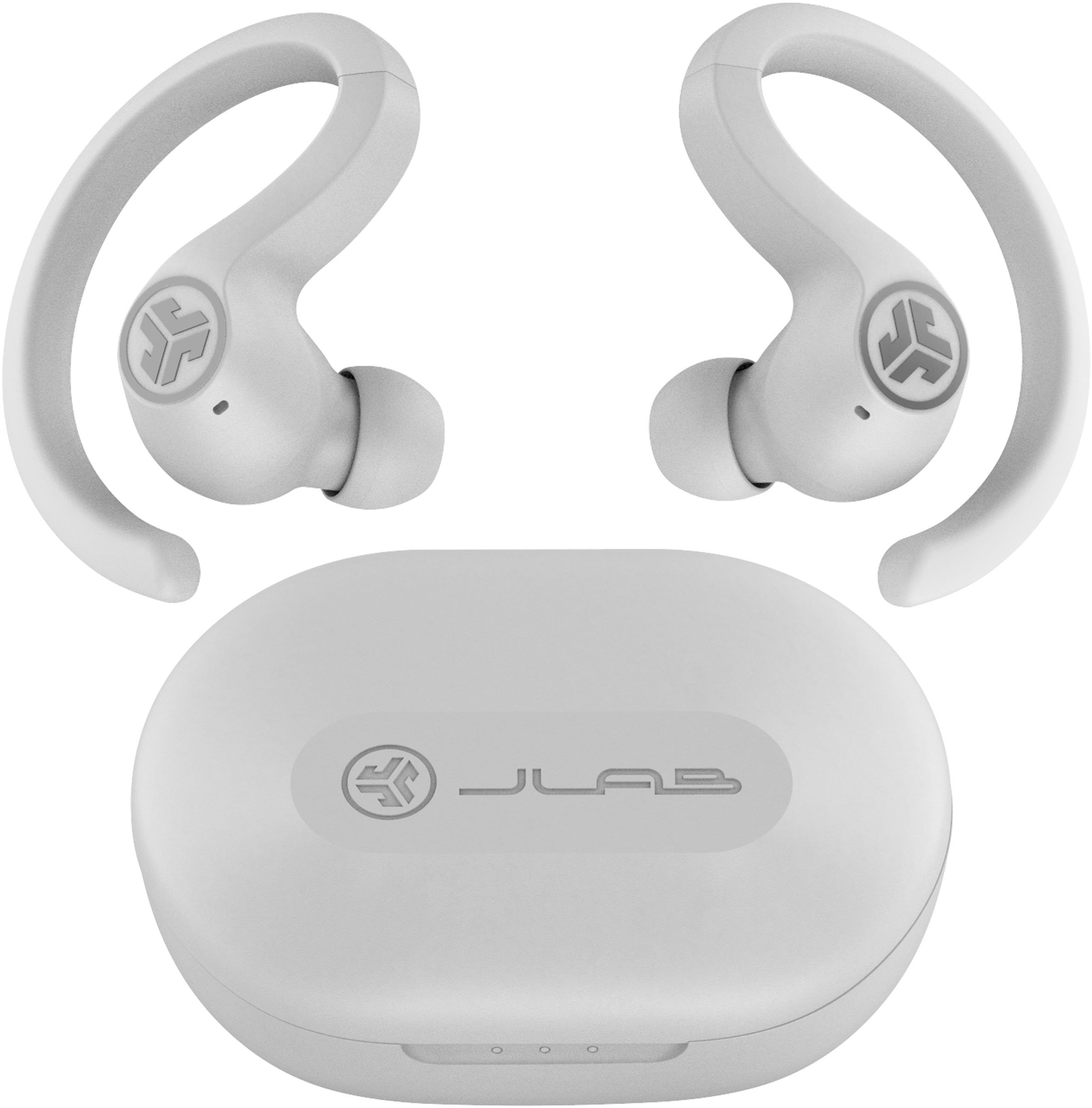
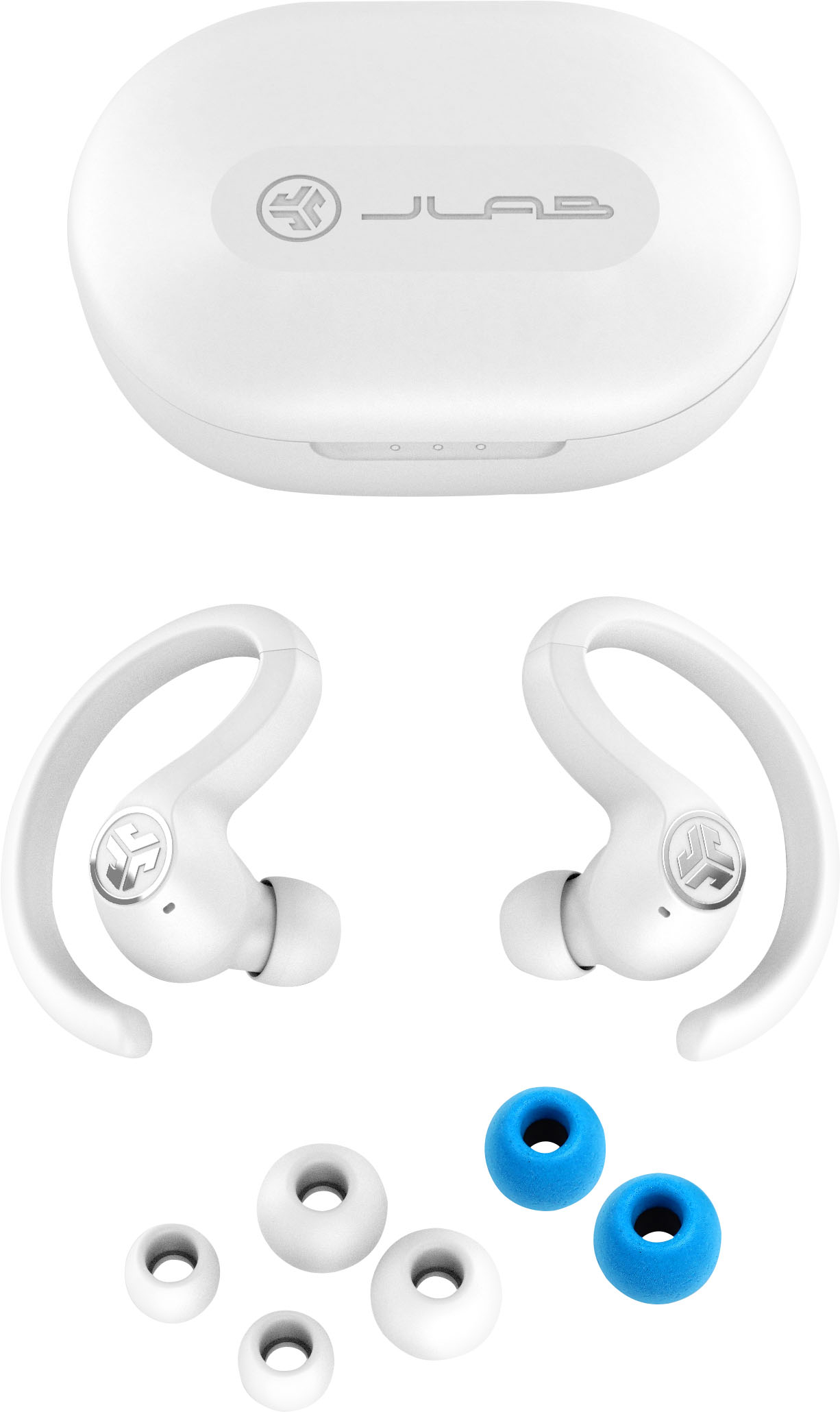
A:AnswerYou click on the Gear Icon (settings) and scroll down the list until you see Bluetooth. Click on that and you will see items appearing that are trying to connect. Click on the one you want, in this case JLab Air Sport earbuds.
A:Answerneeds a Bluetooth connection but Bluetooth adapters are made and sold do yes if your tv has Bluetooth and yes if it doesn't but you get adaptor
A:AnswerWhen I paired the very first time, they (both ear buds) connected and provided stereo. I didn't do anything special to get them to both connect. NOTE: Both had to be powered on separately so be sure to do that
A:AnswerYes they wrap around. Stays in place. My second pair is a little tight on right ear. Need to break in. I believe you can wear 1 but it has to be the Right one I think.
A:AnswerCheck if this is across different devices. If it is, please contact JLab support. There's a chance the device you are using is causing the issues. -JLab