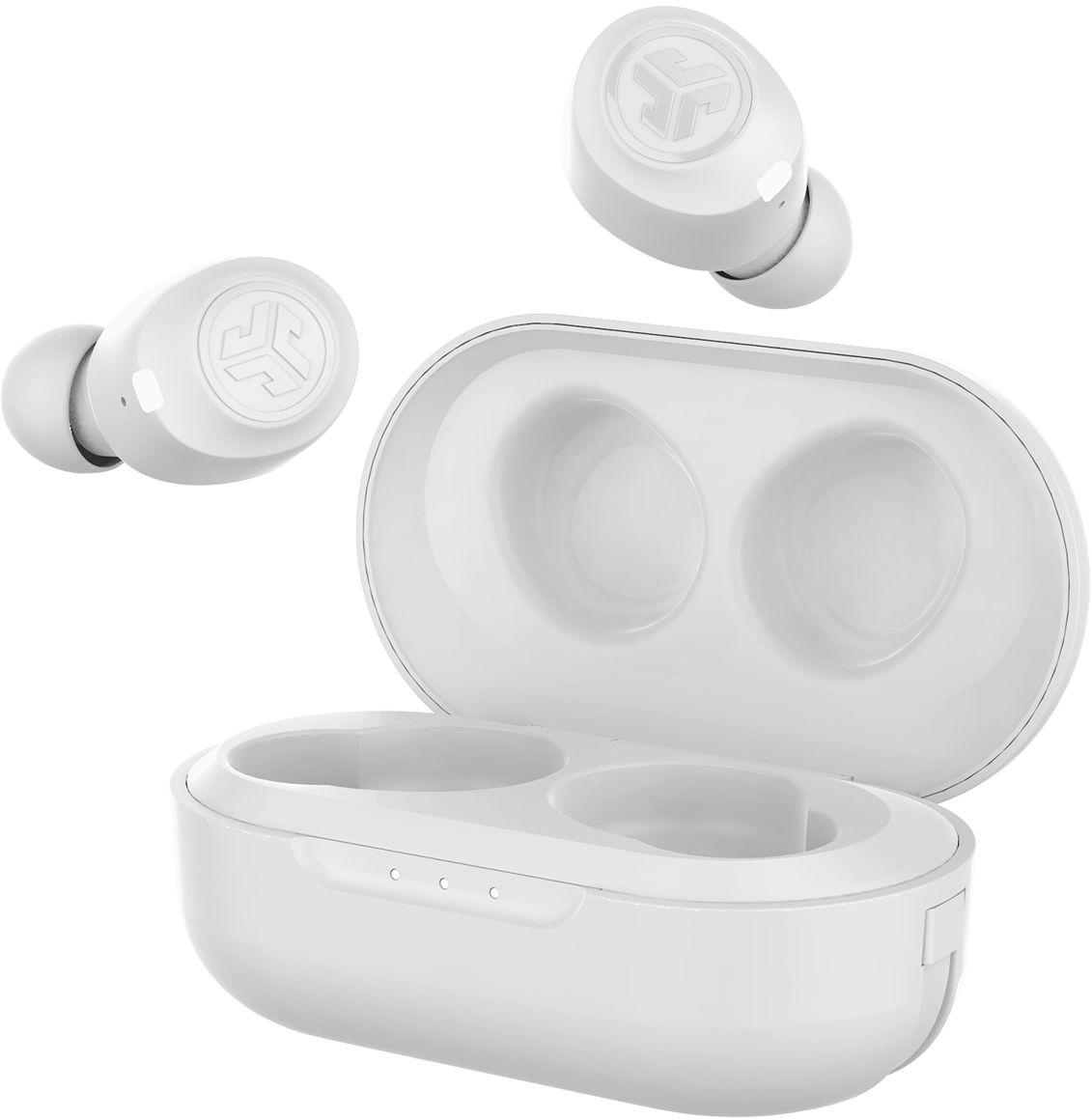
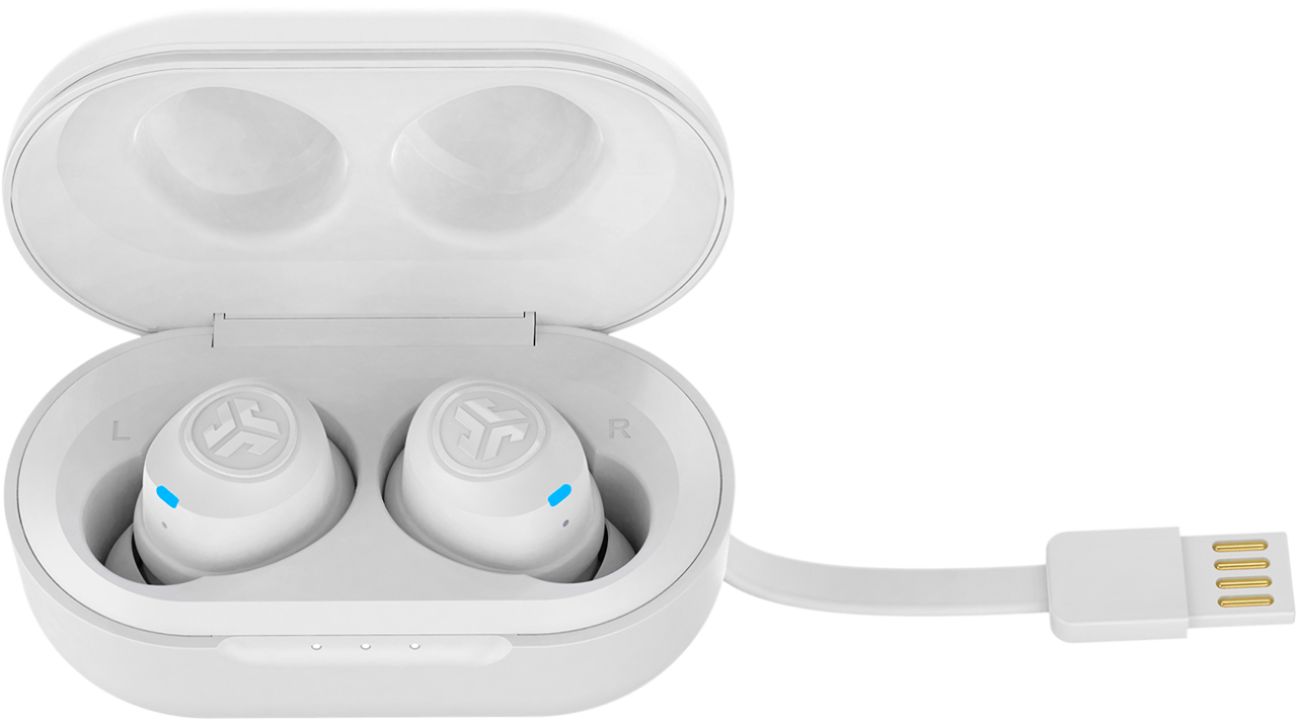
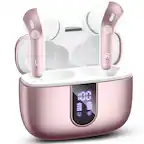
A:AnswerYes, connects via Bluetooth. It's not originally a game headset, therefore, you may not have some of the multi-media effects that you get from over-the-head game sets.
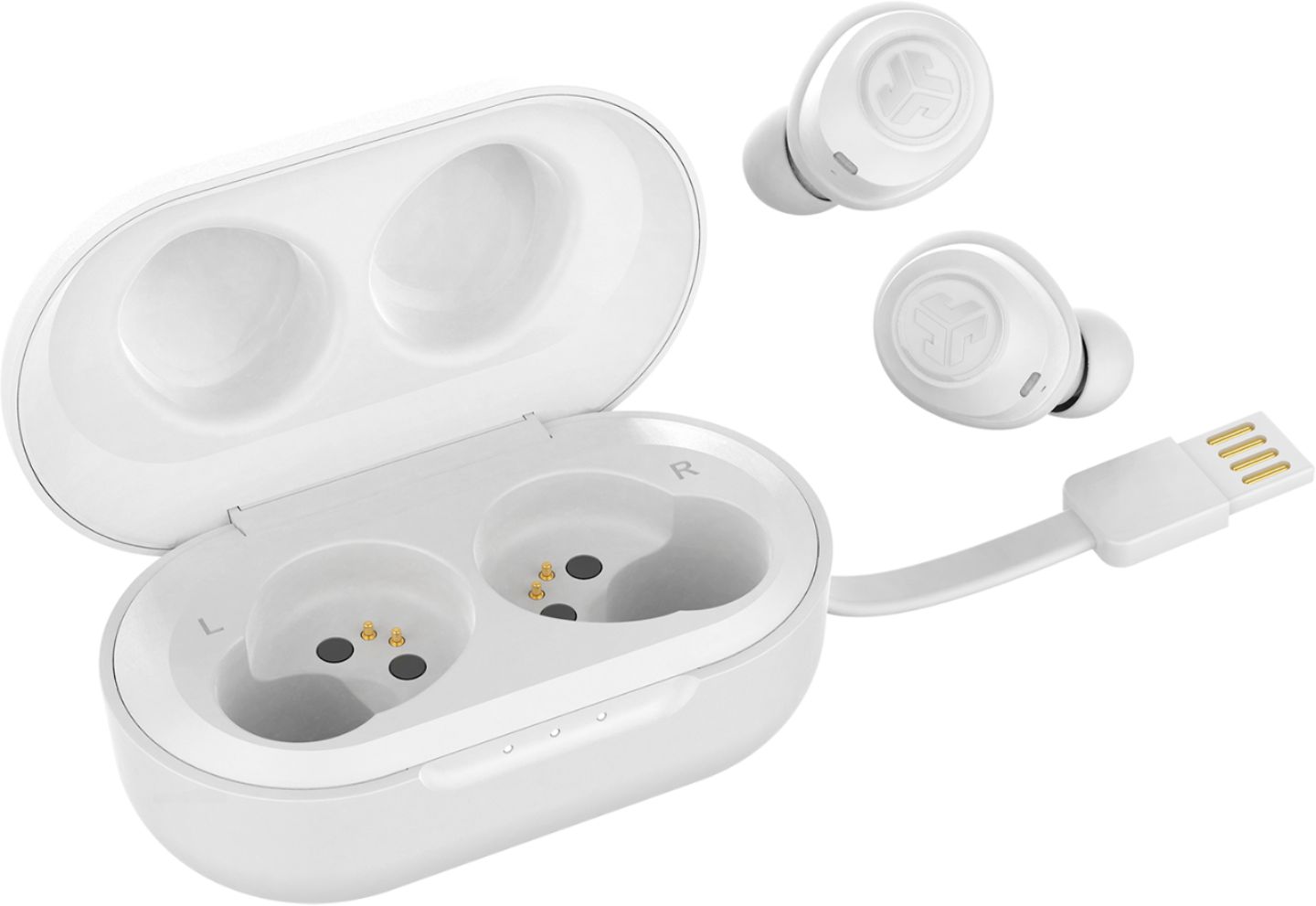
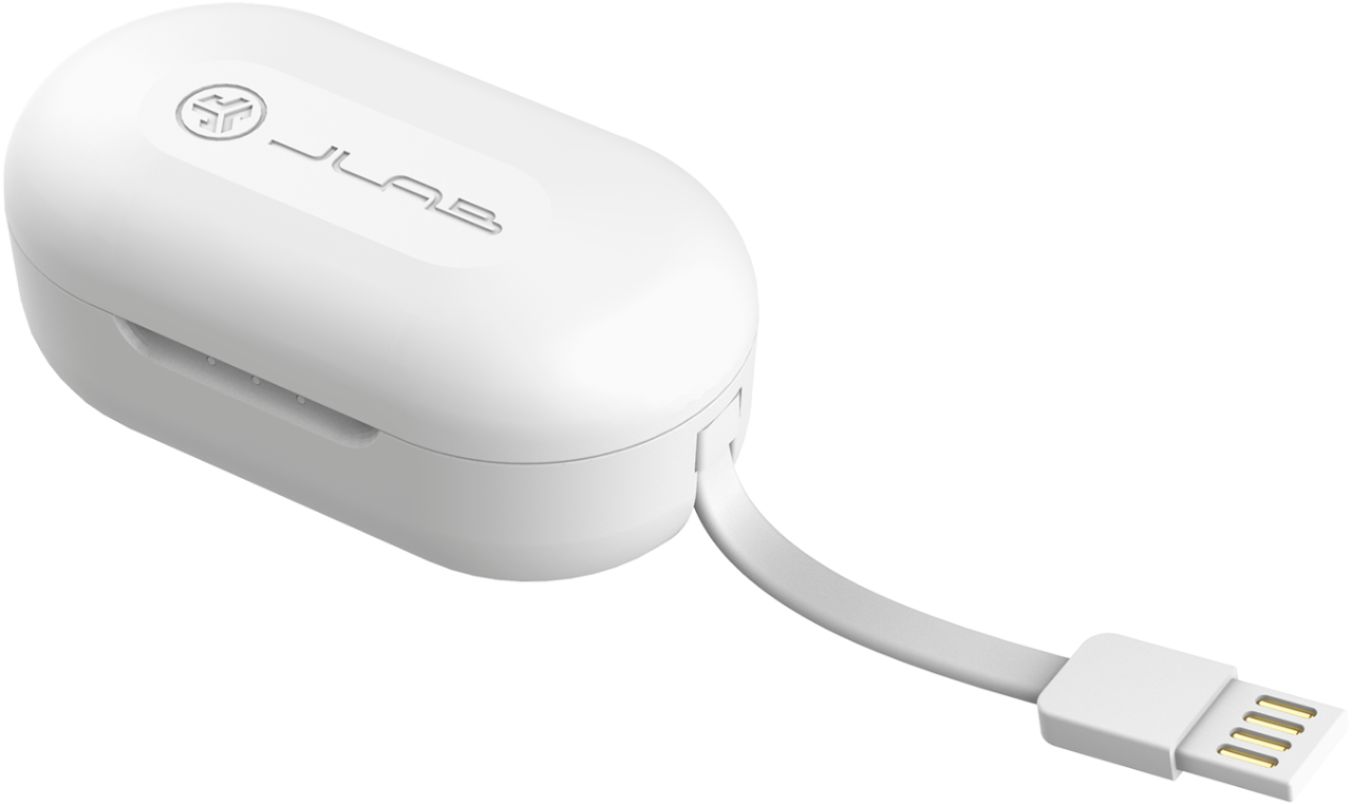
A:AnswerYour best bet, buy another charging case. You can get that from different places but if you bought the jlab from best buy, then find out if your protection plan or total tech plan covers it
A:AnswerNo you will need to buy a bluetooth compatible source to plug into the tv for the earphones to connect to the source and plays the sound from the Tv hope this helps!
A:AnswerYou can tap to answer and hang up calls as well as to pause and unpause music. For more information go to the website if you no longer have the instruction booklet.
A:Answeryou use your phone to turn volume up and down. or tap once left for volume down or once right volume up. Sometimes if they are in the wrong ear or are turned funny the sound sounds low.
A:AnswerContact point of purchase place if within the guidelines to return and if unable to return Contact the manufacturer for replacement. It has a limited warranty however it may be up to a year.
A:AnswerTry to unpaired and pair again with your device and see if they work again. If not, they may be defective or damaged. Contact the manufacturer if outside your return date to the store for replacement options, they come with a limited warranty.
A:AnswerThese do not have Dual Connect capabilities therefore you can use the Right independently of the Left but not the other way around as the Right is what connects your headphones to your device and the left is connected via the right. -JLab Audio