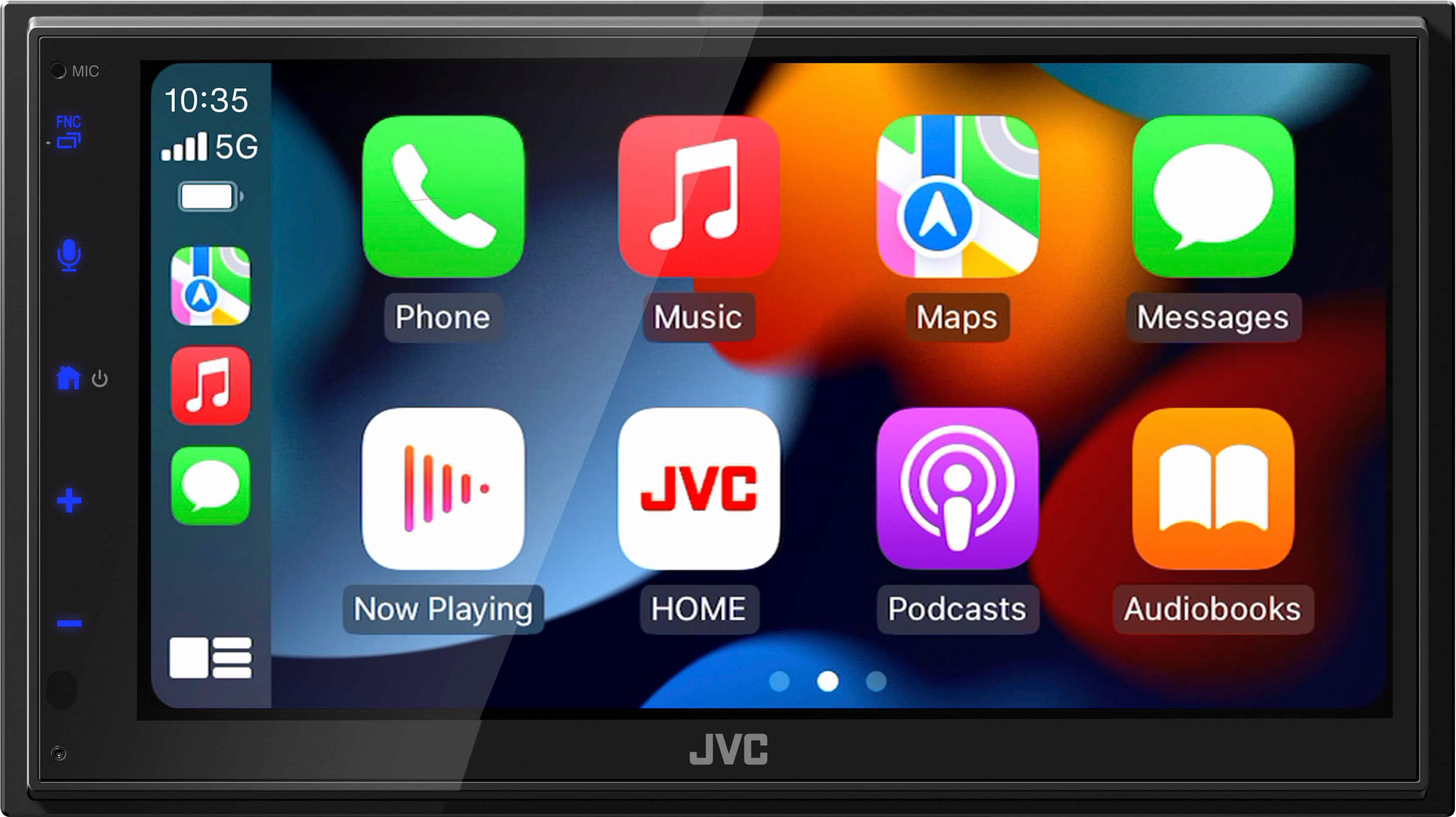
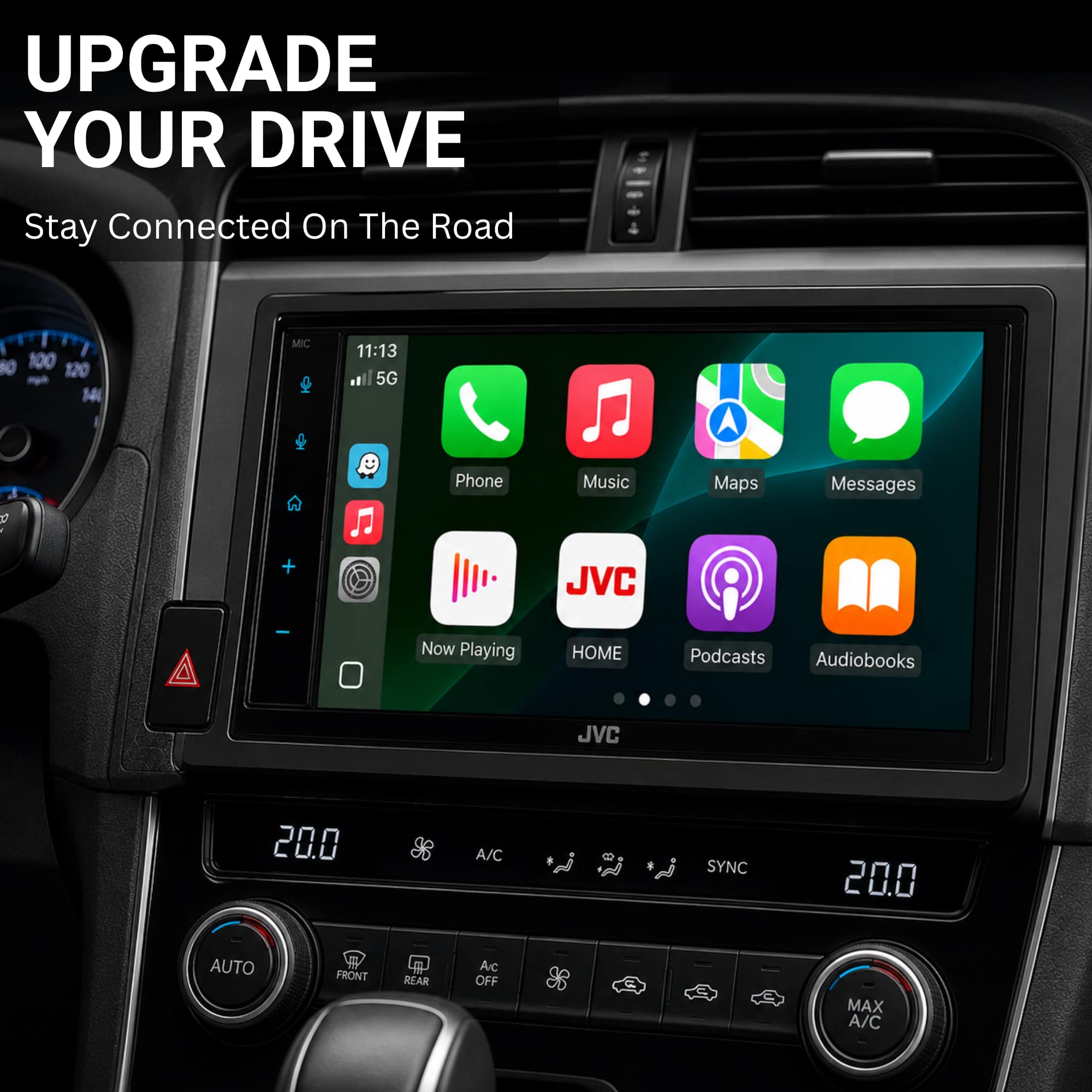
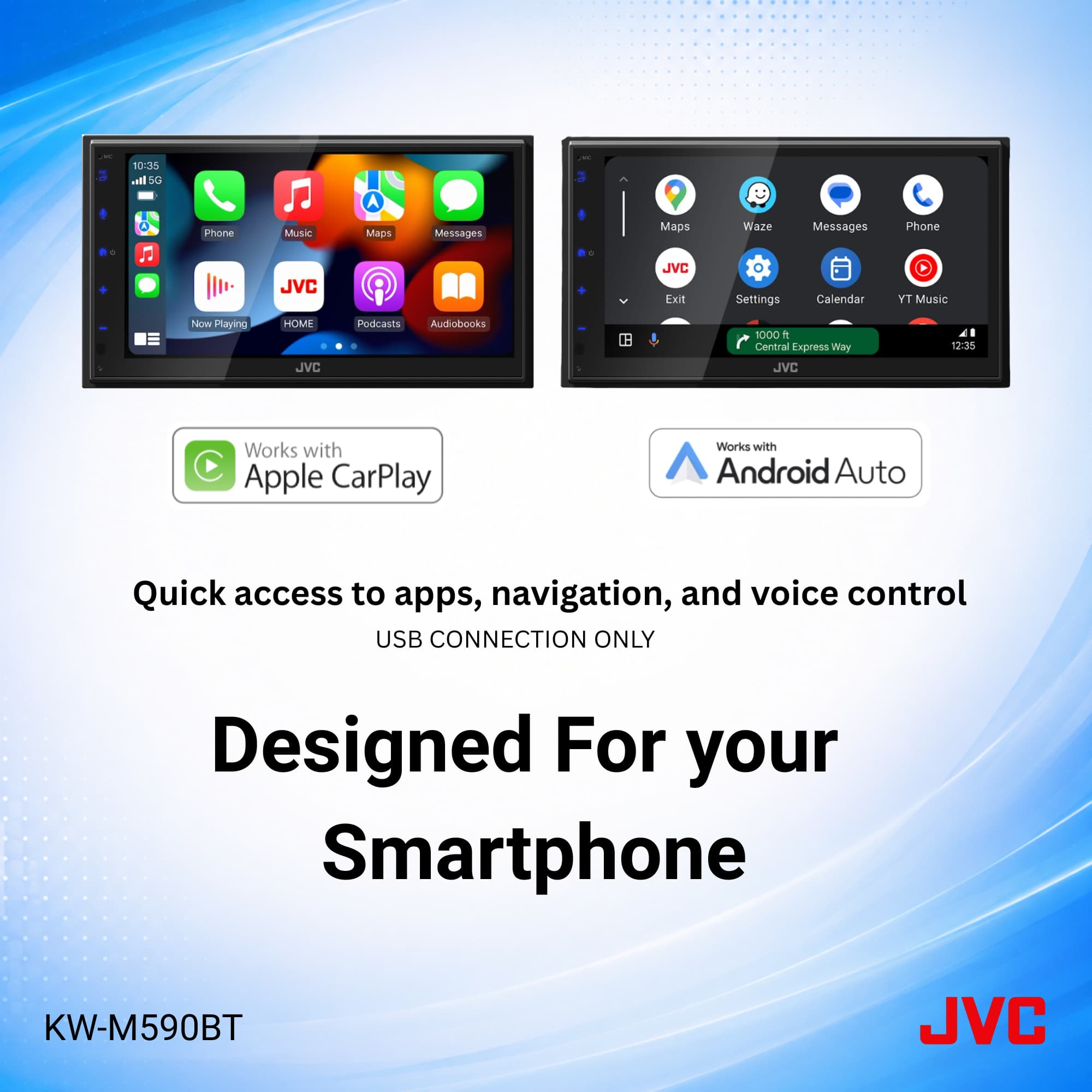
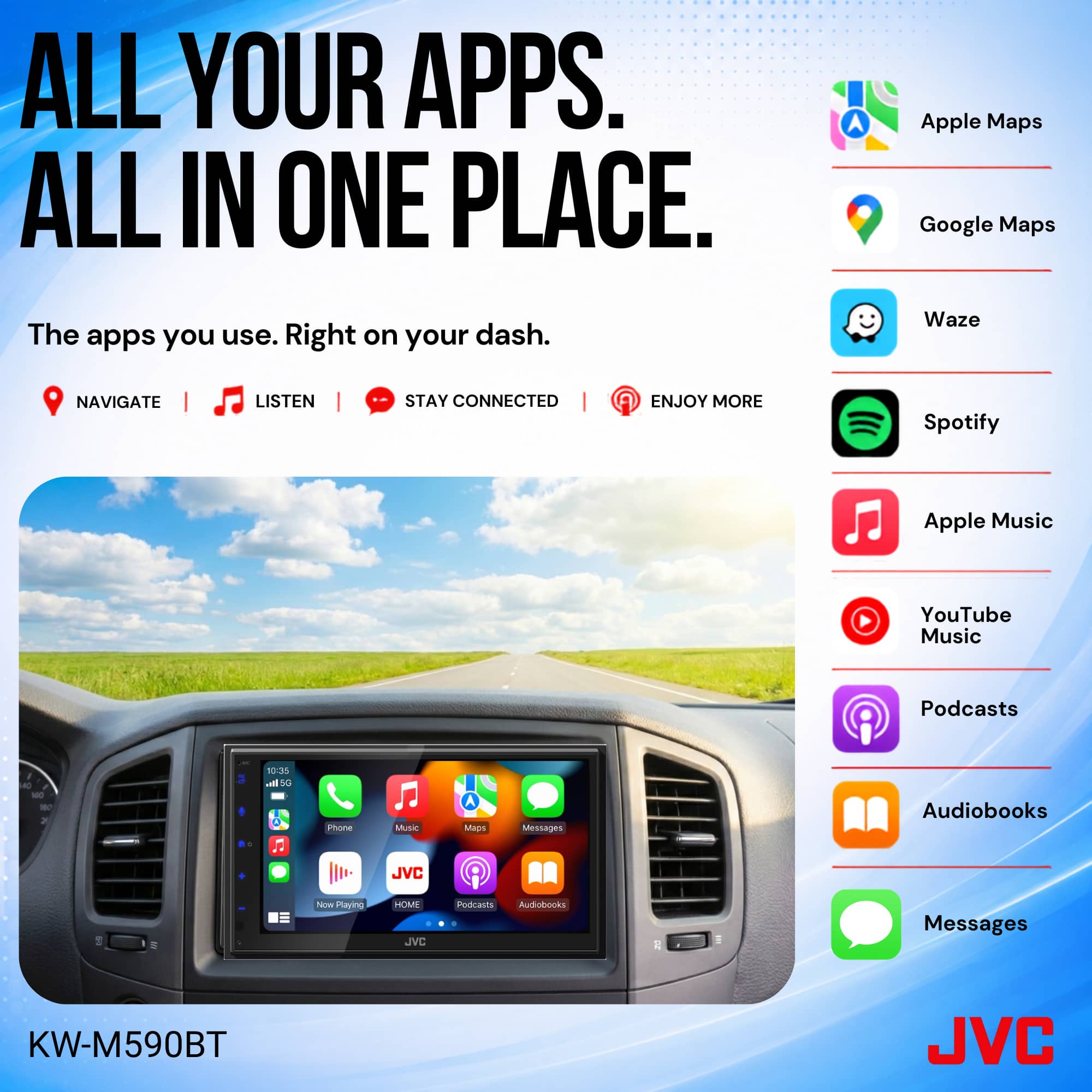
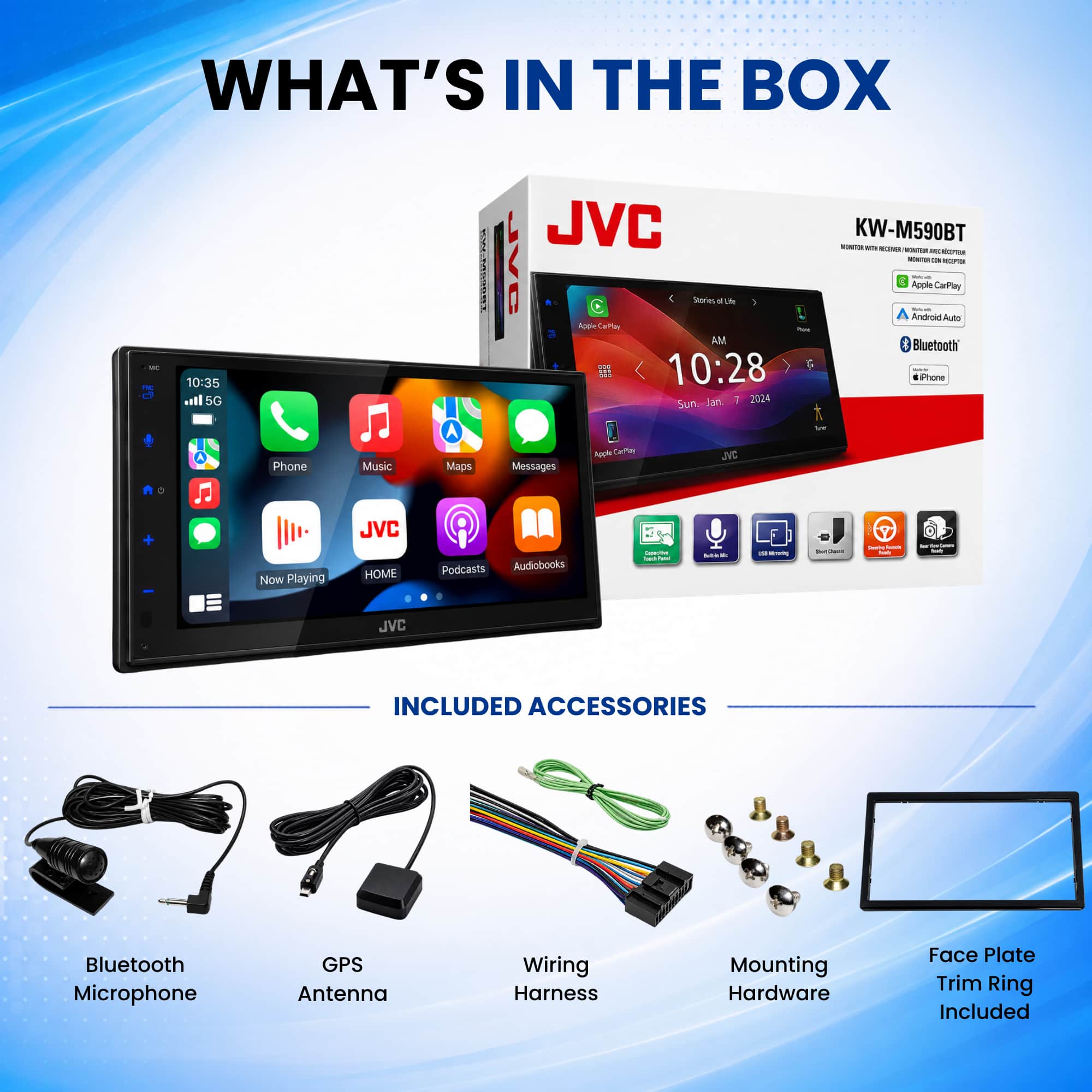
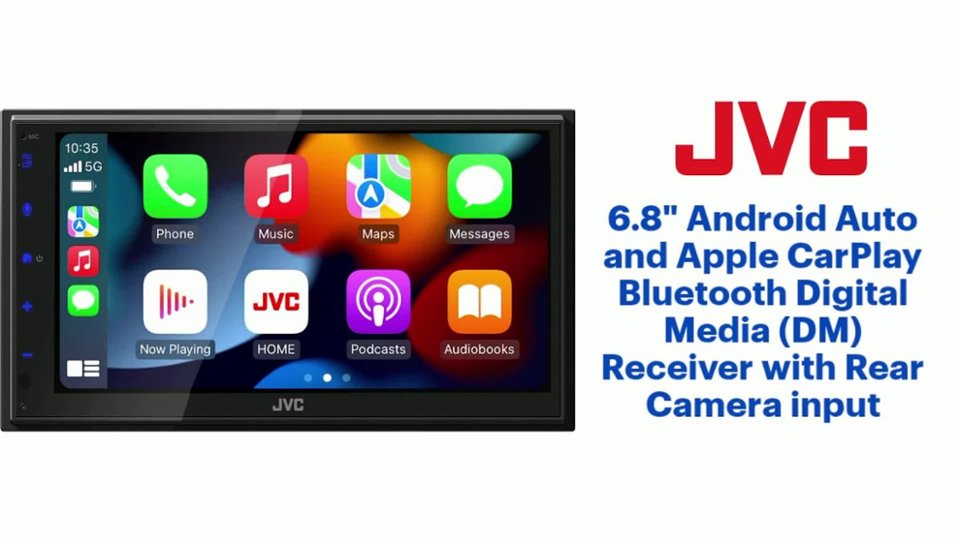
A:AnswerThank you for reaching out to us. The JVC KW-M590BT receiver does not have built-in navigation, GPS and voice command, but it supports Apple CarPlay and Android Auto. When connected to a compatible smartphone, you can use Siri (for iPhone) or Google Assistant (for Android) to control navigation, music, calls, and messages via voice commands. Please contact us at 1-800-252-5722 or email us at customerrelations@jvc.com with the details of your product and the specific part you’re missing. We’ll be happy to assist you and guide you through the next steps. Thank you for choosing JVC—we’re here to ensure you’re fully satisfied with your product! Best regards, The JVC Customer Relations Team Thank you for choosing JVC—we value your trust and are committed to supporting you. Best regards, The JVC Customer Relations Team
A:AnswerThank you for reaching out to us! We understand how important it is to make sure you understand the compatibility of your vehicle with the JVC KW-M590BT. To integrate the JVC KW-M590BT with your vehicle’s steering wheel controls, you will need an additional interface module. JVC receivers are compatible with third-party steering wheel control interfaces, which are sold separately by Best Buy. To ensure you get the best advice tailored to your specific product, we recommend contacting our team directly. Please call us at 1-800-252-5722 or email us at customerrelations@jvc.com with the model number of your product and the accessory in question. We’ll be happy to assist you and provide the information you need. Thank you for choosing JVC! We’re here to help you get the most out of your experience. Best regards, The JVC Customer Relations Team
A:AnswerThank you for considering JVC for your car audio needs! Ensuring your product is compatible with your vehicle is essential, and we’re here to help. To check if the JVC KW-M590BT receiver fits your car, we recommend using a fit guide, which provides detailed compatibility information. You can find that on the product pages on Bestbuy.com. We also recommend connecting with a Geek Squad install professional at your local Best Buy store, in regard to fit and any additional parts that might be necessary for your specific vehicle. You can also reach out to our team for assistance—we’re happy to verify compatibility or answer any questions. Please contact us at 1-800-252-5722 or email us at customerrelations@jvc.com with your vehicle’s make, model, and year, and we’ll guide you from there. Thank you for choosing JVC—we look forward to helping you upgrade your car audio experience! Best regards, The JVC Customer Relations Team
A:AnswerThank you for considering JVC for your car audio needs! Ensuring your product is compatible with your vehicle is essential, and we’re here to help. To check if the JVC KW-M590BT fits your car, we recommend using a fit guide, which provides detailed compatibility information. You can find that on the product pages on Bestbuy.com. We also recommend connecting with a Geek Squad install professional at your local Best Buy store for fit questions and compatibility to factory features/systems. You can also reach out to our team for assistance—we’re happy to verify compatibility or answer any questions. Please contact us at 1-800-252-5722 or email us at customerrelations@jvc.com with your vehicle’s make, model, and year, and we’ll guide you from there. Thank you for choosing JVC—we look forward to helping you upgrade your car audio experience! Best regards, The JVC Customer Relations Team
A:AnswerThank you for considering JVC for your car audio needs! Ensuring your product is compatible with your vehicle is essential, and we’re here to help. To check if the JVC KW-M590BT fits your car, we recommend using a fit guide, which provides detailed compatibility information. You can find that on the product pages on Bestbuy.com. We also recommend connecting with a Geek Squad install professional at your local Best Buy store. You can also reach out to our team for assistance—we’re happy to verify compatibility or answer any questions. Please contact us at 1-800-252-5722 or email us at customerrelations@jvc.com with your vehicle’s make, model, and year, and we’ll guide you from there. Thank you for choosing JVC—we look forward to helping you upgrade your car audio experience! Best regards, The JVC Customer Relations Team
A:AnswerThank you for considering JVC for your car audio needs! Ensuring your product is compatible with your vehicle is essential, and we’re here to help. To check if the JVC KW-M590BT fits your car, we recommend using a fit guide, which provides detailed compatibility information. You can find that on the product pages on Bestbuy.com. We also recommend connecting with a Geek Squad install professional at your local Best Buy store. You can also reach out to our team for assistance—we’re happy to verify compatibility or answer any questions. Please contact us at 1-800-252-5722 or email us at customerrelations@jvc.com with your vehicle’s make, model, and year, and we’ll guide you from there. Thank you for choosing JVC—we look forward to helping you upgrade your car audio experience! Best regards, The JVC Customer Relations Team
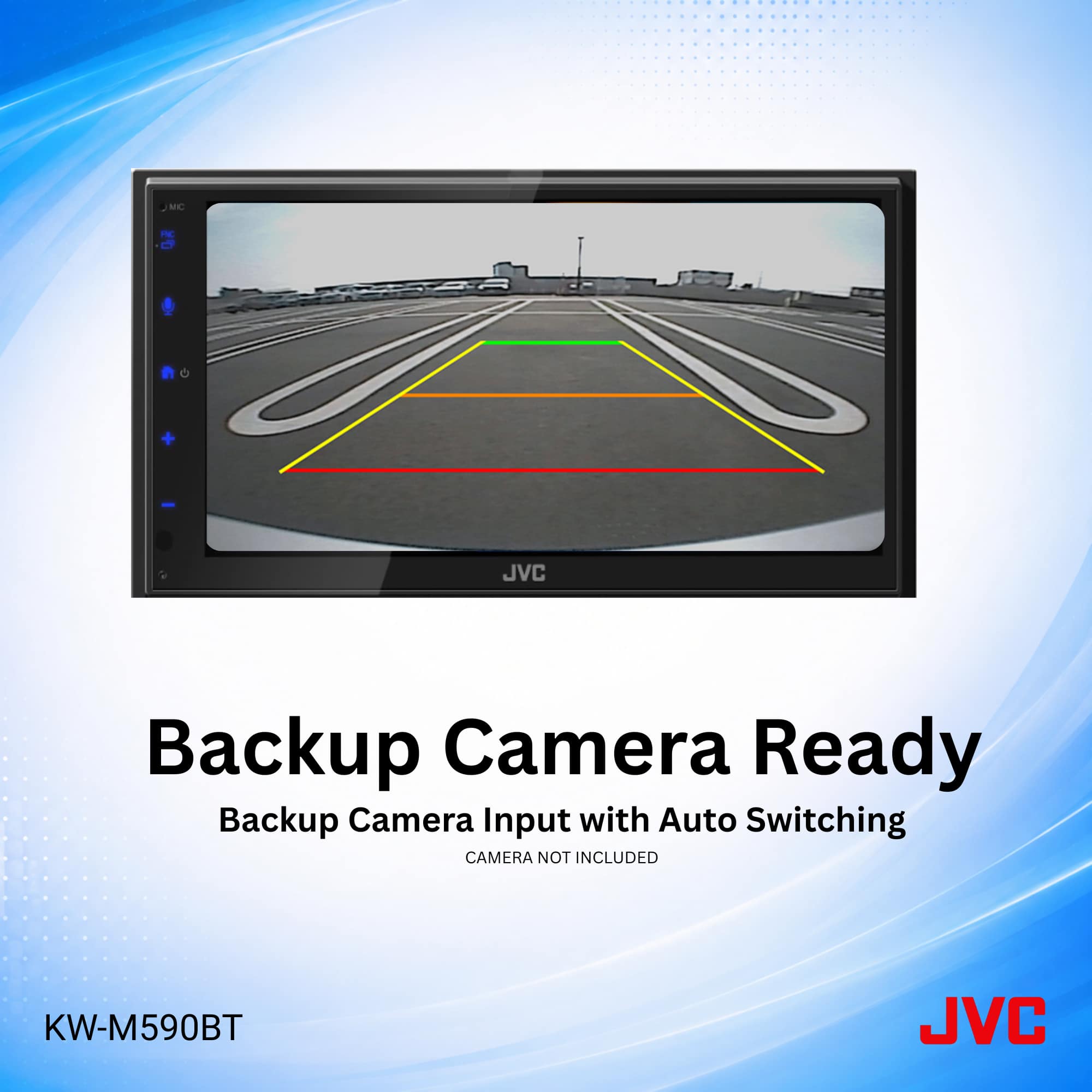
A:AnswerThank you for considering JVC for your car audio needs! The JVC KW-M590BT digital multimedia receiver does not include a backup camera in its package. However, it is equipped with a dedicated rear-view camera input, allowing you to add a compatible backup camera to assist with parking and reversing. You can also reach out to our team for assistance—we’re happy to verify compatibility or answer any questions. Please contact us at 1-800-252-5722 or email us at customerrelations@jvc.com with your vehicle’s make, model, and year, and we’ll guide you from there. Thank you for choosing JVC—we look forward to helping you upgrade your car audio experience! Best regards, The JVC Customer Relations Team
A:AnswerYes, the JVC KW-M590BT can be installed in a 2010 Honda CR-V, but installation will require additional accessories, such as a dash kit and wiring harness, to ensure proper fitment and functionality.
To get the best setup for your specific vehicle, we recommend consulting Best Buy’s professional installers. They can confirm compatibility, provide the necessary installation components, and ensure everything is properly connected.
Let us know if you have any other questions!
A:AnswerYes, the JVC KW-M590BT can be installed in a 2015 Toyota Prius Trim 2, but it will require additional installation accessories, such as a dash kit and wiring harness, to ensure proper fitment and functionality.
For exact compatibility, required installation parts, and pricing, we recommend visiting your local Best Buy and consulting their professional installation team. They can provide a detailed quote based on your vehicle and any additional features you’d like to retain, such as steering wheel controls or backup camera integration.
Let us know if you have any other questions!
A:AnswerNo, the Bluetooth issue in your 2013 Honda CR-V should not affect the installation of the JVC KW-M590BT. This radio has its own built-in Bluetooth module, so it will function independently of your vehicle’s factory Bluetooth system.
Once installed, you’ll be able to pair your phone directly to the JVC KW-M590BT for hands-free calling and wireless audio streaming. If your factory Bluetooth system had issues with the microphone or speakers, those will not impact the new stereo, as it will come with its own microphone and Bluetooth functionality.
For a smooth installation, we recommend consulting Best Buy’s professional installers to ensure proper setup and integration with your vehicle. Let us know if you have any other questions!
A:AnswerYes, the JVC KW-M590BT can be installed in a 2020 Kia Sorento, but it will require additional installation accessories, such as a dash kit, wiring harness, and possibly an antenna adapter, to ensure proper fitment and full functionality.
Since newer vehicles often have integrated features like steering wheel controls, backup cameras, and factory amplifiers, we recommend consulting Best Buy’s professional installers. They can confirm compatibility, provide the necessary installation components, and ensure a seamless installation.
Let us know if you have any other questions!
A:AnswerThank you for considering JVC for your car audio needs! Ensuring your product is compatible with your vehicle is essential, and we’re here to help. To check if this product fits your car, we recommend using a fit guide, which provides detailed compatibility information. You can use the one provided on the product listing page, on the Best Buy site, or you can also reach out to our team for assistance—we’re happy to verify compatibility or answer any questions. Please contact us at 1-800-252-5722 or email us at customerrelations@jvc.com and we’ll guide you from there. Thank you for choosing JVC—we look forward to helping you upgrade your car audio experience! Best regards, The JVC Customer Relations Team
A:AnswerThank you for considering JVC for your car audio needs! Ensuring your product is compatible with your vehicle is essential, and we’re here to help. To check if this product fits your car, we recommend using a fit guide, which provides detailed compatibility information. You can use the one provided on the product listing page, on the Best Buy site, or you can also reach out to our team for assistance—we’re happy to verify compatibility or answer any questions. Please contact us at 1-800-252-5722 or email us at customerrelations@jvc.com and we’ll guide you from there. Thank you for choosing JVC—we look forward to helping you upgrade your car audio experience! Best regards, The JVC Customer Relations Team
A:AnswerThank you for considering JVC for your car audio needs! Ensuring your product is compatible with your vehicle is essential, and we’re here to help. To check if this product fits your car, we recommend using a fit guide, which provides detailed compatibility information. You can use the one provided on the product listing page, on the Best Buy site, or you can also reach out to our team for assistance—we’re happy to verify compatibility or answer any questions. Please contact us at 1-800-252-5722 or email us at customerrelations@jvc.com and we’ll guide you from there. Thank you for choosing JVC—we look forward to helping you upgrade your car audio experience! Best regards, The JVC Customer Relations Team
A:AnswerThank you for considering JVC for your car audio needs! Ensuring your product is compatible with your vehicle is essential, and we’re here to help. To check if this product fits your car, we recommend using a fit guide, which provides detailed compatibility information. You can use the one provided on the product listing page, on the Best Buy site, or you can also reach out to our team for assistance—we’re happy to verify compatibility or answer any questions. Please contact us at 1-800-252-5722 or email us at customerrelations@jvc.com and we’ll guide you from there, and also discuss the sound quality portion of the question. Thank you for choosing JVC—we look forward to helping you upgrade your car audio experience! Best regards, The JVC Customer Relations Team
A:AnswerThank you for sharing your question! The JVC KW-M590BT multimedia receiver has a maximum power output of 50 watts x 4 channels, totaling 200 watts. Its RMS (continuous) power output is 22 watts x 4 channels.
CRUTCHFIELD
To determine the current (in amperes) the unit requires, we can use the formula:
Current (A) = Power (W) / Voltage (V)
Assuming a typical car electrical system voltage of 12 volts, the calculation would be: 200 watts / 12 volts = 16.67 amps. Therefore, at maximum output, the KW-M590BT would draw approximately 16.67 amps. However, under typical operating conditions (not at full volume), the actual current draw is usually lower. For precise specifications, you can also reach out to our team for assistance—we’re happy to verify compatibility or answer any questions. Please contact us at 1-800-252-5722 or email us at customerrelations@jvc.com and we’ll guide you from there. Thank you for choosing JVC—we look forward to helping you upgrade your car audio experience! Best regards, The JVC Customer Relations Team
A:AnswerPlease contact your local Best Buy Installation team to confirm if this model is compatible with your vehicle. This unit is compatible with existing back up cameras.