A:Answer20-25 feet or more as long as there isn’t much obstruction. I can leave my phone plugged in and work in adjacent rooms while still listening to music.
A:AnswerSimilar thing happened to me after getting a very small amount of sweat on it. Tried putting them in a bowl of uncooked rice dry out the electronics, and was able to get it working again. However, in a few days the same thing happened again.
A:AnswerIf the balance on the playing device is set in the middle . Try a wired set . If they work properly there is likely a bad connection in the earbuds or a bad driver on the quiet side. The choice to fix is just replace then... not much of a choice
A:AnswerYou shouldn't have any problems as long as its compatible follow these steps:
Press the Home button on your Gear Fit 2.
Touch Settings.
Touch Connections.
Touch Bluetooth.
Touch BT headset. Make sure your Bluetooth headset is in pairing mode.
Your Bluetooth headset will display. Touch the name.
Now your headset is connected via Bluetooth and ready to use. To disconnect, touch the settings icon.
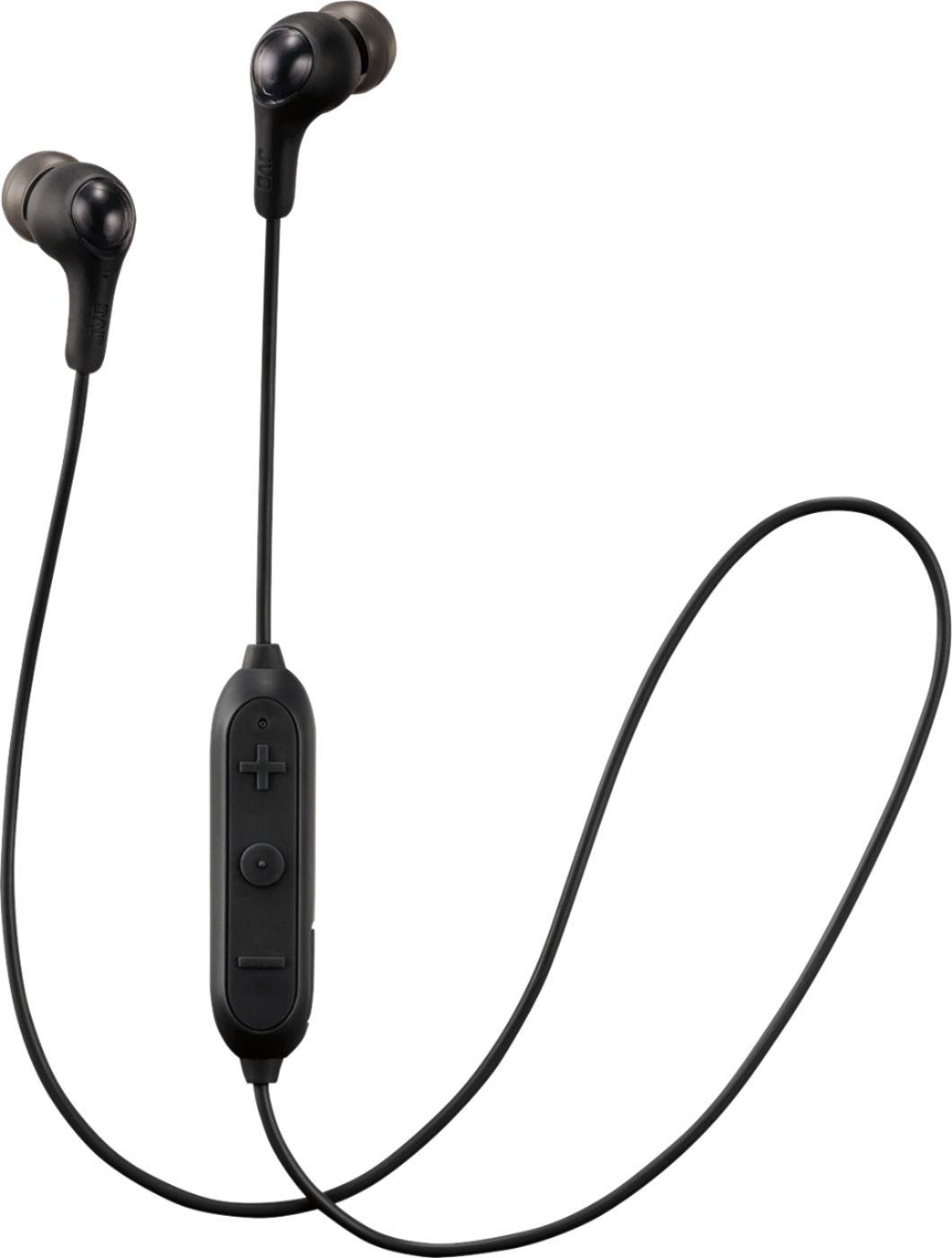
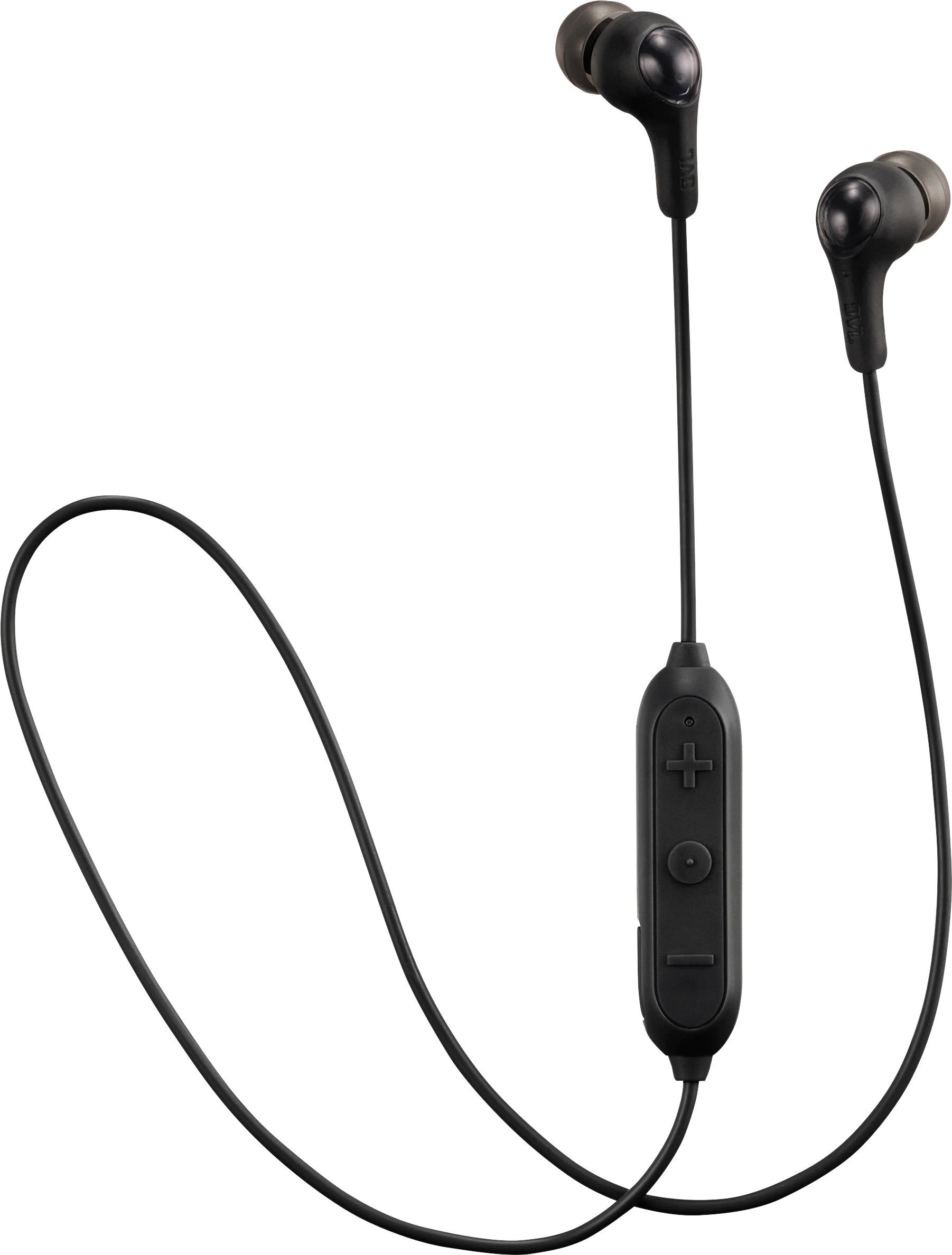
A:AnswerTo charge the item using the included USB cable plug the small end into the slot on the side of the volume/pairing control. Plug the larger end into a USB supported device.
A:AnswerThis can happen when any Bluetooth device doesnt get a good charge via USB, I recommend to use another device preferably a power brick to charge your USB headset is recommended. If you've already tried this, I recommend you return to dealer or to send in for warranty for headphone replacement.