A:AnswerTo check on audio settings please call JVC directly to help you troubleshoot. They offer over the phone support and would be able to look up detail information about your radio.
A:AnswerTo set the time, simply:
1. Power up the unit
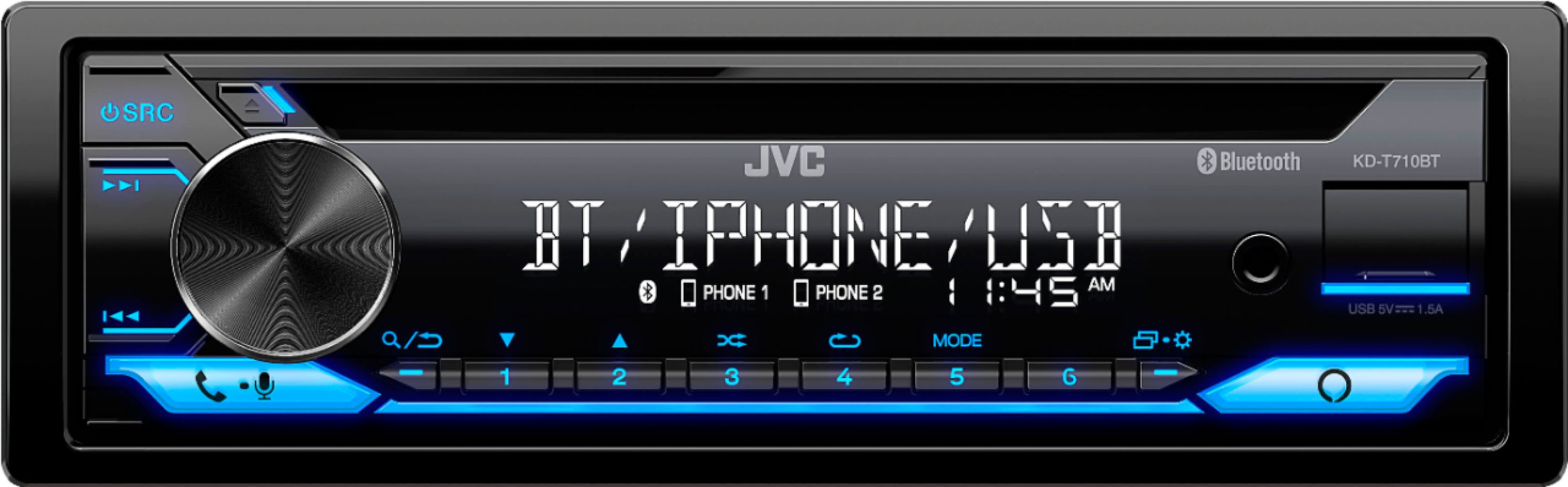
2. Press and hold the menu button (gear/square icons) for 2 seconds
3. Turn the volume knob and select CLOCK and press the knob to enter
4. Turn the knob to select CLOCK ADJUST and press the knob to enter
5. Use the knob to adjust the time accordingly
6. Turn the knob to select DATE SET and press the knob to enter
7. Use the knob to enter the date accordingly