Questions & Answers
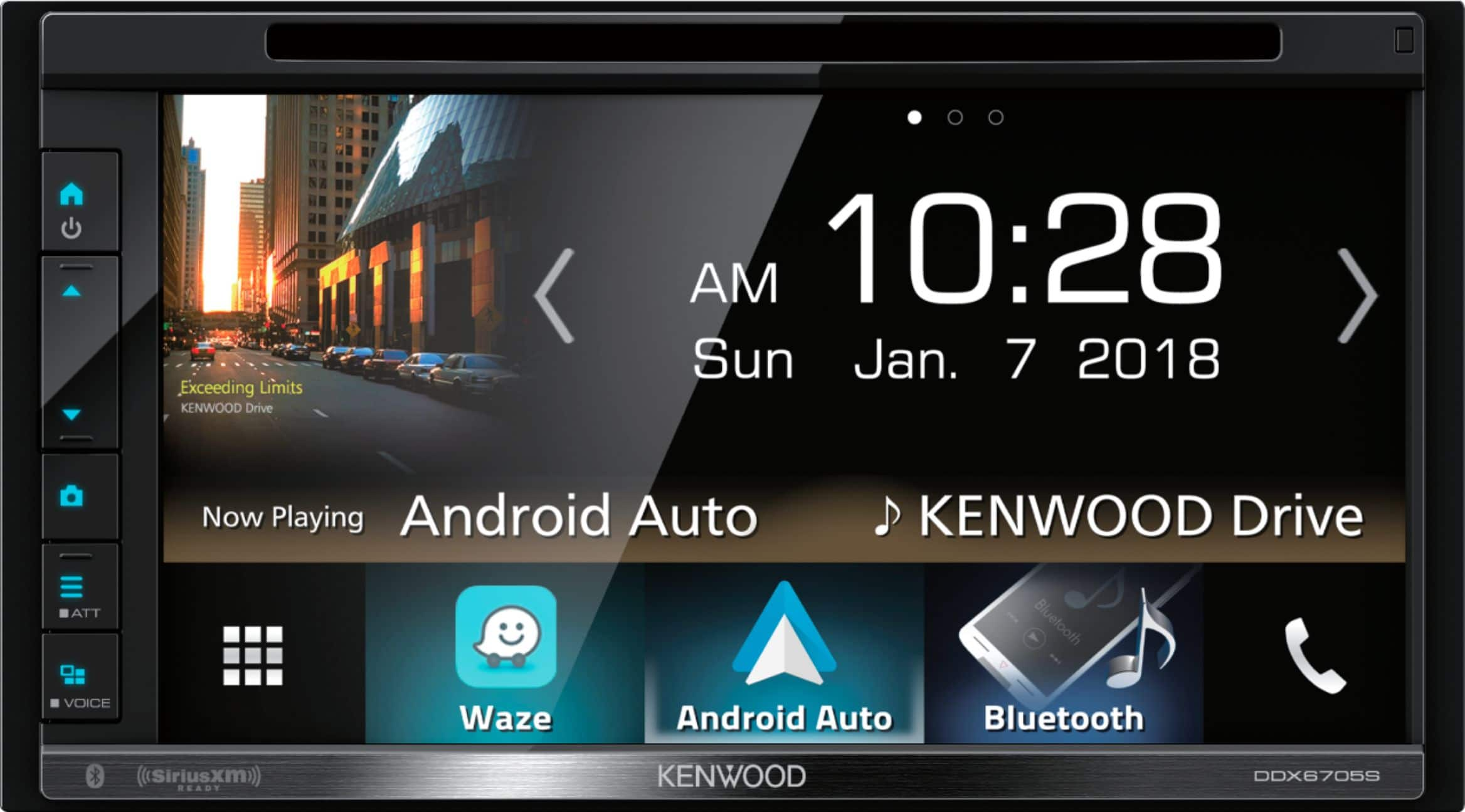
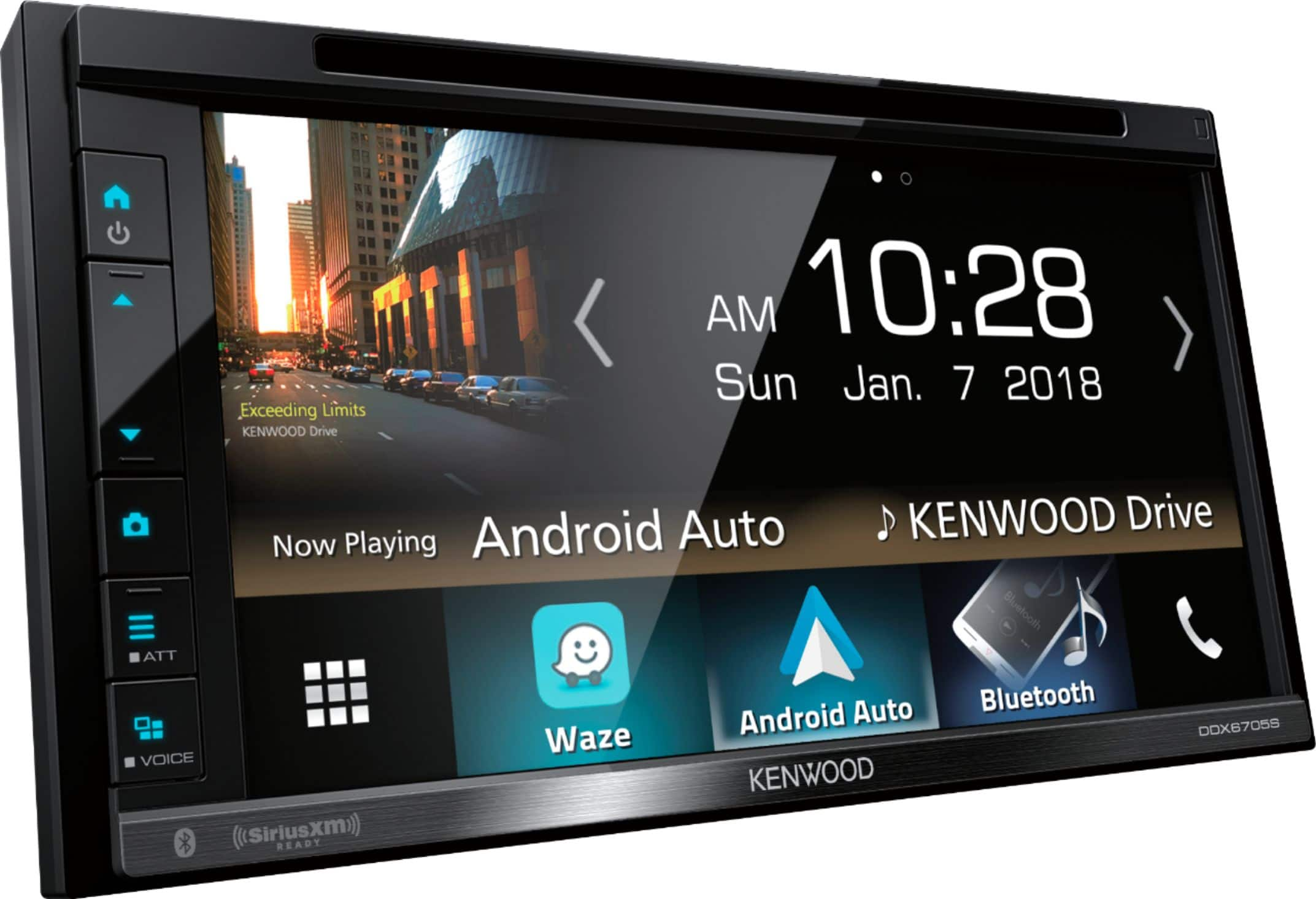
- Model:
- DDX6705S
- |
- SKU:
- 6196516
Highly rated by customers for: Sound Quality, Ease of use, Bluetooth
Page Showing 81-86 of 86 questions
Q: QuestionI just had the stereo installed in my car today. DDX6705S. Why doesn't the steering wheel controls work?
Asked by cooper31.
- A:Answer You have to use interface, something like: PAC - All-in-one Radio Replacement and Steering Wheel Control Interface for Select Chrysler, Dodge, Jeep, and RAM Vehicles OR Maestro - Radio Replacement and Steering Wheel Interface for Select Vehicles
I would recommend:
Answered by Erick
Q: QuestionDoes this work with datalink?
Asked by David.
- A:Answer Of course it does :P
Answered by Kenwood Product Expert
Q: QuestionIs this unit compatible with iPod's....if so what version(s)? My last Kenwood unit was installed by BB and they put the iPod cable in the glovebox which is what I want for this new unit, as well.
Asked by OKStuff.
- A:Answer Yes, this unit will have a USB and an AUX port.
Answered by CommunityAnswer
Q: QuestionDoes this come with free installation when I buy it online?
Asked by Michael.
- A:Answer No.
Answered by Anonymous
Q: QuestionMy phone will not pair to the kenwood DDX6705s
Asked by Que.
- A:Answer Verify you are pairing the phone correctly. While the unit is powered up, you may run a search for Bluetooth devices on your cell phone. The phone will display the model number and allow you to pair and connect. Please note that you must be near the unit.
Answered by Kenwood Product Expert
Q: QuestionThe audio settings are grayed out on my Kenwood DDX6705s and are not functional. Please help with the resetting of this function. Thanks
Asked by Edwin0714.
- A:Answer First go to all sources and then select STANDBY. Once in Standby mode, go into AUDIO to make changes.
Answered by Kenwood Product Expert