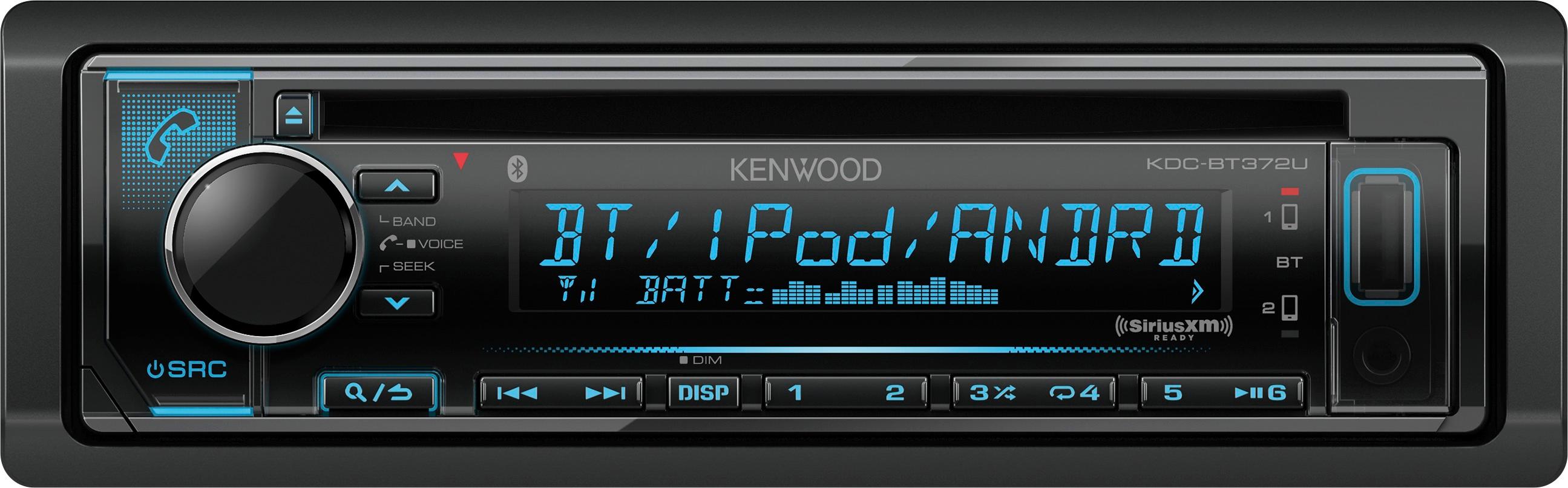
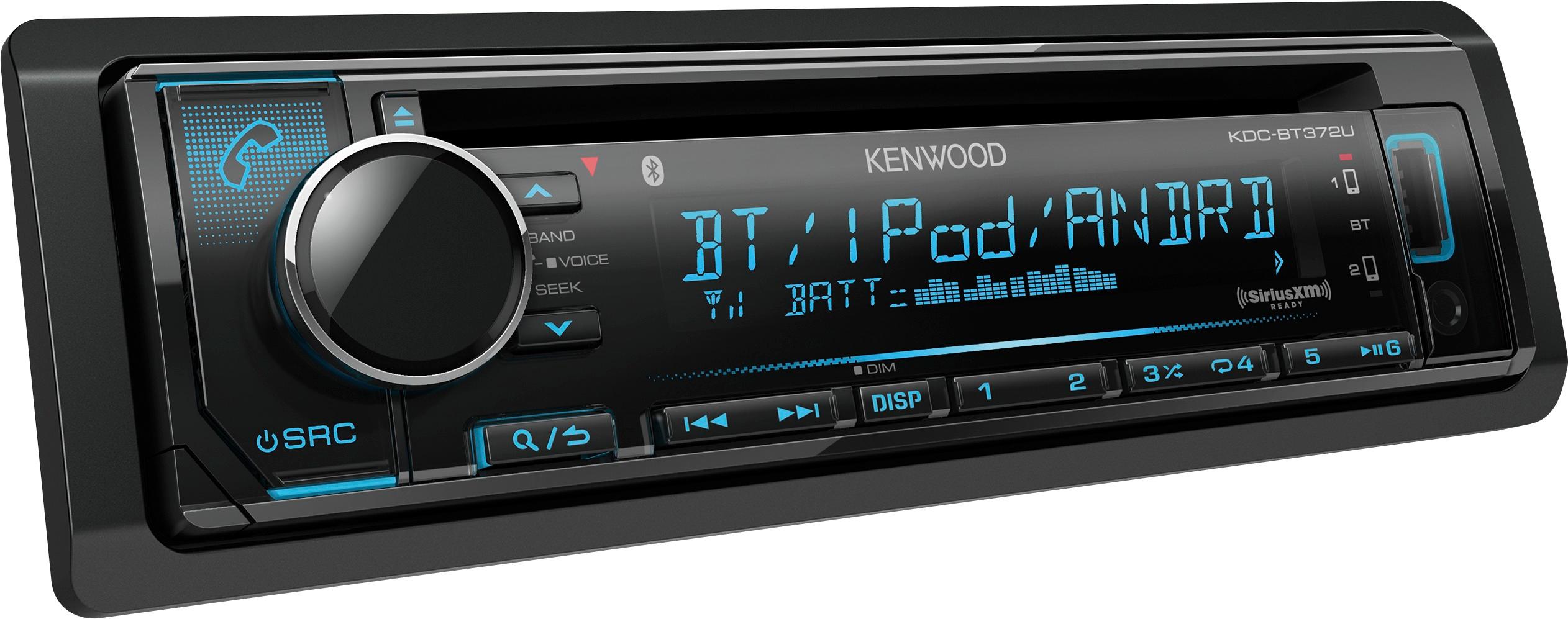
A:AnswerYou have to chage the connector for the one included with the new unit....i had the same issue but only took 5 min and wam bam your up and jammin
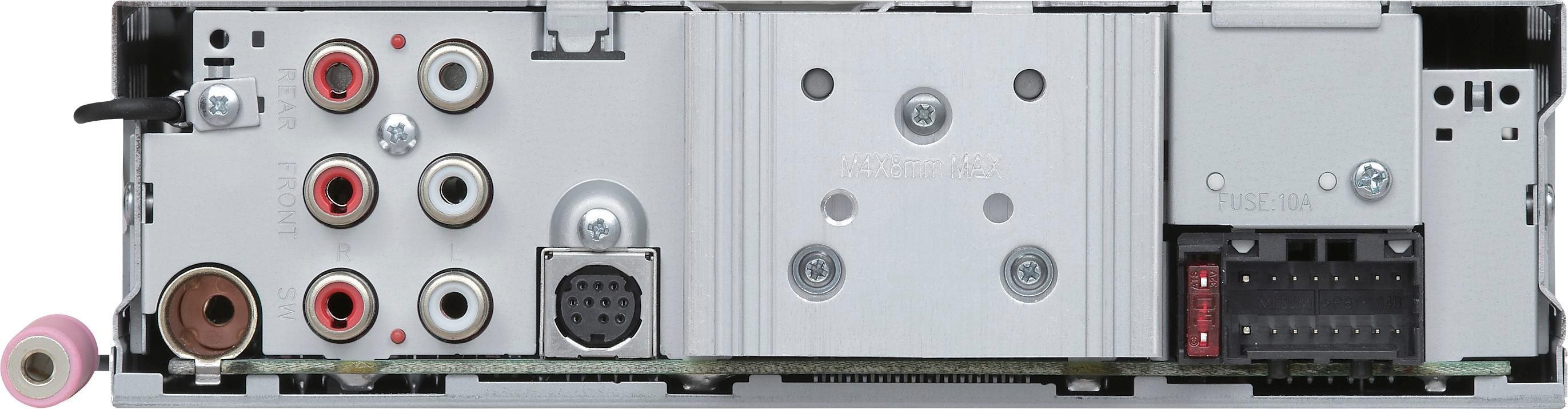
A:AnswerYou will have to connect the stereo to a mono amp via rca jacks on the rear of the stereo then the amp to your sub...then you have to go into the audio menu and enable the sub wooffer option then all the settings for the sub woofer....as for the stearing wheel connector...i beleive you have to purchase an additional adapter that wires into the wireing harnes on the stereo then to the wirei g harness for your stearing wheel controls
A:AnswerDIN 1......regular stereo size.....if you have a built in newer oem stereo you will probably have to get an adapter kit that will fit the stereo and make it look like an oem unit
A:AnswerYeah, easy peasy. You need to call Sirius likely, and they'll send over a signal IIRC. There may be a code involved that you'd have to enter on the head unit (that is, this aftermarket radio in question) provided by Sirius, but it's all easy. You may want to confirm the antenna you have is compatible, but otherwise you should be able to delete the separate receiver, or repurpose it in another vehicle or application. Several years ago the plugs for the antennas were all universal, but I quit installing car stereo in 2008 or so.
A:AnswerThey often have wild promotions where you can get a really good deal, but any free yearly membership promotions that i'm aware of have been tied to an OEM equipped vehicle at purchase, or actual Sirius/XM branded products. I don't know that the receivers have ever really had anything that sweet to be honest. Push back with the representative on the phone. Tell them that's too expensive, but you'd really like to use their service, and etc. I think it's pretty common to be able to score a subscription at a very reasonable price.