A:AnswerHey Coye,
We're sorry to hear that you're having this issue with your Legion Go S. Based on what other Demonologist players have shared that are experiencing this issue, either or a combination of verifying the game's files, updating graphics drivers, and reinstalling the game should resolve the matter.
If this isn't the case and you need further assistance, please don't hesitate to let us know, as your satisfaction is important to us.
Also, feel free to reach out to us with any other questions!
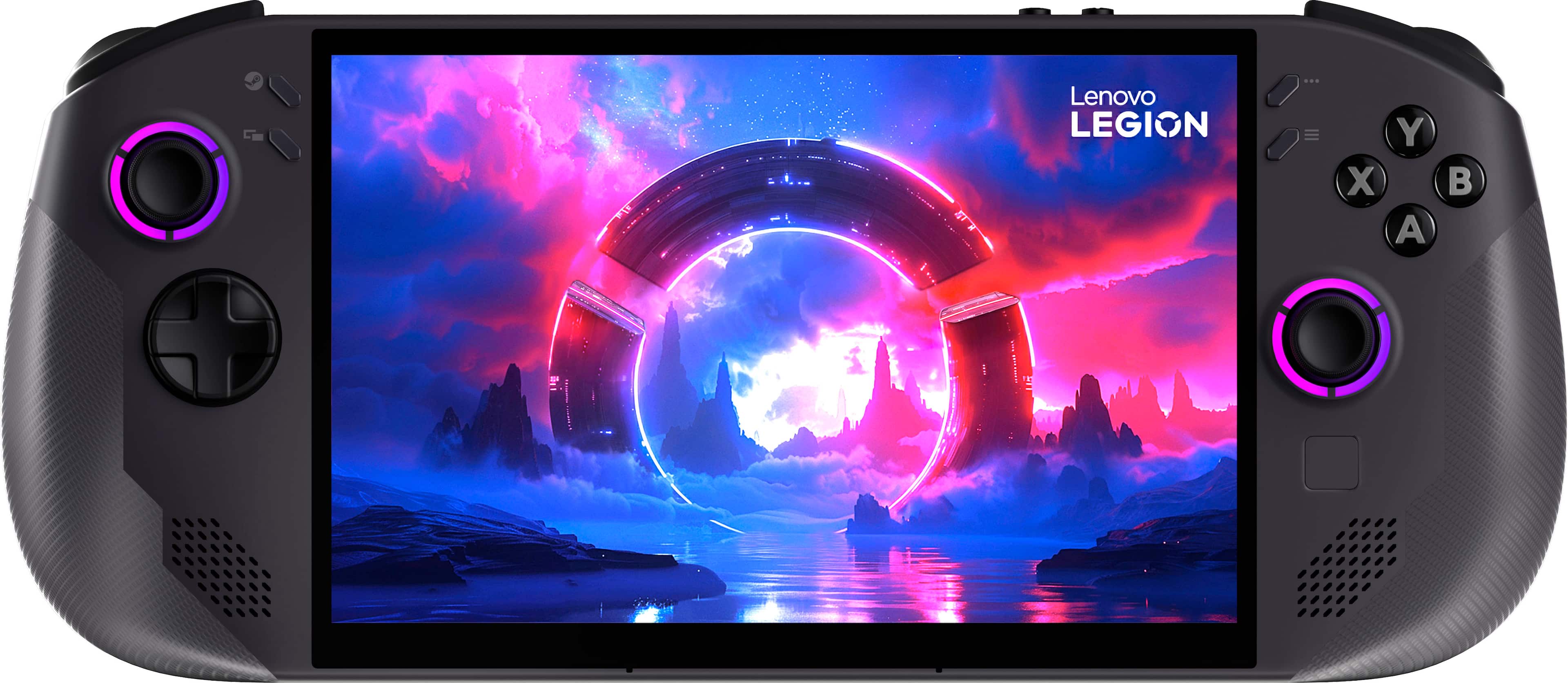
A:AnswerYes if you have the correct cable with hdmi and usb c. They make cables like these specifically for handhelds laptops and phones. You should have no trouble with the right cable.
A:AnswerYou can but you will need to instal 3rd party software on the device, if Fortnite is what you are looking to play you will need to look out for a windows device
A:AnswerHey TechNerd,
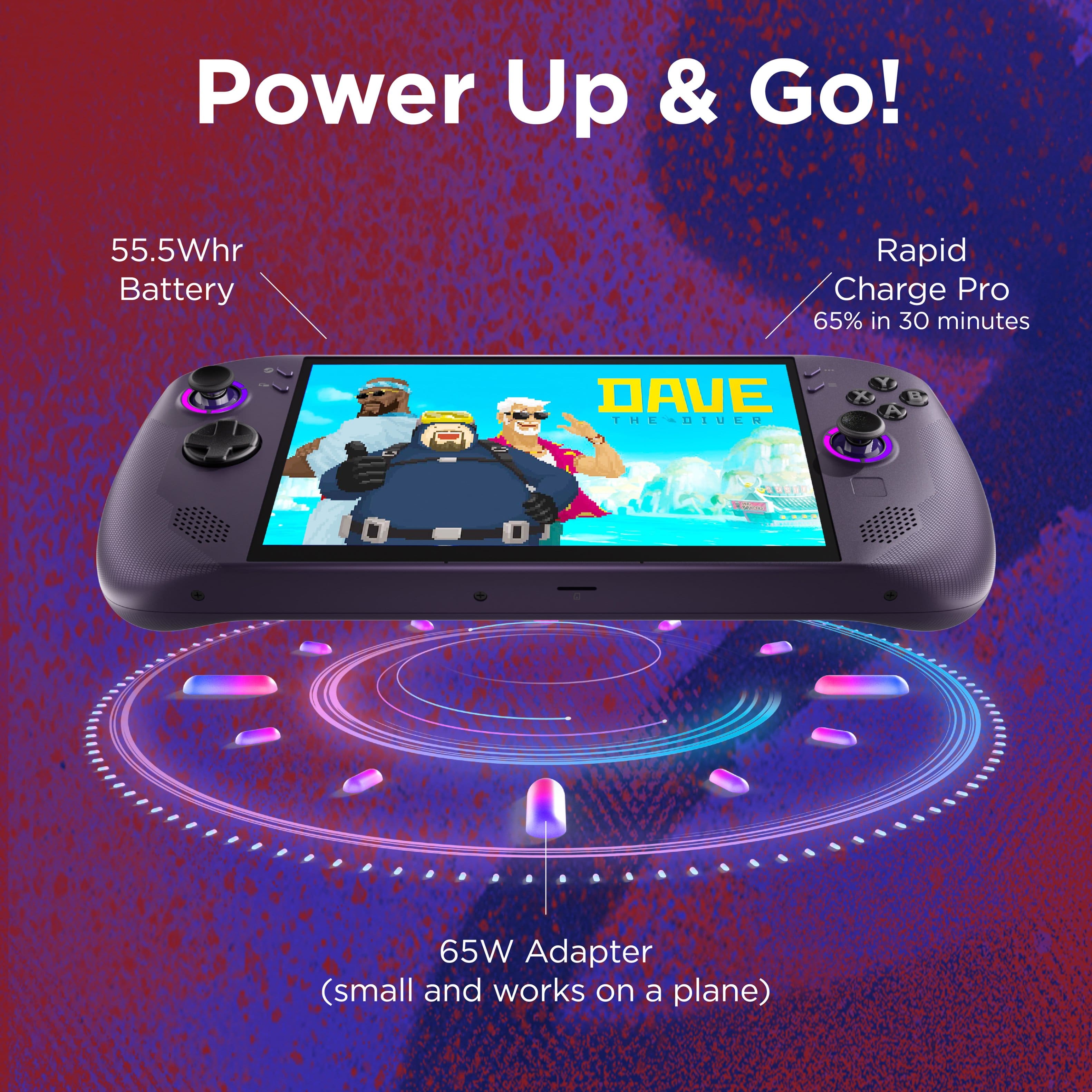
While you may be able to use a 100W power adapter, the system was designed to utilize the included 65W power adapter to help protect battery health and performance longevity.
Please feel free to reach out to us with any other questions!
A:AnswerHey Sean,
Based on user reviews and forum comments related to this topic, the user experience using eGPUs on SteamOS can be limited due to operating system limitations. If you wish to use an eGPU, Windows based Legion Go systems are currently tested to deliver a smoother experience.
Please feel free to reach out to us with any other questions!
A:AnswerYes, you can. You need a Usb-C to HDMI adapter. The Lenovo Legion Go S is equipped with two USB4 ports (USB4 supports video output resolutions up to 8K at 60Hz), which support high-speed data transfer, video output, and charging