A:AnswerWithin Windows 10, either say or type "create a restore point" within the Cortana search window. Click on the link that appears in the search window. Then click on "create". You will be asked to name the restore point so you can find it. Then click "create" again.
A:AnswerWe recommend you check with the software publisher for their compatibility with Windows 10 Home 64-bit and the minimum/recommended hardware requirements to run their software, then compare those requirements to this system's configuration.
A:AnswerWe recommend you check with the Firestick's manufacturer for their compatibility with Windows 10 Home 64-bit and the minimum/recommended hardware requirements to run their software, then compare those requirements to this system's configuration.
A:AnswerWe recommend you check with the game software publisher for their minimum/recommended requirements to run their software, then compare those requirements to this system's configuration.
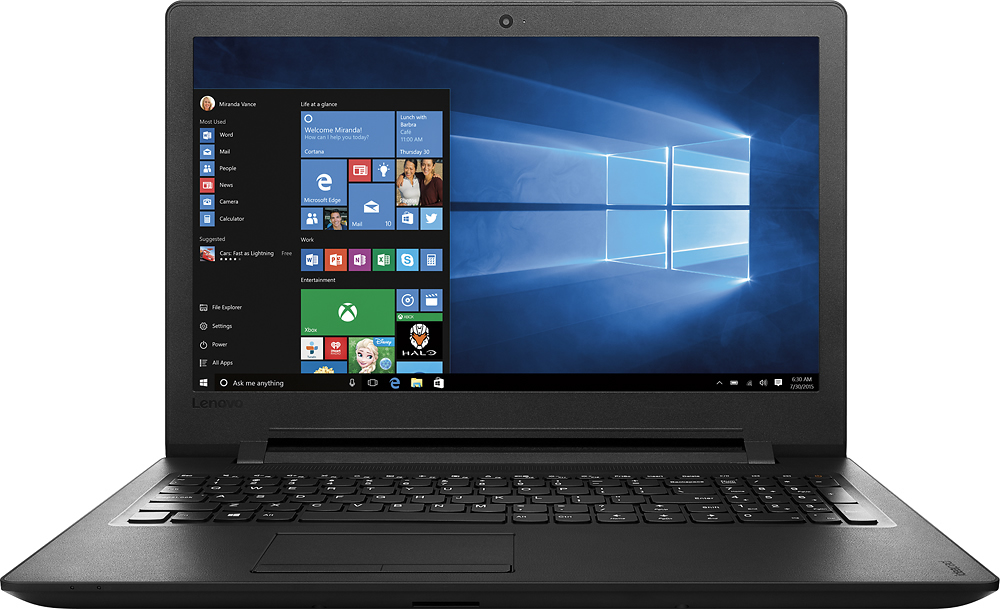
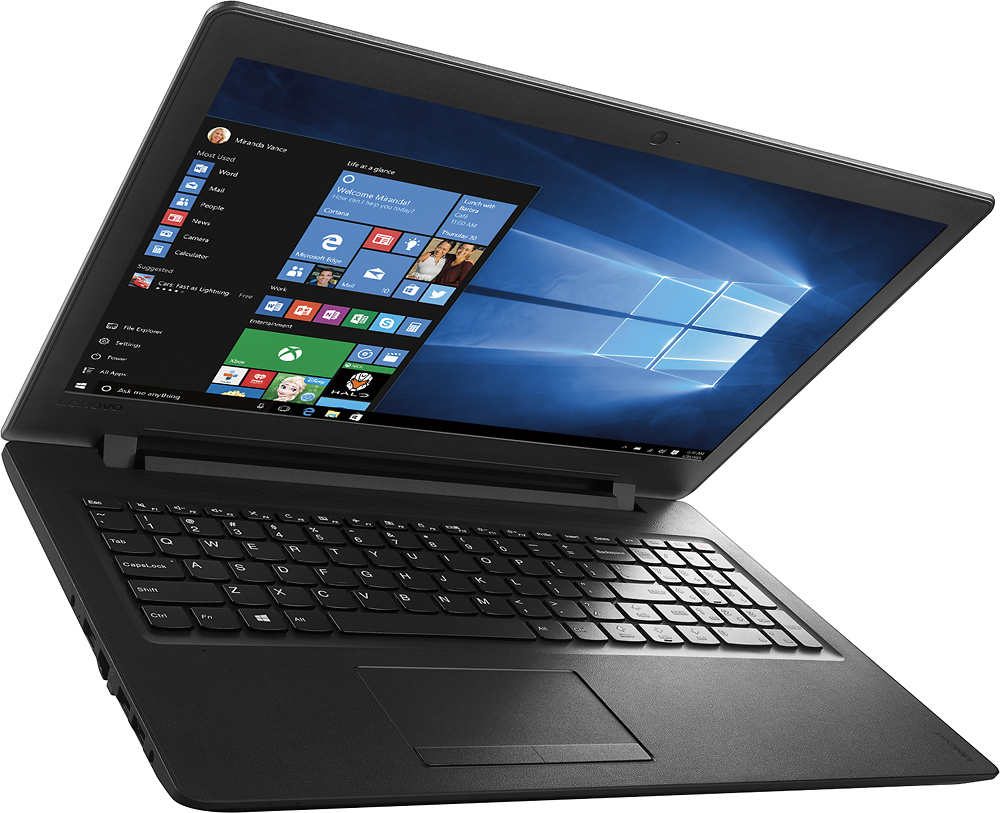
A:AnswerThank you for choosing the Lenovo IdeaPad 110-15 laptop. With regard to the audio/volume issues you mention with your device, there may be driver updates for your specific system. Follow the link below to look for new driver updates for your specific system. You can also run diagnostics from the Lenovo site as well. As always, be sure to create a restore point on your system before you make any changes. Here is the link:
http://support.lenovo.com/us/en/products/Laptops-and-netbooks/100-series/110-15IBR/80T7/000HUS?tabName=Downloads&linkTrack=Mast:SubNav:Support:Drivers and Software|Drivers and Software&beta=false